
Focusrite Vocaster Two — Podcasting Interface for Recording Host and Guest. Two Mic Inputs and Two Head-phone Outputs, with Auto Gain, Enhance, and Mute. Small, Lightweight, and Powered by Computer.
Brand: Focusrite
About this product
If you're looking to upgrade your podcast setup for clearer, more professional-sounding recordings without the bulk of a full mixing desk, the Focusrite Vocaster Two is an excellent choice. This compact interface offers two high-quality mic inputs and two headphone outputs, perfect for recording both host and guest with ease. Its Auto Gain feature ensures you always get the right level, while the Enhance button helps bring out the best in your voice or any other audio source. At just £94.99, it's a budget-friendly option that delivers broadcast-quality sound, making it ideal for podcasters on the go who need reliable performance without sacrificing portability.
Highlights
- Broadcast quality sound – Get studio sound in seconds from Vocaster’s high quality mic input.
- Over 70dB of gain range – Get the best out of any mic, no booster needed.
- Auto Gain – Set your level in seconds, just push the button, start talking, and let Auto Gain do the rest.
- Enhance – The Enhance button reveals the true quality of your voice. Four podcaster-approved presets bring out the best in any voice or you can customise your own with the included Vocaster Hub software.
- Two mic inputs, two headphone outputs – Vocaster Two gives both presenters their own headphone output and Show Mix.
- Mute – Just hit the button and cut out coughs, sneezes and any other unwanted interruptions.
Is this the right pick for you?
This Focusrite Vocaster Two is a perfect fit for podcasters who want to enhance their recording setup without the bulk of larger interfaces. It’s designed specifically with two hosts in mind, providing each with their own headphone output and Show Mix, ensuring that both speakers can monitor their audio independently. The inclusion of Auto Gain and Enhance features makes it incredibly user-friendly; just set your levels once with Auto Gain and then tweak or enhance further using the four presets provided by the included Vocaster Hub software. If you're looking for a straightforward solution to improve your podcast's sound quality without needing extensive technical knowledge, this is an excellent choice. On the other hand, if you need more than two mic inputs or outputs, or are working with a larger team, this interface might not be sufficient. The Vocaster Two’s compact design and lightweight nature make it easy to carry around for on-location recording sessions, but its small size also means limited space for additional accessories like pop filters or shock mounts. Setting up the Vocaster Two is relatively simple; you just need to connect your microphones and headphones as per the instructions. It's powered directly from your computer via USB, so no external power source is required. However, it’s important to note that while the software included with the Vocaster Hub can be a powerful tool for customization, it does require some familiarity with audio editing software. Additionally, maintaining the unit involves keeping it clean and free of dust, as any buildup could affect its performance over time. Before making your purchase, consider whether you need additional features or more flexibility in your setup. The Vocaster Two excels at providing a high-quality recording experience for two-person teams but may not be ideal for larger productions.
Frequently asked questions
Is the Focusrite Vocaster Two compatible with my computer?
The Focusrite Vocaster Two is designed to work with any computer that has a USB port. It's powered directly by your computer via USB, so no additional power supply is needed.
How many microphones can I use at once with this interface?
You can connect two microphones simultaneously using the two mic inputs provided on the Focusrite Vocaster Two, making it ideal for hosting a podcast with both a host and guest.
Can I adjust the volume levels manually if I prefer not to use Auto Gain?
While the Auto Gain feature is convenient, you can still manually control the gain settings using the hardware controls or through software. This allows for flexibility in your recording setup.
You might also like
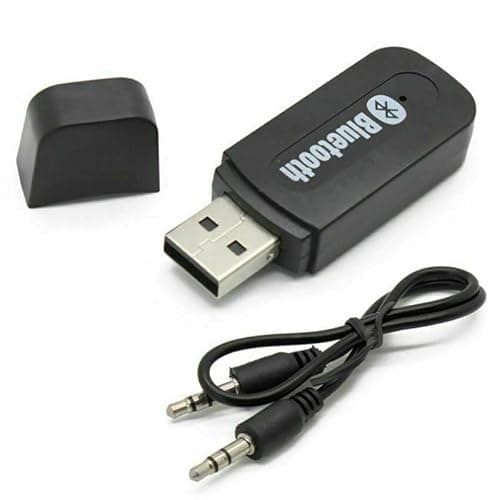
3.5mm to USB Bluetooth Receiver Adapter for Seamless Audio Streaming - USB Bluetooth Wireless Receiver AUX Audio Stereo Music Adapter Car Kit, Enhance Your Devices with Bluetooth audio transmitter
Generic
£0.99
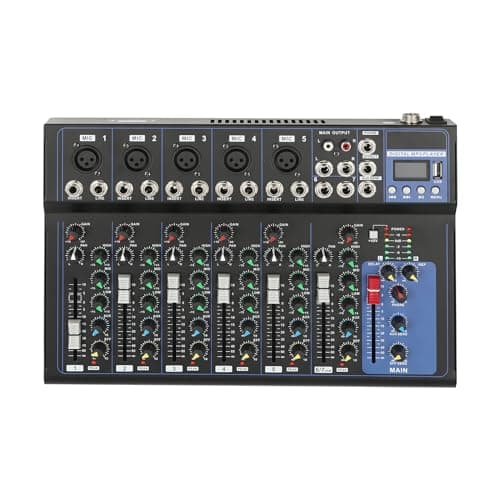
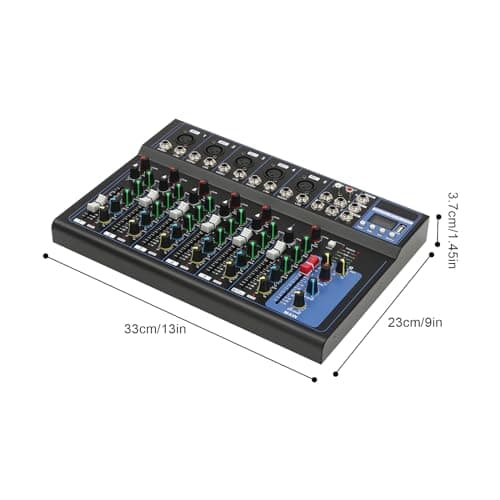
7-Channel Audio Mixer with Bluetooth 48V Phantom Sound Modes XLR Inputs
GANYUNG
£42.00
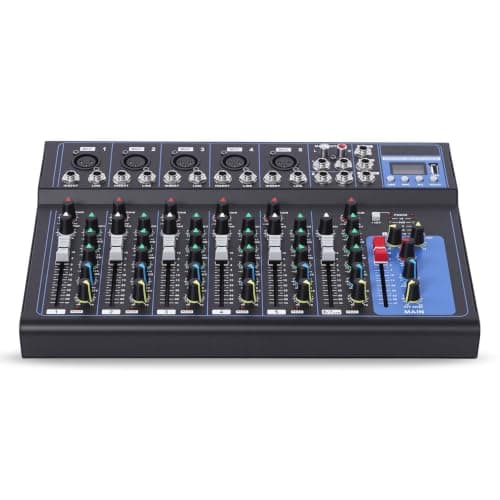
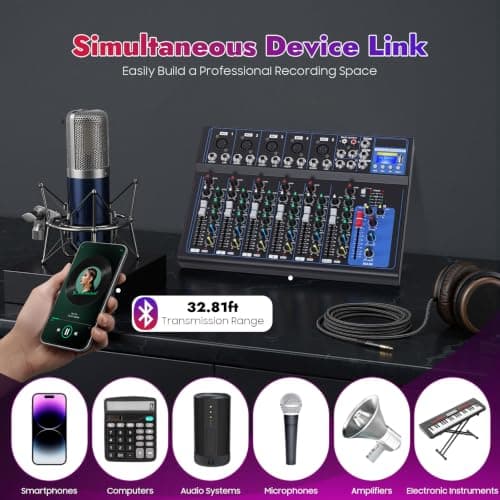
7 Channel Digital Audio Mixer with USB Bluetooth for Live Streaming, Black
Tyvotrend
£28.00
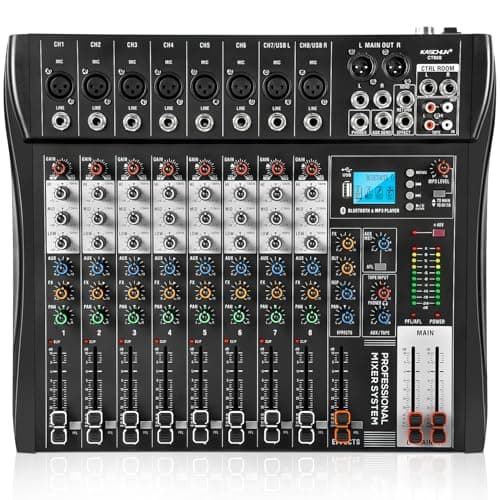
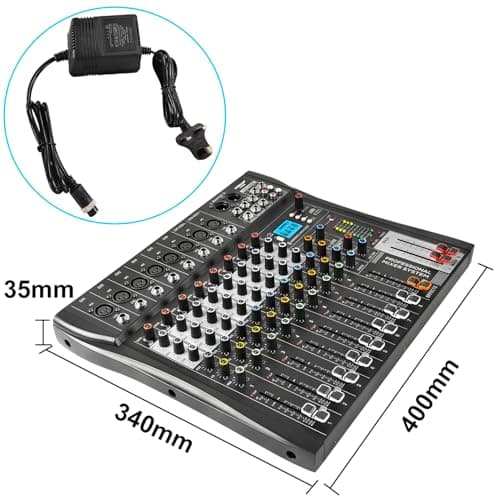
8 Channel Audio Mixer with Bluetooth, Professional Mixing Desk with 48V Phantom Power, USB Audio Interface & MP3 Player, Sound Mixing Console for Podcast Music Stage Live Streaming & Recording
Kaschun
£89.99
