
Steam Deck Cooling Fan, Dual Cooling Fan for Nintendo Switch, Switch OLED or Steam Deck with Cable - Black
Brand: General Fantasy
- Date First Available
- 17 Dec. 2022
About this product
When it comes to cooling pads and stands for gaming consoles, the Steam Deck Cooling Fan stands out as a versatile solution. Compatible with both Nintendo Switch, OLED, or Steam Deck, this dual-fan setup not only keeps your console cool but also enhances its longevity by reducing heat buildup during long gaming sessions. The built-in kickstand feature adds another layer of convenience, allowing you to play in various modes—handheld, desktop, or even hands-free. This makes it perfect for those who want the flexibility to game on-the-go without compromising comfort or performance.
Highlights
- Broad Compatibility - This cooling fan is compatible with Nintendo Switch, OLED, or Steam Deck Console. Keep the hot air from overheating your game console and cool your unit safely. You can play games while charging the cooler fan.
- Dual Cooling Fan - This system of double cooling fans for Steam Deck also gives good protection for your host. This cooling fan can effectively reduce game equipment's heating and extend the game console's service life.
- Built-in Kickstand - Unique design built-in solid kickstand ensures steam deck can be used horizontally for stable hands-free playing. You can switch it to handheld or desktop mode according to your requirements.
- Easy to Install and Remove - It’s lightweight and easy to put on the Switch or Steam deck; just snap it on. Easy to carry out. The fan attachment quickly snaps into place and has a sturdy hold on the steam deck. The kickstand slides into position and latches well.
Specifications
- Date First Available
- 17 Dec. 2022
Is this the right pick for you?
This cooling fan is a versatile solution for those who frequently use their Steam Deck or Nintendo Switch consoles for extended gaming sessions. The dual-fan design effectively reduces heat buildup, ensuring your console remains cool and operational even during lengthy playtimes. However, it may not be as essential for users who primarily engage in short gaming sessions or prefer to keep their devices on a flat surface with adequate airflow. In a typical setup, this cooling fan can be integrated into various use cases, such as playing games while charging your console or using the built-in kickstand for hands-free desktop play. The unique design allows you to switch between handheld and desktop modes effortlessly, making it a flexible accessory that adapts to different gaming scenarios. Just ensure the surface on which you place your device is stable and clean to avoid any potential issues with the fan's performance. Before purchasing, consider that this product is lightweight and easy to install but requires careful handling to maintain its functionality. It’s important to note that while the fan attachment securely snaps into place, it should be removed when not in use to prevent accidental damage during transport or storage. Additionally, always ensure your device is properly charged before using the cooling fan to avoid any potential power issues.
Frequently asked questions
Is this cooling fan compatible with the Nintendo Switch and its OLED version?
Yes, this cooling fan is designed to be compatible with both the standard Nintendo Switch and the OLED model. It helps manage heat effectively for either console, ensuring you can play without overheating concerns.
Can I use this cooling fan while charging my Steam Deck?
Absolutely, this cooling fan works well even when your Steam Deck is plugged in. The built-in fans help dissipate heat during gameplay and charging simultaneously, keeping your device cool for longer sessions.
How does the dual-fan system benefit gaming on a Steam Deck or Nintendo Switch?
The dual-fan system provides enhanced cooling by increasing airflow around your console, which is crucial for maintaining optimal temperatures. This setup helps prevent thermal throttling and ensures smoother performance during extended gaming sessions.
You might also like
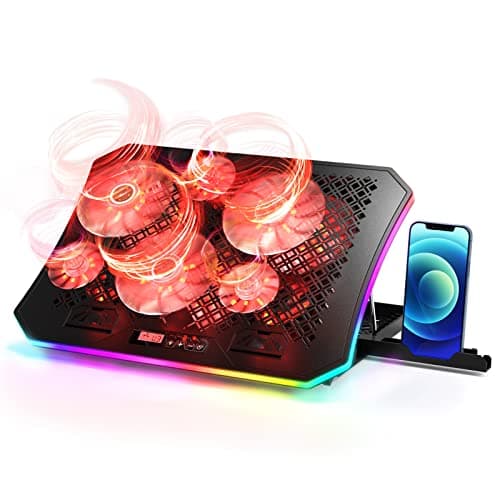
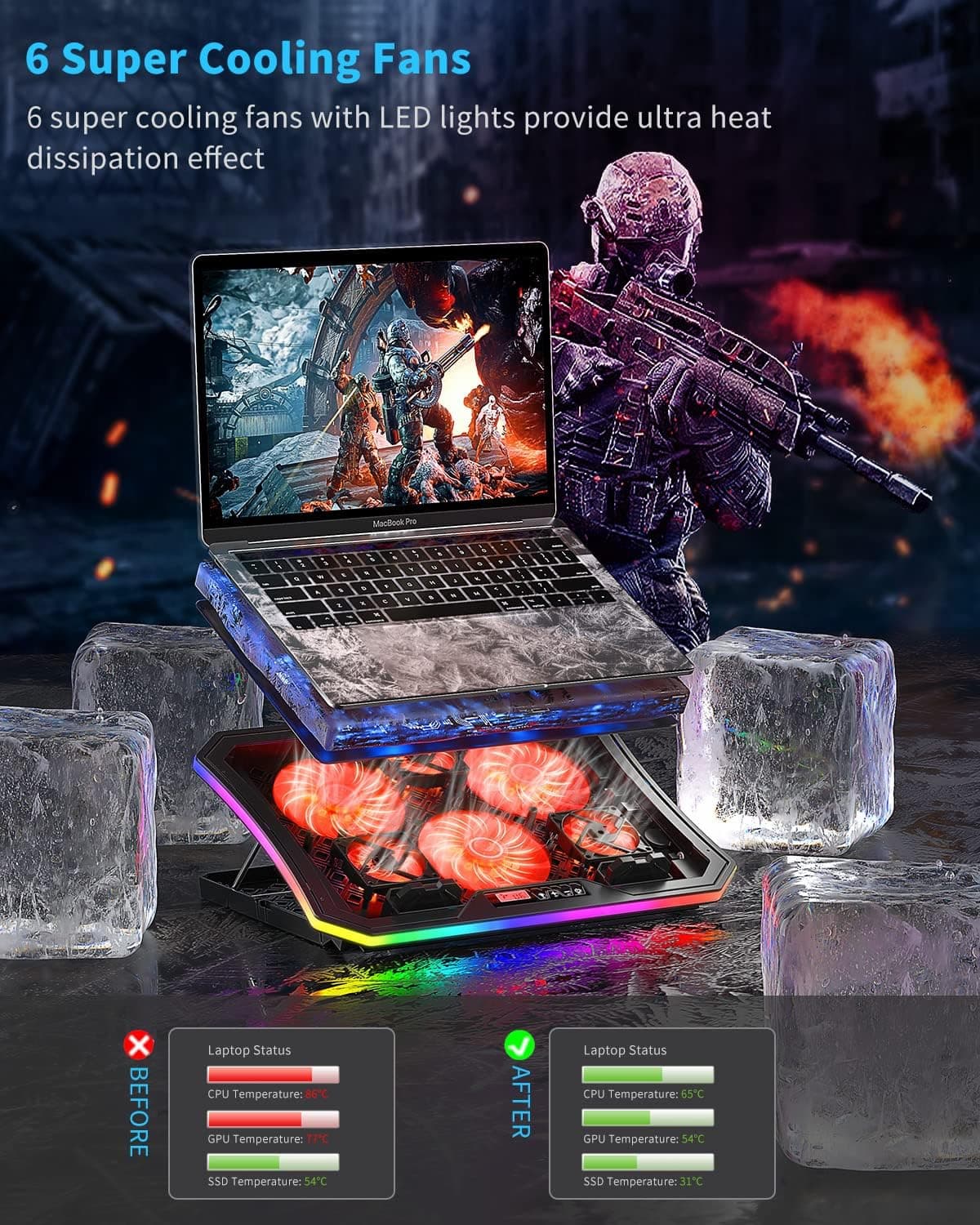
2022 Upgrade Laptop Cooling Pad, KeiBn RGB Lights Laptop Cooler 6 Fans for 15.6-17.3 Inch Laptops, 7 Height Stands, 10 Modes Light, 2 USB Ports, Desk or Lap Use (A8/Red)
KeiBn
£33.47
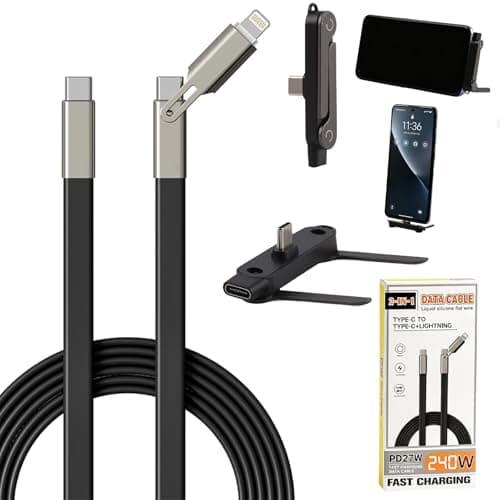
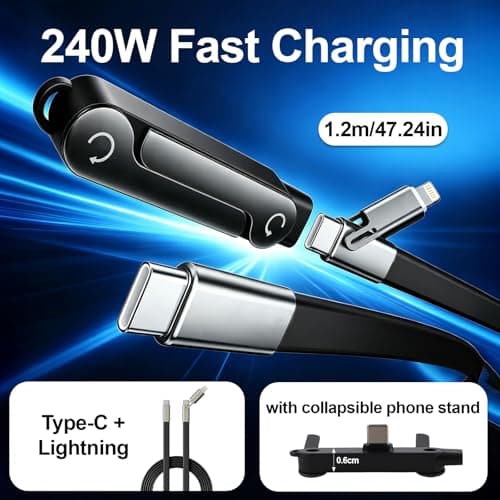
2-in-1 Invisible Stand Charger Cable - Flat Phone Charger with Stand, 240W Fast Charging Cable 4 FT, Type C Multi-Angle Adjustable Holder, for Smartphones, Tablets, Laptops, and Gaming Devices
CMANLNYK
£9.99
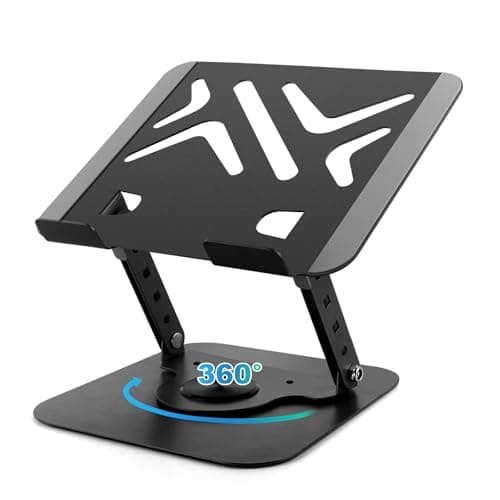
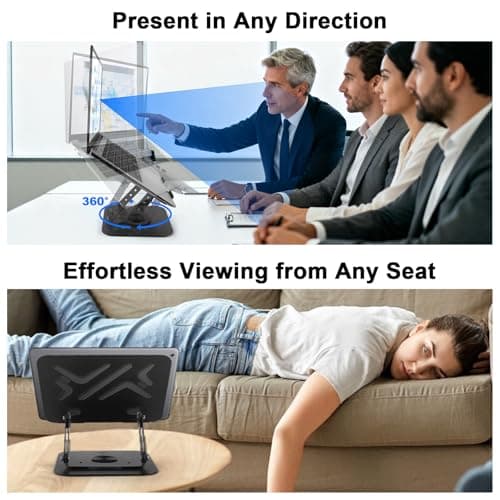
360 Rotating Laptop Stand for Desk, Portable Laptop Riser with Reinforced Support, Ergonomic PC Stand Height & Angle Adjustable, Metal Laptops Holder for Notebook Computer Tablet Office Accessories
MECHEER
£10.49
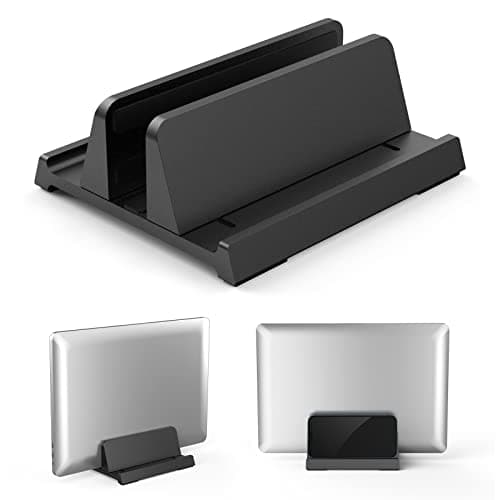
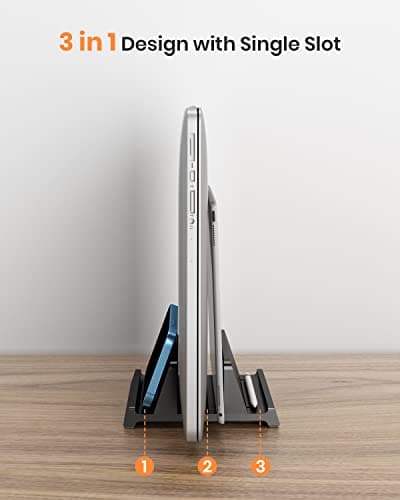
3 in 1 Vertical Laptop Stand - Klearlook Adjustable ABS Notebook Dock,Space-saving Desktop Laptop Holder Compatible MacBook/Surface/Galaxy/HP/Dell/Chrome Book,Up to 17.3 inch Laptop/Tablet - Black
Klearlook Maximized Clarity!
£9.94
