
Nedis Gaming Speakers, USB Powered, 2.0 Full Stereo Sound, with RGB Lights, 3.5mm Audio, 2 x 15W Peak Power, Plug & Play for Laptops and Gaming Setups - Black
Brand: NEDIS
About this product
Designed for gamers looking to enhance their gaming experience, Nedis Gaming Speakers deliver an immersive stereo sound that brings your games to life. Perfect for those who want to enjoy epic wins and clutch plays with clarity and depth, these speakers are a must-have for both casual and hardcore players alike. EMBRACE THE GAMING VIBE: These compact yet powerful speakers offer 15W peak power in each speaker, making them ideal for tight gaming setups or cluttered desks. With their plug-and-play functionality via USB, you can get started instantly without any hassle—just connect and game. The added touch of RGB lights adds a cool aesthetic to your setup, enhancing the overall gaming atmosphere.
Highlights
- IMMERSIVE STEREO SOUND – Listen to your games come to life with full stereo sound that pulls you right into the action, perfect for epic wins and clutch plays.
- BIG SOUND, SMALL SPEAKERS – Each speaker packs 15 W of power into a compact build that fits easily on even the messiest desks or tight gaming setups.
- PLUG IN AND GO – Just connect the USB for power and 3.5mm for audio – no drivers, no faff, just pure plug and play so you’re ready to game in seconds.
- USB POWERED FOR EASY SETUP – No mains plug needed – run it straight from your PC or laptop and keep those sockets free for everything else.
- RGB LIGHTS FOR EXTRA VIBES – Gaming just got louder (and cooler) with RGB lighting that adds serious style to your battlestation without the need for extra software.
Is this the right pick for you?
If you're looking for a speaker setup that can enhance your gaming experience without taking up too much space or requiring complex setups, the Nedis Gaming Speakers are an excellent choice. These speakers offer full stereo sound that brings your games to life, making every moment of gameplay more immersive. Despite their compact design, they pack a punch with 15W peak power in each speaker, ensuring you don’t miss any crucial audio cues during intense moments. These speakers are perfect for gamers who want a straightforward solution without the hassle of additional hardware or complicated configurations. They come pre-configured to work seamlessly with both laptops and gaming setups via a simple USB connection that provides both power and audio output. This means you can plug them in, and they’re ready to use right away—perfect for those moments when you need to jump into a game quickly without any setup delays. However, if you have a more complex home entertainment system with multiple speakers or are looking for something with more advanced features like wireless connectivity, these speakers might not be the best fit. They excel in providing clear and immersive sound directly from your PC or laptop, but they lack the flexibility of some other setups that can integrate into larger audio systems.
Frequently asked questions
Are these speakers compatible with my gaming PC?
These Nedis Gaming Speakers are designed to work well with both laptops and desktops. Just plug them into a USB port for power and use the 3.5mm audio cable from your device to connect, making setup straightforward without needing additional drivers.
Can I use these speakers with my console?
While primarily marketed for gaming PCs and laptops, you can still use these speakers with most modern consoles via their USB ports or audio output. Check the console’s specifications for compatibility and ensure it has a USB port available.
How do the RGB lights work?
The RGB lighting on these speakers allows you to change colors without needing extra software, adding a dynamic visual element to your gaming setup. You can adjust the color through the control panel or by using compatible software if desired.
You might also like
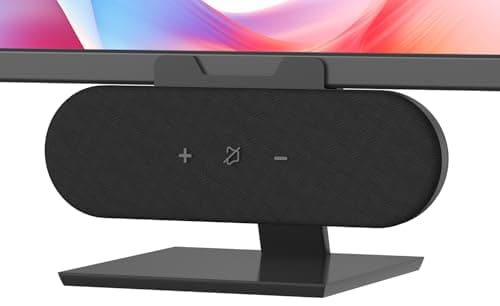
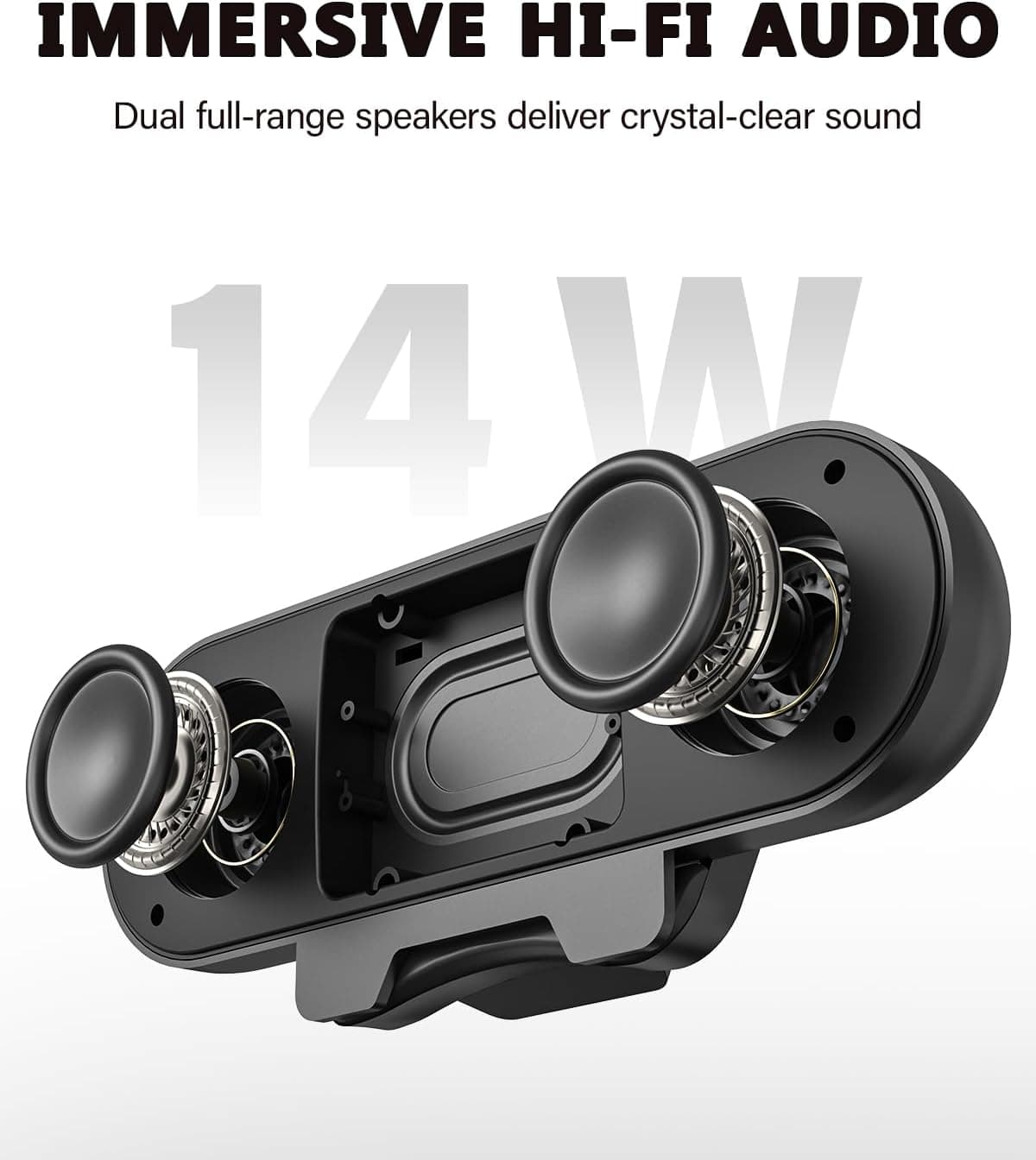
ADELGO Computer Speakers for Desktop PC USB | Speakers for Monitor with Touch Control Stereo 14w Laptop Speaker Sound Enhanced Bass, Soundbar Speaker for Mac Windows PS5
ADELGO
£21.99
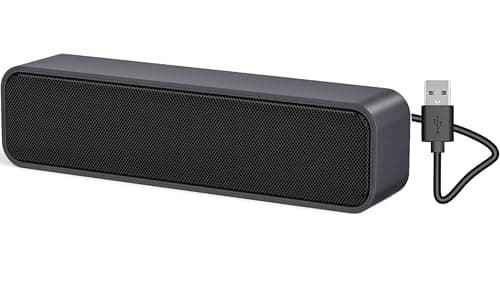
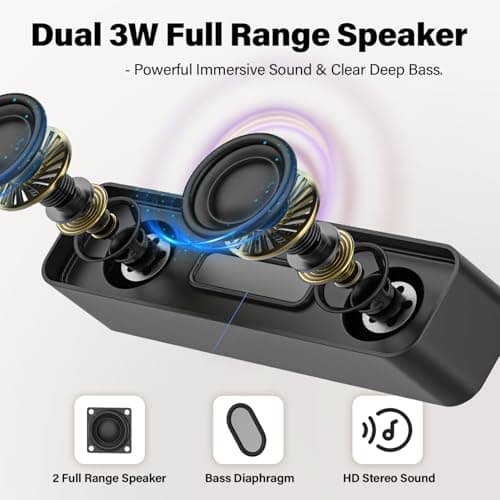
ADELGO USB Computer Speaker for Desktop, Laptop, Checkout Counter
ADELGO
£14.99
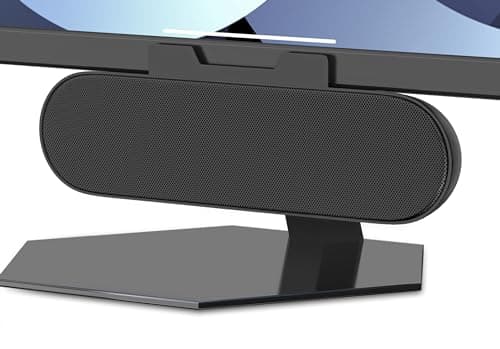
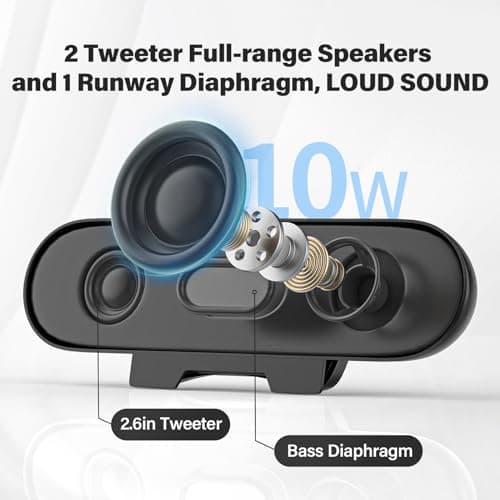
ADELGO USB Speakers for PC Desktop
ADELGO
£18.99
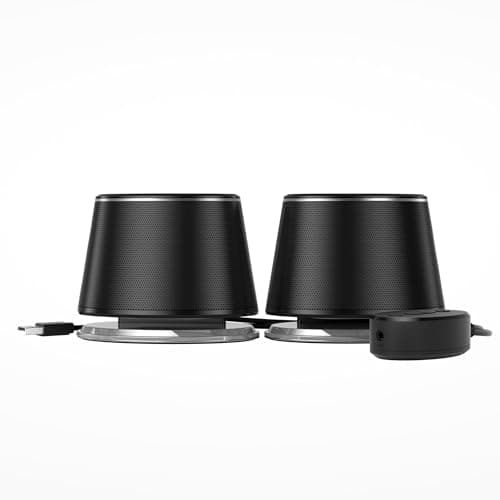
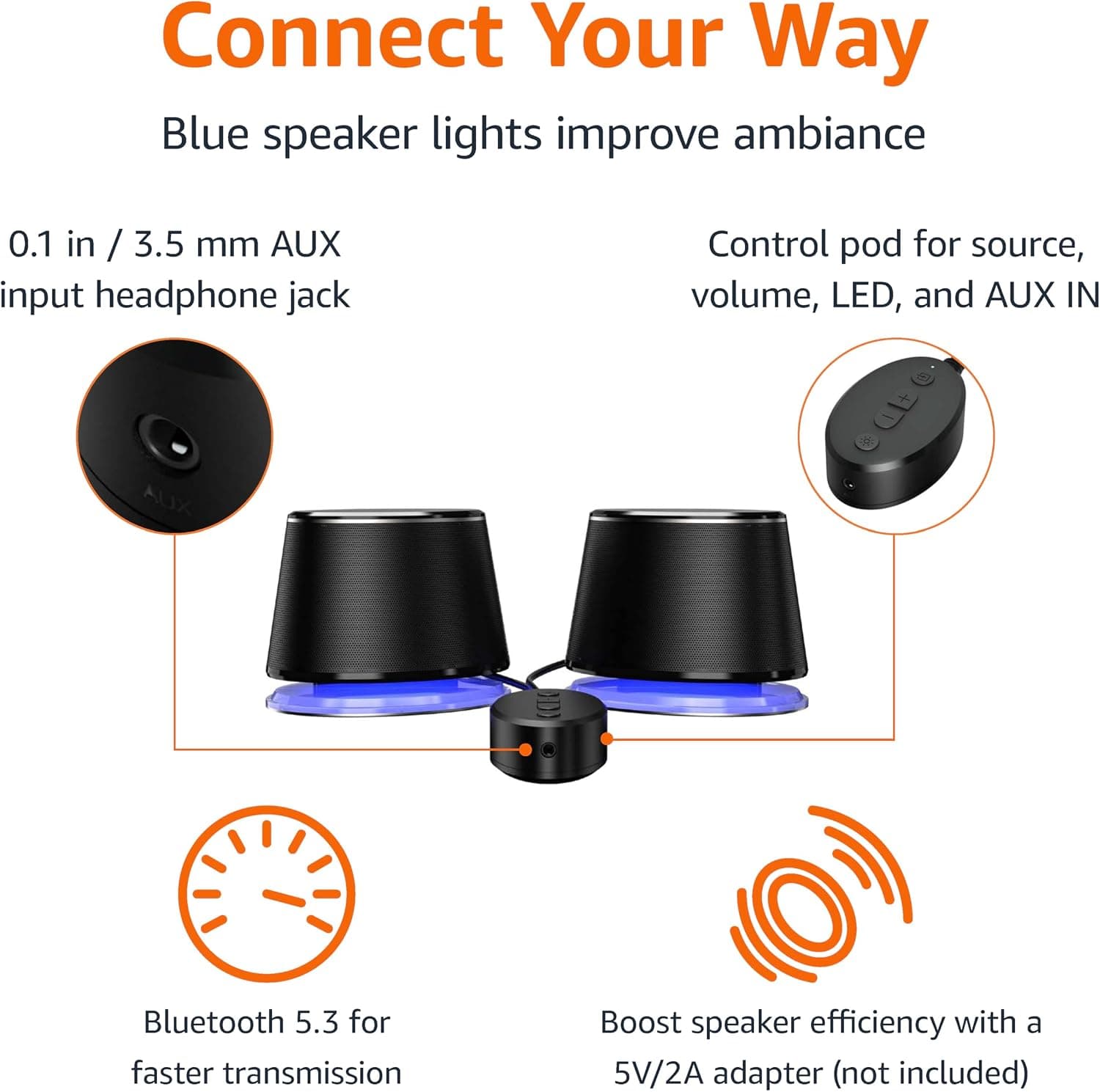
Amazon Basics Bluetooth and USB Computer Speakers with Blue Lighting, Black
Amazon Basics
£28.34
