
Alienware 27 Gaming Monitor - AW2726DM, QHD (2560x1440), 240Hz, QD OLED | 0.03ms, AMD FreeSync Premium, VESA AdaptiveSync, 99% DCI-P3, HDR10, DisplayPort, 2 HDMI, 3 Year Warranty
Brand: Alienware
About this product
Gaming monitors are designed to enhance your gameplay experience by providing sharp visuals and smooth motion. Among these, the Alienware AW2726DM stands out with its QD-OLED technology, offering vibrant colors and superb motion clarity in a QHD resolution of 2560x1440 pixels. This monitor is perfect for gamers who demand the best from their setup, thanks to its 240Hz refresh rate and 0.03ms response time, which ensure that every movement on screen is clear and crisp. With AMD FreeSync Premium and VESA AdaptiveSync, you can enjoy tear- and stutter-free gameplay, making it an excellent choice for those who want a responsive gaming experience without any lag.
Highlights
- QD-OLED GAMING FOR EVERYONE: Experience the vibrant color and superb motion clarity of QD-OLED technology in QHD.
- BRILLIANT COLOR MEETS PERFECT BLACK: Dive into stunningly rich colors and true blacks with 99% DCI-P3 coverage and infinite contrast for deeper immersion.
- CRYSTAL-CLEAR WORLDS IN QHD: QHD (2560x1440) resolution.
- SMOOTH MOTION: A 240Hz refresh rate and 0.03ms response time deliver super-smooth motion and blur-free visuals.
- RESPONSIVE GAMEPLAY: AMD FreeSync Premium and VESA AdaptiveSync ensure tear- and stutter-free gaming with any modern GPU.
Is this the right pick for you?
This Alienware 27 Gaming Monitor - AW2726DM is a top choice for gamers who demand the best in terms of color accuracy and motion clarity. Its QD-OLED technology ensures vibrant colors and superb motion performance, making it ideal for fast-paced games where every detail matters. The 99% DCI-P3 coverage guarantees rich, true-to-life visuals that will enhance your gaming experience significantly. However, this monitor might not be the best fit for those who prioritize lower price points or don't require such advanced features. It's perfect for enthusiasts and professionals looking to immerse themselves in high-quality gaming. In a typical setup, this monitor is likely to be paired with a powerful gaming PC that supports 240Hz refresh rates and AMD FreeSync Premium technology. The inclusion of both DisplayPort and HDMI ports makes it versatile enough to connect to various systems without any issues. VESA AdaptiveSync ensures smooth gameplay across different GPUs, making it compatible with a wide range of hardware configurations. Before purchasing, consider the setup requirements: you'll need sufficient space for the stand and cable management to keep your desk tidy. Additionally, ensure that your power supply can handle the monitor's 150W power consumption. Regular care includes cleaning the screen gently with a microfiber cloth and avoiding direct sunlight or extreme temperatures to maintain optimal performance over time.
Frequently asked questions
Is this monitor compatible with my current PC setup?
Check the manufacturer's listing for exact compatibility. This monitor supports DisplayPort and 2 HDMI ports, which should be compatible with most modern graphics cards. Ensure your GPU can handle a 240Hz refresh rate and QHD resolution.
How does this monitor compare to other gaming monitors in terms of color accuracy?
The Alienware AW2726DM offers 99% DCI-P3 coverage, which is excellent for color accuracy. This means it can display a wide range of colors, making it ideal for gamers who also enjoy watching movies or playing on high-fidelity content.
Can this monitor be used with multiple monitors?
While the AW2726DM is designed primarily as a single-monitor setup, you can use it in conjunction with other monitors via DisplayPort or HDMI. However, for optimal performance and resolution, it's best to connect only one monitor at a time.
You might also like
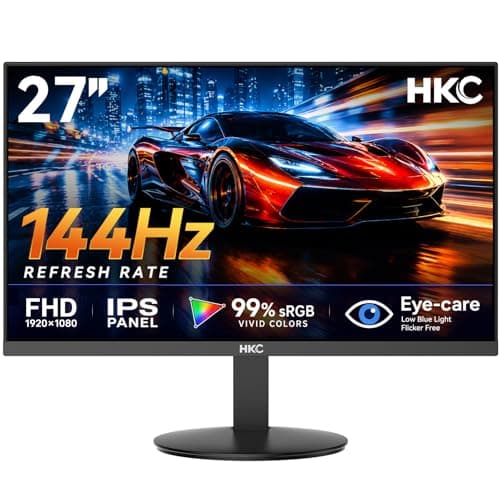
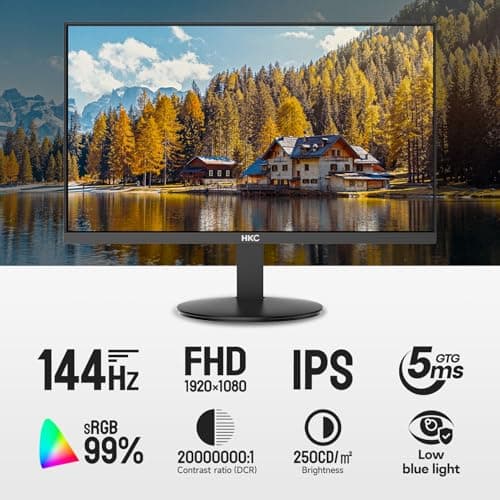
27 inch Gaming Monitor 144Hz, FHD 1080P IPS Display with 99% sRGB, FreeSync, Tilt Adjustable, lowblue mode, HDMI/VGA Ports for Home Office and computer monitor V2718S
HKC
£84.98
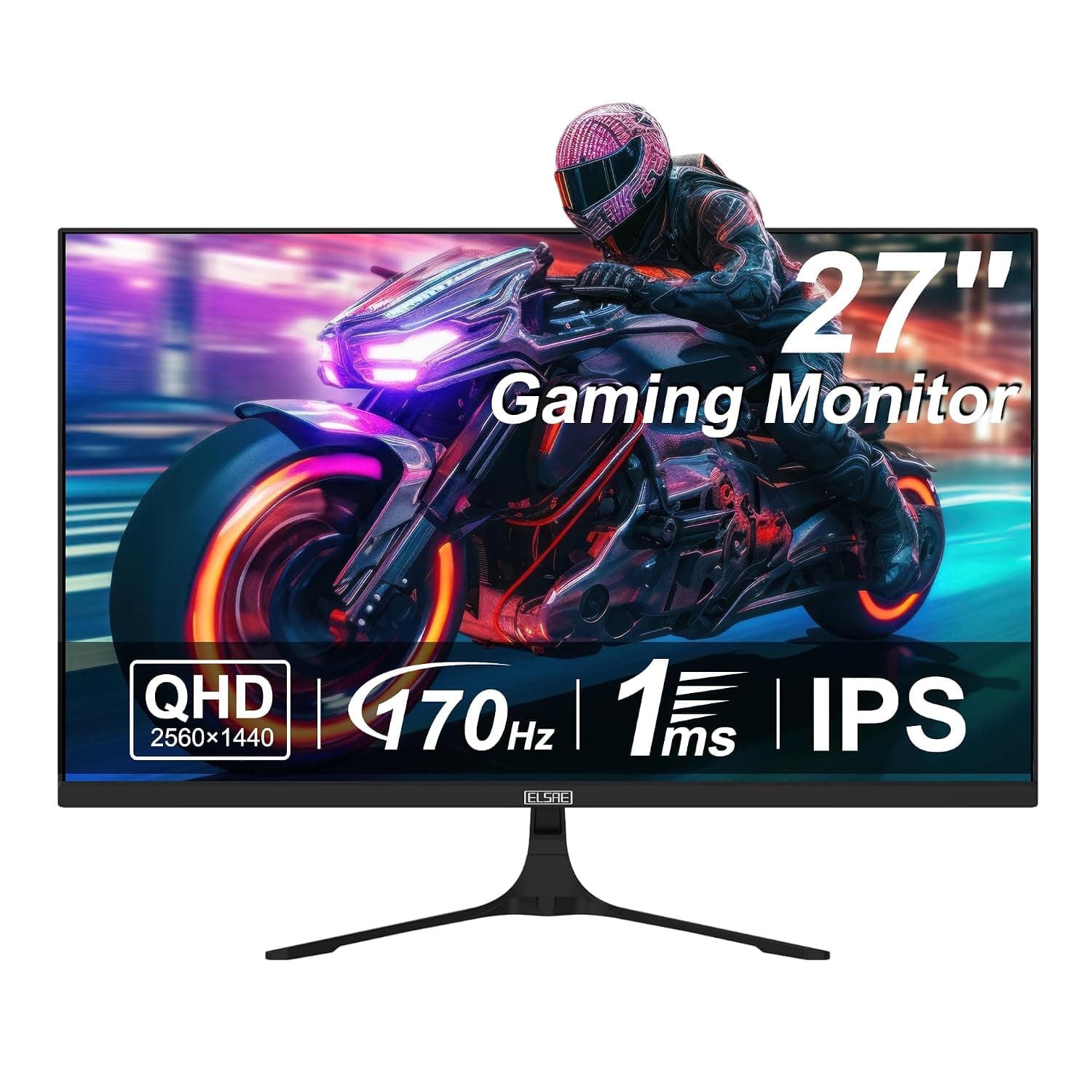
27 Inch QHD 1440P Gaming Monitor, 170Hz 144Hz IPS Computer Monitor, FreeSync, HDR 113% sRGB, Low Blue Light, HDMI & Display Port x2, VESA Mountable
ELSAE
£415.70
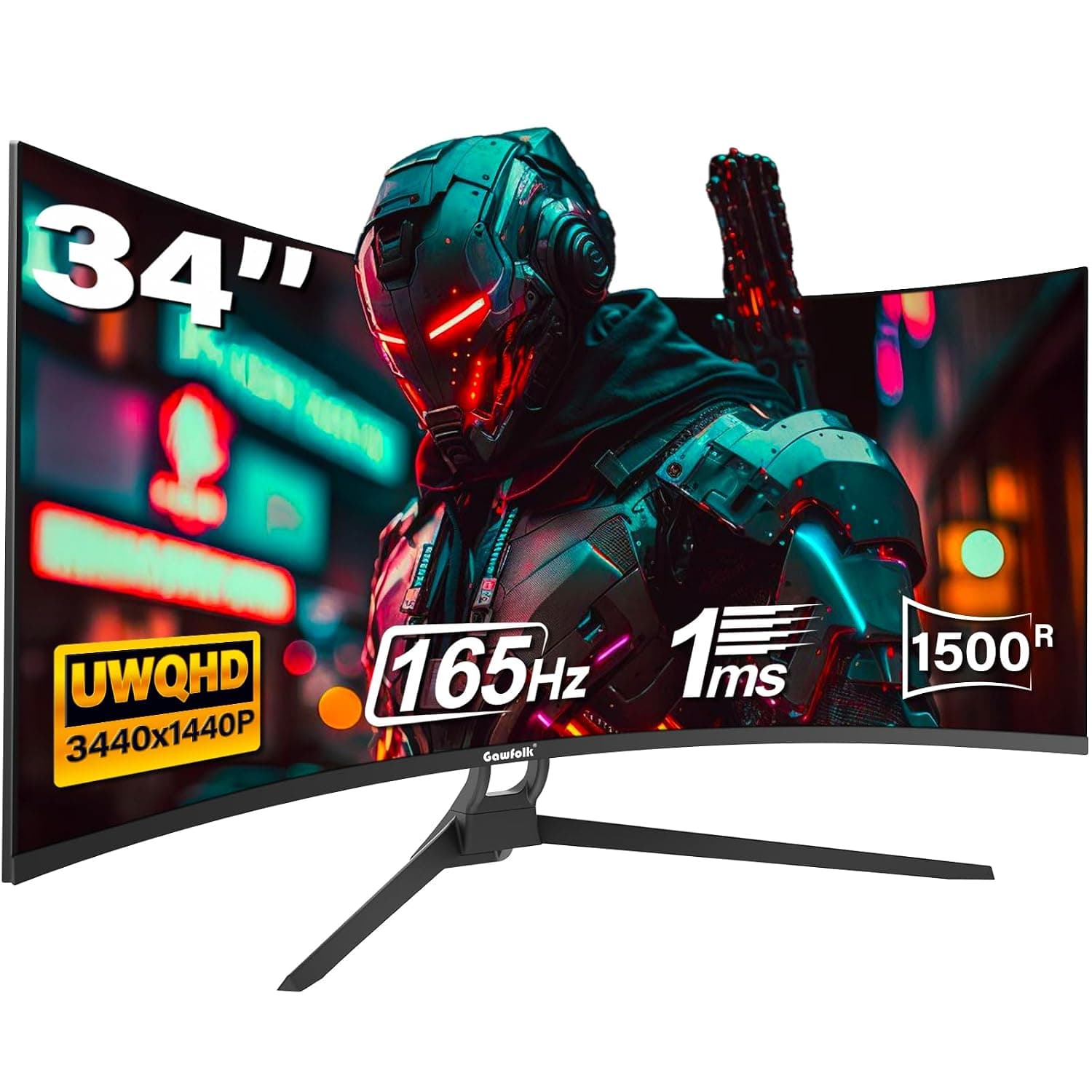
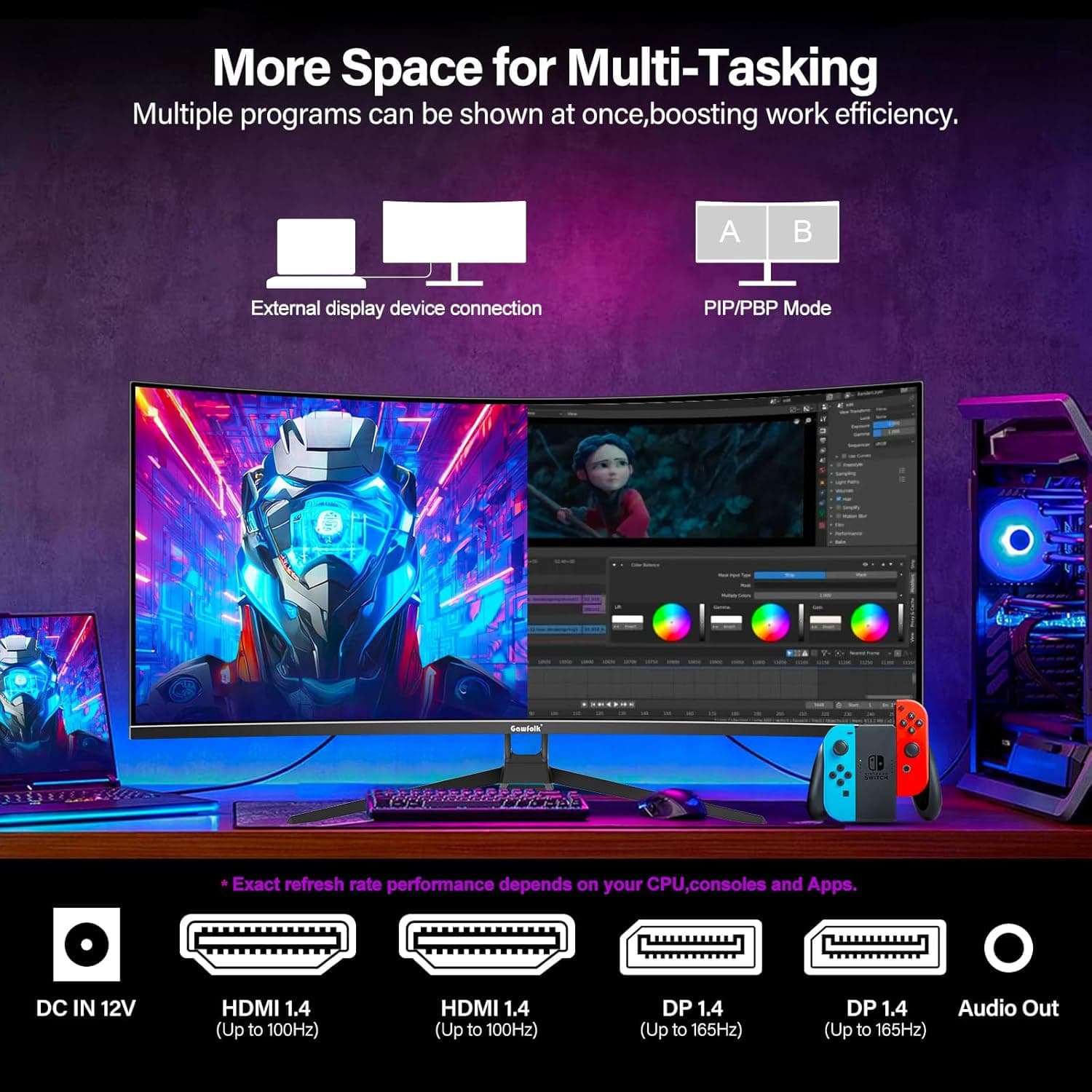
34 Inch Ultrawide Curved Gaming Monitor, 1500R PC Screen 165hz WQHD 3440x1440p Monitor, Curved Computer Display with FreeSync & Eye-Care Technology, DP, HDMI
Gawfolk
£189.99
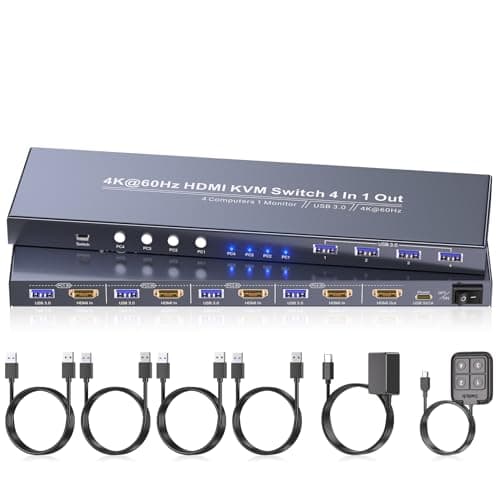
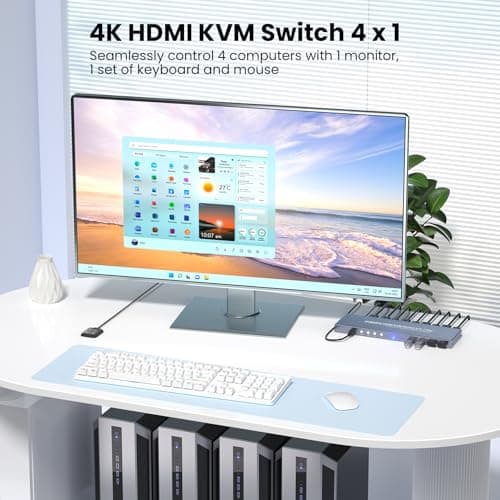
4K60Hz HDMI KVM Switch 1 Monitor 4 Computers, 4 Port KVM Switch for 4 PCs Share 1 Monitor and 1 Set of Keyboard Mouse, 4 Port USB 3.0 Hub Integrated, Dual Switching Methods
Generic
£42.49
