
Elgato HD60 S+, External Capture Card, Stream and Record in 1080p60 HDR10 or 4K60 HDR10 with ultra-low latency on PS5, PS4/Pro, Xbox Series X/S, Xbox One X/S, in OBS and more, works with PC and Mac
Brand: Elgato
- Height
- 1.9 cm
- Length
- 7.5 cm
- Width
- 11 cm
- Weight
- 109 g
About this product
Wouldn't it be great to capture your gaming moments in stunning quality? The Elgato HD60 S+ External Capture Card delivers just that. With support for both 1080p60 HDR10 and 4K60 HDR10 at ultra-low latency, it ensures your streams and recordings are as crisp and clear as possible, whether you're on PS5, PS4/Pro, Xbox Series X/S, or Xbox One X/S. Perfect for both PC and Mac users, this card is a must-have for anyone looking to elevate their gaming content creation experience.
Specifications
- Height
- 1.9 cm
- Length
- 7.5 cm
- Width
- 11 cm
- Weight
- 109 g
- Pack size
- 1
- Colour
- Black
- Amazon Bestseller Rank
- #89,113
Is this the right pick for you?
If you're a gamer who wants to stream or record your gameplay in high definition without compromising on quality or latency, the Elgato HD60 S+ is an excellent choice. It supports both 1080p60 HDR10 and 4K60 HDR10 streaming and recording, making it perfect for those who want to capture their gaming sessions with top-notch visuals. The ultra-low latency feature ensures that your gameplay experience remains smooth and responsive during broadcasts or recordings, which is crucial for maintaining a natural flow in your streams. This capture card fits seamlessly into any setup where you need to stream or record from consoles like PS5, PS4/Pro, Xbox Series X/S, and Xbox One X/S. It also works with both PC and Mac, giving you flexibility across different platforms. Whether you're using OBS (Open Broadcaster Software) or another software of your choice for streaming, the Elgato HD60 S+ is compatible and will integrate smoothly into your existing workflow. Before making a purchase, it's important to consider a few practical aspects. The setup process is straightforward but requires some basic knowledge of connecting devices via USB and configuring your capture card in the software you use for streaming or recording. Ensure that your computer meets the necessary requirements to handle the high-resolution and HDR10 settings without any performance issues. Additionally, proper care should be taken when handling the external device; avoid exposing it to moisture or extreme temperatures, as these can affect its performance over time.
Frequently asked questions
Can I use this capture card with my PS5 and PS4?
Yes, the Elgato HD60 S+ is compatible with both PS5 and PS4/Pro. It supports streaming and recording from these consoles in 1080p60 HDR10 or 4K60 HDR10 with ultra-low latency.
Is this capture card suitable for PC and Mac users?
Absolutely, the Elgato HD60 S+ works seamlessly with both PC and Mac systems. It supports a wide range of software including OBS (Open Broadcaster Software) and can be used in various applications on your computer.
What games or platforms does this capture card support besides consoles?
In addition to PS5, PS4/Pro, Xbox Series X/S, and Xbox One X/S, the Elgato HD60 S+ supports a variety of other gaming platforms and software. It can be used with PC and Mac for streaming and recording games or live streams.
You might also like
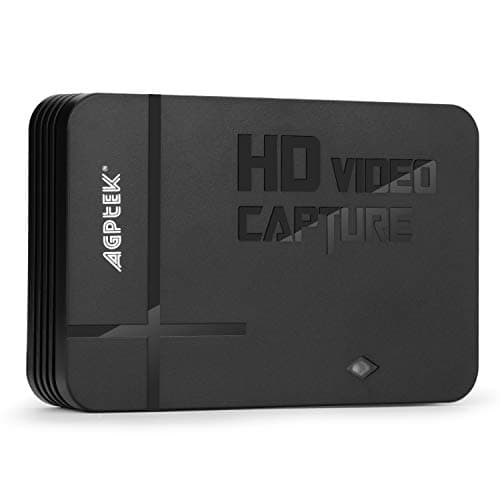
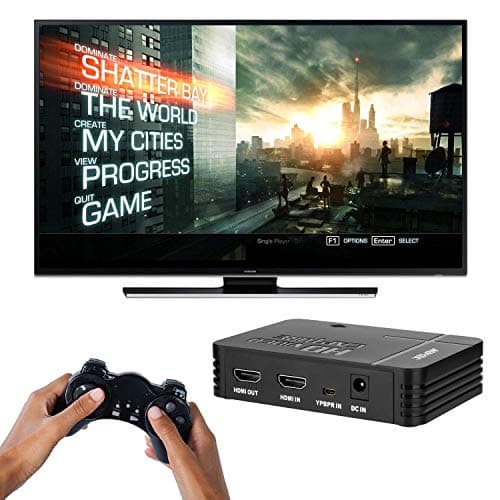
1080P Game Video Capture Card with HDMI and YpbPr Input, Mic-in Video Recorder Compatible with Xbox 360/One/ PS3 /PS4 etc
AGPTEK
£64.18
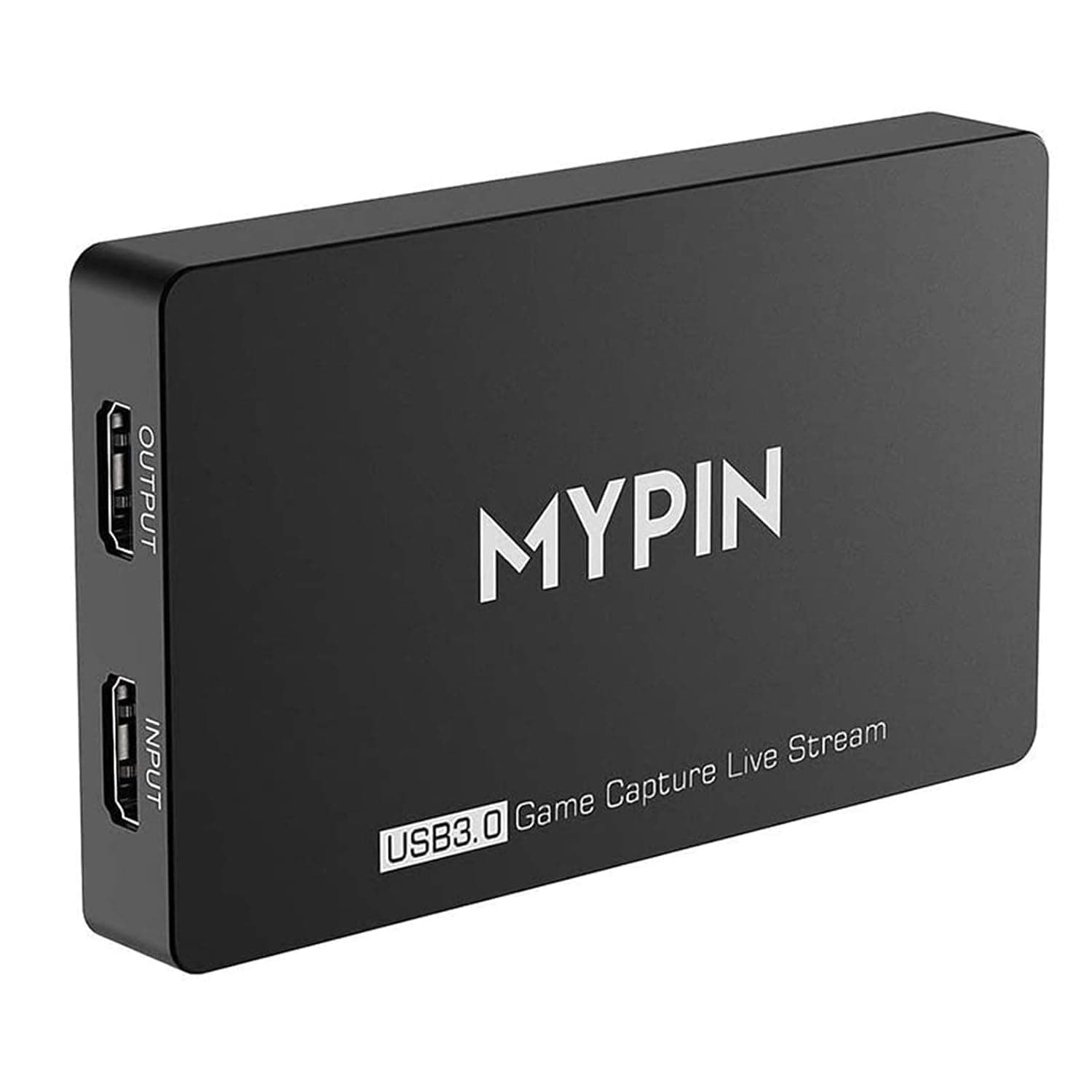
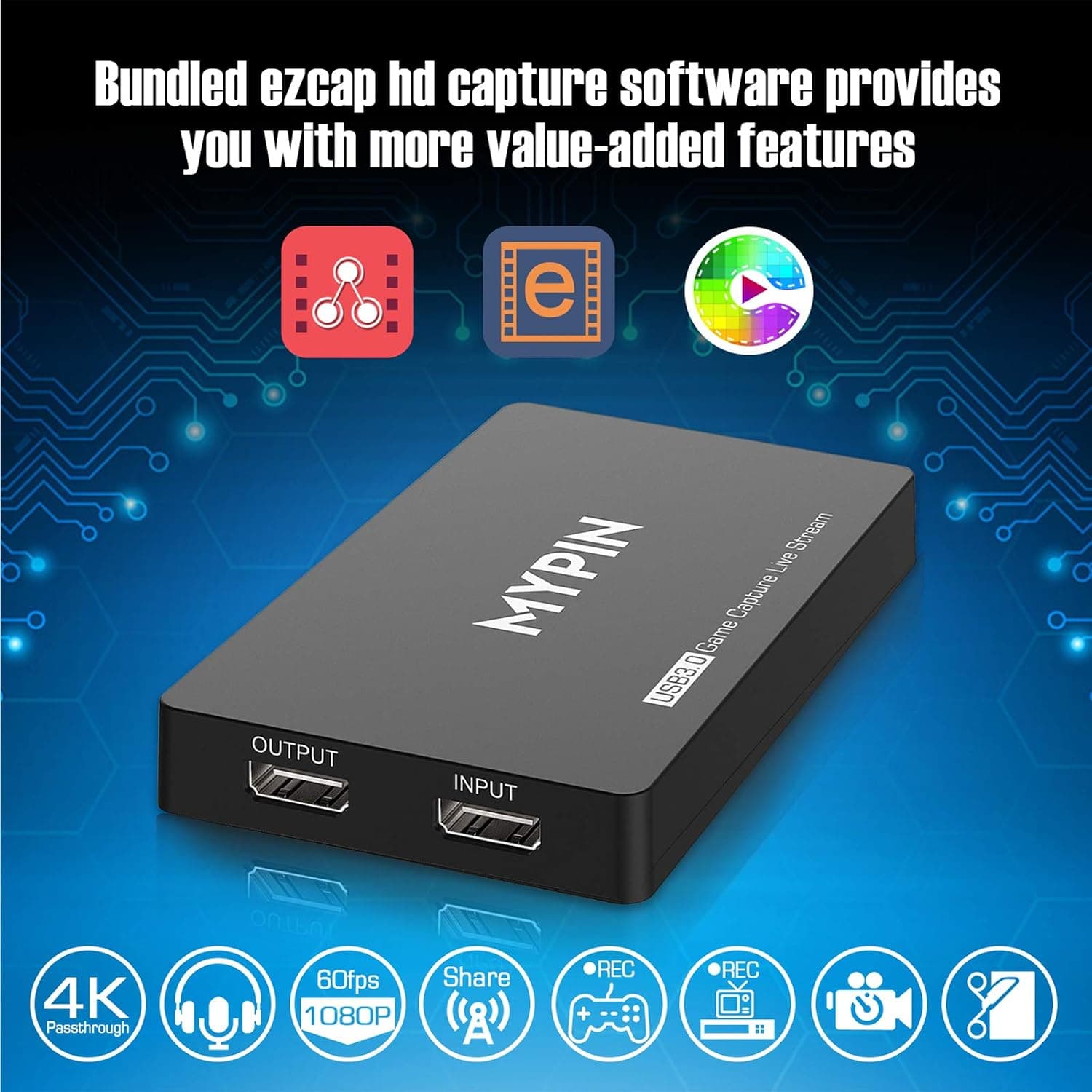
4K Capture Card for Live Streaming, MYPIN USB3.0 HDR Capture 1080P@60fps Support Microphone and Gamepad Party Chat for Nintendo Switch/ PS4 /Xbox One 360 /Wii U/Action Camera/DSLR Camcorder
MYPIN
£19.99
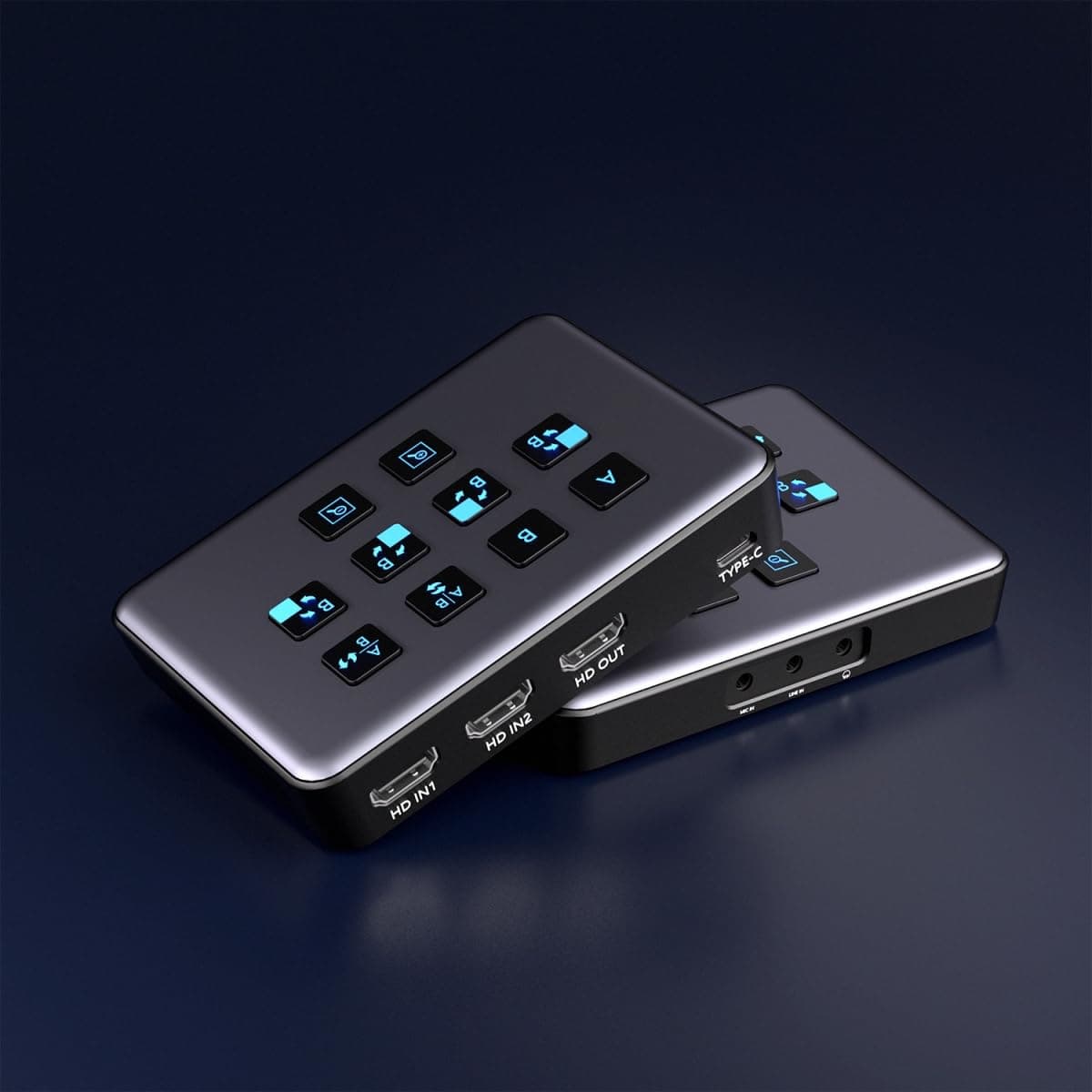
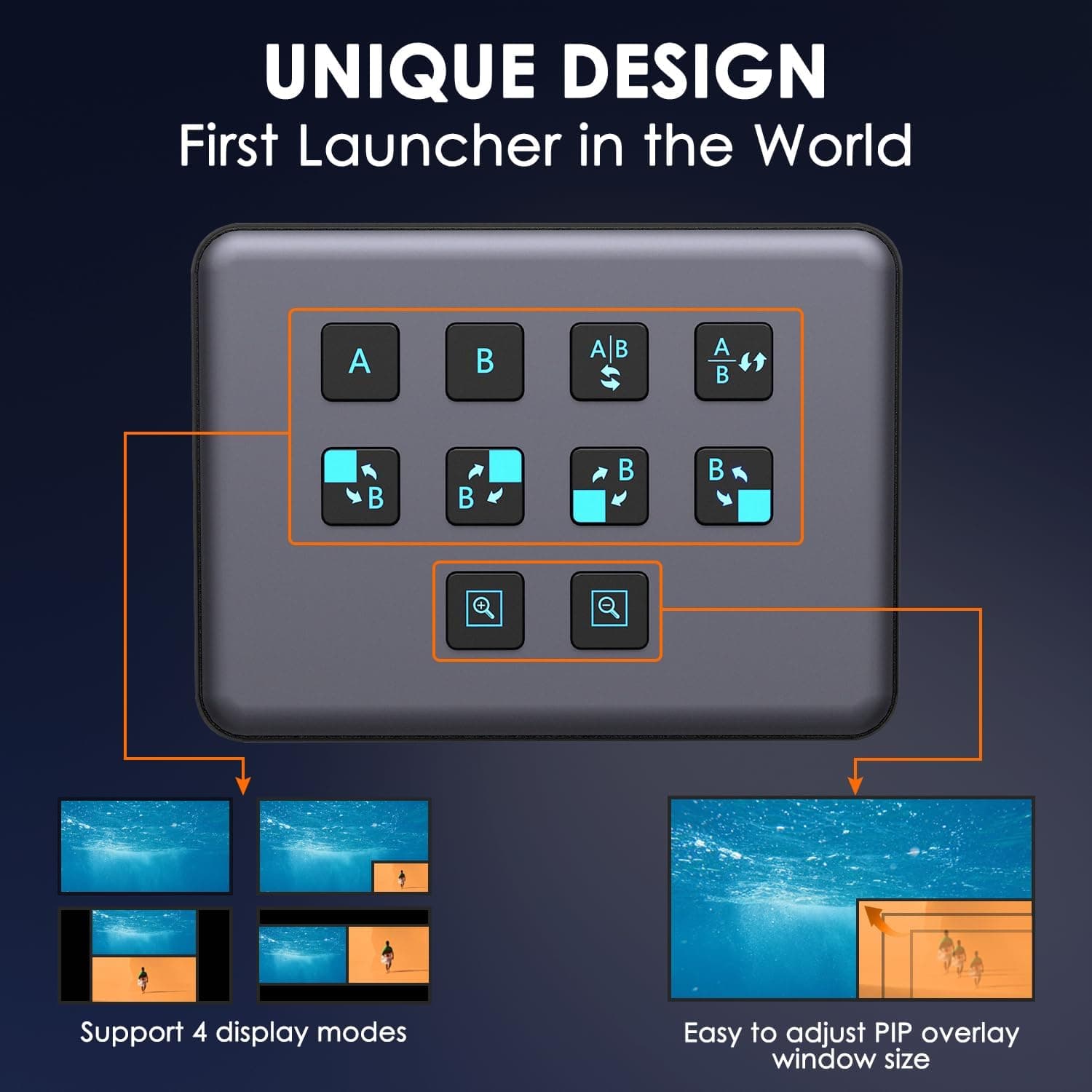
4K Dual HDMI Audio Video Capture Card, USB3.0 1080P 60FPS Equipment for Live Streaming,Capture Card with Loop Camera Link to Type-C Recording Game Video Mixer,Passthrough for Xbox PS5 PS4 Etc
EDISTEC
£25.99
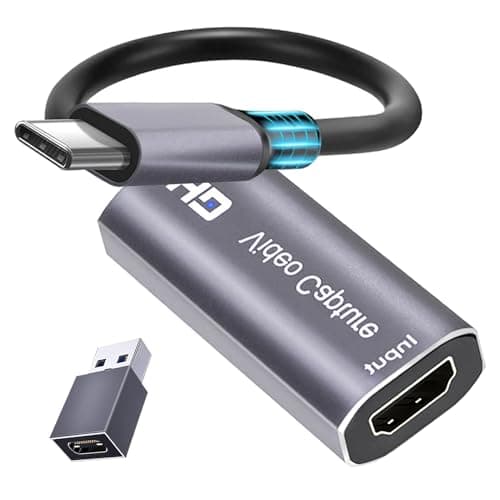
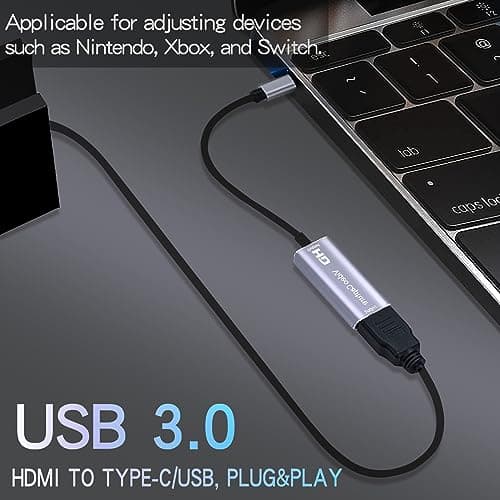
4K HDMI Capture Card, Cam Link Video Capture Card HDMI to 1080P Type-C for Windows Mac OS System for Streaming Gaming Meeting with USB C Adapter to Adjust PS3 4, Switch, Xbox
Extenuating Threads
£12.99
