
PXN-F16 Flight Simulator Stick Flight Stick PC Joystick for Windows PC, with Vibration Function, 12 Programmable Buttons, Flight Simulator Joystick Controller, Compatible with Windows XP/VISTA/7/8
Brand: PXN
- Colour
- Black
About this product
The PXN-F16 Flight Simulator Stick stands out for its impressive array of 12 programmable buttons, making it a versatile tool for pilots and gamers alike. This flight stick is perfect for anyone looking to enhance their experience in flight simulation games like Microsoft Flight Simulator or World of Warplanes, offering precise control that can elevate your gameplay. This flight stick is compatible with Windows XP/VISTA/7/8/10 (not including Home versions), ensuring it works seamlessly with a wide range of systems and games. Its robust design includes a vibration function for realistic feedback during intense moments in the game, adding an extra layer of immersion to your gaming sessions.
Specifications
- Colour
- Black
Is this the right pick for you?
If you're a dedicated flight simulator enthusiast who spends countless hours honing your piloting skills in games like Microsoft Flight Simulator or War Thunder, the PXN-F16 Flight Simulator Stick is an excellent choice. Its 12 programmable buttons and vibration function allow for a highly customizable and immersive experience, making it easier to simulate complex maneuvers and feel the sensations of flight directly on your controller. However, this stick isn't ideal for beginners or those who prefer simpler controllers; its advanced features require some setup and familiarity with customization options. In a typical setup, the PXN-F16 fits seamlessly into your gaming rig as part of a larger HOTAS (Heads-Up Throttle And Stick) system. When used alongside other peripherals like a throttle quadrant, it enhances your ability to control aircraft in flight simulators with precision and realism. This product is particularly suited for users who already have a basic setup but want to upgrade their experience without overcomplicating things. Before purchasing, consider the following practical points: The joystick requires USB connection and operates on DC 5V power, which means you'll need a USB port available on your PC. Ensure that your system meets the minimum requirements for compatibility with Windows XP/Vista/7/8 (though it's worth noting that Windows 10 Home is not supported). Also, be prepared to spend some time setting up and customizing the buttons according to your specific needs, as this can significantly enhance its functionality. Proper care involves keeping the joystick in a cool, dry place away from direct sunlight and dust to maintain optimal performance over time.
Frequently asked questions
Is this flight stick compatible with the latest versions of Windows?
This PXN-F16 Flight Stick is compatible with Windows XP, Vista, 7, and 8. However, it does not support Windows 10 Home or Apple devices. For newer operating systems like Windows 10 Pro or later, you might need to check the manufacturer's website for updates or alternative products.
Can I use this flight stick with popular flight simulation games?
Yes, this flight stick is compatible with a wide range of flight simulation games such as World of Tanks, World of Warplanes, War Thunder, Assault Horizon, Microsoft Flight Simulator, and X Plane 10. It provides an immersive experience by offering vibration feedback and 12 programmable buttons to enhance your gaming experience.
How do I set up the flight stick?
Setting up the PXN-F16 is straightforward. First, connect it via USB to your PC. Then, install the provided software driver for configuration settings. You can customize button functions and sensitivity according to your preferences. Refer to the manual included in the package for detailed setup instructions.
You might also like
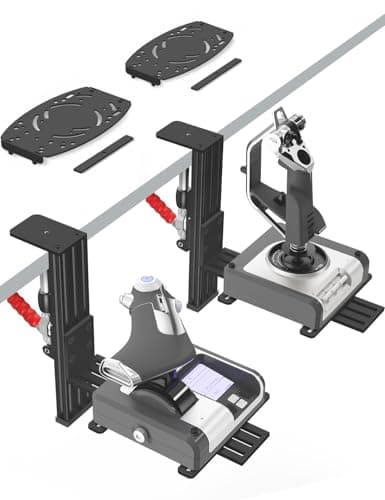
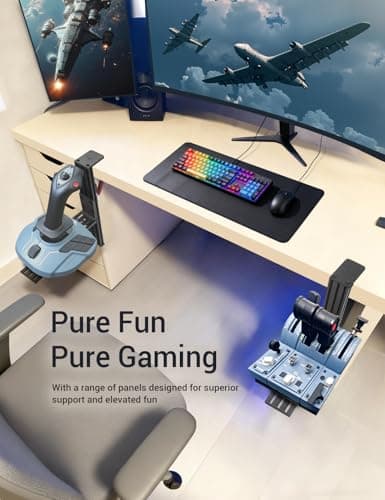
2 Pack Hotas Desk Mount for Flight Sim Hand-Controllers Compatible with Logitech X52 X56 Hotas, Thrustmaster Hotas Warthog, Sol-R2, SimTask Farmstick, T. Flight Hotas, T.16000M, TCA, Winwing,VKB, VPC
VTUIFBT
£64.88
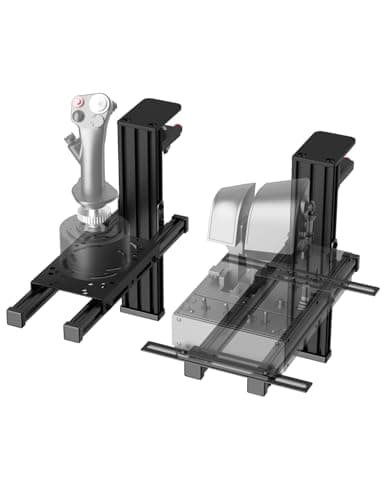
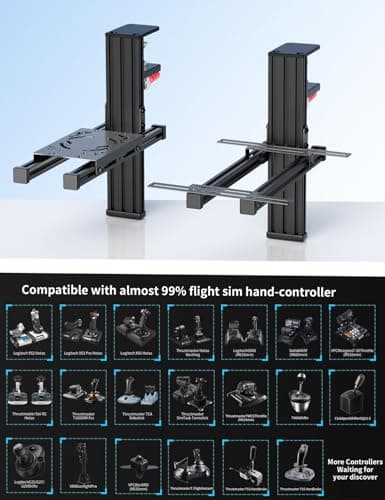
2 Pack Hotas Desk Mount For Flight Sim Joystick Compatible with Logitech X56/X52/X52 Pro, Thrustmaster Hotas Warthog/ T.16000M/ T-Flight Hotas 4/X/ SimTask Farmstick/ Sol-R2, Winwing, VPC, VKB Hotas
VTUIFBT
£59.99
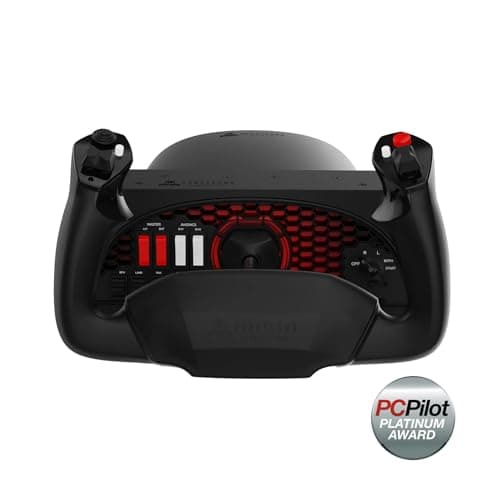
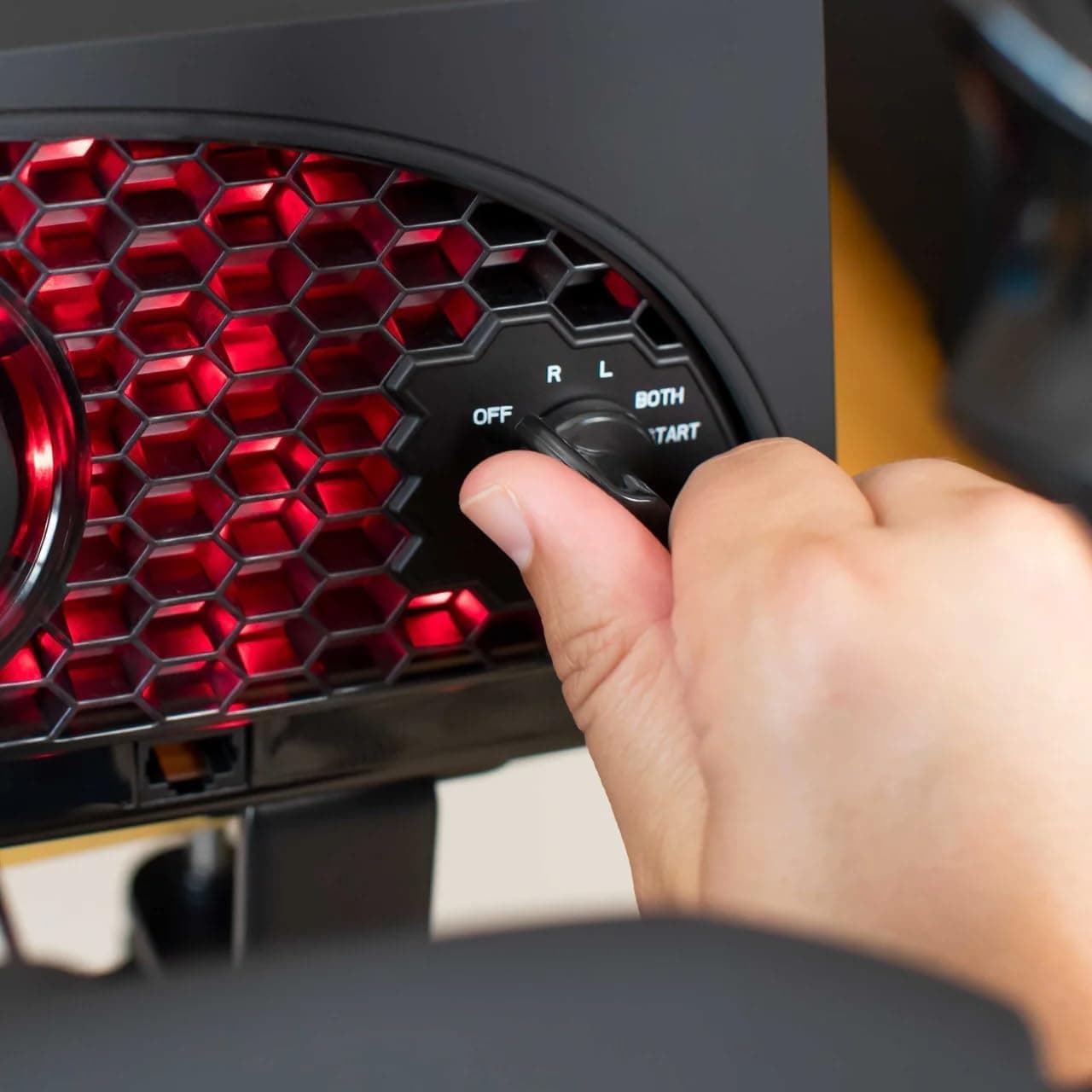
Aerosoft Honeycomb Alpha Flight Controls Flugsimulator-Steuerhorn USB PC black
Honeycomb Aeronautical
£301.16
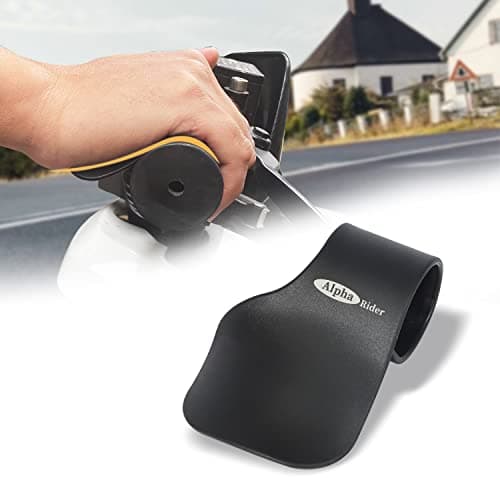
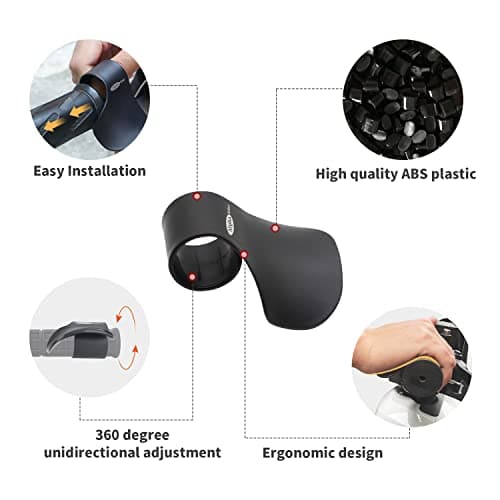
Alpha Rider Universal Motorcycle 22MM Black Throttle Mounted
Alpha Rider
£8.99
