
BenQ MOBIUZ EX240N 24" FHD 1080p Gaming Monitor, 165Hz, 1ms MPRT, AMD FreeSync Premium, Game Colour Modes, HDRi Technology, HDR10, Light Tuner, Black eQualizer, Built-in Speakers, Eye-Care
Brand: BenQ
- Height
- 42 cm
- Length
- 18 cm
- Width
- 54 cm
- Weight
- 4.3 kg
About this product
Is there a gaming monitor out there that can offer both speed and comfort? The BenQ MOBIUZ EX240N ticks all the boxes. With a resolution of 1080p and a refresh rate of 165Hz, this monitor ensures lightning-fast response times for an immersive gaming experience. Its 1ms MPRT (Maximum Possible Response Time) further minimizes motion blur, making it perfect for fast-paced games. The AMD FreeSync Premium technology eliminates screen tearing and stuttering, providing a smoother gameplay. Moreover, the BenQ MOBIUZ EX240N prioritizes your well-being with features like Light Tuner and Black eQualizer, which reduce eye strain by adjusting color temperature and contrast. Built-in speakers offer an enhanced audio experience without needing external equipment. Whether you're into fast-paced shooters or strategic games, this monitor delivers the performance needed to dominate any gaming session.
Specifications
- Height
- 42 cm
- Length
- 18 cm
- Width
- 54 cm
- Weight
- 4.3 kg
- Pack size
- 1
- Colour
- 60 cm
- Amazon Bestseller Rank
- #14,278
Is this the right pick for you?
If you're a gamer who demands speed and precision in your visuals, the BenQ MOBIUZ EX240N is an excellent choice. Its 165Hz refresh rate paired with 1ms MPRT (Motion Pixel Response Time) ensures that fast-paced games are displayed smoothly without any lag or motion blur. This monitor is particularly suited for competitive gaming scenarios where quick reflexes and accurate aiming are crucial. In a typical setup, this monitor fits seamlessly into a desk or stand, providing you with a clear and immersive viewing experience. The AMD FreeSync Premium technology ensures that the display rate matches the GPU output perfectly, eliminating screen tearing and stuttering during gameplay. Additionally, the Game Colour Modes feature allows for quick adjustments to enhance contrast and color saturation, making it easier to spot enemies in dark environments or distinguish between different types of terrain. Before purchasing, consider a few practical aspects. The setup is straightforward; however, ensure that your graphics card supports FreeSync Premium before buying to take full advantage of the technology. The built-in speakers are decent but not top-tier, so if you prefer high-quality audio, external speakers might be a better investment. Regular care involves keeping the monitor clean and avoiding extreme temperatures or humidity levels, which could affect its performance over time. The Eye-Care features such as Black eQualizer and Light Tuner can help reduce eye strain during long gaming sessions by adjusting the display's brightness and contrast to more comfortable settings. These features are particularly beneficial for extended use, making this monitor a good choice not just for competitive gamers but also for those who spend many hours in front of their screens.
Frequently asked questions
Is this monitor compatible with my PC or laptop?
This monitor is designed to work with both desktop PCs and laptops. For optimal performance, ensure your system meets the minimum requirements for 165Hz refresh rate support. Check the manufacturer’s listing for exact compatibility details.
Who would benefit most from this gaming monitor?
Gamers who require a fast-paced experience will find this monitor ideal due to its 165Hz refresh rate and low 1ms MPRT response time, which reduces motion blur and lag. It's also suitable for content creators needing accurate color representation.
How does the AMD FreeSync Premium compare to other sync technologies?
AMD FreeSync Premium helps eliminate screen tearing and stuttering by synchronizing your GPU’s frame rate with the monitor’s refresh rate. This technology is more flexible than G-Sync, which requires a proprietary NVIDIA card, making it accessible for a wider range of users.
You might also like
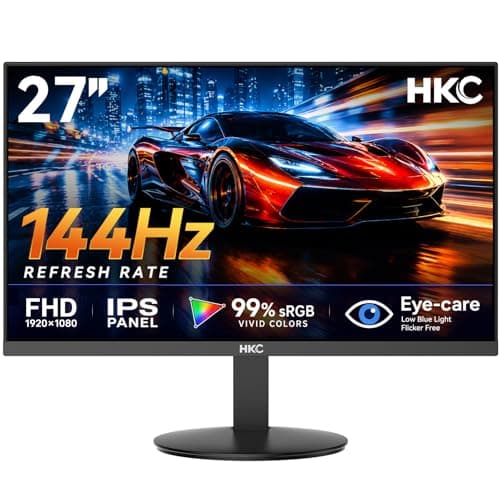
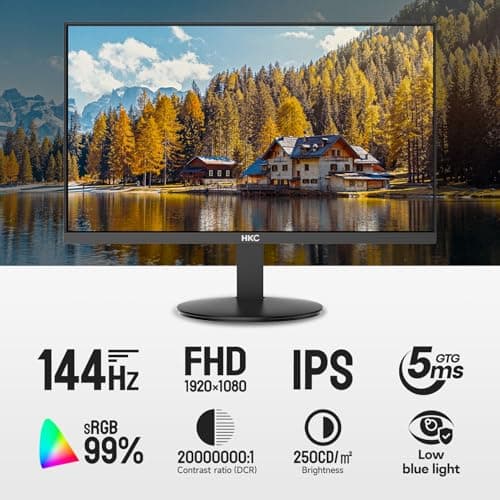
27 inch Gaming Monitor 144Hz, FHD 1080P IPS Display with 99% sRGB, FreeSync, Tilt Adjustable, lowblue mode, HDMI/VGA Ports for Home Office and computer monitor V2718S
HKC
£84.98
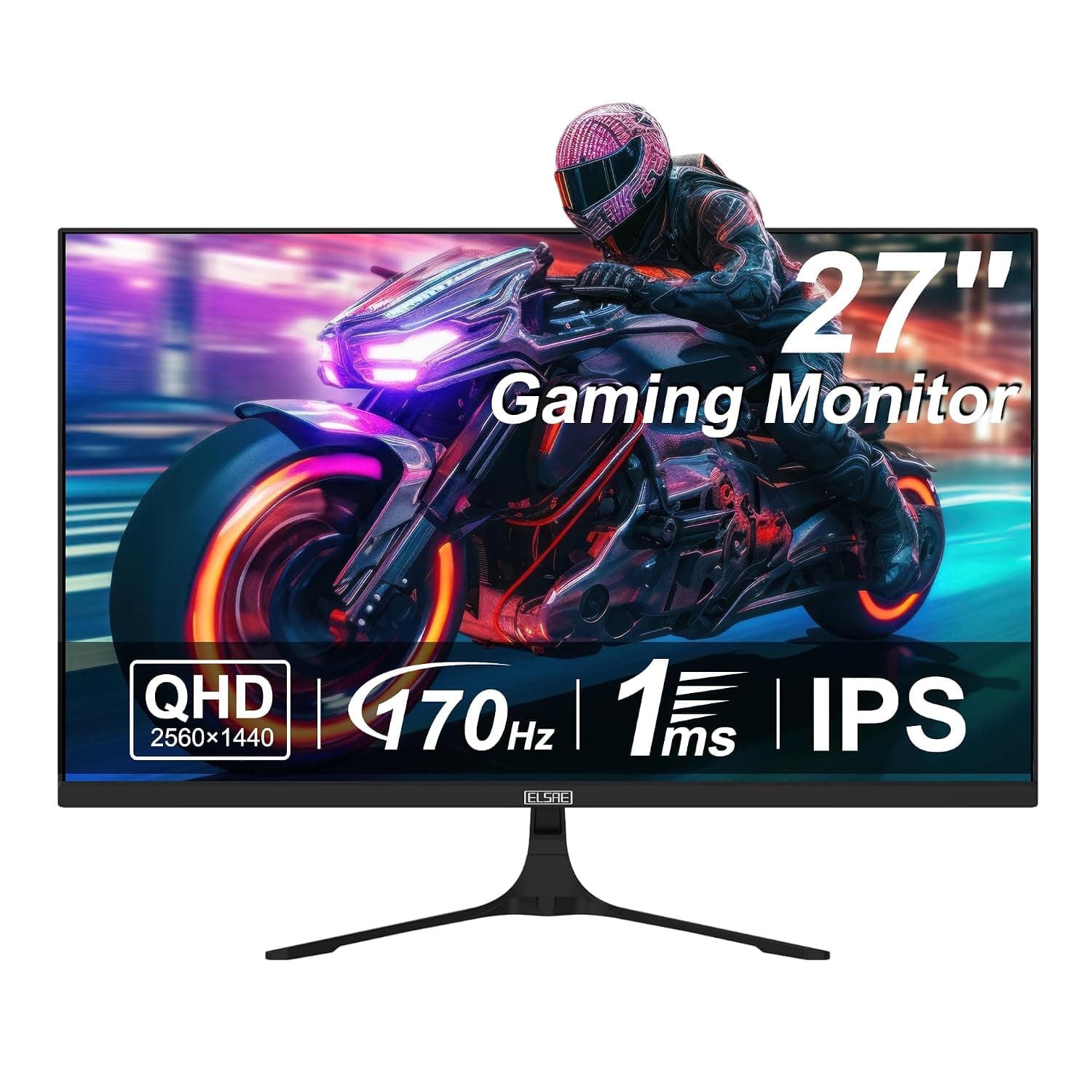
27 Inch QHD 1440P Gaming Monitor, 170Hz 144Hz IPS Computer Monitor, FreeSync, HDR 113% sRGB, Low Blue Light, HDMI & Display Port x2, VESA Mountable
ELSAE
£415.70
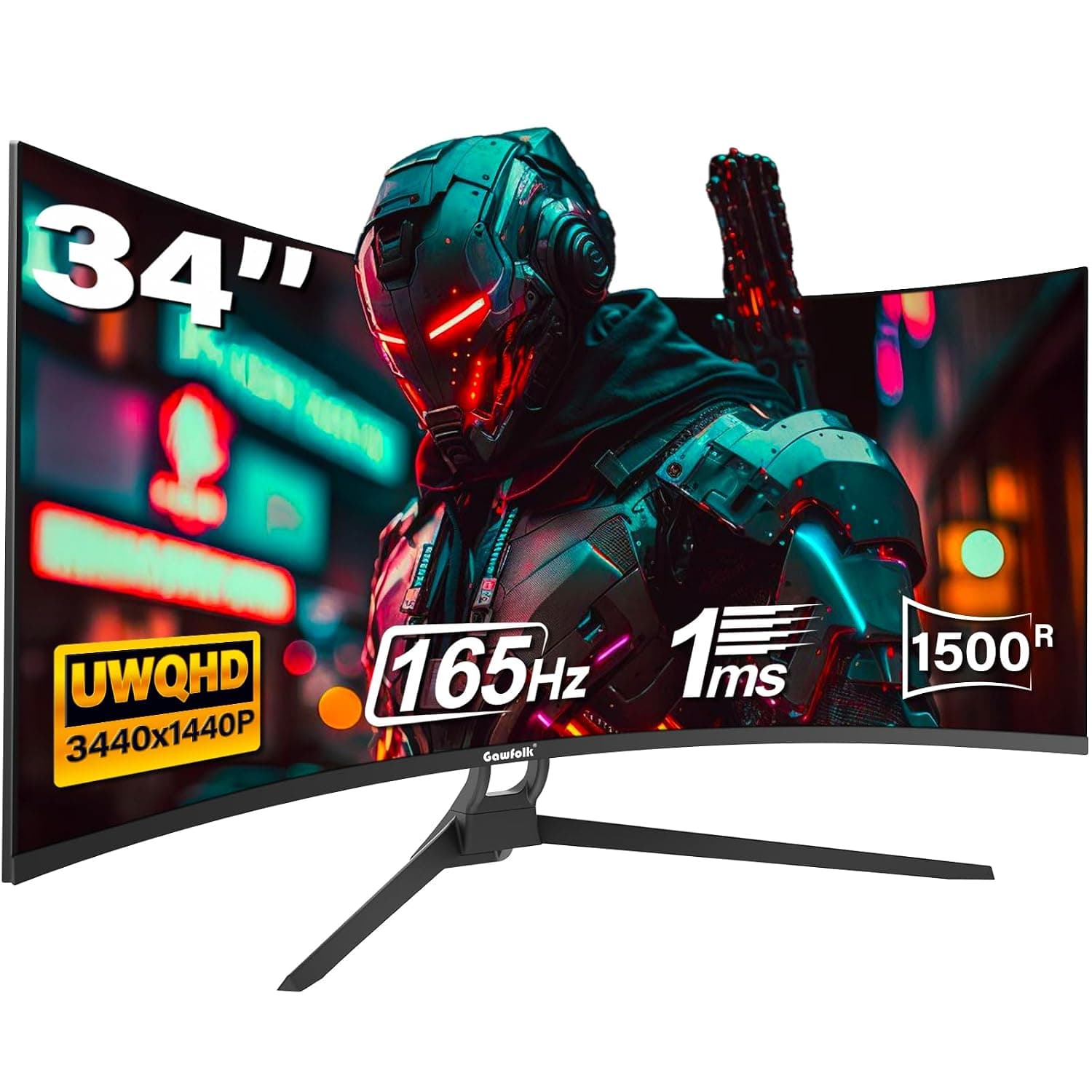
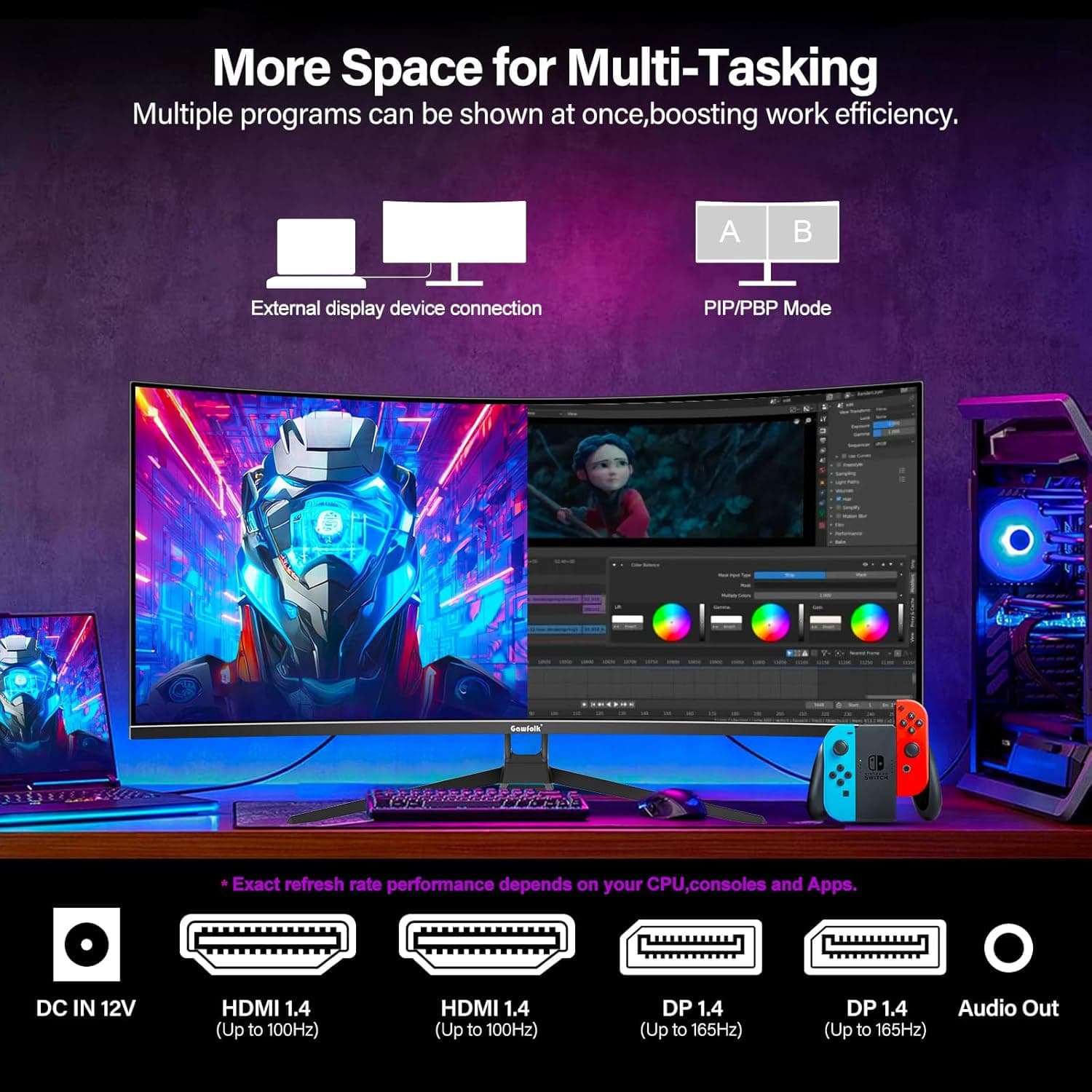
34 Inch Ultrawide Curved Gaming Monitor, 1500R PC Screen 165hz WQHD 3440x1440p Monitor, Curved Computer Display with FreeSync & Eye-Care Technology, DP, HDMI
Gawfolk
£189.99
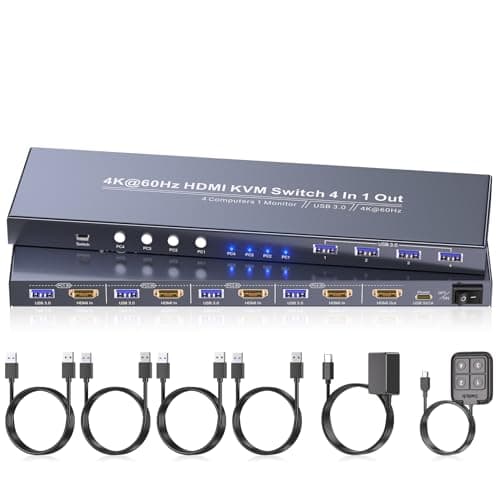
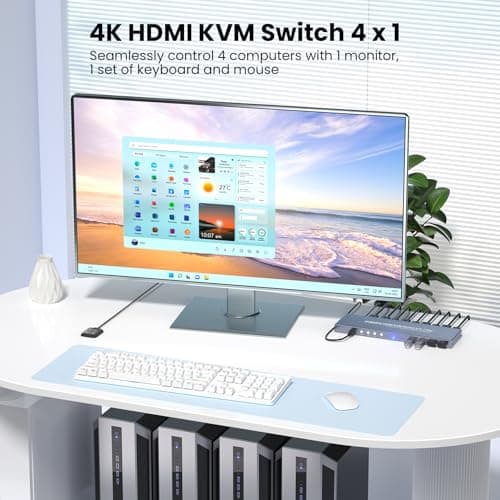
4K60Hz HDMI KVM Switch 1 Monitor 4 Computers, 4 Port KVM Switch for 4 PCs Share 1 Monitor and 1 Set of Keyboard Mouse, 4 Port USB 3.0 Hub Integrated, Dual Switching Methods
Generic
£42.49
