
USB C to DisplayPort Cable 2.1 (16K@30Hz, 8K@60Hz/120Hz, 4K@240Hz), 1080P@360Hz, USB Type C Thunderbolt 4/3 to DisplayPort Cable, for Iphone 15/15 pro, MacBook Air/Pro, iPad Pro, iMac, XPS, etc (0.5m)
Brand: BRIMFORD
About this product
When it comes to networking cables and switches in the "Networking Cables & Switches" category, the BRIMFORD USB C to DisplayPort Cable 2.1 stands out with its impressive specifications for high-resolution displays. This cable supports resolutions up to 16K@30Hz, making it perfect for ultra-high-definition monitors or projectors. Its compatibility with devices like iPhone 15/Pro, MacBook Air/Pro, iPad Pro, iMac, and XPS ensures that you can connect your laptop or smartphone directly to a high-resolution display without any hassle. The cable also boasts a 12-bit colour depth, which translates to an astounding 68.7 billion colours, providing richer picture levels and more natural screen colours compared to the standard 10-bit cables. This feature is particularly beneficial for professionals in fields like graphic design or video editing who require precise color accuracy.
Highlights
- 【12bit Colour Depth】Reduces true colours, supports 68.7 billion colours, richer picture levels and more natural screen colours compared to 10bit. If you have any questions or concerns, please don't hesitate to get in touch with us. We are committed to supporting our customers and our products.
Is this the right pick for you?
This USB C to DisplayPort Cable 2.1 is a perfect fit for users who need high-resolution displays without the bulk of traditional cables. It's particularly useful for those working with advanced graphics or video content on devices like MacBook Pros, iPads, and iMacs that support Thunderbolt technology. The cable can handle resolutions up to 8K at 60Hz or 120Hz, making it ideal for gaming setups where smooth visuals are crucial, as well as professional workstations requiring high-resolution displays. However, this cable is not suitable for users who primarily need basic connectivity and don't require the advanced display capabilities. If your primary use case involves simple data transfer or lower resolution displays, a more affordable standard USB C to DisplayPort cable might suffice. Additionally, while it supports 12-bit color depth, which enhances picture quality by providing richer colors, this feature is most beneficial for users who can appreciate and benefit from the extra color precision. When setting up your device with this cable, ensure that both your source (like a MacBook Pro or an iPad) and display support Thunderbolt technology. The 0.5-meter length makes it convenient for close connections but might be too short for setups requiring longer distances between devices. Proper care includes avoiding sharp bends or excessive pressure on the cable to prevent damage. For best results, store the cable in its provided protective case when not in use and avoid exposing it to extreme temperatures or moisture.
Frequently asked questions
What devices can this USB C to DisplayPort cable be used with?
This cable is compatible with a variety of devices including the iPhone 15/15 Pro, MacBook Air/Pro, iPad Pro, iMac, and XPS. It’s also suitable for gaming laptops and desktops that support USB-C Thunderbolt 4 or 3 ports.
What kind of resolution does this cable support?
The cable supports a wide range of resolutions including 16K@30Hz, 8K@60Hz/120Hz, 4K@240Hz, and 1080P@360Hz. This means it can handle high-resolution displays for both gaming and professional work.
Is this cable Thunderbolt 4 or 3 compliant?
Yes, the cable is compatible with USB Type C Thunderbolt 4/3 ports. It allows you to transfer data as well as power your device while connecting to a DisplayPort display.
You might also like
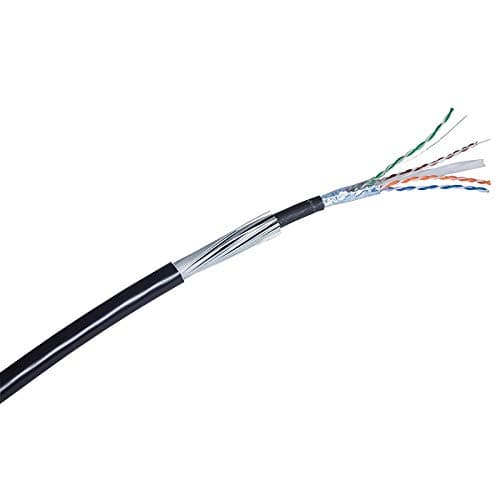
10m - 100m Cat6 Black Steel Wire Armoured Lzsh SWA IP CCTV Ethernet Cable 100% Copper
Data zone
£15.99
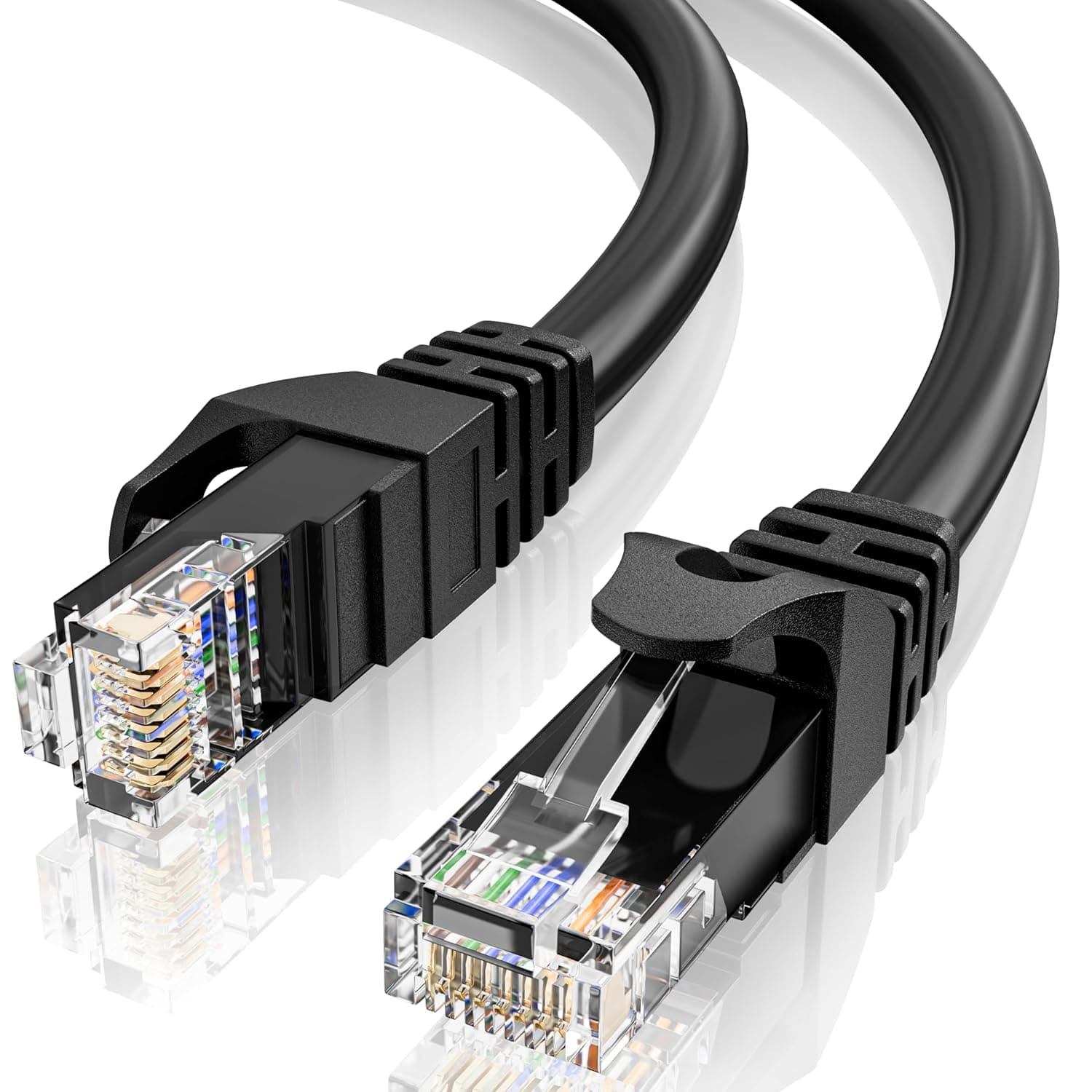
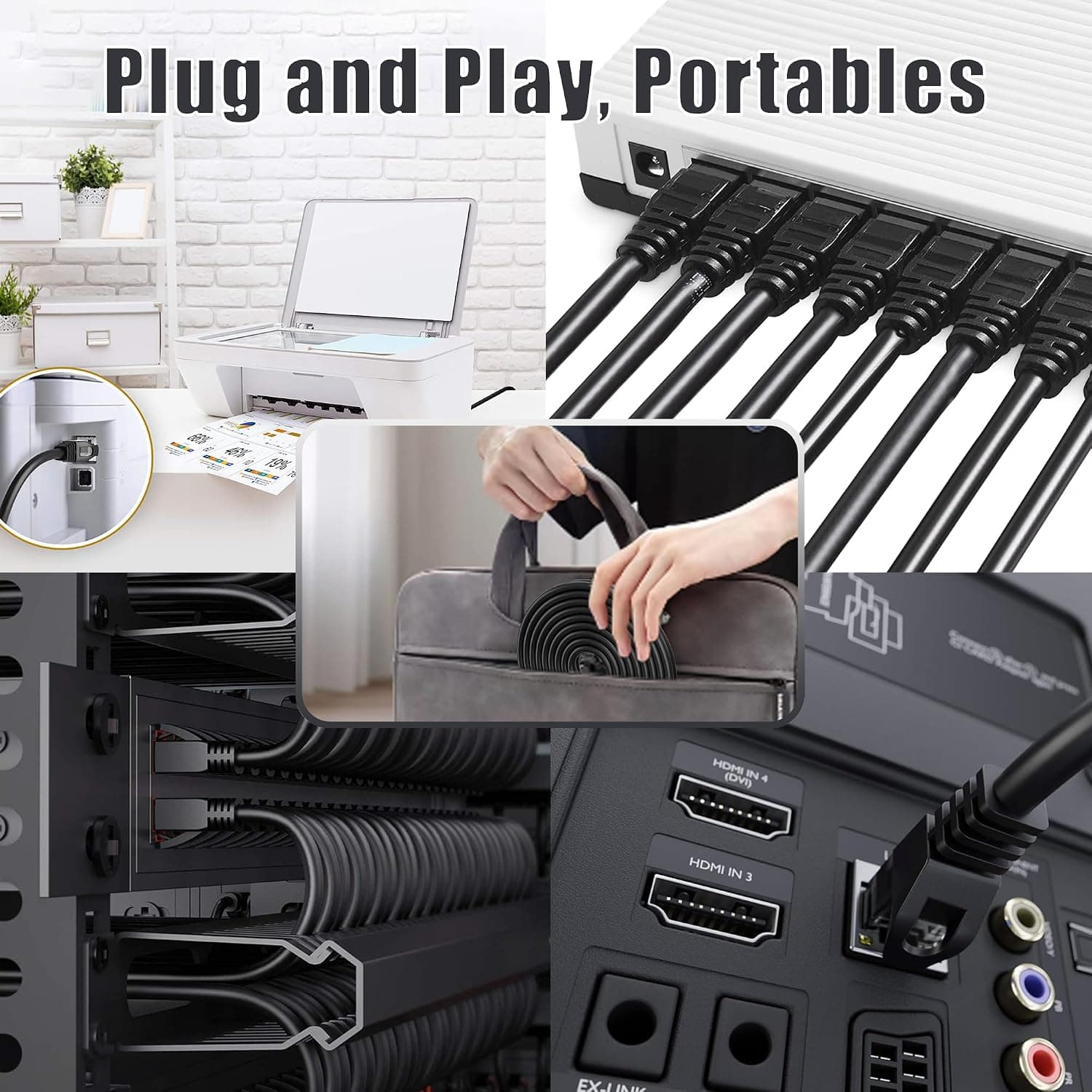
10m Ethernet Cable Cat 6, Long High Speed Internet Cable 10 Meter LAN Cable | 23AWG RJ45 Gigabit LAN Cable, 1Gbps 250MHz UTP Network Cable, Black Round Patch Cable for Router Modem Switch
MEIPEK
£9.99
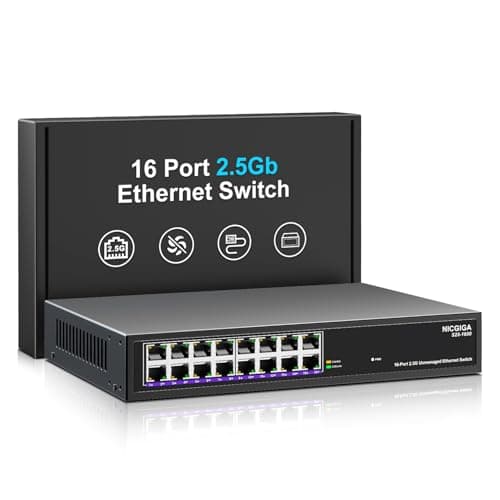
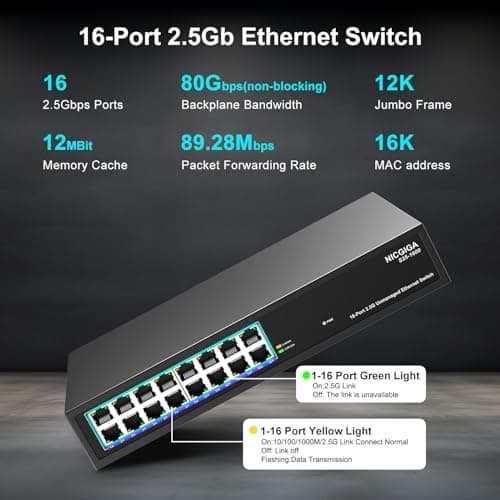
16 Port 2.5Gb Ethernet Switch Unmanaged, NICGIGA 16 Port 2.5G Network Switch, Plug & Play, Desktop or 19-inch Rack Mount, Fanless Metal Design.
NICGIGA
£159.99
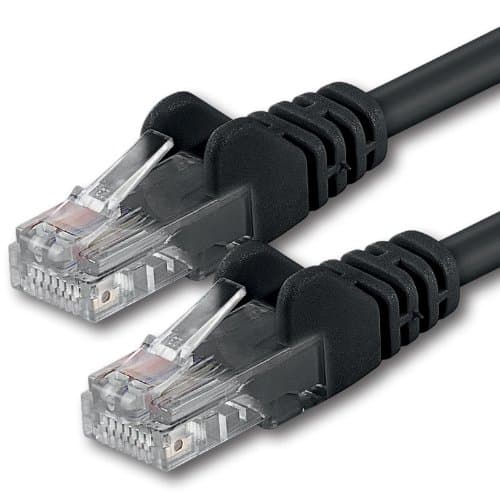

1aTTack.de 20m - black - 1 piece - CAT.6 CAT6 Ethernet LAN network cable 1000 Mbit/s patch cable
1aTTack.de
£11.65
