
TP-Link Archer GX90 WiFi 6 Gaming Router, AX6600 Next-Gen Gigabit Tri-Band Wireless Wifi Booster,1.5 GHz Quad-Core CPU Internet Booster, Ideal for Gaming Xbox/PS4/Steam or 4K/8K Streaming, Easy setup
Brand: TP-Link
- Height
- 5.2 cm
- Length
- 21 cm
- Width
- 21 cm
- Weight
- 2 kg
About this product
If you're looking to enhance your gaming experience and ensure a smooth connection for your Xbox, PS4, or Steam games, the TP-Link Archer GX90 is an excellent choice. This advanced WiFi 6 Gaming Router not only boosts your internet speed but also optimizes it specifically for gaming, making lag and buffering a thing of the past. Ideal for those who enjoy high-resolution streaming in 4K or even 8K, this router ensures that your video content streams without interruption, providing a seamless viewing experience. Its user-friendly setup process makes it accessible for both tech-savvy users and newcomers alike.
Specifications
- Height
- 5.2 cm
- Length
- 21 cm
- Width
- 21 cm
- Weight
- 2 kg
- Pack size
- 1
- Colour
- Black
- Amazon Bestseller Rank
- #114,063
Is this the right pick for you?
This TP-Link Archer GX90 is a powerhouse for gamers and streamers alike, offering an AX6600 speed class with a tri-band setup that ensures stable connections even during intense gaming sessions or high-definition streaming. The 1.5 GHz quad-core CPU provides the necessary processing power to handle demanding applications without lag, making it ideal for those who rely on smooth performance from their routers. If you own an Xbox, PlayStation, PC, or are a fan of 4K/8K streaming, this router is designed specifically with your needs in mind. However, while the Archer GX90 excels at providing fast and reliable connections, it may not be the best fit for users who primarily need basic internet access without gaming or streaming demands. Its primary focus on performance means that more budget-friendly routers might suffice for those looking to save money or have less demanding needs. For a typical setup, you would pair this router with your modem and connect all devices directly to it via Ethernet cables if possible, though Wi-Fi connections are also supported. When setting up the Archer GX90, ensure that your network environment is clear of obstructions to maximize its performance benefits. Proper placement can significantly impact signal strength and stability, so consider placing the router in a central location within your home or office. Regular firmware updates from TP-Link will keep your router running at peak efficiency, but be prepared for occasional maintenance tasks such as adjusting settings or troubleshooting minor connectivity issues.
Frequently asked questions
Is this router compatible with Xbox and PS4 gaming consoles?
This TP-Link Archer GX90 is specifically designed to work well with both Xbox and PlayStation 4 gaming consoles. It ensures stable and fast internet connections for online gaming, making it a great choice if you're using these platforms.
Can this router handle 4K or 8K streaming?
Absolutely, the TP-Link Archer GX90 is equipped to support 4K and even 8K streaming. Its high-speed AX6600 Wi-Fi capability ensures smooth video playback without lag or buffering, making it ideal for watching ultra-high-definition content.
What kind of gaming experience does this router provide?
The TP-Link Archer GX90 enhances your gaming experience by providing stable and fast internet connections. Its advanced features are particularly beneficial for reducing latency and improving overall performance, which is crucial for competitive multiplayer games.
You might also like
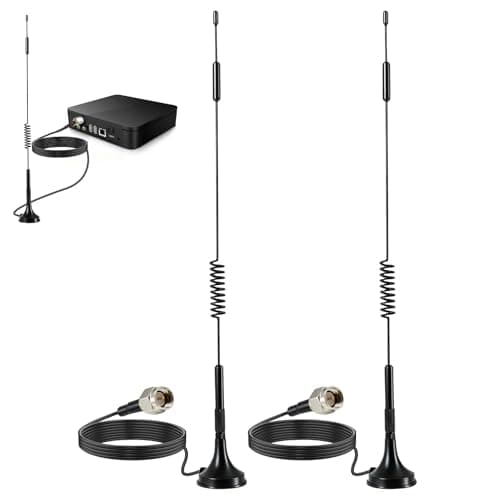
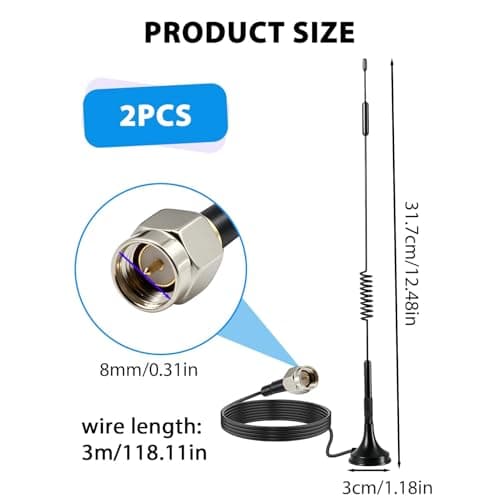
2Pack 4G LTE Antenna 7dBi High Gain SMA Male Aerial with 3m Magnetic Base with SMA Connector Signal Booster for Netgear TP-Link Router Modem Hotspot Wireless Router Hub Indoor Outdoor
Aradoea
£11.49
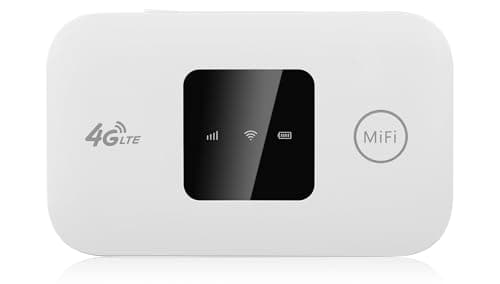
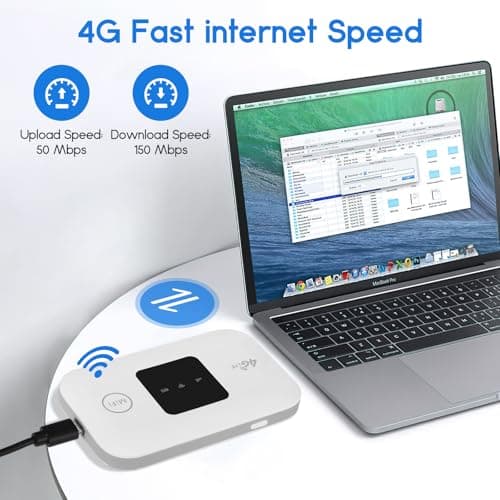
4G/5G MiFi Router,Portable Wifi Travel Router with SIM Card Slot,Pocket 4G LTE Internet Hotspot Up To 10 Users for Travel Phone Computer Laptop
VIHBRAI
£16.99
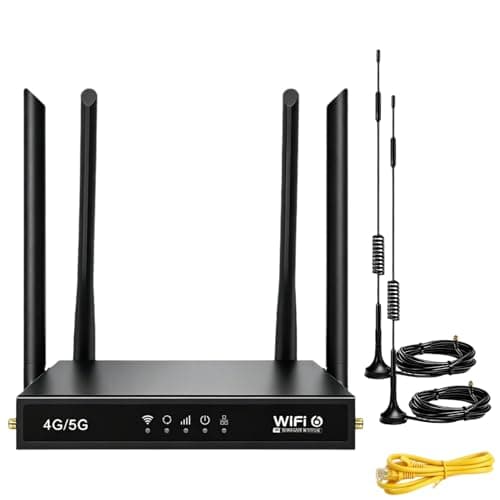
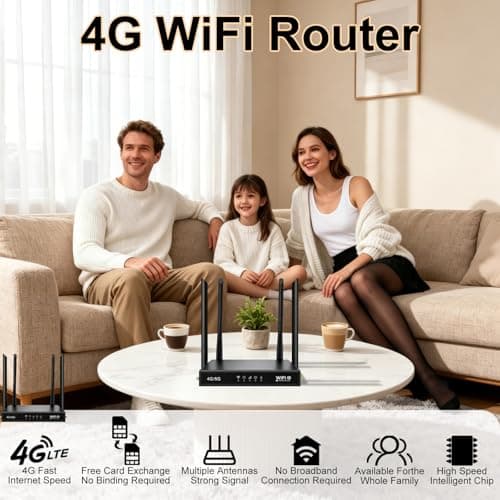
4G Router with SIM Card Slot, 4G LTE WiFi 6 Router 300Mbps, Plug & Play Mobile WiFi Router with 4 LAN/WAN Ports, 6 High Gain Antennas, SIM Card Router for Travel Home Office Caravan CCTV
Pak2iaa
£39.99
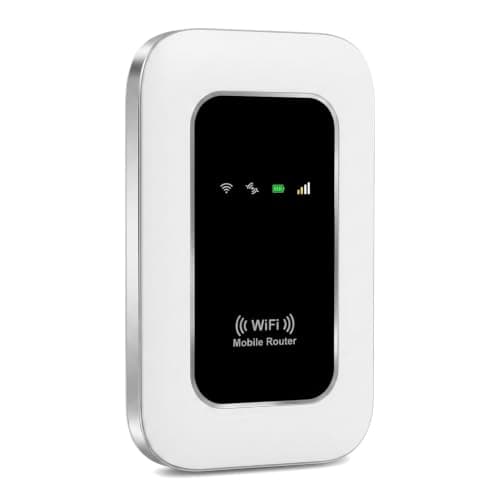
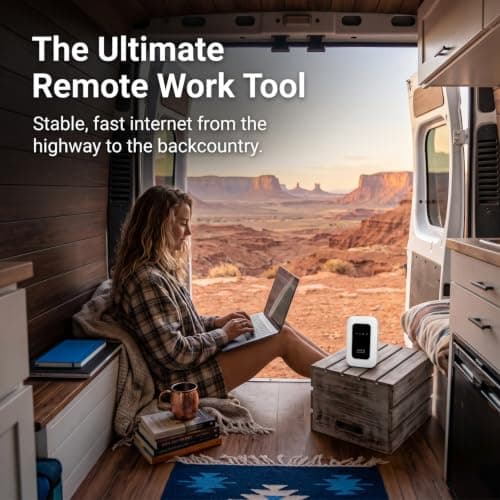
5G Mobile WiFi Hotspot, Unlocked Portable Router with SIM Slot, Ultra-Fast Internet up to 300 Mbps, Pocket-Sized Travel Modem for Remote Work & UK Trips, Connects up to 16 Devices Simultaneously
Generic
£37.99
