
UGREEN Video Capture Card HDMI to USB C Capture Device 4K 1080P@30Hz | Video Audio Game Streaming Recording Compatible for Switch 2/PS4/PS5/Xbox/Quest 3/Camera/TV Stick/iPad/MacBook/PC/Laptop
Brand: UGREEN
About this product
Is there a way to capture your gaming moments in stunning detail without breaking the bank? Enter the UGREEN Video Capture Card HDMI to USB C. This versatile device supports 4K 1080P@30Hz video and audio recording, making it perfect for streaming and capturing gameplay from a wide range of devices including Switch 2, PS4, PS5, Xbox, Quest 3, cameras, TV sticks, iPads, MacBooks, PCs, and laptops.
Is this the right pick for you?
This capture card is ideal for gamers and content creators who want to stream or record their gameplay from a variety of devices including the Nintendo Switch 2, PlayStation 4, 5, Xbox, Quest 3, cameras, TV sticks, iPads, and laptops. It offers a straightforward solution for capturing high-quality video at 1080P@30Hz resolution, making it perfect for those who need to maintain smooth gameplay while recording or streaming. The HDMI-to-USB C design allows you to connect your gaming console or device directly to your computer without the need for additional adapters, streamlining your setup and ensuring a clean connection. However, this capture card may not be suitable for users requiring 4K resolution or higher frame rates, as it only supports up to 1080P@30Hz. Additionally, if you are looking for advanced features like multiple audio inputs or built-in microphones, this product might fall short of your needs. It is best suited for basic streaming and recording tasks where ease of use and compatibility across a wide range of devices are the primary requirements. When setting up this capture card, ensure that both the HDMI input from your device and the USB C port on the capture card are properly connected to your computer. The capture card should be recognized by your system immediately upon connection; if not, check for any necessary drivers or software updates. Regularly cleaning the HDMI port can help maintain optimal performance over time, especially if you frequently use it with dust-prone environments like gaming rooms. For care and maintenance, avoid exposing the capture card to extreme temperatures or moisture, as this could damage its components. Store it in a cool, dry place when not in use. Regularly inspect the HDMI cable for any signs of wear and replace it if necessary to ensure consistent performance during your streaming sessions.
Frequently asked questions
Is this capture card compatible with all major gaming consoles and devices?
Yes, the UGREEN Video Capture Card is compatible with a wide range of devices including Nintendo Switch 2, PlayStation 4/5, Xbox, Oculus Quest 3, cameras, TV sticks, iPads, MacBooks, PCs, and laptops. This makes it versatile for both gaming and video recording needs across different platforms.
Can I use this capture card with my MacBook?
Absolutely, the UGREEN Video Capture Card is compatible with MacBooks along with other devices like PCs and laptops. It supports 4K at 30Hz and 1080P at 60Hz, ensuring high-quality video and audio recording for your MacBook or any similar device.
What does the capture card come with?
The UGREEN Video Capture Card typically comes in a box containing the capture card itself, an HDMI cable, and a USB C to USB A adapter. Make sure to check the specific packaging details on the retailer’s website before purchasing.
You might also like
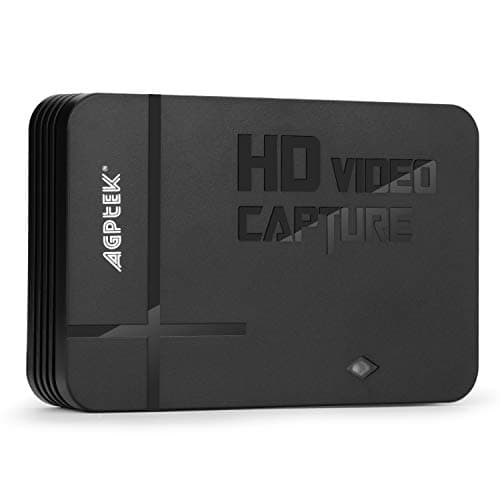
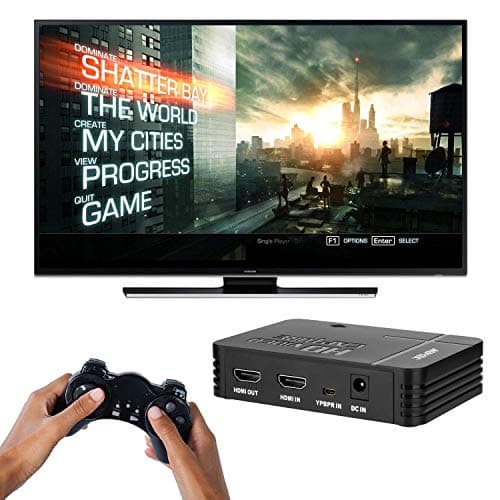
1080P Game Video Capture Card with HDMI and YpbPr Input, Mic-in Video Recorder Compatible with Xbox 360/One/ PS3 /PS4 etc
AGPTEK
£64.18
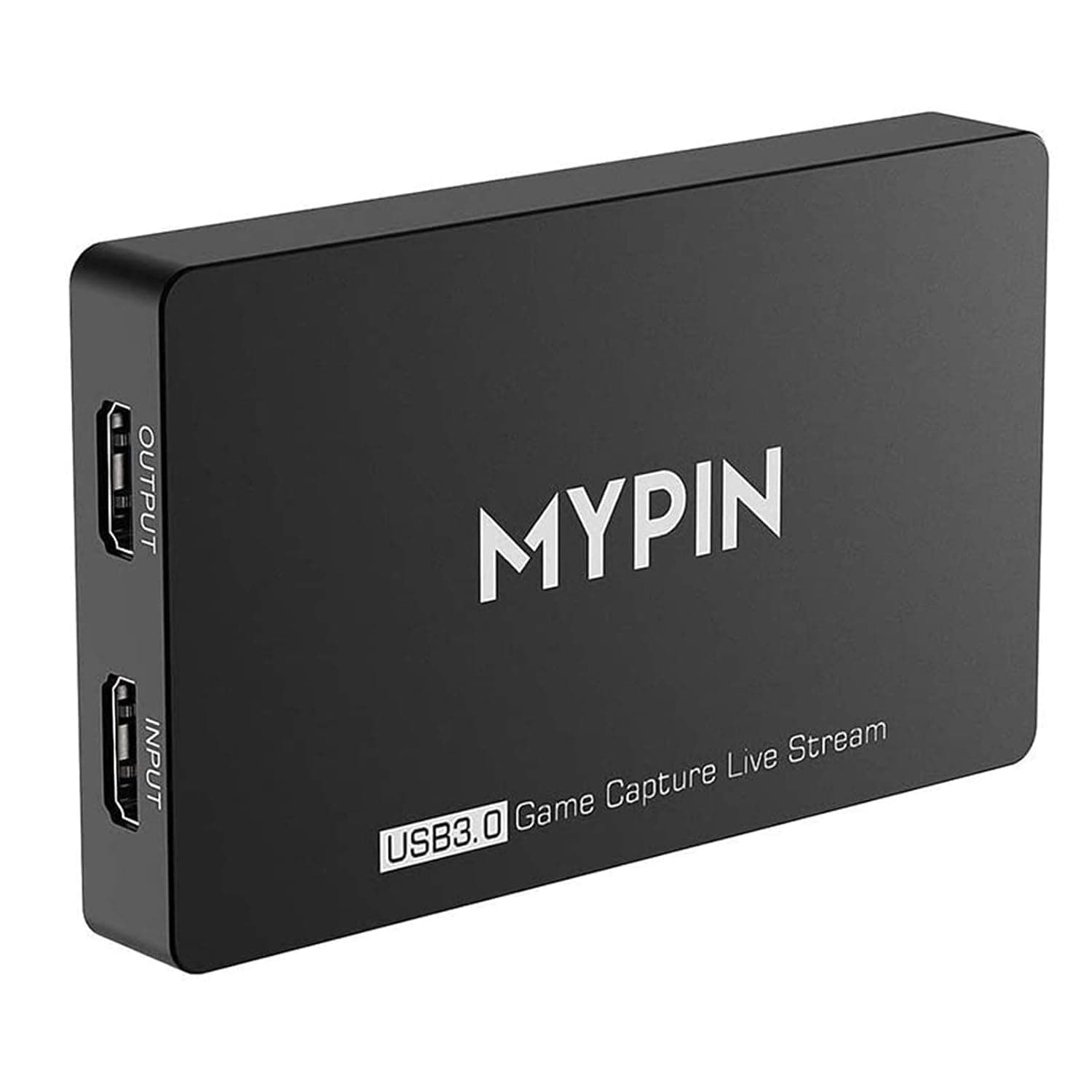
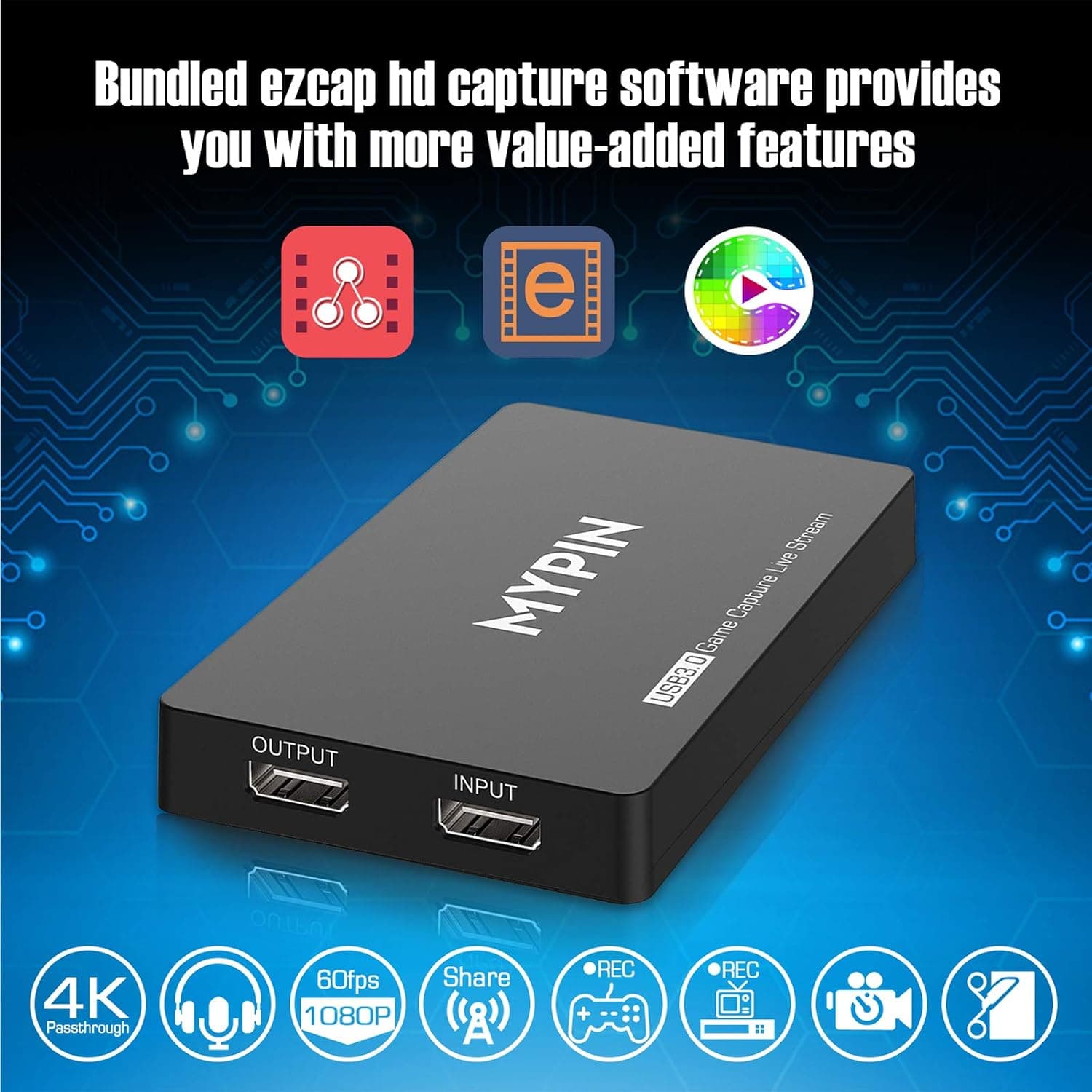
4K Capture Card for Live Streaming, MYPIN USB3.0 HDR Capture 1080P@60fps Support Microphone and Gamepad Party Chat for Nintendo Switch/ PS4 /Xbox One 360 /Wii U/Action Camera/DSLR Camcorder
MYPIN
£19.99
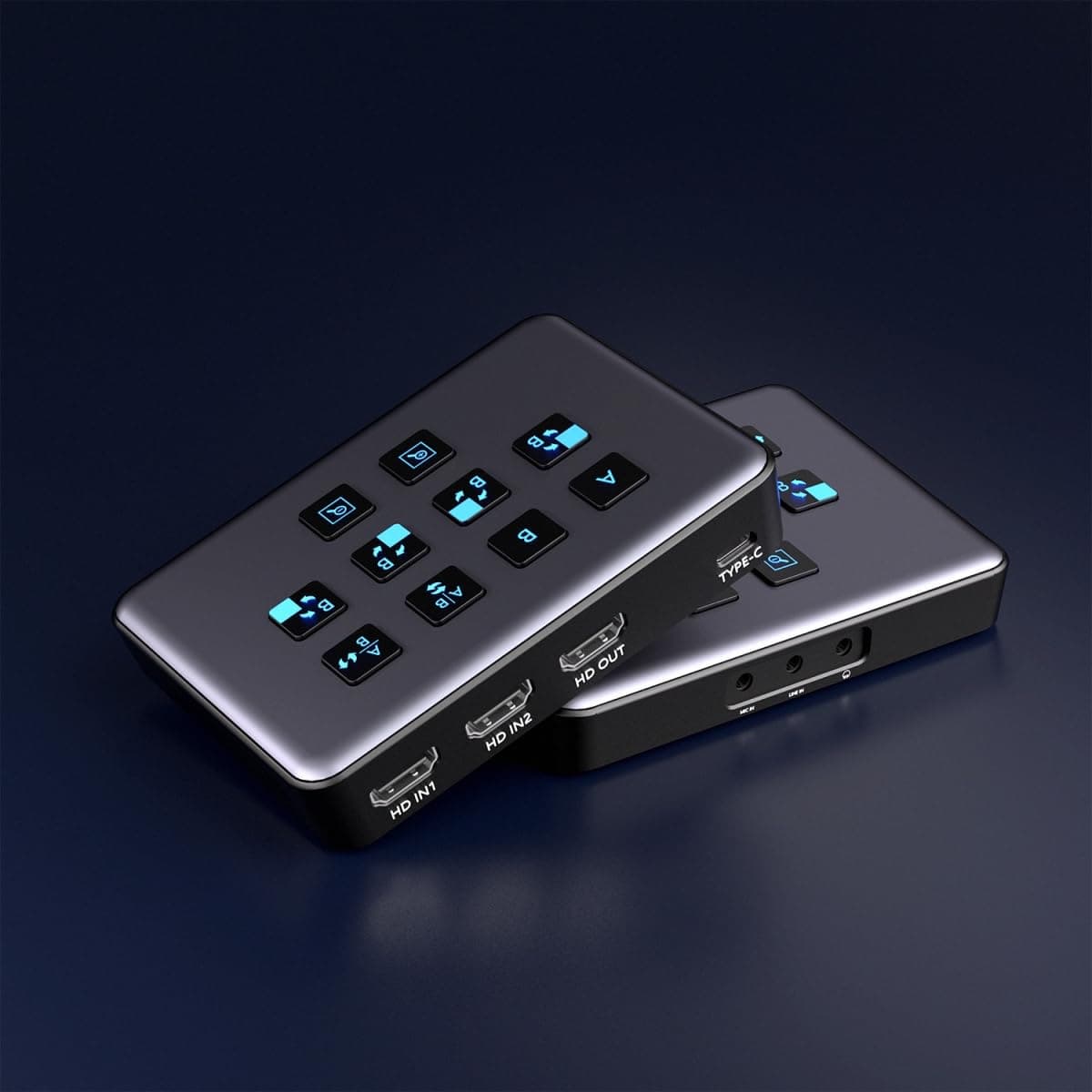
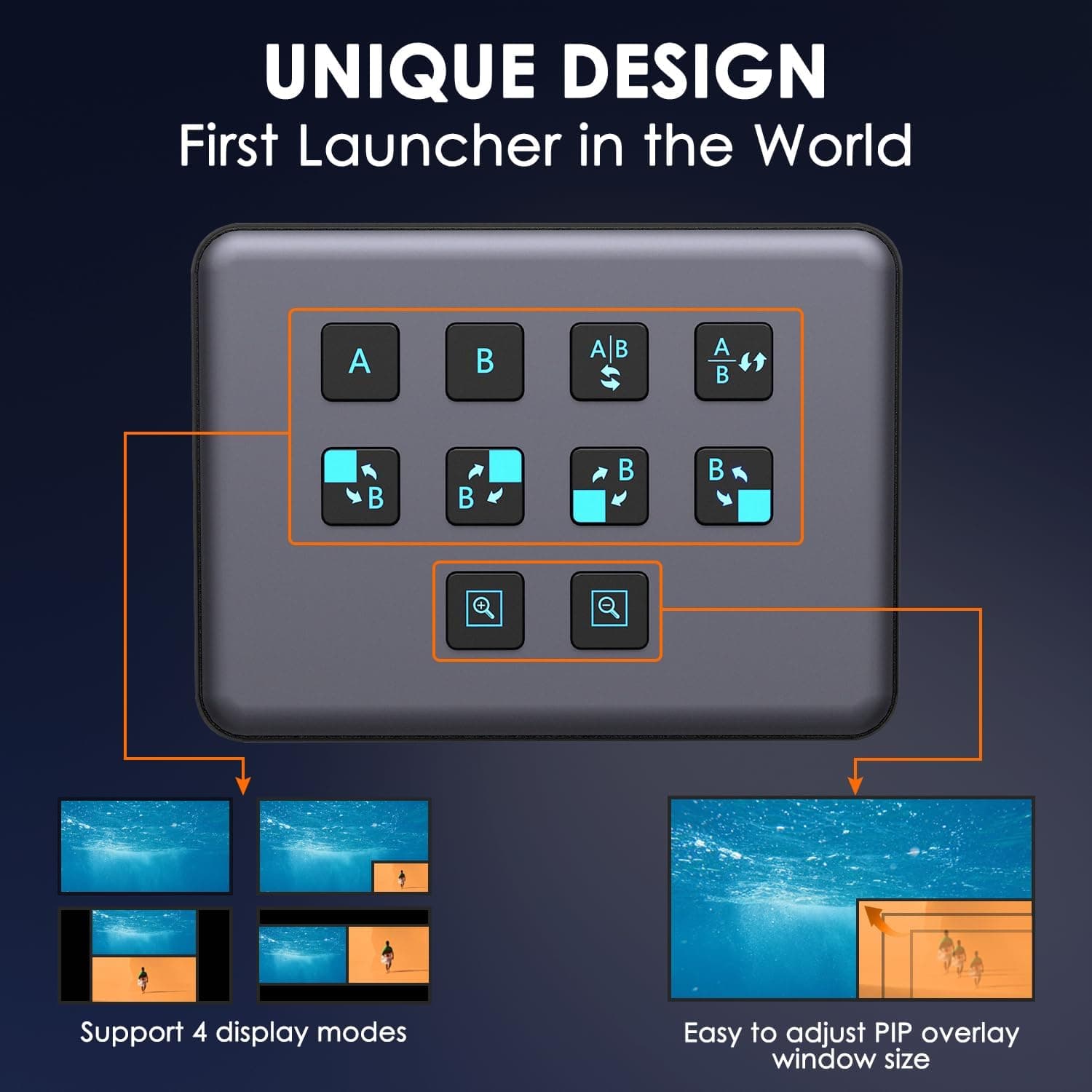
4K Dual HDMI Audio Video Capture Card, USB3.0 1080P 60FPS Equipment for Live Streaming,Capture Card with Loop Camera Link to Type-C Recording Game Video Mixer,Passthrough for Xbox PS5 PS4 Etc
EDISTEC
£25.99
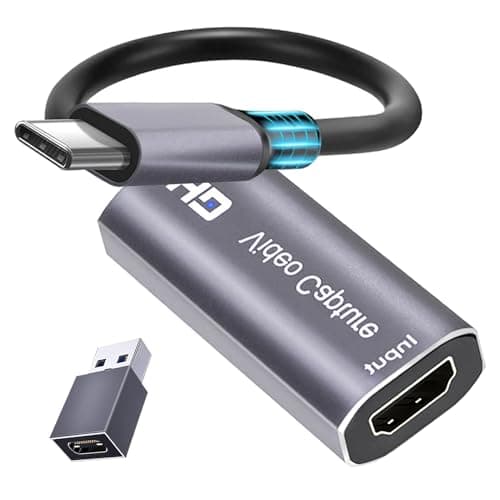
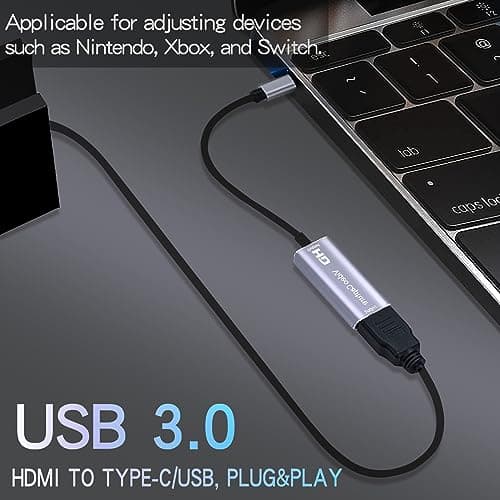
4K HDMI Capture Card, Cam Link Video Capture Card HDMI to 1080P Type-C for Windows Mac OS System for Streaming Gaming Meeting with USB C Adapter to Adjust PS3 4, Switch, Xbox
Extenuating Threads
£12.99
