
Logitech Brio Stream Webcam - Ultra 4K HD Video Calling,HD Auto Light Correction, Streaming,Black
Brand: Logitech
About this product
When you need to look your best in video calls and live streams, the Logitech Brio Stream Webcam stands out with its ultra 4K HD resolution. This means you'll appear crystal clear on screen, perfect for professional meetings or streaming games. The webcam's advanced features like Logitech RightLight 3 automatically adjust lighting conditions, ensuring you're always well-lit in various environments. With a choice of different field-of-views (dFOV) settings—90-degree, 78-degree, or 65-degree—you can decide whether to capture the entire room or focus solely on yourself. The dual omni-directional microphones work tirelessly to suppress background noise and enhance your audio clarity, making every conversation feel intimate and clear.
Highlights
- This external webcam features dual omni-directional microphones which suppress background sound so you can be heard clearly
- 4 times the resolution of a typical HD webcam; look great and enjoy a professional video experience wherever you are with the streaming webcam's 5 x HD zoom.Mic range: Up to 1.22 m
- Logitech RightLight 3 uses HDR technology to show you in the optimal lighting, even in low-light and backlit situations, so you look good for your Zoom meetings and conferencing
- Whether you prefer a wide-angle or close up, choose 90-degree, 78-degree or 65-degree dFOV via Logi Tune to include more of your environment or narrow the focus on you
- With Brio Stream, create high-quality pro video recording or streaming in any light condition
- Windows Hello integration: Easily and securely sign in to your computer, laptop or tablet without a password
Is this the right pick for you?
This Logitech Brio Stream Webcam is perfect for those who need a professional-grade video experience. It's ideal for gamers, content creators, and anyone involved in regular video calls or live streaming. The 5x HD zoom feature allows you to adjust the field of view from wide-angle to close-up, ensuring that your environment or just you are perfectly framed. Whether you're working from home or hosting a gaming session, this webcam ensures clarity and professionalism with its ultra-4K resolution. However, if you only need basic video calling for personal use, this might be overkill. The advanced features like Logitech RightLight 3 and the wide-angle lens add significant value but also increase the cost. If your primary needs are simple and straightforward, consider a more budget-friendly option that still meets your requirements. Setting up the Brio Stream Webcam is relatively straightforward. It connects via USB and requires minimal configuration. The webcam works seamlessly with Windows Hello for quick sign-in processes. Ensure you have enough space on your computer to store any SDHC or SDXC flash memory if you plan to use it for photo storage. For optimal performance, keep the webcam in a well-lit area but avoid direct sunlight or harsh lighting conditions that could cause glare. Regular maintenance is crucial to keep this high-end webcam functioning at its best. Clean the lens with a soft cloth and avoid using harsh chemicals. Store the webcam in a cool, dry place when not in use. Regularly update your software to ensure compatibility and security. With proper care, you can enjoy years of reliable service from your Logitech Brio Stream Webcam.
Frequently asked questions
What is the resolution of this webcam?
The Logitech Brio Stream Webcam offers 4 times the resolution of a typical HD webcam, providing ultra 4K video calling and streaming. This high-resolution feature ensures that your video looks great in any light condition, making it ideal for professional meetings or live streams.
Is this webcam compatible with both Mac and Windows computers?
Yes, the Logitech Brio Stream Webcam is designed to work with a wide range of devices, including both Mac and Windows computers. However, always check the manufacturer's listing for exact compatibility details before making your purchase.
Can I adjust the field of view on this webcam?
Absolutely! You can choose from 90-degree, 78-degree, or 65-degree dFOV via Logi Tune to either include more of your environment in wide-angle shots or narrow the focus and zoom in for close-up shots. This flexibility allows you to capture just the right amount of background or foreground detail.
You might also like
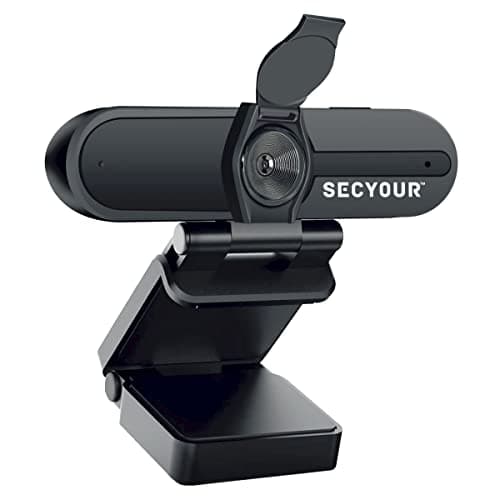
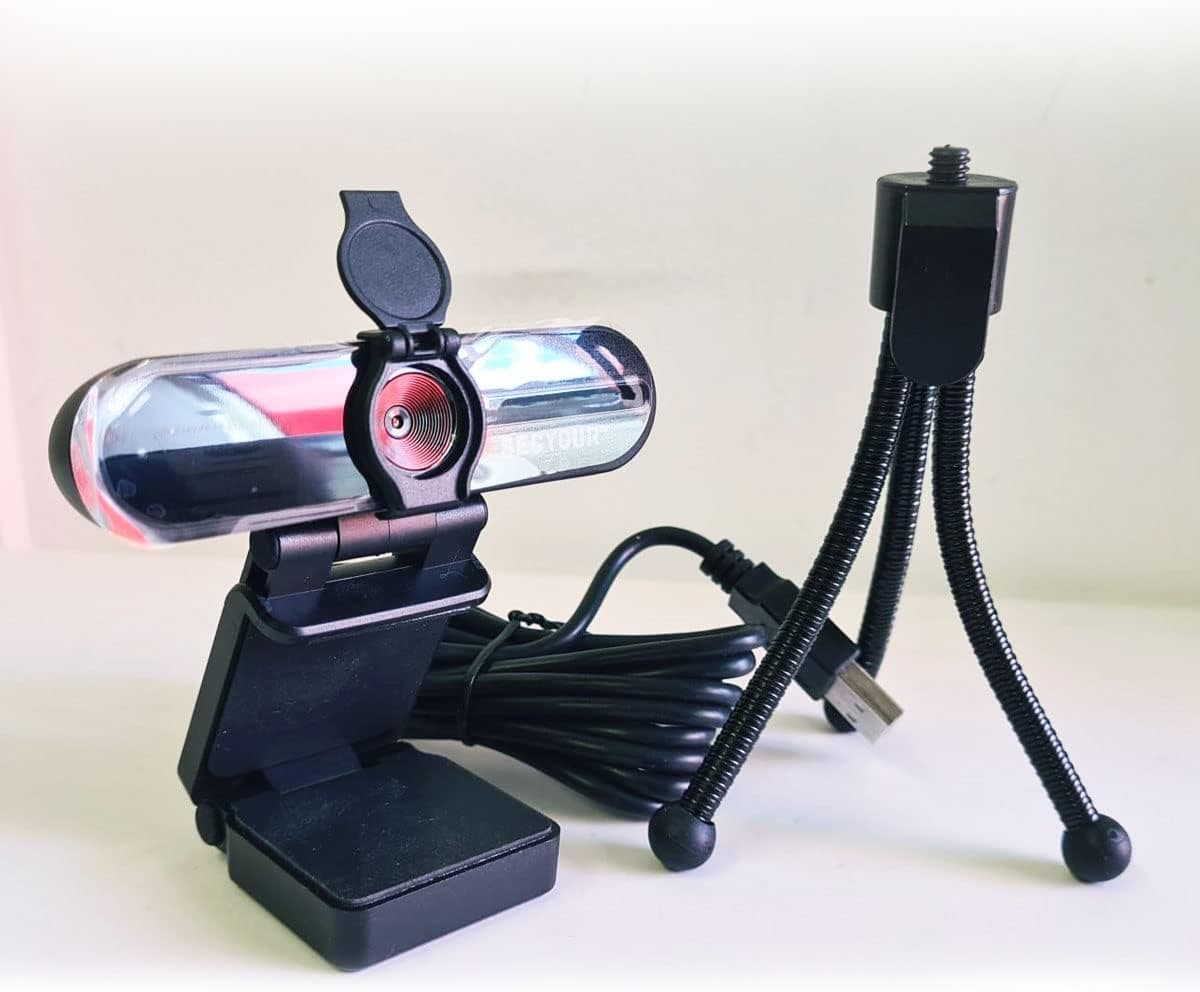
1080p HD USB Webcam Camera with Microphone for PC, Desktop, Laptop, Macbook, Live Streaming, Gaming, YouTube, Video Call Conference Web cam - Noise cancellation 30FPS with mini Tripod
SECYOUR
£8.50
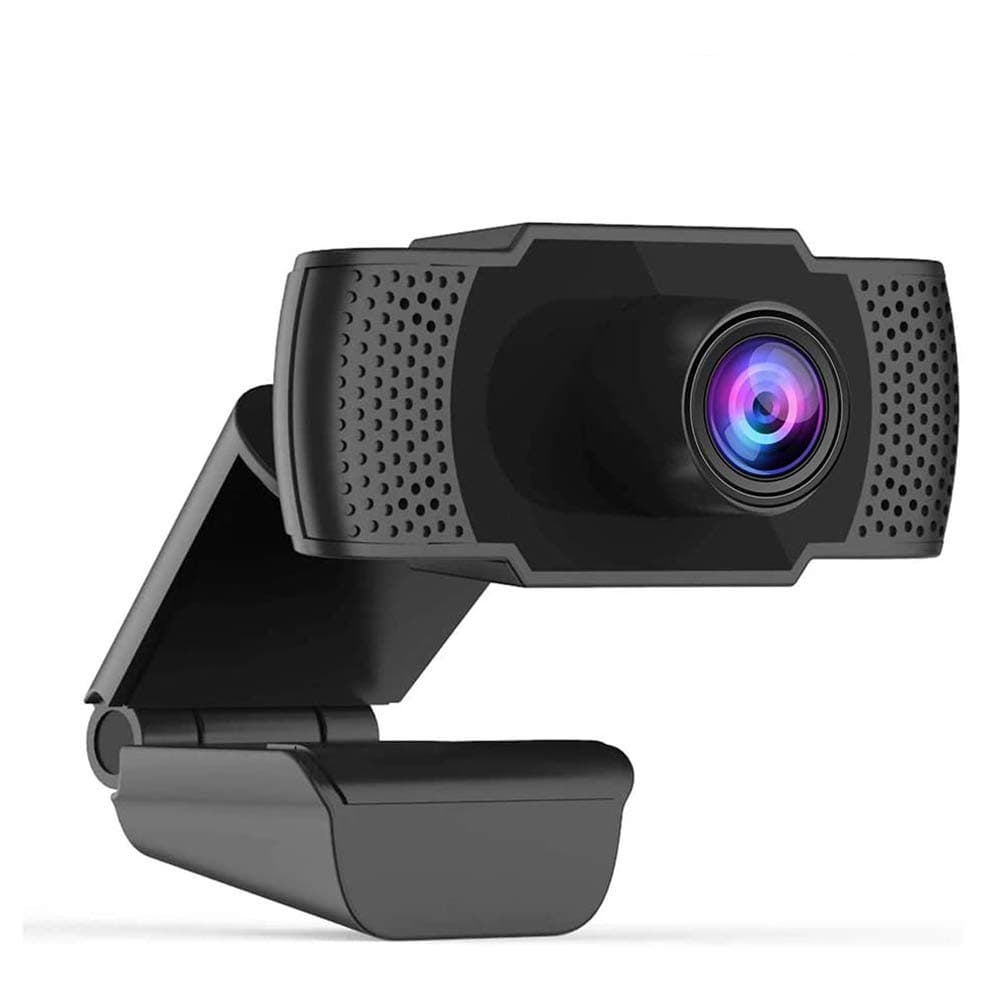
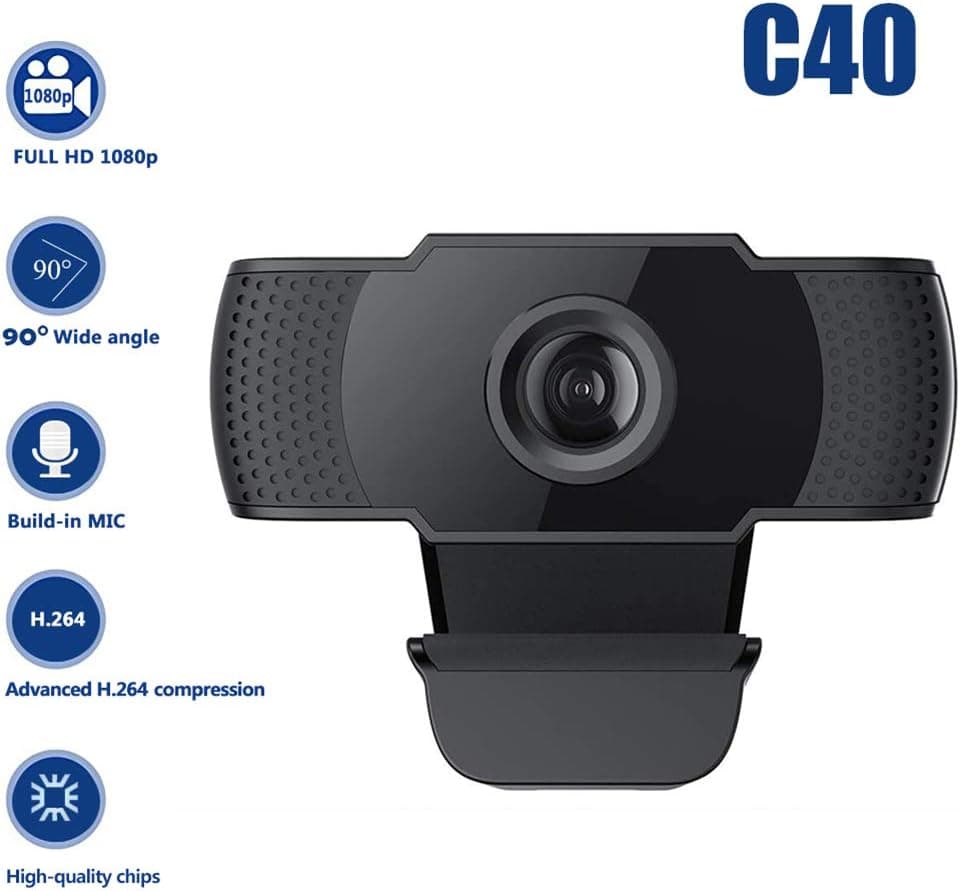
1080P HD Webcam USB Plug and Play Widescreen Built-in MIC Web Camera for PC
Aoewise
£79.99
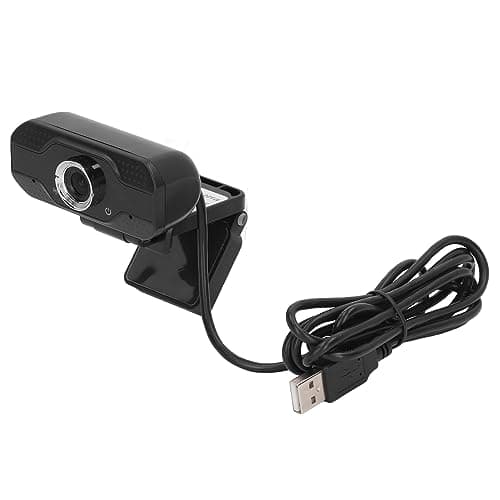
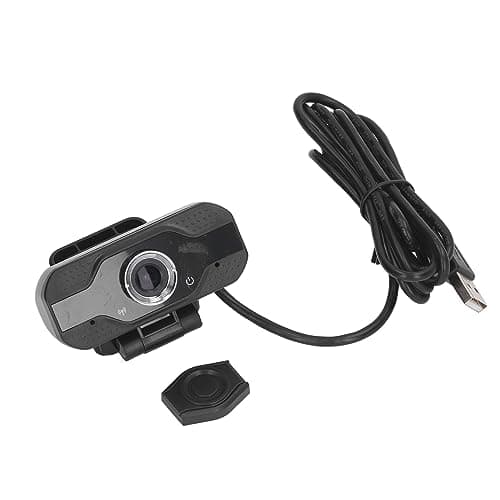
1080P HD Webcam with Dual Noise Canceling Microphone, Auto Light Color Correction, Wide Viewing Angle Plug and Play USB Camera for Video Calling, Recording
ciciglow
£6.33
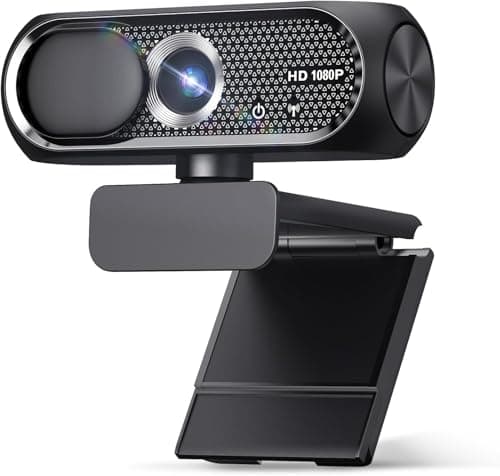
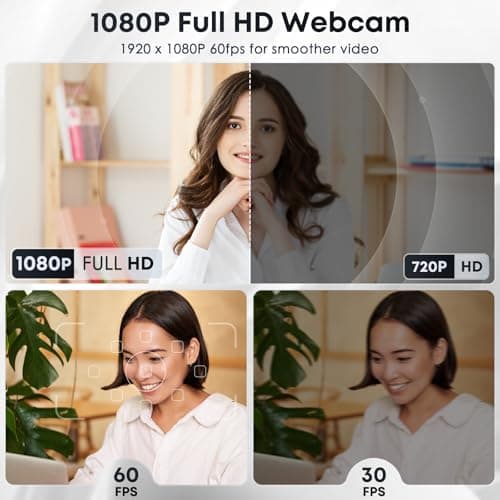
1080P HD Webcam with Microphone, Noise Cancellation, Privacy Cover, Wide-Angle Lens, Auto Light Correction, Plug & Play USB Web Camera for Laptop, Desktop, PC, Mac, Zoom, Skype, Streaming (Black)
Shcngqio
£19.99
