
Razer BlackWidow V4 (Green Switch) - Mechanical Gaming Keyboard Chroma RGB (Clicky Mechanical Switches, 6 Dedicated Macro Keys, Doubleshot ABS Keycaps) QWERTY UK Layout | Black
Brand: Razer
- Height
- 2.5 cm
- Length
- 46 cm
- Width
- 15 cm
- Weight
- 1000 g
About this product
Wouldn't you want a keyboard that not only looks sleek but also offers the precision needed for gaming? The Razer BlackWidow V4 (Green Switch) fits just right. With its clicky mechanical switches and dedicated macro keys, it's perfect for gamers who need quick responses and customization. Its Chroma RGB lighting adds to the visual appeal, making it stand out in any setup.
Specifications
- Height
- 2.5 cm
- Length
- 46 cm
- Width
- 15 cm
- Weight
- 1000 g
- Pack size
- 1
- Colour
- Green Clicky Switch
- Amazon Bestseller Rank
- #582
Is this the right pick for you?
The Razer BlackWidow V4 (Green Switch) is an excellent choice for gamers who demand precision and customization in their keyboard setup. Its green mechanical switches offer a tactile click that provides clear feedback with each keystroke, making it ideal for fast-paced games where quick responses are crucial. The 6 dedicated macro keys allow you to program complex commands or shortcuts directly from the keyboard, enhancing your gaming efficiency. However, this keyboard might not be the best fit if you prefer a quieter typing experience; green switches have more actuation noise compared to other switch types like linear or tactile. In a typical setup for competitive gamers and serious PC enthusiasts, the BlackWidow V4 integrates seamlessly with most gaming setups, thanks to its Chroma RGB lighting that can sync with other Razer devices. The QWERTY UK layout is well-suited for users who are accustomed to this keyboard configuration, providing an intuitive feel and familiar key placement. For those looking to customize their gaming environment further, the doubleshot ABS keycaps offer durability and a professional-grade finish. When setting up your new Razer BlackWidow V4, ensure you have the necessary drivers installed from Razer's official website for full functionality. The keyboard is compatible with Windows systems but may require additional software or configurations if used on other operating systems. Regular cleaning of the switches and keycaps will help maintain their performance over time; use a soft cloth to wipe away dust and debris, avoiding water or liquids that could damage the electronics.
Frequently asked questions
Is the Razer BlackWidow V4 compatible with my PC?
The keyboard is designed to work with Windows-based PCs. For Mac users, you may need a USB hub or adapter as it typically uses standard USB connections and does not support Apple’s proprietary USB interface directly.
Can I use this keyboard on multiple computers?
Yes, the Razer BlackWidow V4 can be used on any Windows PC that supports USB keyboards. However, if you plan to use it across different Macs or need to switch between systems frequently, ensure your setup allows for easy connection and disconnection.
What kind of switches does this keyboard have?
The Razer BlackWidow V4 features Green mechanical switches, which are known for their tactile feedback and audible click. This makes it suitable for gamers who prefer a distinct sound and feel during key presses, enhancing both precision and control in gameplay.
You might also like


100 Mechanical Keyboard Switches,Blue Switches with 3-Pin Transparent Caps,Dustproof and Waterproof,Kkeyboard Keys Suitable for DIY Kits,LED Keyboards,Gaming Keyboards,Etc
Othrion
£8.95
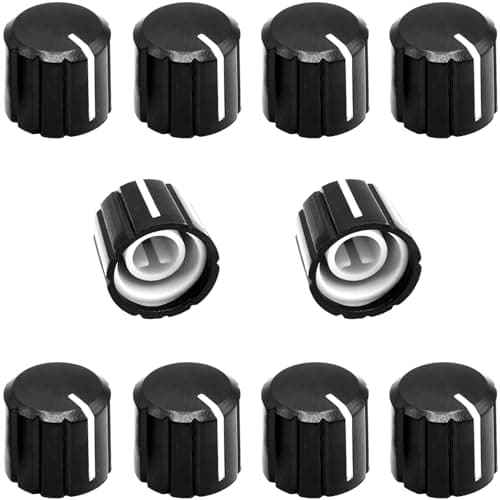
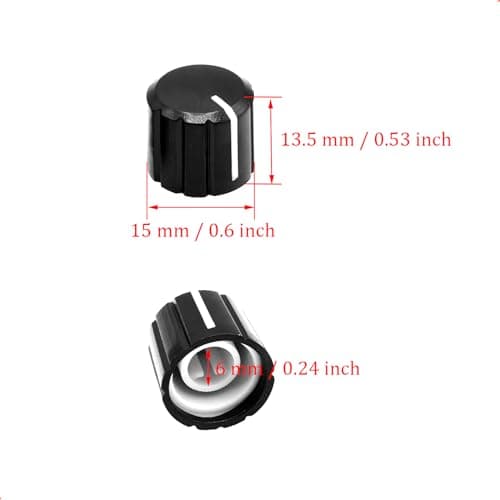
10Pcs 6mm D Type Potentiometer Control Knobs, Plastic Volume Audio Mixer Bass Tone Rotary Knob,for Encoder Electric Guitar Speaker Board DJ Controller Console Control Knob Replacement,Black 15x13.5mm
ZXUEZHENG
£3.99
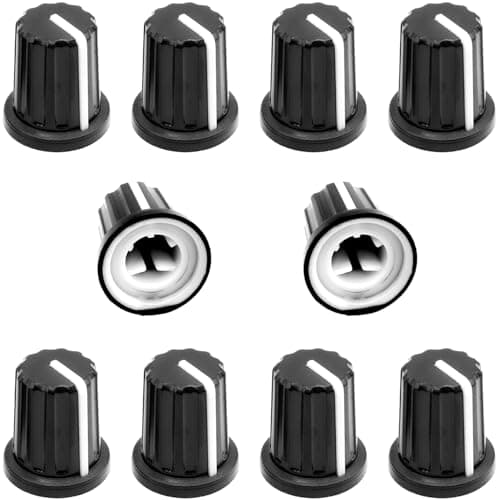
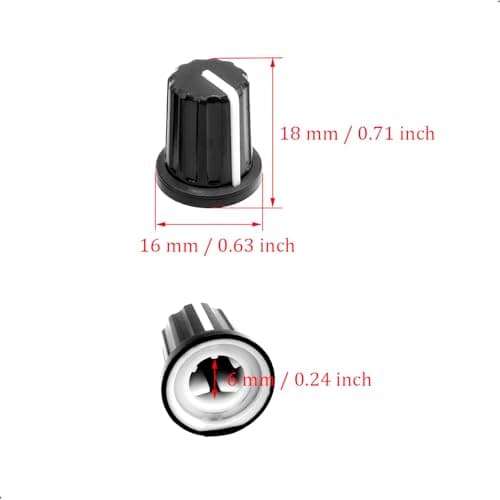
10Pcs 6mm D Type Potentiometer Control Knobs, Plastic Volume Audio Mixer Bass Tone Rotary Knob, for Encoder Electric Guitar Speaker Board DJ Controller Console Control Knob Replacement,Black,16 x 18mm
ZXUEZHENG
£3.99
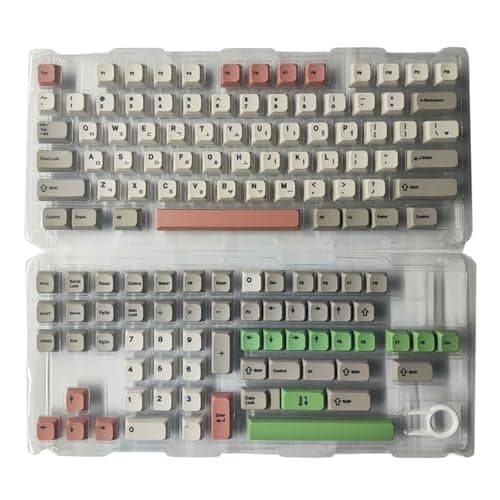
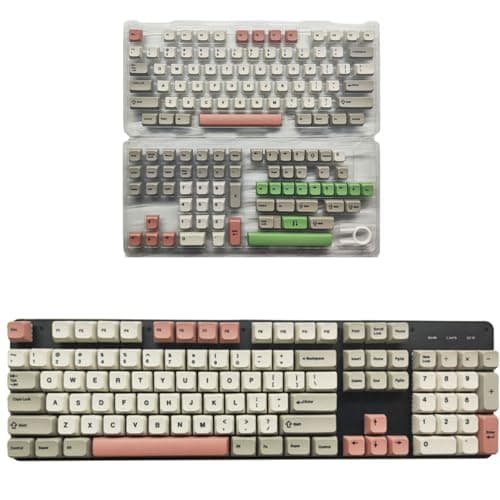
138Key 9009 Retro Theme Key Cap Set XDA Height PBT, Korea
Cosqeae
£21.29
