
CH Flight Stick Pro (Mac)
Brand: CH Products
- Is discontinued by manufacturer
- No
- Rated
- Unknown
- Package Dimensions
- 27.43 x 23.62 x 19.81 cm; 1.07 kg
- Release date
- 20 April 2009
About this product
Designed for pilots seeking a reliable and versatile flight stick, the CH Flight Stick Pro (Mac) offers an essential tool for both casual enthusiasts and dedicated gamers. With its three axes and four buttons, it provides precise control over ailerons, elevator, and throttle, while the 8-way POV hat switch adds flexibility in your gaming experience. The ambidextrous design ensures comfort whether you're right- or left-handed, making it a top choice for those who demand ease of use. This flight stick truly shines with its 22 programmable functions (expanding to 66 with the Pro Throttle mode), all managed through the included Control Manager Software. The dual rotary trim controls offer fine-tuned adjustments, perfect for achieving that critical edge in your gameplay. Whether you're flying virtual aircraft or navigating complex missions, the CH Flight Stick Pro is a standout choice in the flight sticks and HOTAS category.
Highlights
- 3 axis and 12 buttons (four push buttons and one 8 way point of view hat)
- Total of 22 (66 with the Pro Throttle mode switch) programmable functions with the new Control Manager Software (included)
- Side slide throttle wheel
- Comfortable grip designed for both left and right handed operation
- Dual rotary trim controls allow for precision adjustment of ailerons and elevators
- Quality components and construction
Specifications
- Is discontinued by manufacturer
- No
- Rated
- Unknown
- Package Dimensions
- 27.43 x 23.62 x 19.81 cm; 1.07 kg
- Release date
- 20 April 2009
- Item model number
- 5060020473715
- Guaranteed software updates until
- unknown
Is this the right pick for you?
This CH Flight Stick Pro (Mac) is a versatile choice for pilots and gamers who require precise control in their flight simulations or racing games. Its 3-axis design along with 12 buttons offers a comprehensive control setup that can be tailored to fit a wide range of needs through the included Control Manager Software, allowing up to 66 programmable functions. The side slide throttle wheel and dual rotary trim controls provide the precision needed for detailed maneuvers in flight simulators or fine-tuning car settings in racing games. However, this product might not be ideal for those looking for a more modern setup with advanced connectivity options like USB-C or wireless capabilities. While it is still in production, the release date from 2009 means that its design and features are somewhat dated compared to newer models on the market. Despite this, the CH Flight Stick Pro remains a solid choice for users who prioritize comfort and functionality over cutting-edge technology. When setting up your flight stick, ensure you have enough space due to its dimensions of 27.43 x 23.62 x 19.81 cm and weight of 1.07 kg. It is designed with a comfortable grip that accommodates both left- and right-handed users, making it suitable for various operating styles. Regular cleaning and maintenance will help keep the stick in good condition, especially after frequent use. The manufacturer guarantees software updates until an unspecified date, which means you can continue to refine your control setup as new features are added or existing ones improved.
Frequently asked questions
Is this flight stick compatible with Mac?
Yes, the CH Flight Stick Pro is designed to work with both PC and Macintosh systems. It supports Windows 98, 2000, XP, Vista, 7, and Mac OSX as well as newer versions like Windows 8. Make sure your system meets these requirements for seamless operation.
Can I use this with my wireless setup?
This flight stick is a wired controller, requiring a USB cable to connect directly to your computer. It does not support wireless or Bluetooth connections. For a wireless experience, you might want to consider other options available in the market that offer such features.
What can I do with the 8-way POV hat switch?
The 8-way POV hat switch allows for precise control and navigation within games or simulation software. It provides additional input versatility beyond simple button presses, enhancing your gaming experience by adding finer control over in-game actions like camera movements or aiming.
You might also like
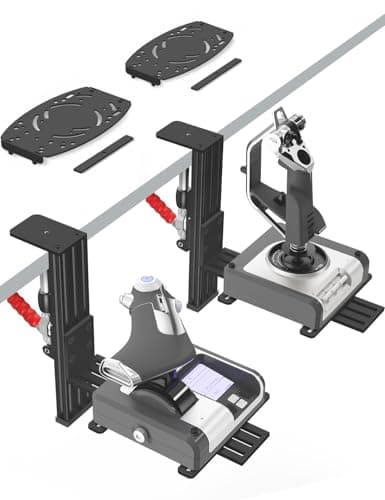
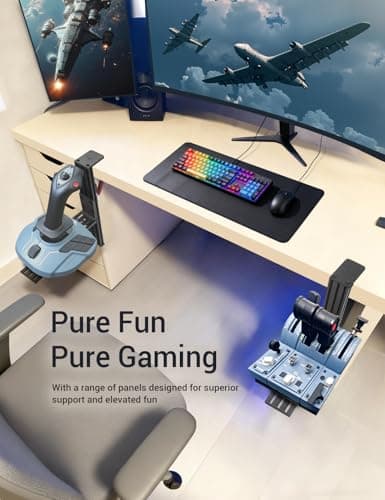
2 Pack Hotas Desk Mount for Flight Sim Hand-Controllers Compatible with Logitech X52 X56 Hotas, Thrustmaster Hotas Warthog, Sol-R2, SimTask Farmstick, T. Flight Hotas, T.16000M, TCA, Winwing,VKB, VPC
VTUIFBT
£64.88
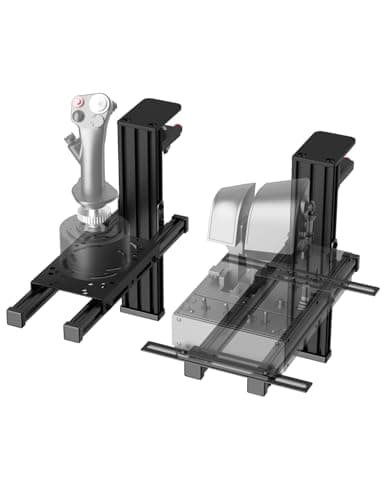
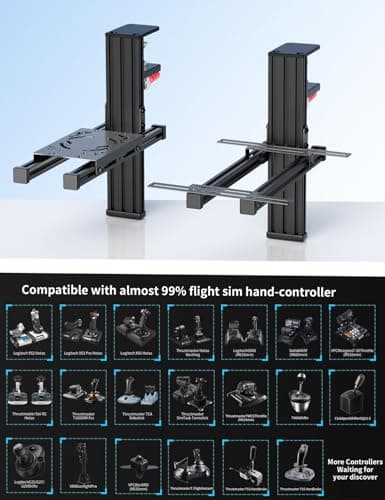
2 Pack Hotas Desk Mount For Flight Sim Joystick Compatible with Logitech X56/X52/X52 Pro, Thrustmaster Hotas Warthog/ T.16000M/ T-Flight Hotas 4/X/ SimTask Farmstick/ Sol-R2, Winwing, VPC, VKB Hotas
VTUIFBT
£59.99
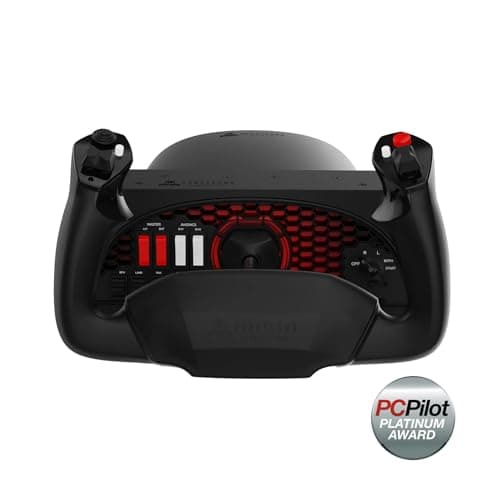
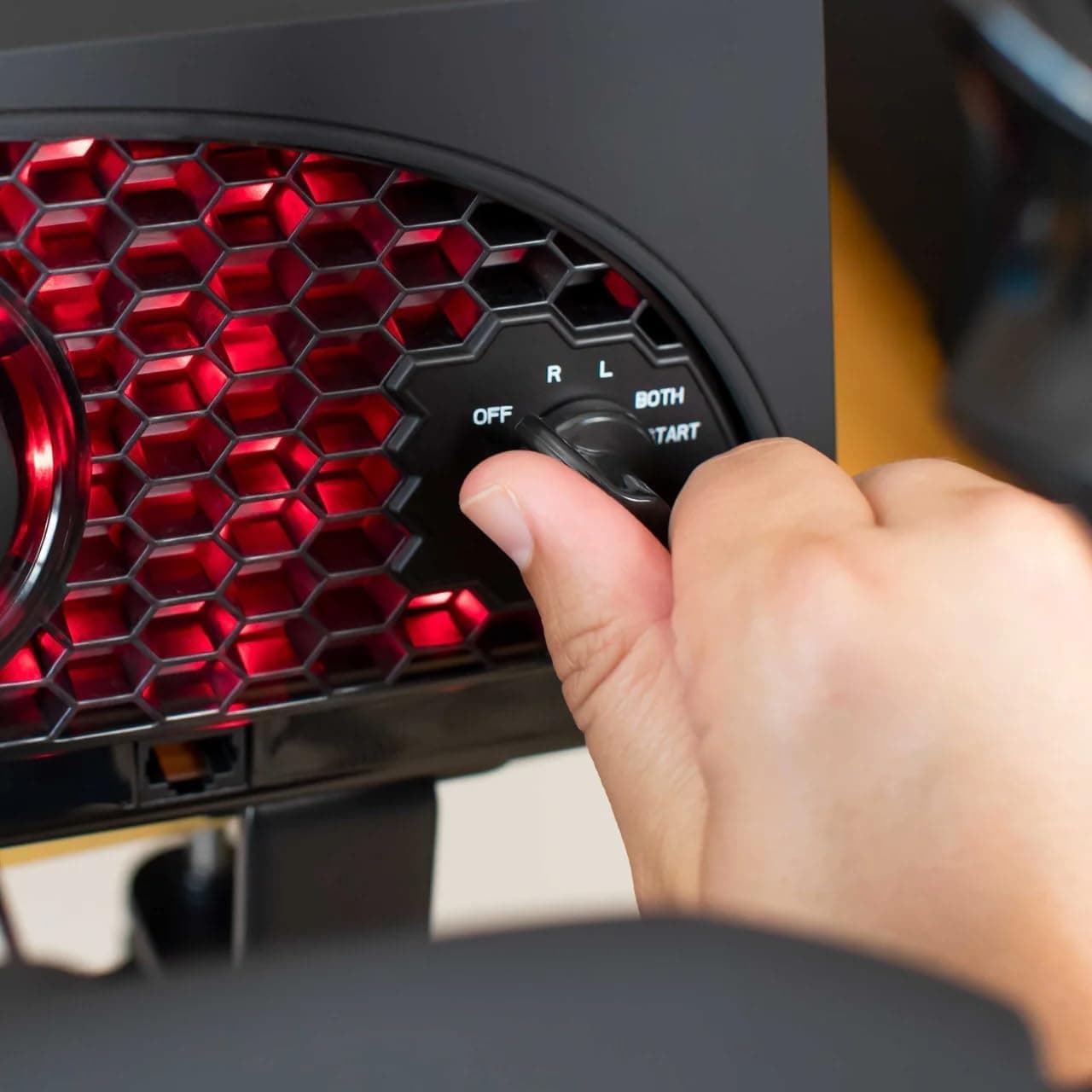
Aerosoft Honeycomb Alpha Flight Controls Flugsimulator-Steuerhorn USB PC black
Honeycomb Aeronautical
£301.16
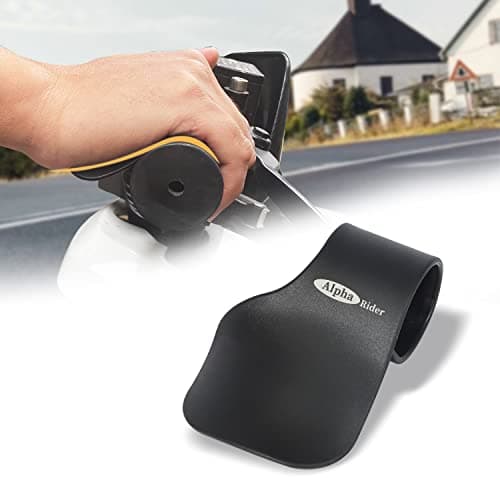
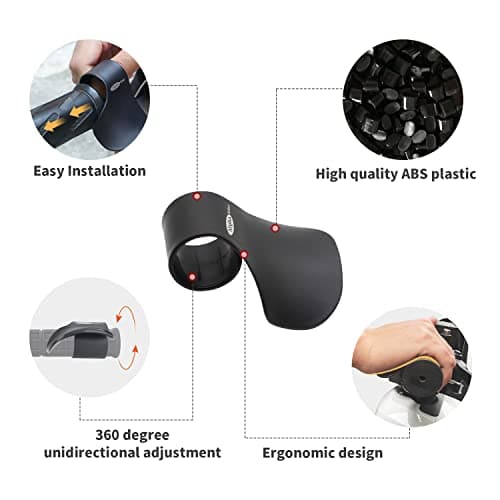
Alpha Rider Universal Motorcycle 22MM Black Throttle Mounted
Alpha Rider
£8.99
