
ASUS RT-AX57 GO - AX3000 Dual Band WiFi 6 (802.11ax) Travel Router, support 4G & 5G mobile tethering & public WiFi (WISP) mode, comprehensive VPN features, easy setup, AiMesh support, guest portal.
Brand: ASUS
About this product
For gamers on the go who need reliable internet access whether at home or while traveling, the ASUS RT-AX57 GO - AX3000 Travel Router is a perfect fit. This dual-band WiFi 6 router supports both 4G and 5G mobile tethering, making it easy to stay connected even when you're away from your main network. With its versatile WISP mode, you can also create a private hotspot using public Wi-Fi networks, ensuring uninterrupted gaming sessions wherever you go. Equipped with comprehensive VPN features for secure connections and an intuitive setup process, this travel router stands out in the Gaming Routers category. Its AiMesh support allows seamless expansion of your network, while the guest portal feature keeps your personal data safe. Whether you're a professional esports player or just someone who needs strong internet on-the-go, this router is designed to meet your needs.
Highlights
- Tri-mode connectivity for travel, work and home with 4G/5G mobile tethering, a private hotspot over public WiFi (WISP mode), and router mode.
Is this the right pick for you?
This ASUS RT-AX57 GO is perfect for gamers who travel frequently or work remotely. Its tri-mode connectivity allows you to switch seamlessly between 4G/5G mobile tethering and public WiFi (WISP mode) when you're on the go, ensuring a stable connection wherever you are. Whether you’re streaming your favorite games from home or playing online while traveling, this router provides the reliability needed for smooth gameplay. The router mode is also handy if you need to set up a private network in a hotel or other public space. For those who prefer a more straightforward setup experience, this ASUS model offers an easy configuration process. It’s designed with simplicity in mind, making it accessible even for users who aren’t tech-savvy. Additionally, the comprehensive VPN features ensure your online activities remain secure and private, which is crucial for gaming where you might be downloading content or communicating with other players. Before purchasing, consider that this router supports AiMesh technology, allowing you to expand your network coverage if needed by adding more compatible devices. However, it’s important to note that the guest portal feature can be a double-edged sword; while useful for sharing internet access, it might also introduce security risks if not managed properly. Ensure you understand how to configure and secure this feature to protect both your privacy and the network. Lastly, remember that while the setup is straightforward, having some basic knowledge of networking concepts will help in troubleshooting any issues that may arise. The retailer’s customer support can be a valuable resource for assistance with configuration or any other questions you might have after purchase.
Frequently asked questions
What types of connectivity does the ASUS RT-AX57 GO support?
The ASUS RT-AX57 GO supports tri-mode connectivity, allowing you to use it as a private hotspot over public WiFi (WISP mode), in router mode for home or office networks, and with 4G/5G mobile tethering. This flexibility is ideal for travelers who need reliable internet access on the go.
Can I use this router for gaming?
Absolutely! The ASUS RT-AX57 GO supports WiFi 6 (802.11ax), which offers faster speeds and lower latency compared to previous standards, making it perfect for gaming. Its AiMesh technology can also extend your network coverage, ensuring you have a strong signal throughout your home or workspace.
What is WISP mode and how does it work?
WISP (Wireless Internet Service Provider) mode allows the router to connect to public WiFi networks and share that connection with devices in its range. This feature is particularly useful for extending internet access when you're on the go, as it can help bridge gaps in your network coverage.
You might also like
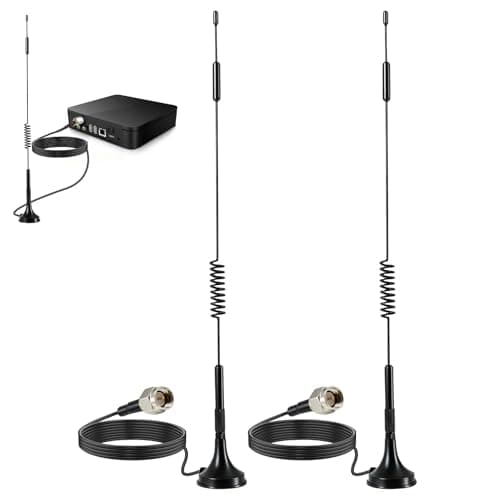
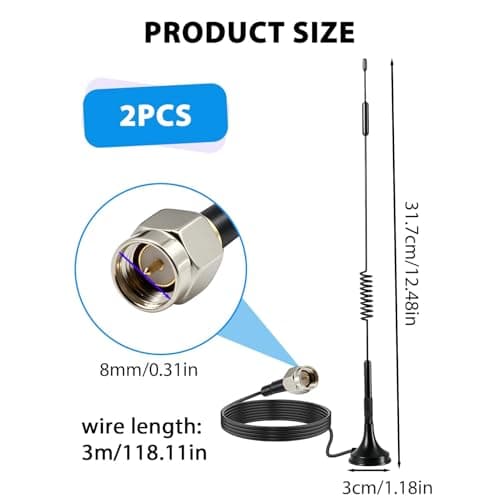
2Pack 4G LTE Antenna 7dBi High Gain SMA Male Aerial with 3m Magnetic Base with SMA Connector Signal Booster for Netgear TP-Link Router Modem Hotspot Wireless Router Hub Indoor Outdoor
Aradoea
£11.49
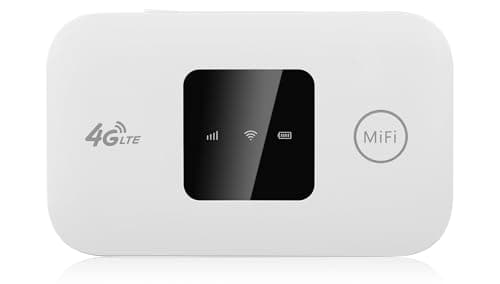
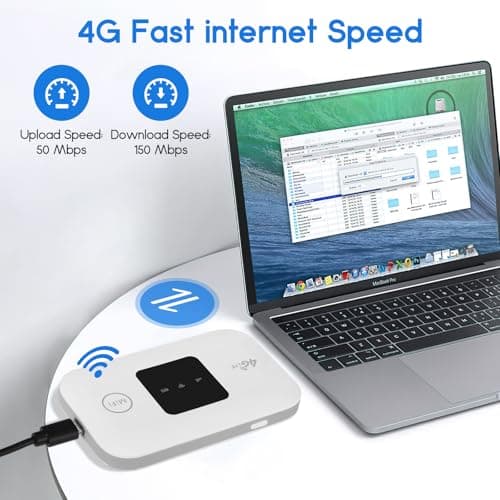
4G/5G MiFi Router,Portable Wifi Travel Router with SIM Card Slot,Pocket 4G LTE Internet Hotspot Up To 10 Users for Travel Phone Computer Laptop
VIHBRAI
£16.99
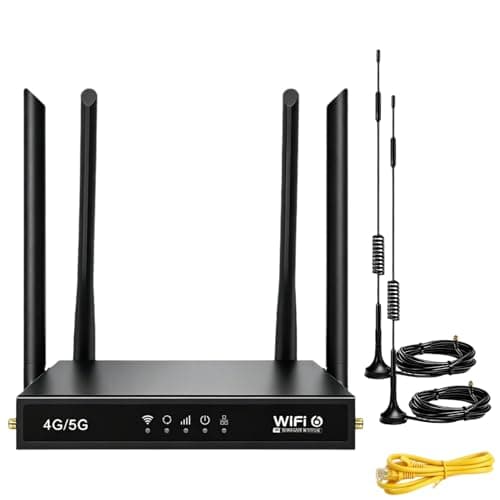

4G Router with SIM Card Slot, 4G LTE WiFi 6 Router 300Mbps, Plug & Play Mobile WiFi Router with 4 LAN/WAN Ports, 6 High Gain Antennas, SIM Card Router for Travel Home Office Caravan CCTV
Pak2iaa
£39.99
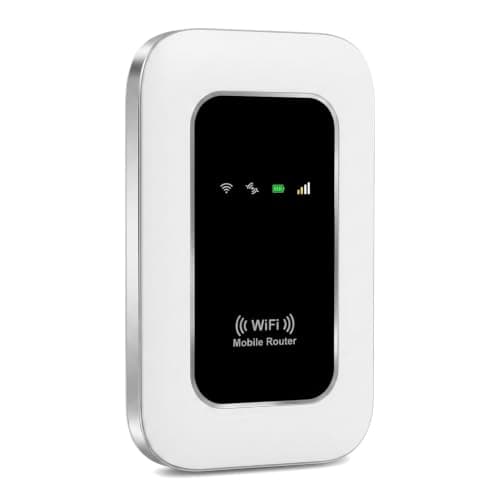

5G Mobile WiFi Hotspot, Unlocked Portable Router with SIM Slot, Ultra-Fast Internet up to 300 Mbps, Pocket-Sized Travel Modem for Remote Work & UK Trips, Connects up to 16 Devices Simultaneously
Generic
£37.99
