
Poly Studio P5 USB 1080p Webcam (Plantronics + Polycom) - HD PC/Laptop Camera for Video Conference - High/Low Light Compensation - Monitor & Tripod Mount - Privacy Shutter - Teams/Zoom Certified
Brand: Plantronics
- Colour
- Black
About this product
High-light compensation is a standout feature of the Poly Studio P5 USB 1080p Webcam, making it perfect for video conferences in both well-lit and dim environments. Whether you're working from an office or a home setup with varying lighting conditions, this webcam ensures your image remains clear and professional. Designed for versatile use on monitors or tripods, the Poly Studio P5 is not just another webcam; it's crafted to enhance your virtual meetings. Its certification for both Microsoft Teams and Zoom means it seamlessly integrates into popular video conferencing platforms, ensuring a smooth and reliable experience every time you connect.
Specifications
- Colour
- Black
Is this the right pick for you?
This webcam is ideal for professionals who require a reliable video conferencing solution, especially those working in environments where lighting conditions can vary. Its high/low light compensation feature ensures that your face remains well-lit and clear during calls, making it perfect for use in both bright and dimly lit rooms. The monitor and tripod mount options provide flexibility in placement, allowing you to adjust the camera to your preferred angle or position, which is particularly useful when setting up a home office or dedicated video conferencing station. For those who frequently switch between different applications or platforms, this webcam’s Teams/Zoom certification means it will work seamlessly with popular communication tools without any need for additional drivers or software installations. However, if you primarily use other video conferencing services that are not certified by Poly, such as Skype or Google Meet, you might want to consider whether these features align with your needs. Before purchasing, ensure that the webcam is compatible with your computer’s USB port and operating system. The P5 is designed for Windows 10/11, macOS Big Sur/Monterey, and Linux systems, so it should work out of the box on most modern PCs and laptops. Additionally, take care to handle the camera gently during setup and use, as it is relatively small and can be easily damaged if mishandled. Regularly cleaning the lens with a soft cloth will help maintain image quality over time.
Frequently asked questions
Is the Poly Studio P5 webcam compatible with my PC or laptop?
The Poly Studio P5 is a USB webcam designed to work with both PCs and laptops. It requires a USB connection for power and data transmission, so it’s compatible with most modern systems. Check your device's USB port compatibility if you’re unsure.
Can I use this webcam on multiple devices?
Yes, the Poly Studio P5 can be used on multiple devices as long as they have available USB ports. It’s ideal for professionals who need to switch between workstations or share a single webcam across different computers.
What kind of lighting conditions is this webcam suitable for?
The Poly Studio P5 offers high/low light compensation, which means it performs well in various lighting conditions. Whether you’re in a brightly lit office or a dimly lit room, the camera adjusts to provide clear and sharp video quality.
You might also like
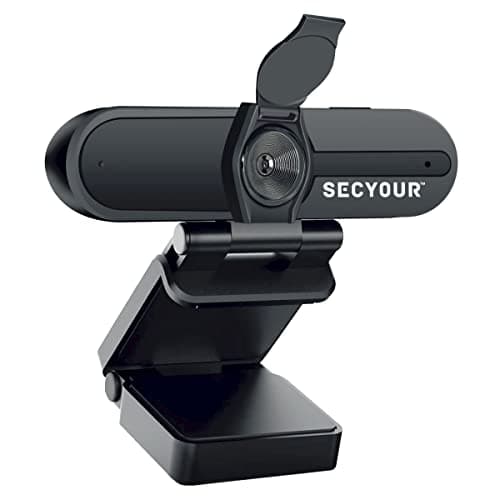
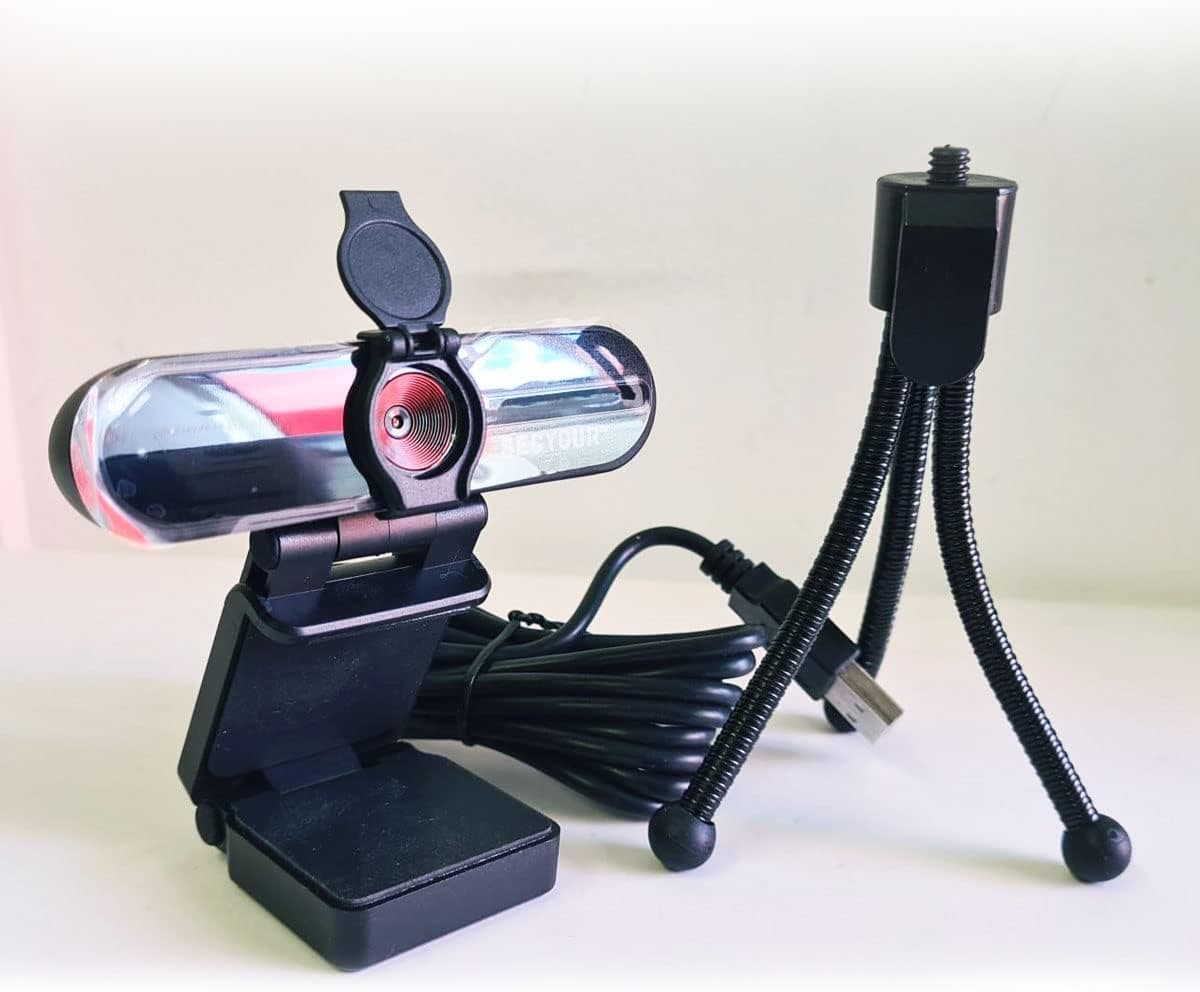
1080p HD USB Webcam Camera with Microphone for PC, Desktop, Laptop, Macbook, Live Streaming, Gaming, YouTube, Video Call Conference Web cam - Noise cancellation 30FPS with mini Tripod
SECYOUR
£8.50
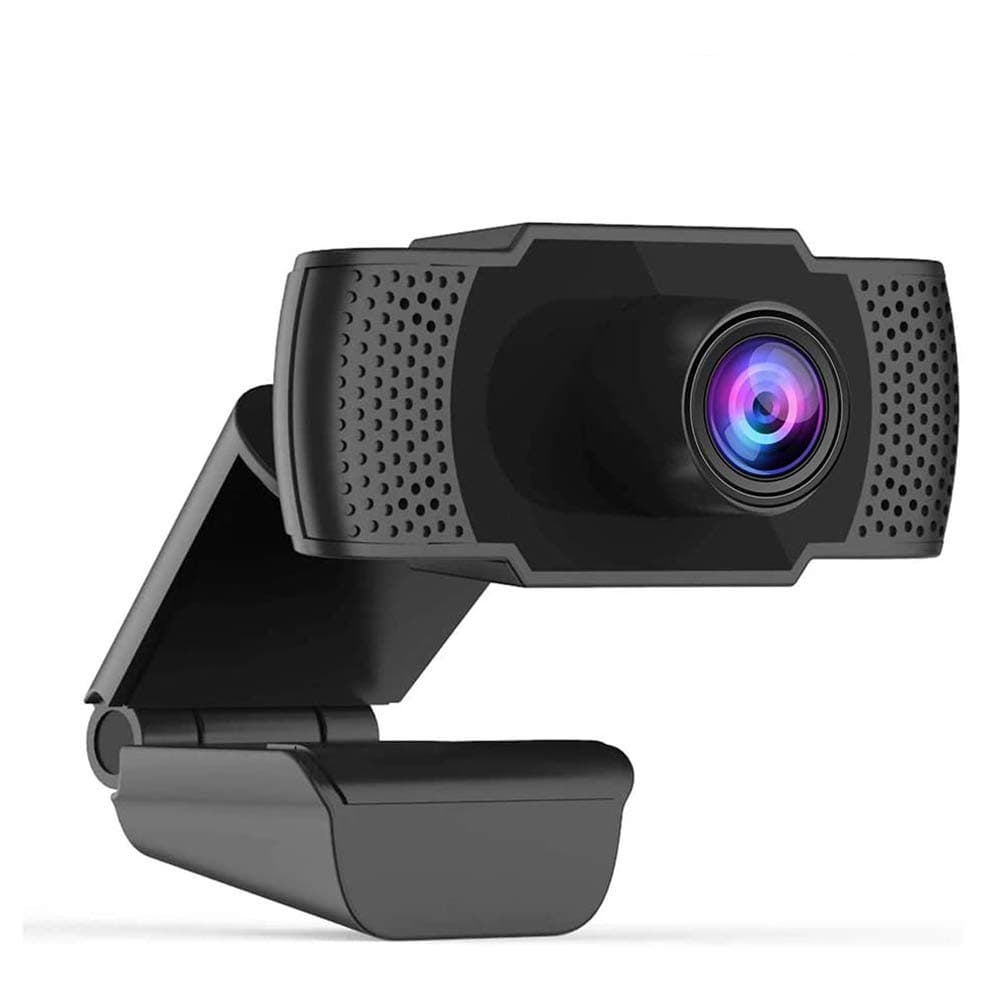
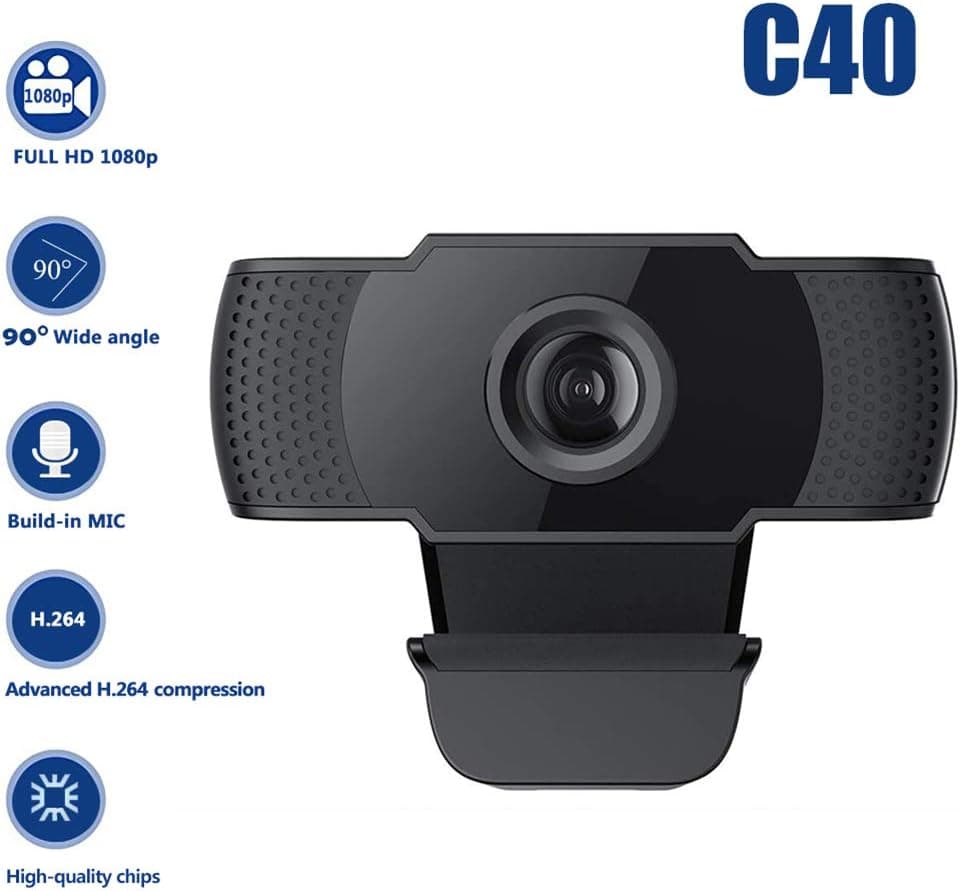
1080P HD Webcam USB Plug and Play Widescreen Built-in MIC Web Camera for PC
Aoewise
£79.99
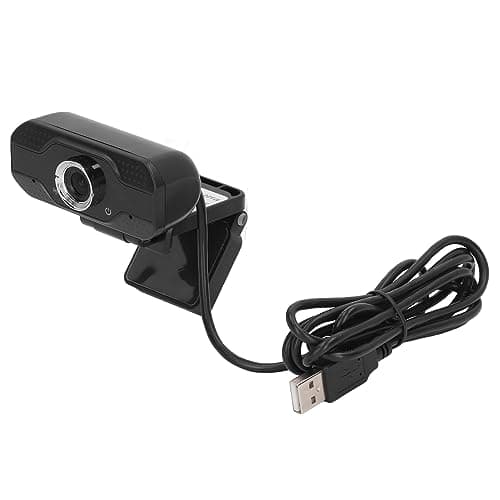
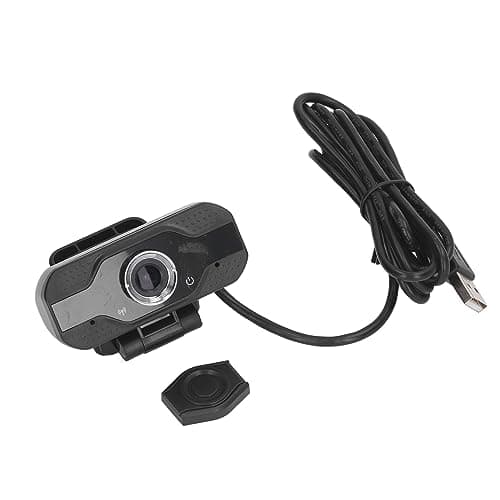
1080P HD Webcam with Dual Noise Canceling Microphone, Auto Light Color Correction, Wide Viewing Angle Plug and Play USB Camera for Video Calling, Recording
ciciglow
£6.33
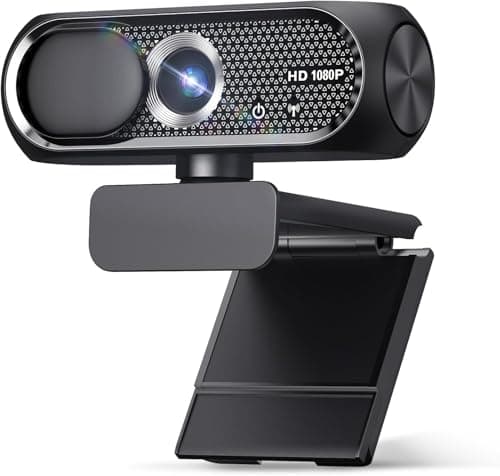
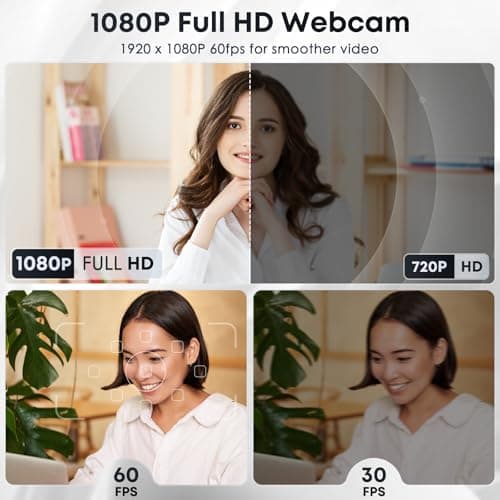
1080P HD Webcam with Microphone, Noise Cancellation, Privacy Cover, Wide-Angle Lens, Auto Light Correction, Plug & Play USB Web Camera for Laptop, Desktop, PC, Mac, Zoom, Skype, Streaming (Black)
Shcngqio
£19.99
