
AVerMedia Live Gamer Portable Lite, Get started on YouTube & Twitch, Game Streaming and Game Capture for PS4, Xbox One, Nintendo Switch - HD 1080p, H.264 Hardware Encoding
Brand: AVerMedia
About this product
If you're looking to start streaming your gaming sessions on platforms like YouTube and Twitch from devices such as PS4, Xbox One, or Nintendo Switch, the AVerMedia Live Gamer Portable Lite is a great option. This capture card supports full HD 1080p video quality with H.264 hardware encoding, ensuring smooth and clear streams directly to your favorite streaming platforms. With ultra-low latency, this card provides an almost seamless experience for both you and your viewers, making it perfect for those who want a high-quality setup without the need for complex configurations or additional software.
Highlights
- Capture card to stream and record PC, Xbox, PlayStation, Wii U, Nintendo Switch gameplays
- Full HD quality: capture in full HD 1080p with H.264 hardware encoder
- Ultra low latency. PC compatible. Required operating sytem: Windows 10 / 8.1 / 7; MacOS: 10.9 / 10.10 / 10.11 / 10.12 / 10.13
- Stream or share directly to YouTube, Twitch, and more with built-in commentary and RECentral software
- TimeShift function to record retroactively
Is this the right pick for you?
This AVerMedia Live Gamer Portable Lite is an excellent choice for gamers who want to stream and capture their gameplay on platforms like YouTube and Twitch. It's particularly well-suited for those using PS4, Xbox One, or Nintendo Switch consoles, as it supports these systems directly. If you're looking to enhance your streaming experience by adding commentary or simply recording your sessions, this card offers a straightforward solution with its built-in RECentral software. However, if you primarily use a PC for gaming and streaming, you might want to explore other options that offer more advanced features specific to PC gamers. In a typical setup, the AVerMedia Live Gamer Portable Lite is connected via USB to your console or PC, and it captures the video feed directly from there. This makes it easy to get started with streaming without needing additional hardware. The ultra-low latency feature ensures that your gameplay experience remains smooth and responsive during live streams. For those who need to record gameplay for later viewing, the TimeShift function allows you to capture footage even when you're not actively streaming. Before making a purchase, consider the following practical aspects: First, ensure your operating system meets the requirements (Windows 10/8.1/7 or MacOS 10.9-13). Second, while this card supports multiple platforms, it may require some configuration to work seamlessly with Nintendo Switch due to its unique audio and video output. Lastly, proper care is essential; keep the device in a cool environment to avoid overheating during extended use, as it does not have built-in cooling like some other capture cards.
Frequently asked questions
Is this capture card compatible with my PS4?
Yes, the AVerMedia Live Gamer Portable Lite is fully compatible with your PS4 for game streaming and recording. However, make sure your PS4 is running a firmware version that supports external capture devices.
Can I use this to stream on Twitch or YouTube directly from my PC?
Absolutely! With built-in commentary and RECentral software, you can easily stream or share your gameplay directly to platforms like Twitch or YouTube. This feature simplifies the process of setting up live streams without needing additional software.
What operating systems does this capture card work with on a PC?
The AVerMedia Live Gamer Portable Lite supports Windows 10, 8.1, and 7 for PC use. For Mac users, it's compatible with macOS versions 10.9 through 10.13. Ensure your operating system is up to date before connecting the capture card.
You might also like
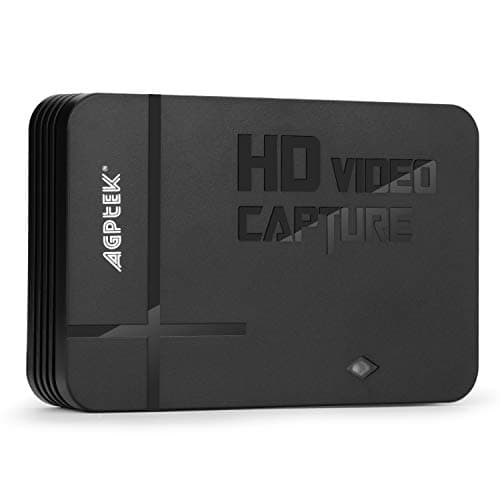
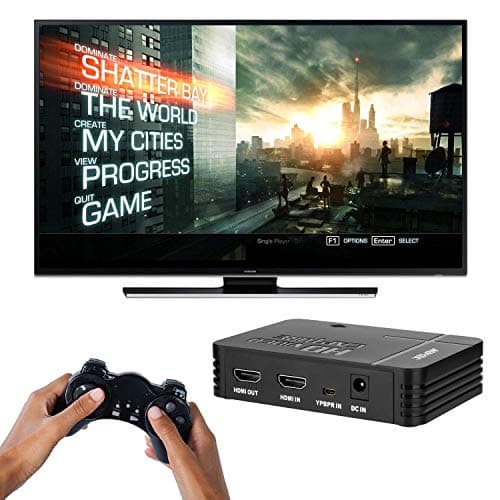
1080P Game Video Capture Card with HDMI and YpbPr Input, Mic-in Video Recorder Compatible with Xbox 360/One/ PS3 /PS4 etc
AGPTEK
£64.18
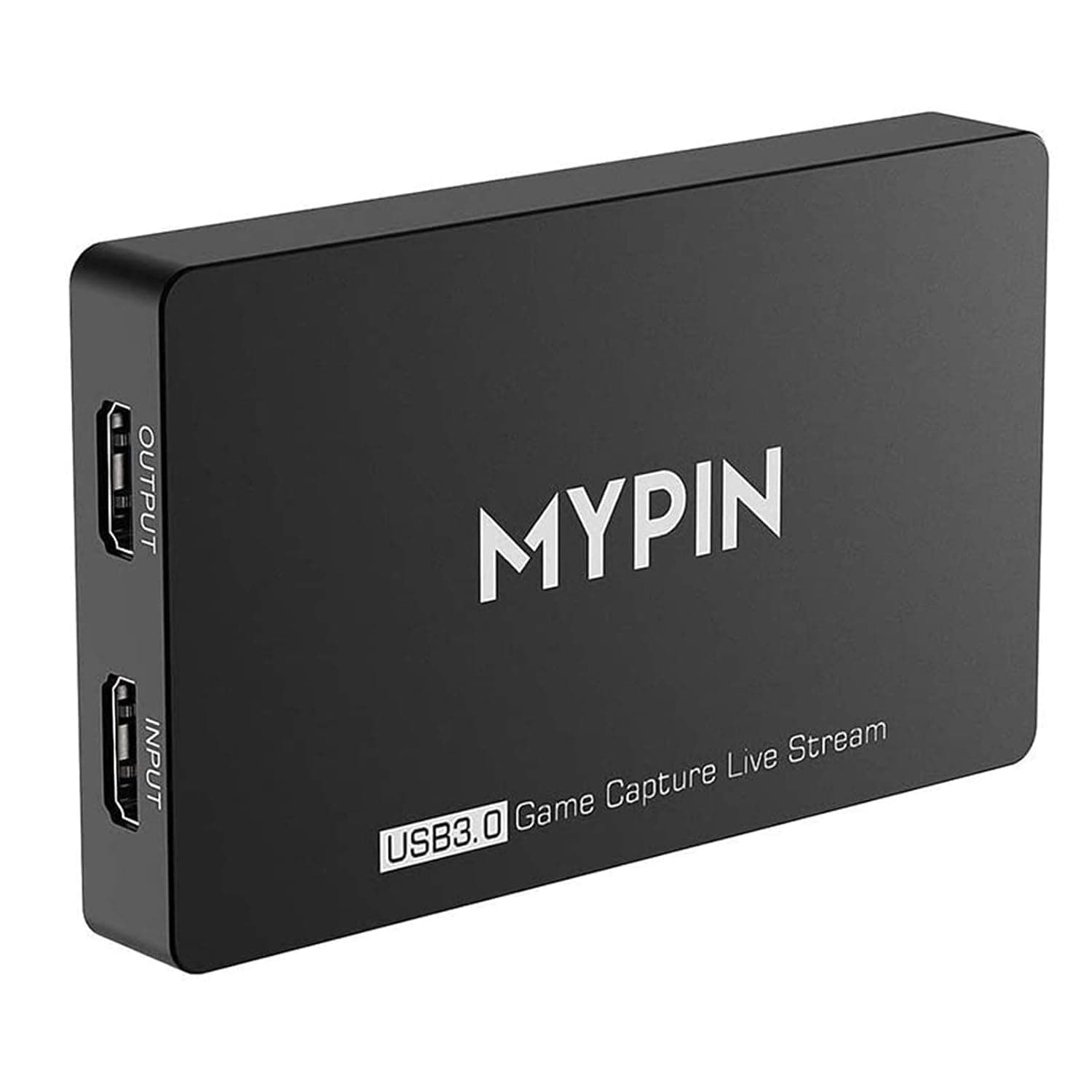
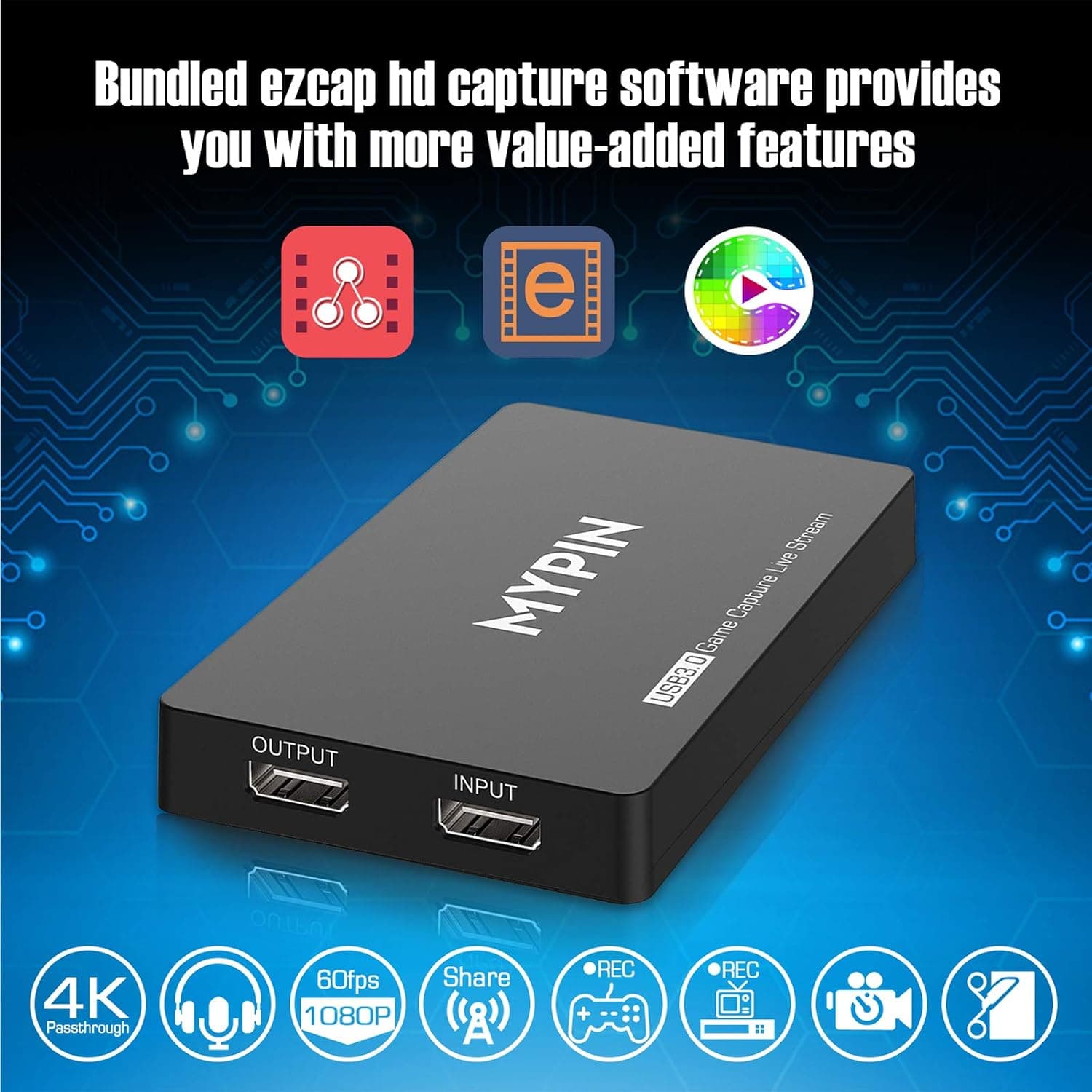
4K Capture Card for Live Streaming, MYPIN USB3.0 HDR Capture 1080P@60fps Support Microphone and Gamepad Party Chat for Nintendo Switch/ PS4 /Xbox One 360 /Wii U/Action Camera/DSLR Camcorder
MYPIN
£19.99
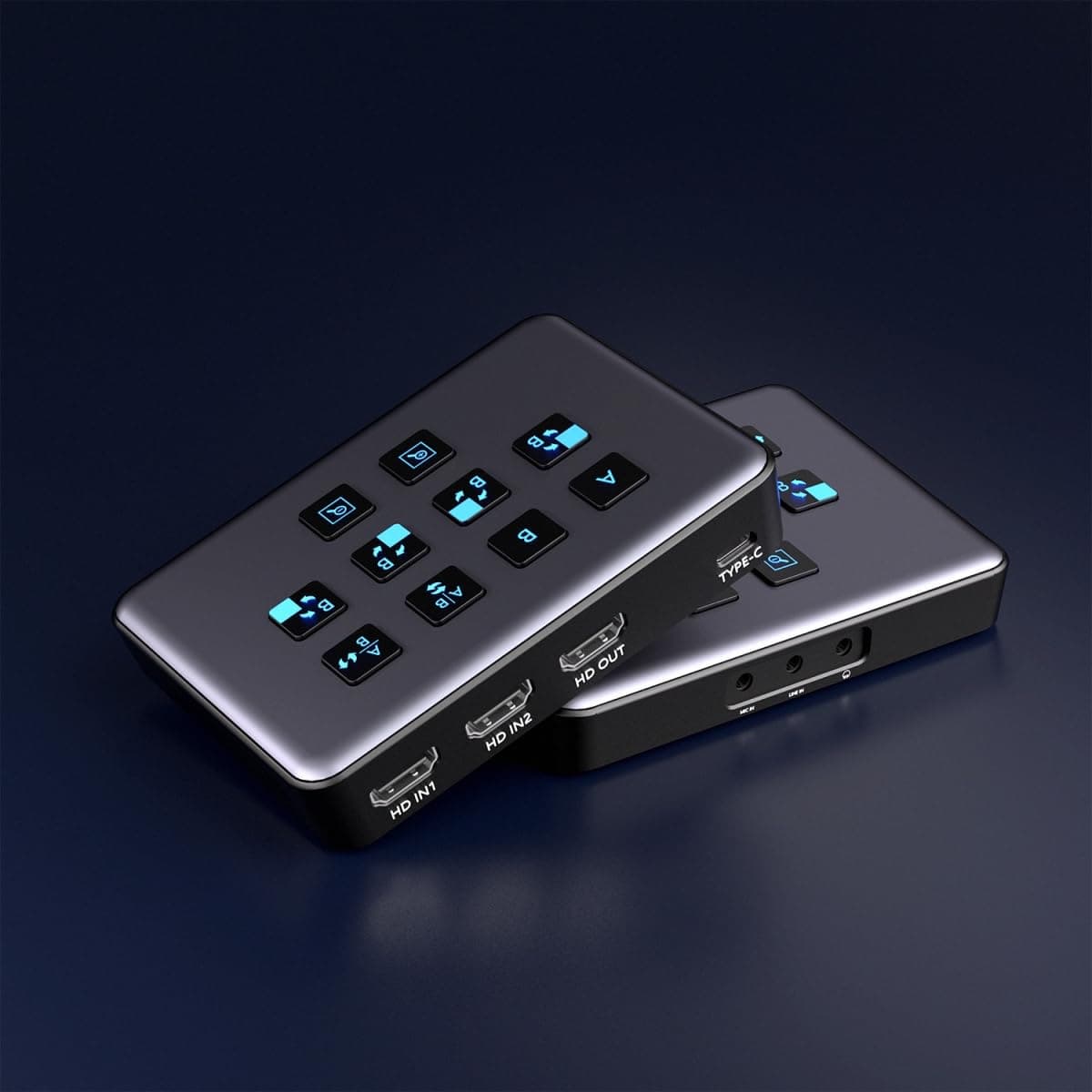
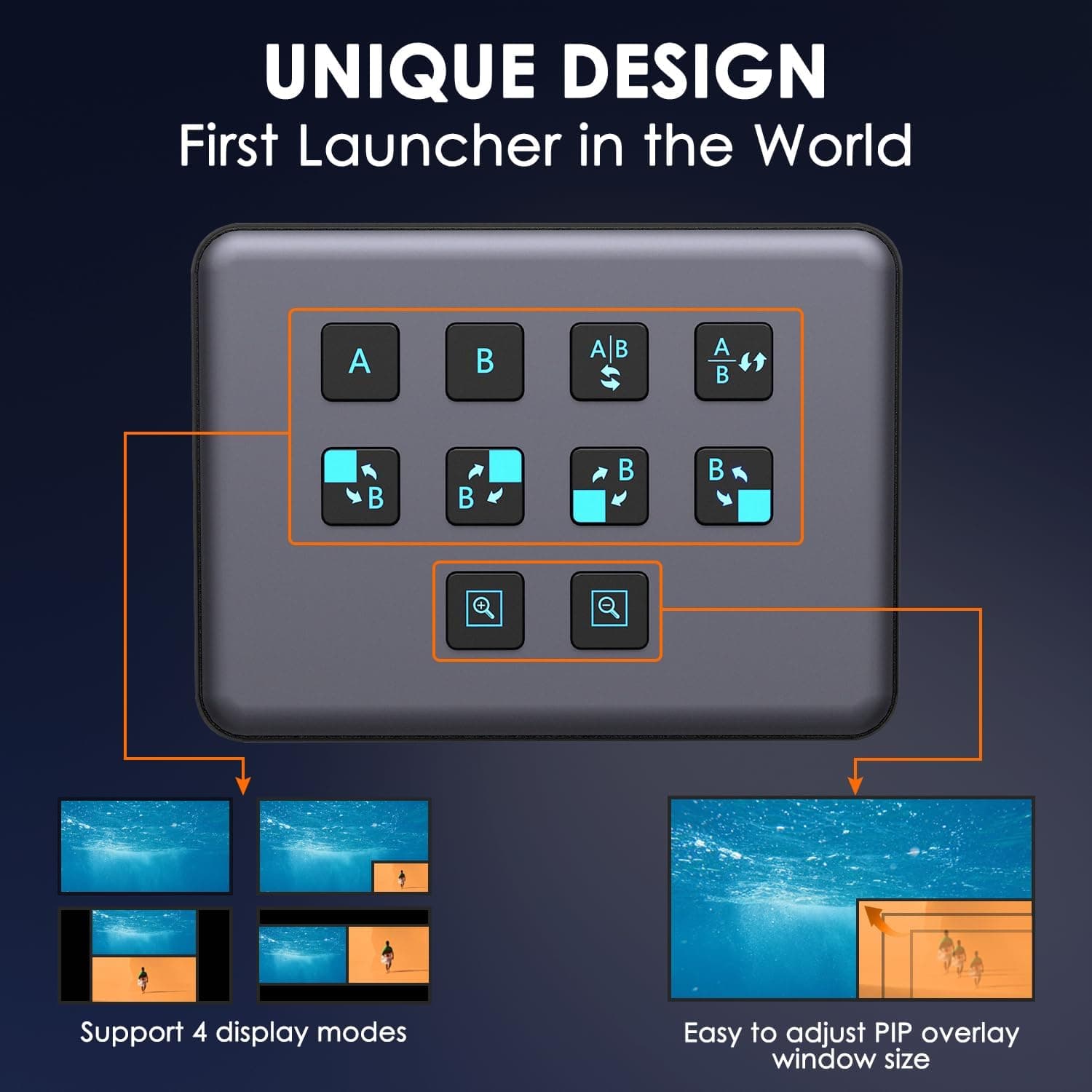
4K Dual HDMI Audio Video Capture Card, USB3.0 1080P 60FPS Equipment for Live Streaming,Capture Card with Loop Camera Link to Type-C Recording Game Video Mixer,Passthrough for Xbox PS5 PS4 Etc
EDISTEC
£25.99
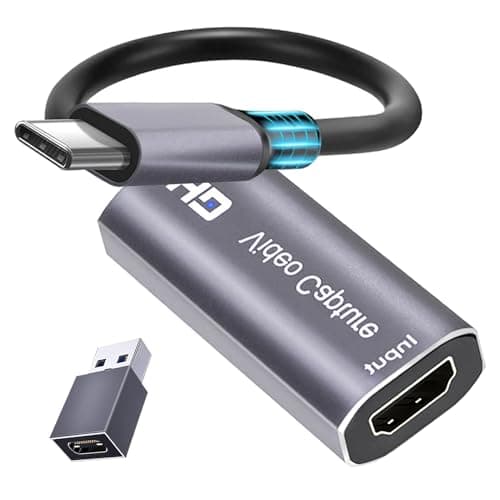
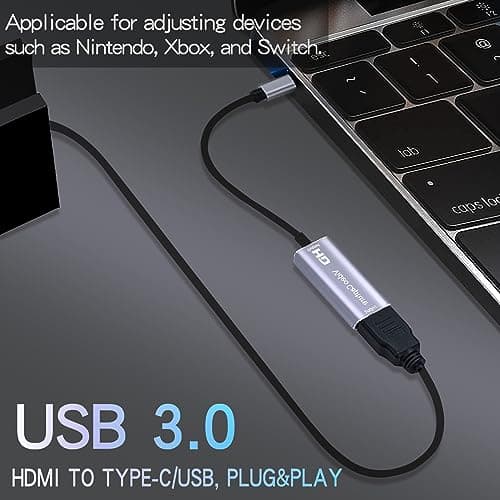
4K HDMI Capture Card, Cam Link Video Capture Card HDMI to 1080P Type-C for Windows Mac OS System for Streaming Gaming Meeting with USB C Adapter to Adjust PS3 4, Switch, Xbox
Extenuating Threads
£12.99
