
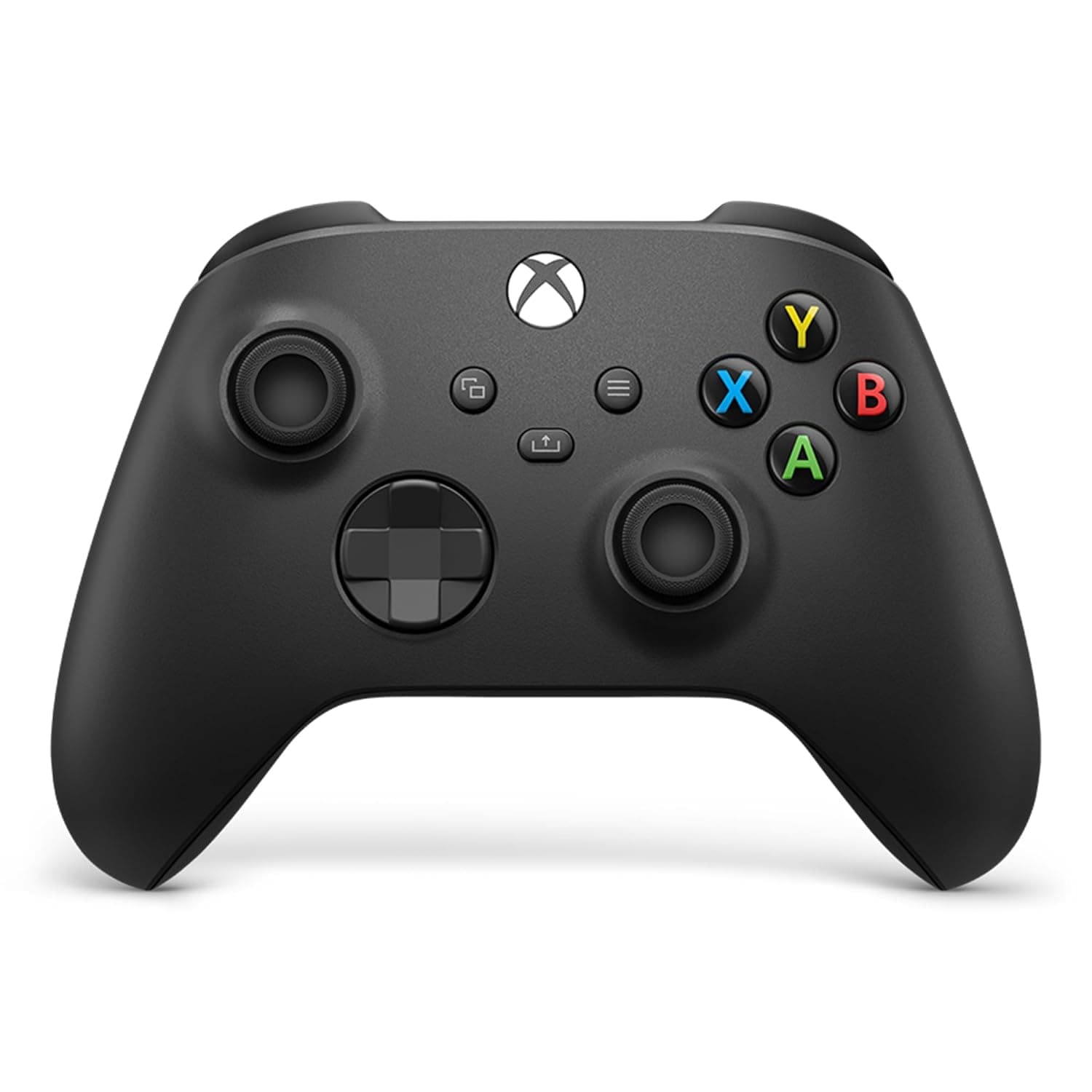
About this product
If you're looking for a controller that combines comfort and functionality, the Xbox Wireless Controller – Carbon Black is an excellent choice. Designed with gamers in mind, this official controller offers a modernized design perfect for both console and PC gaming. The sculpted surfaces and refined geometry ensure a comfortable grip during long gaming sessions, while features like the hybrid D-pad and textured triggers enhance precision and control. Whether you're playing on your Xbox Series X|S, One, or even Windows PCs, this controller provides seamless connectivity through its USB-C port for direct plug-and-play. The included support for AA batteries ensures it's always ready to use, and the 3.5mm audio jack allows you to connect any compatible headset.
Is this the right pick for you?
This Xbox Wireless Controller – Carbon Black is a perfect fit for gamers who are looking to enhance their gaming experience on both console and PC. Its sleek design ensures that it fits comfortably in your hand, making long gaming sessions more enjoyable. The hybrid D-pad and textured grip on the triggers and bumpers provide precise control, which can be particularly beneficial for fast-paced games like first-person shooters or racing titles. Additionally, the Share button allows you to capture moments during gameplay easily, whether you're sharing them with friends or saving highlights from your favorite game sessions. For those who switch between gaming platforms frequently—such as playing on an Xbox Series X|S one moment and then moving over to a Windows PC—the controller’s versatility is key. It can be connected via USB-C for direct plug-and-play functionality, making it easy to use across multiple devices without needing additional adapters or software. The inclusion of AA batteries means you always have power available, even if your console isn't nearby. When setting up the controller, simply connect it through the provided USB cable and ensure that the XBOX Accessories app is installed on your device for full customization options. Care for this controller involves keeping it clean to avoid dust buildup, which can affect performance over time. Regularly check the battery levels and replace batteries when necessary to maintain optimal functionality.
Frequently asked questions
Is this controller compatible with my Xbox Series X|S and One?
Yes, the controller is officially supported by both Xbox Series X|S and Xbox One consoles. It also works seamlessly on Windows PCs and Android devices via USB-C or Bluetooth connection.
Can I use AA batteries to power this controller?
Absolutely, the controller supports AA batteries which are conveniently located at the back of the device for easy access and replacement when needed.
How do I connect it to my PC?
You can directly plug the USB-C cable into your Windows PC or any other compatible device. This ensures a stable connection without needing additional drivers, making setup quick and simple.
You might also like
 New
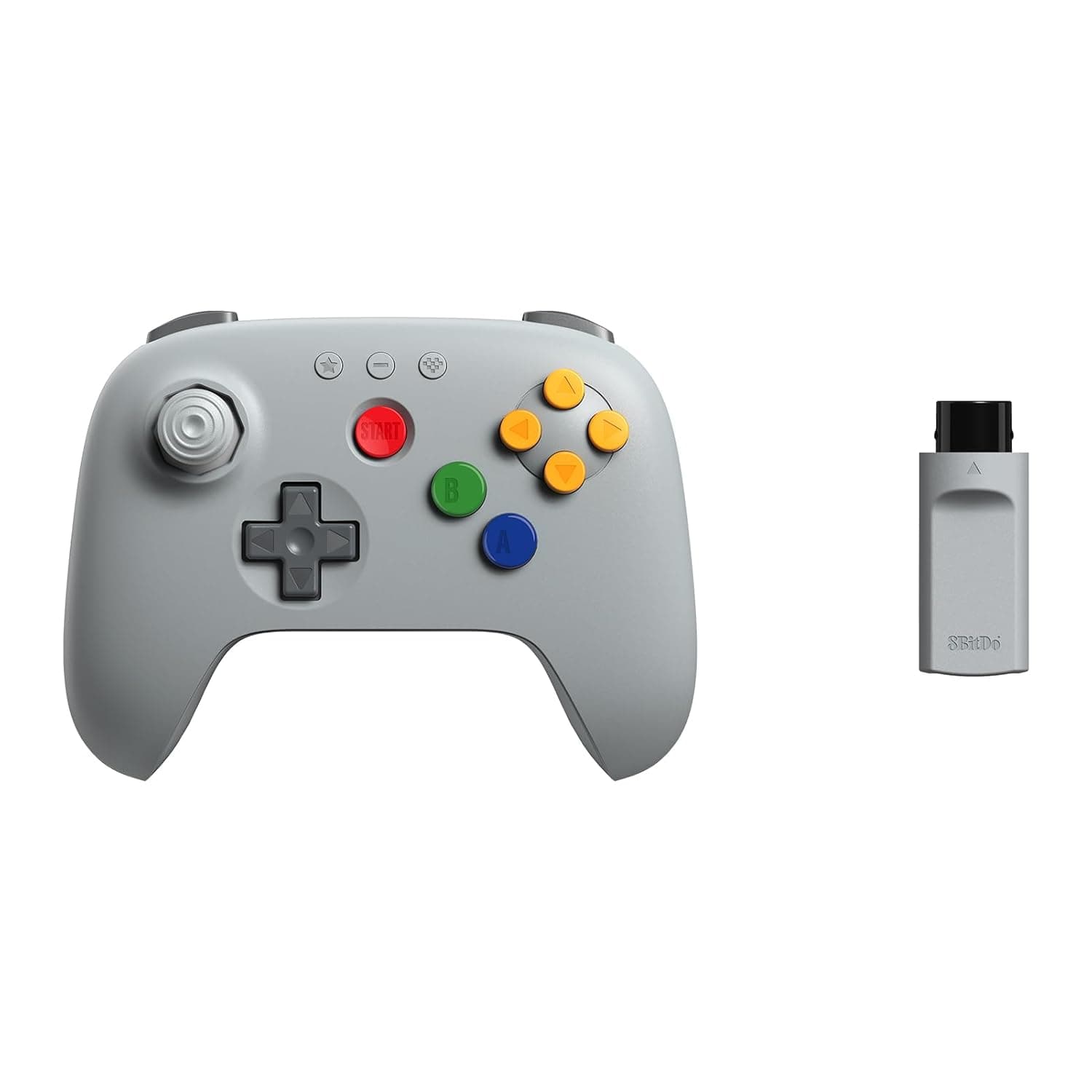
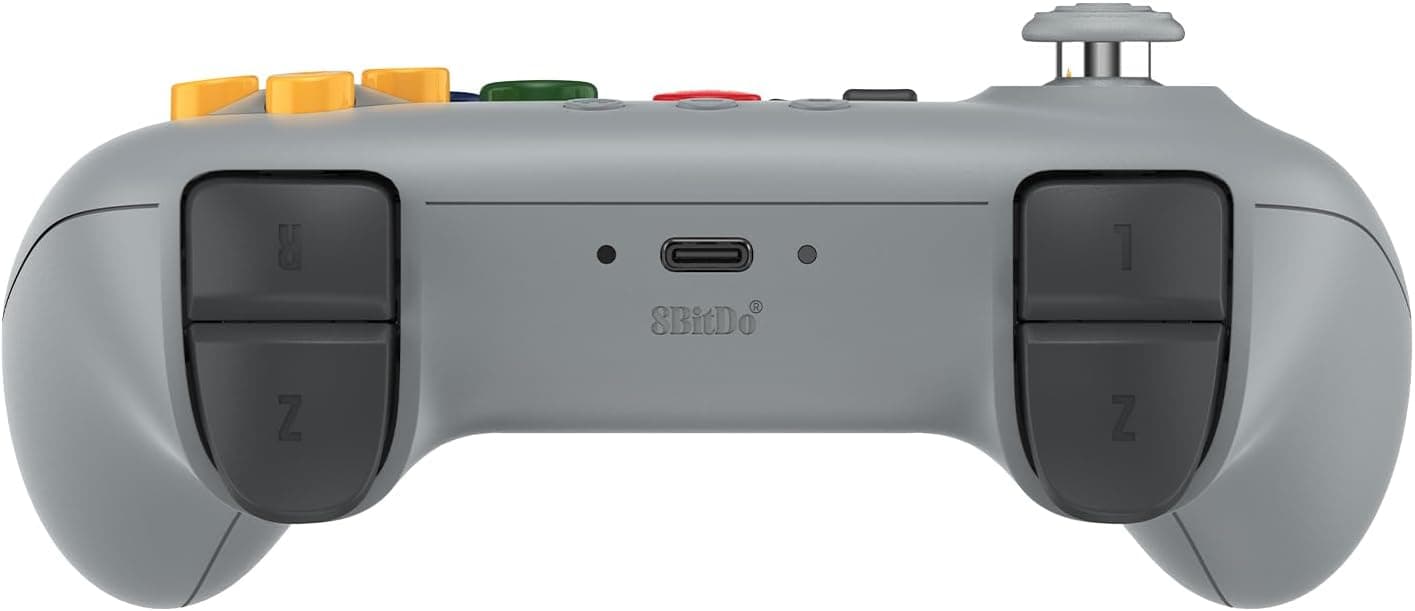
New8BitDo 64 2.4G Wireless Controller for Original N64 Console, Analogue 3D, and Windows (Grey)
8Bitdo
£34.99
 New
New8Bitdo Adapter Switch Controller Adapter 2 USB Wireless for Windows, Mac & Raspberry Pi, Compatible with Xbox Series X & S Controller, Xbox One Bluetooth Controller, PS5/PS4/PS3 Controller
8Bitdo
£13.50
 New
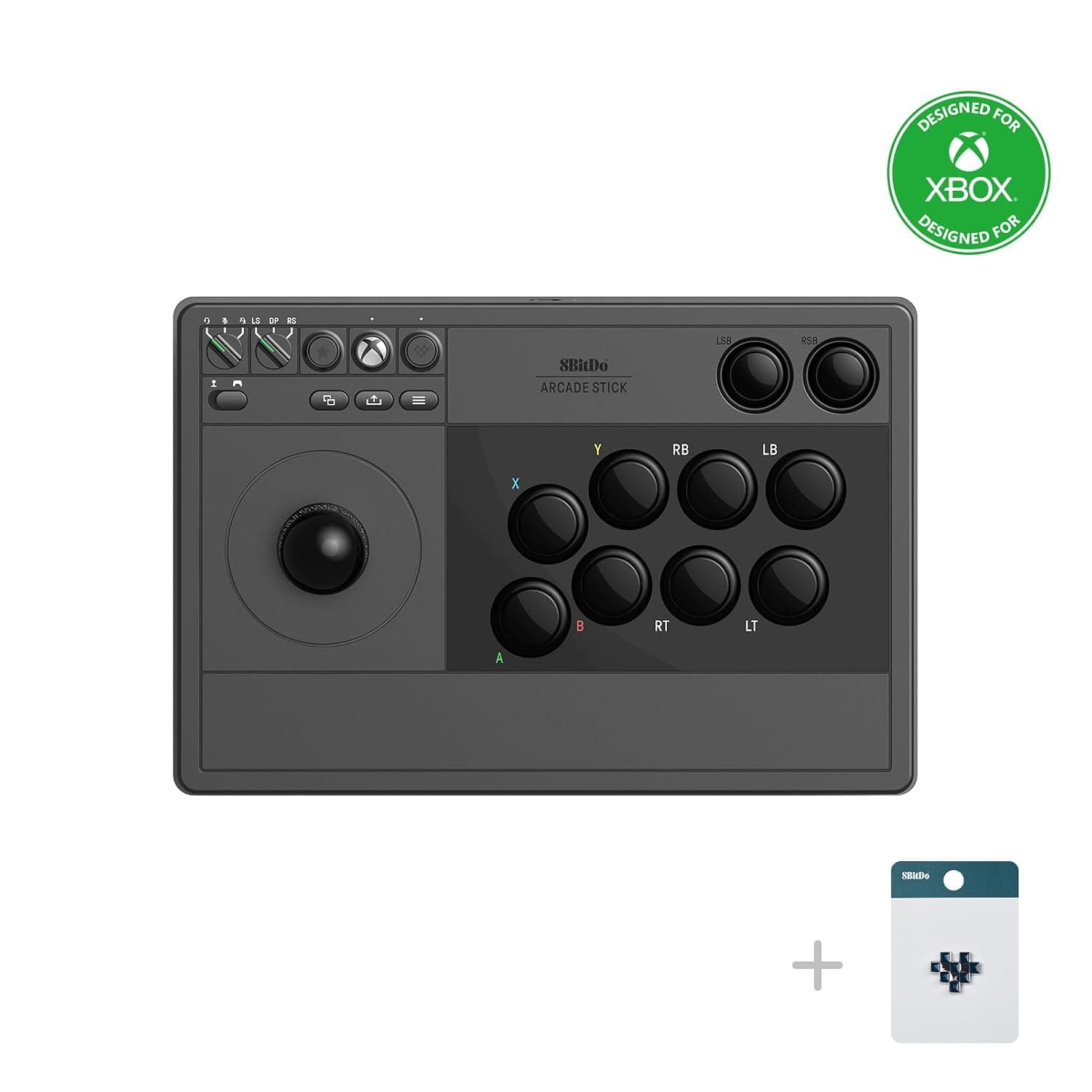
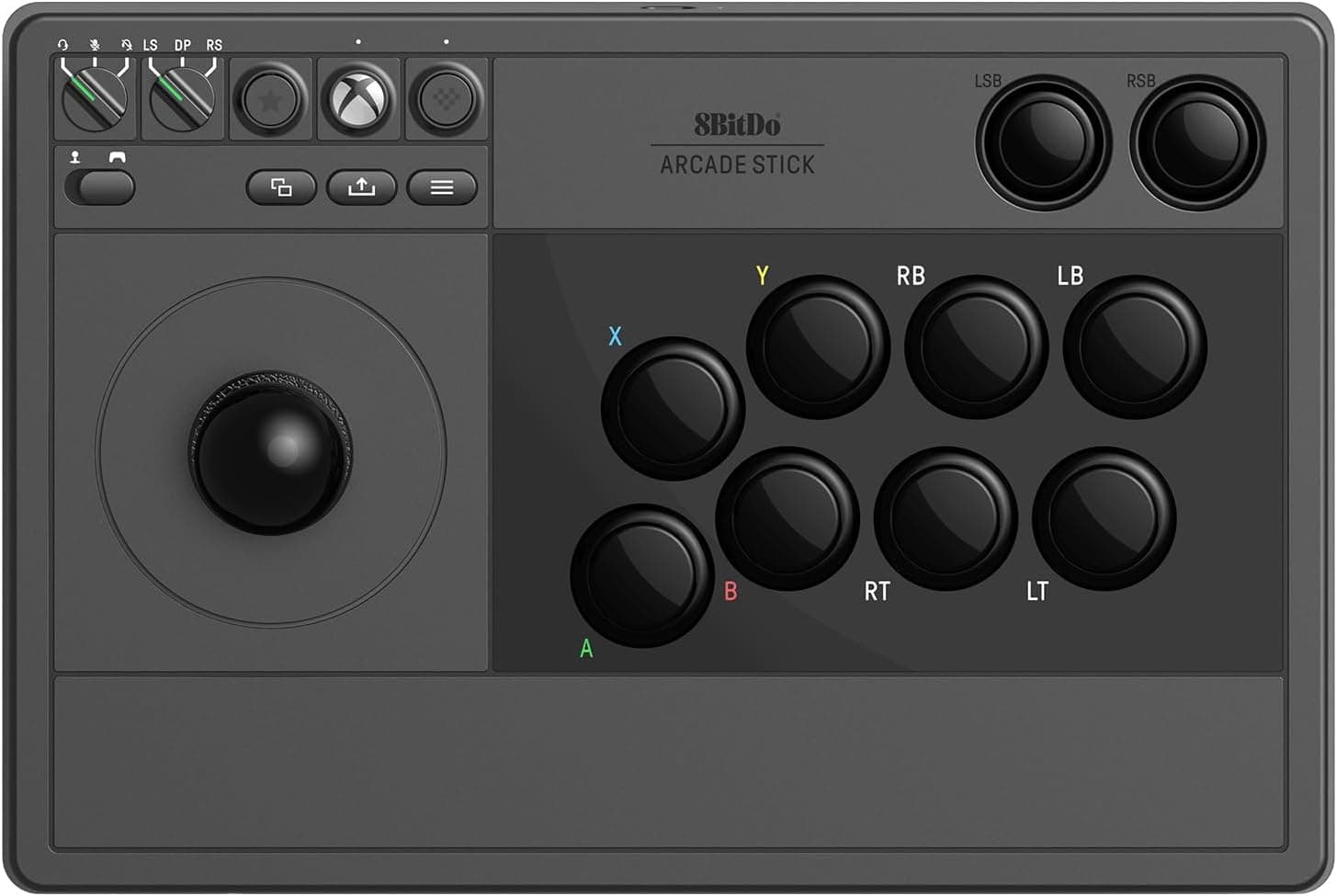
New8BitDo Arcade Stick For Xbox & PC (Windows 10) - Black
8Bitdo
£99.00
 New
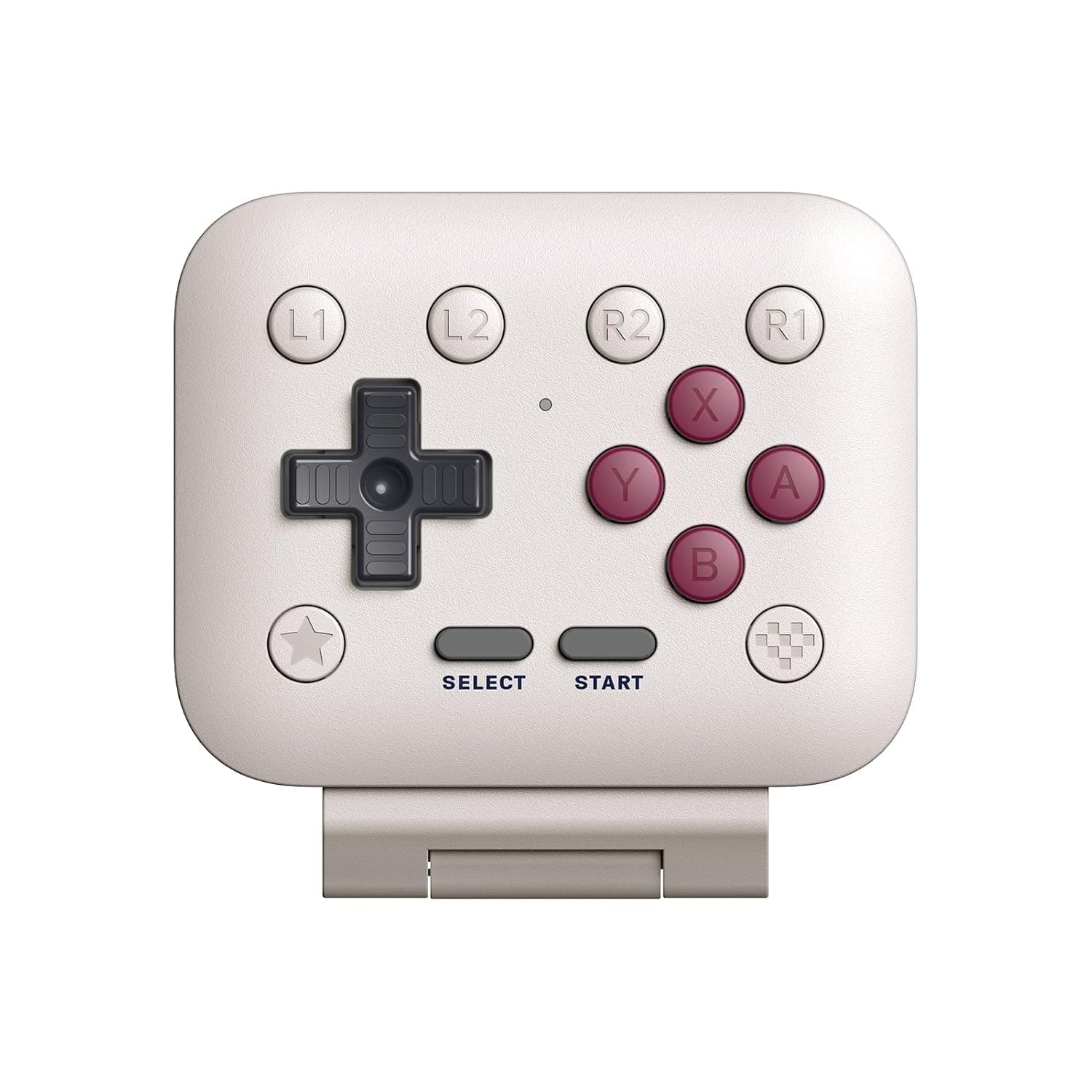
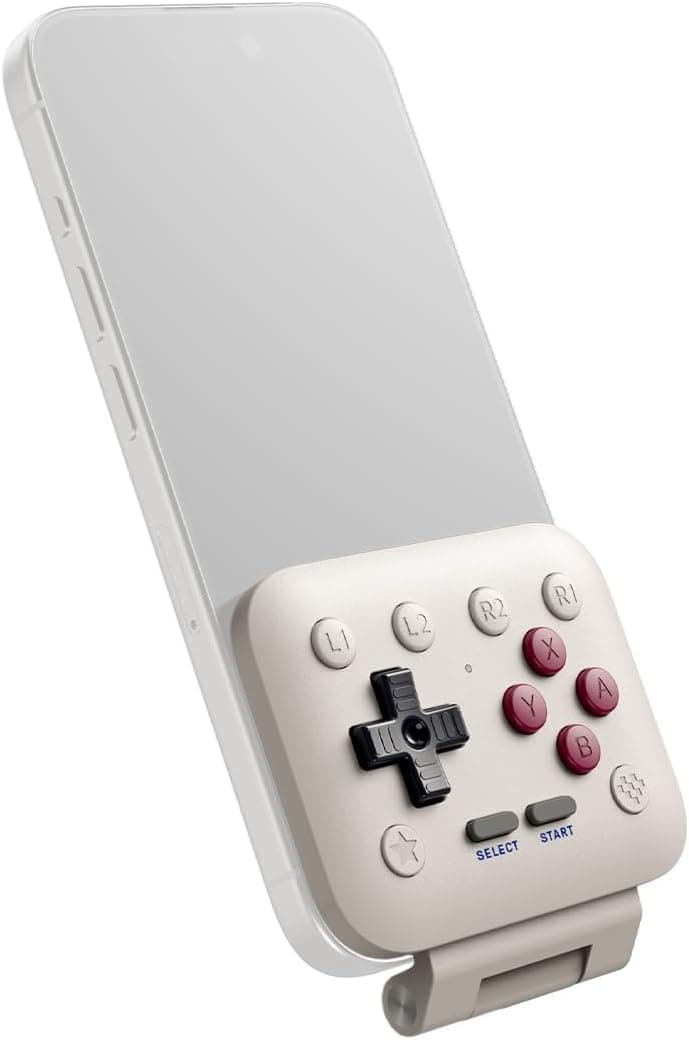
New8BitDo FlipPad Mobile Gaming Controller for iPhone and Android, Flip-Style USB-C Gamepad for Vertical Mobile Gaming, G Classic Edition
8Bitdo
£24.99