
Anker USB C Hub, 7-in-1 Multi-Port USBC Hub, 4K HDMI USB-C Adapter | USB-C and 2 USB-A 5Gbps Ports, 85W Max PD, SD/TF, for MacBook Air, MacBook Pro, XPS and More (Charger Not Included)
Brand: Anker
About this product
If you're looking to maximize the capabilities of your MacBook Air or Pro while on the go, the Anker USB C Hub is a must-have. This versatile 7-in-1 adapter offers an impressive array of features including 4K HDMI output and two USB-A ports for connecting peripherals, all powered by up to 85W PD charging. Perfect for multitasking, it ensures your laptop stays charged while you work or play. With its high-speed data transfer capabilities and support for resolutions up to 4K30Hz, this hub is ideal for video enthusiasts and professionals who need reliable connectivity. Whether you're streaming, gaming, or editing videos, the Anker USB C Hub provides the performance you need without compromising on convenience.
Highlights
- Massive Expansion: Get way more out of your laptop’s USB-C port with 4K HDMI, SD card connectivity, USB-A / USB-C data ports, as well as high-speed pass-through charging with Power Delivery.
- Pass-Through Charging: Compatible with USB-C Power Delivery to provide high-speed pass-through charging to your laptop at up to 85W.
- High-Speed, High-Def: USB-C and USB-A data ports provide file transfer at speeds up to 5 Gbps, while an HDMI port supports media display at resolutions up to 4K30Hz.
- What You Get: Anker 341 USB-C Hub (7-in-1) / Premium 7-in-1 USB-C Hub, welcome guide, worry-free 18-month warranty, and friendly customer service.
Is this the right pick for you?
This Anker USB C Hub is a versatile addition for anyone looking to maximize the utility of their laptop’s single USB-C port. It's particularly well-suited for users who need to connect multiple devices and access high-speed data transfer or video output without having to carry around additional cables. The hub can be a lifesaver for professionals, gamers, or content creators who require a seamless setup for their workstations or gaming rigs. However, it might not be as essential for casual laptop users who primarily use their USB-C port for charging and basic file transfers. In a typical setup, this Anker USB C Hub would fit seamlessly into environments where you need to connect your MacBook Air, MacBook Pro, XPS, or similar devices with various peripherals. For instance, it can serve as the central hub for connecting a gaming console via HDMI, an external hard drive for storage, and even charging your smartphone or tablet through its USB-A ports. The 85W Power Delivery capability ensures that you can charge your laptop while using other connected devices, making it ideal for long work sessions or gaming marathons. Before purchasing, consider the practical aspects of setup and care. Installation is straightforward; simply plug in the hub to your laptop’s USB-C port. Ensure that all cables are properly seated to avoid any potential issues with connectivity. It's also important to note that while this hub supports 4K30Hz video output via HDMI, it may not be suitable for higher resolution displays or external monitors requiring 60Hz refresh rates. Additionally, the hub does not include a charger, so you'll need to ensure you have an appropriate power source available when using its pass-through charging feature.
Frequently asked questions
Is this hub compatible with all USB-C laptops?
This Anker USB C Hub is designed to work with most modern USB-C laptops including MacBook Air, MacBook Pro, and XPS models. However, check the manufacturer's listing for exact compatibility as it can vary between different laptop brands and models.
Can I use this hub on my Windows PC?
Yes, this hub should be compatible with your Windows PC if it has a USB-C port. The 7-in-1 functionality will allow you to connect various devices like an HDMI display, SD card reader, and USB drives for data transfer.
How does the pass-through charging work on my laptop?
When connected via USB-C, this hub supports high-speed pass-through charging up to 85W. This means your laptop can charge while using other ports on the hub without any issues, ensuring both your device and accessories are powered simultaneously.
You might also like
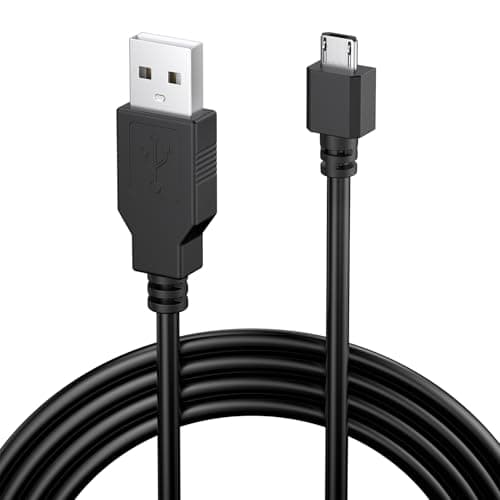
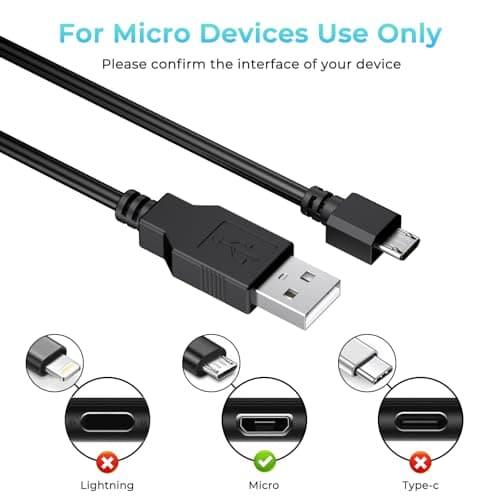
1.8M Charger for PS4 Controller Charger Cable, 5.9FT Micro USB Cable Charging Sync Cord for Sony PlayStation 4/ Dualshock 4/ PS4/ Slim/Pro, Microsoft Xbox One/One S/One X
Yisica
£4.49
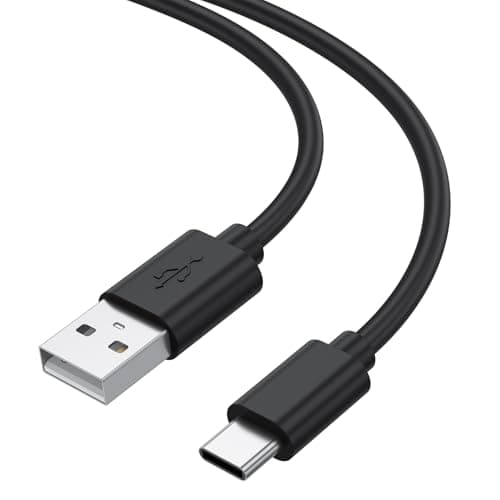
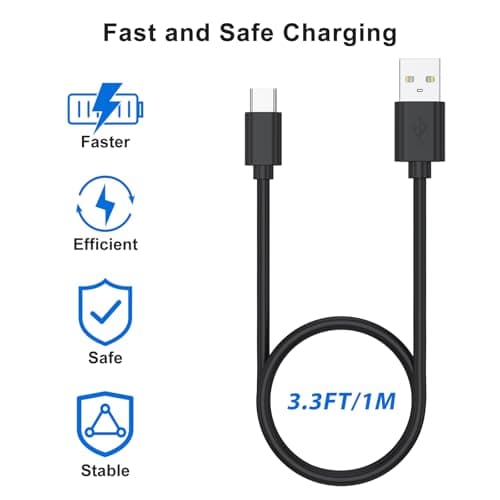
1Meter USB-C Charging Cable Fit for Sony PS5 DualSense Controller, Xbox Series X/S, Switch – Extra Long, Fast Charging Type-C Cord for Gaming, 1/3M Durable Wire (1m)
Zoye
£3.99
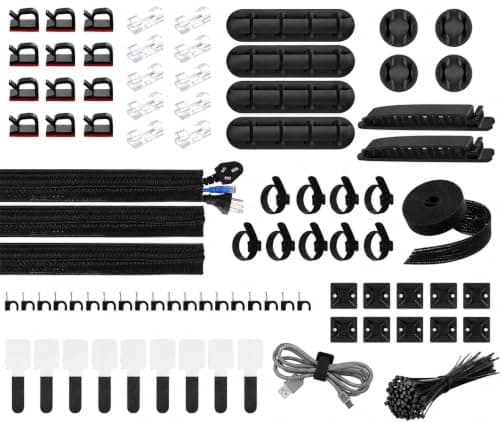
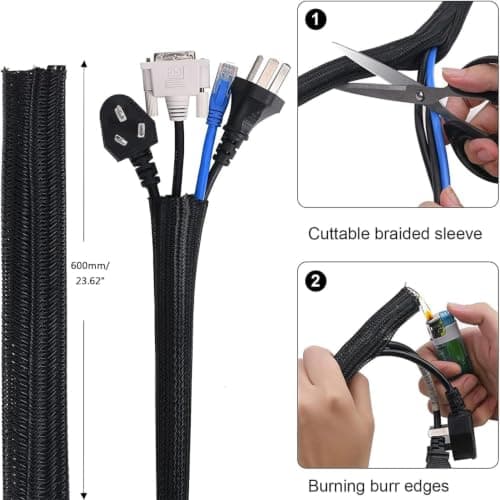
200 PCS Cable Management Kit,4 Wire Organizer Sleeve,7 Cable Holders,10 Zip Tie Mounts,37 Cable Clips,20 Cable Clip Nails,100 Cable Fastening Ties,20+2 Roll Cable Straps for Cable Management
wyevee
£7.99
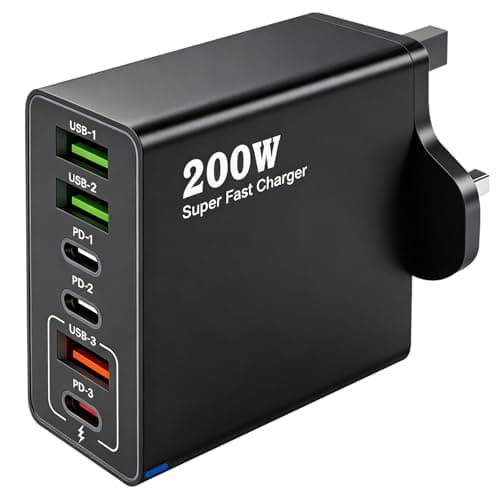
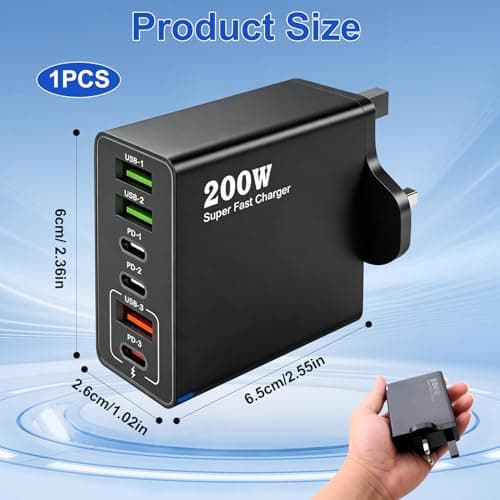
200W USB C Charging Station 6 Port Fast Charger Hub with PD GaN III
ZestEcho
£8.59
