
PXN-2113 Pro Flight Control Joystick
Brand: PXN
- Product Dimensions
- 10 x 5 x 1.27 cm; 800 g
- Release date
- 1 Jan. 2023
- Item model number
- PXN-F16
- Guaranteed software updates until
- unknown
About this product
In the world of flight simulators and gaming, a flight stick or HOTAS (Heads-Up Throttle and Stick) is essential for enhancing your experience. The PXN-2113 Pro Flight Control Joystick stands out in this category as it offers a more immersive way to engage with flight simulations on PC. This joystick is designed specifically for PC gamers looking to improve their gaming experience, providing precise control and a realistic flying sensation. Tailored for enthusiasts, the PXN-2113 Pro Flight Control Joystick comes equipped with a compact design that fits comfortably in your hands. Despite its small size, it offers robust performance, making it perfect for both casual players and serious gamers who demand accuracy and responsiveness from their controls.
Highlights
- Products category Name : PC gaming accessories
- Brand: PXN
- Model Number: PXN-F16
Specifications
- Product Dimensions
- 10 x 5 x 1.27 cm; 800 g
- Release date
- 1 Jan. 2023
- Item model number
- PXN-F16
- Guaranteed software updates until
- unknown
Is this the right pick for you?
This PXN-2113 Pro Flight Control Joystick is a solid choice for gamers who want to enhance their flight simulation experience. It’s particularly well-suited for those looking to dive into more complex and realistic games like Microsoft Flight Simulator or X-plane series, where precise control inputs can make all the difference. The joystick offers a comfortable grip and responsive feedback, which are essential when you're navigating through intricate missions or trying to achieve high scores in competitive settings. On the other hand, this product might not be ideal for casual gamers who just want to fly around in a simple flight simulator for fun. While it does offer some basic features like adjustable sensitivity and tilt control, these may not be as advanced as those found in higher-end models designed specifically for professional pilots or serious enthusiasts. If you're looking for something more robust with additional features such as throttle control or rudder pedals, you might want to consider other options available on the market. In terms of setup and use, this joystick is relatively straightforward to integrate into your gaming setup. It requires no special drivers once connected via USB, making it compatible with a wide range of Windows operating systems. However, ensure that your computer meets the minimum system requirements for running flight simulation software smoothly. Regular maintenance is also important; cleaning the joystick occasionally and keeping it in a cool, dry place can help prolong its lifespan. Lastly, while PXN guarantees software updates until an unspecified date, this feature may not be as crucial if you're primarily using the joystick for basic gaming purposes. Nonetheless, staying updated with any potential firmware changes could enhance your overall experience by improving performance or adding new features over time.
Frequently asked questions
What is the PXN-2113 Pro Flight Control Joystick primarily used for?
The PXN-2113 Pro Flight Control Joystick is designed for PC gaming enthusiasts who enjoy flight simulation games. It provides a realistic and immersive flying experience, enhancing your gameplay by offering precise control over various aircraft maneuvers.
Who would benefit most from using this joystick?
This joystick suits gamers who are serious about their flight simulators or those looking to improve their accuracy in fast-paced aerial combat scenarios. It's ideal for players who want a more tactile and responsive control experience compared to standard mouse and keyboard setups.
Is the PXN-2113 compatible with all PC games?
While the joystick is designed for flight simulation games, it can be used with any game that supports input from a USB joystick. However, compatibility may vary depending on the specific game's requirements. It’s best to check the manufacturer’s listing or the game’s documentation for exact compatibility.
You might also like
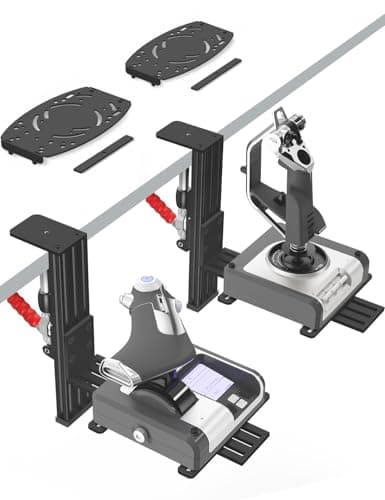
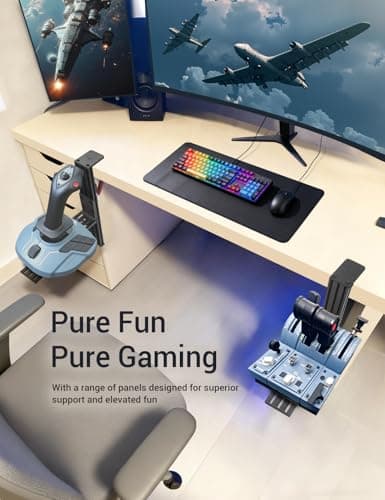
2 Pack Hotas Desk Mount for Flight Sim Hand-Controllers Compatible with Logitech X52 X56 Hotas, Thrustmaster Hotas Warthog, Sol-R2, SimTask Farmstick, T. Flight Hotas, T.16000M, TCA, Winwing,VKB, VPC
VTUIFBT
£64.88
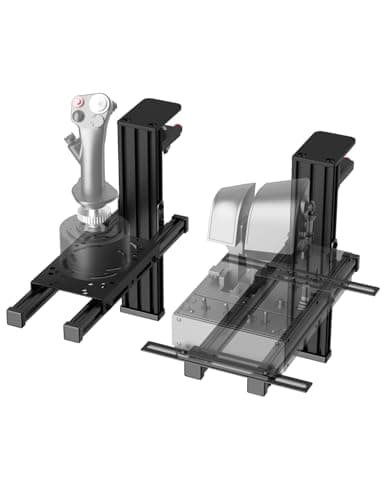
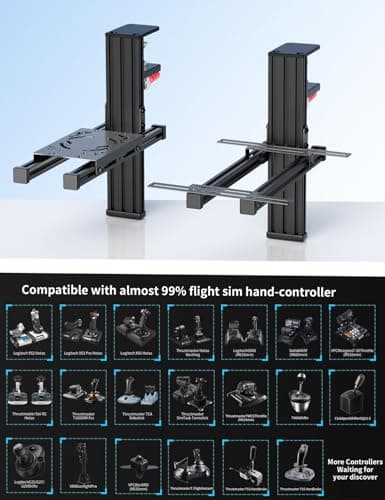
2 Pack Hotas Desk Mount For Flight Sim Joystick Compatible with Logitech X56/X52/X52 Pro, Thrustmaster Hotas Warthog/ T.16000M/ T-Flight Hotas 4/X/ SimTask Farmstick/ Sol-R2, Winwing, VPC, VKB Hotas
VTUIFBT
£59.99
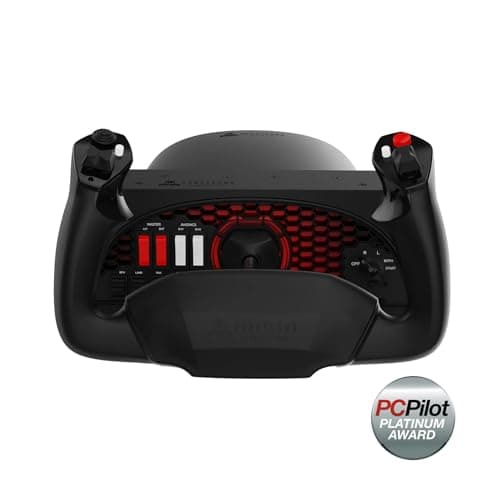
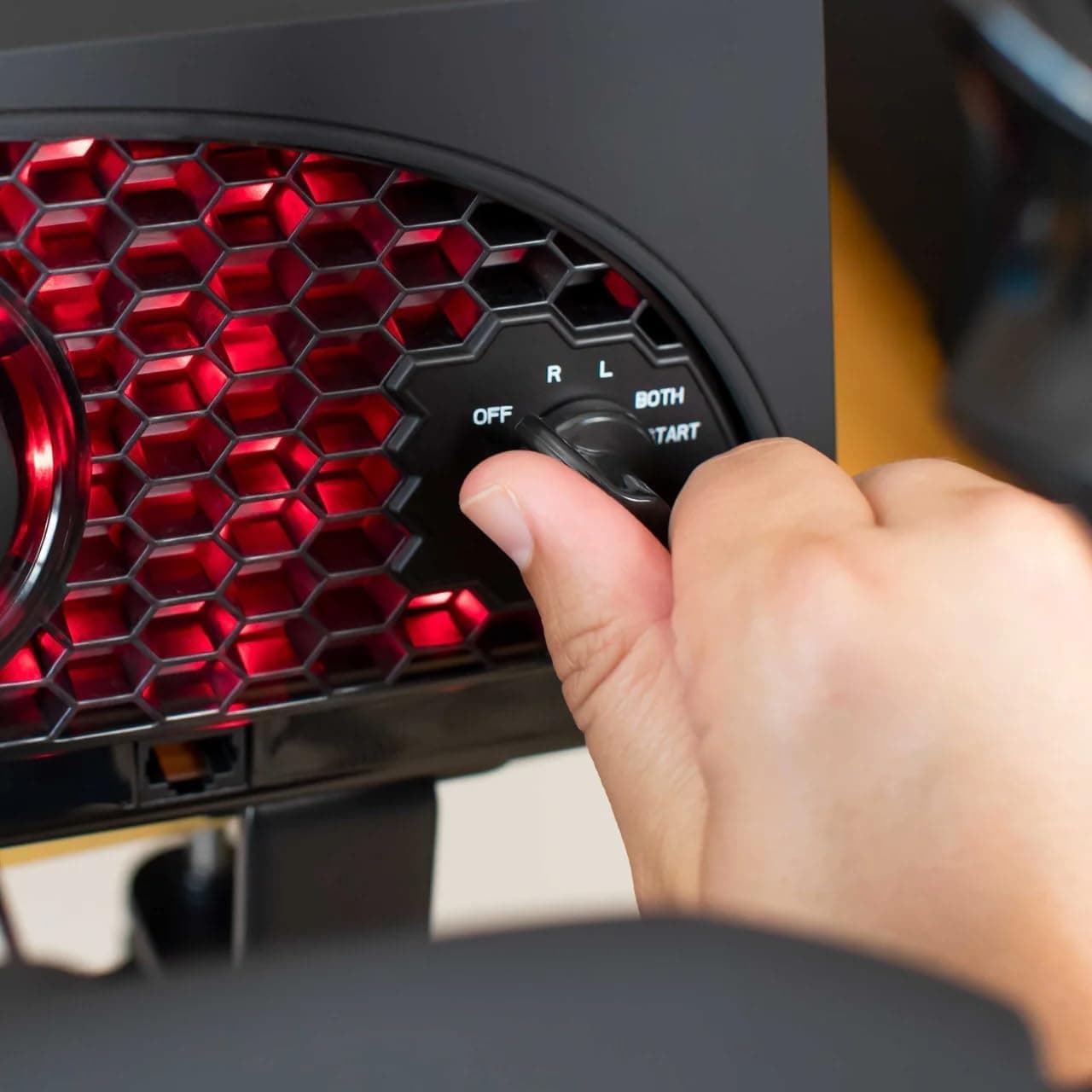
Aerosoft Honeycomb Alpha Flight Controls Flugsimulator-Steuerhorn USB PC black
Honeycomb Aeronautical
£301.16
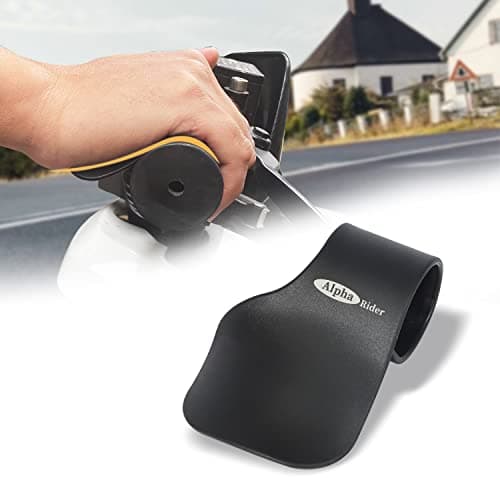
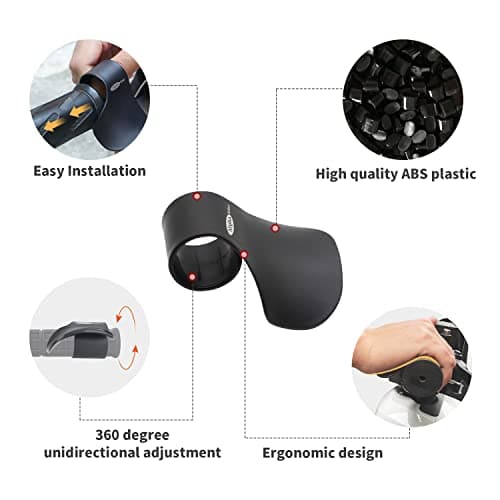
Alpha Rider Universal Motorcycle 22MM Black Throttle Mounted
Alpha Rider
£8.99
