
Logitech G560 LIGHTSYNC PC Gaming Speakers with Game Driven RGB Lighting
Brand: Logitech
- Height
- 40 cm
- Length
- 25 cm
- Width
- 21 cm
- Weight
- 5.49 kg
About this product
Are you looking for gaming speakers that not only deliver intense audio but also enhance your gaming experience with vibrant lighting? The Logitech G560 LIGHTSYNC PC Gaming Speakers are designed to do just that. These 2.1 speakers feature a 240 Watts Peak (120 Watts RMS) power output, providing an explosive and clear sound quality from both the down-firing subwoofer and two satellite RGB speakers with wide-angle drivers. The Game Driven Lighting system reacts to in-game action and music, allowing you to customize nearly 16.8 million colors across four lighting zones for a truly immersive setup.
Specifications
- Height
- 40 cm
- Length
- 25 cm
- Width
- 21 cm
- Weight
- 5.49 kg
- Pack size
- 1
- Colour
- BLACK
Is this the right pick for you?
The Logitech G560 LIGHTSYNC PC Gaming Speakers are an excellent choice for gamers who want a more immersive and visually engaging experience. These speakers excel in delivering clear audio with vibrant lighting effects that sync to game action and music, enhancing the overall gaming atmosphere. Whether you're playing fast-paced first-person shooters or enjoying cinematic soundscapes in RPGs, these speakers provide precise positional audio that can make every moment feel more intense and realistic. However, this product might not be ideal for everyone. For instance, if you prefer a simpler speaker setup without the need for RGB lighting or complex connectivity features, there are more straightforward options available at lower prices. Additionally, while the G560 supports multiple input sources including USB, 3.5mm, and Bluetooth (4.1), it might be overkill for users who primarily use their speakers with a single device like a gaming console that doesn’t support Bluetooth. When setting up your Logitech G560 LIGHTSYNC speakers, ensure you have the necessary cables on hand to connect via USB or 3.5mm. The subwoofer and satellite speakers are easy to assemble, but make sure they are placed in optimal positions for best sound quality—typically the subwoofer should be near a wall for maximum bass impact. Regular care involves keeping the speakers clean and dust-free, which can help maintain their performance over time. Additionally, always use the provided power adapter when connecting via USB to avoid any potential issues with your computer’s power supply.
Frequently asked questions
Are these speakers compatible with my PC and console?
These Logitech G560 LIGHTSYNC speakers are versatile and can connect to both your PC and console via USB, 3.5mm, or Bluetooth (4.1). Check the manufacturer's listing for exact compatibility details if you're unsure.
How do I set up the RGB lighting?
To customize the RGB lighting, visit the Logitech G Hub software on your computer. Here, you can control the four lighting zones and choose from nearly 16.8 million colors to match your gaming setup or mood.
What kind of sound quality should I expect?
The G560 delivers clear and pure sound with wide-angle drivers. The down-firing subwoofer provides deep bass, making it ideal for immersive gaming experiences. DTS:X Ultra technology enhances positional audio, adding realism to both games and music.
You might also like
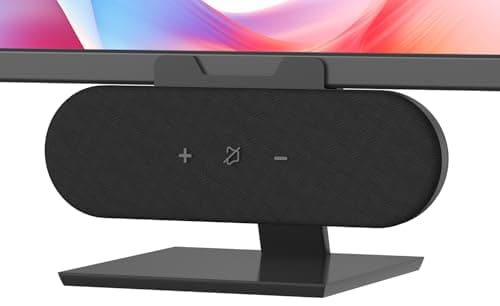
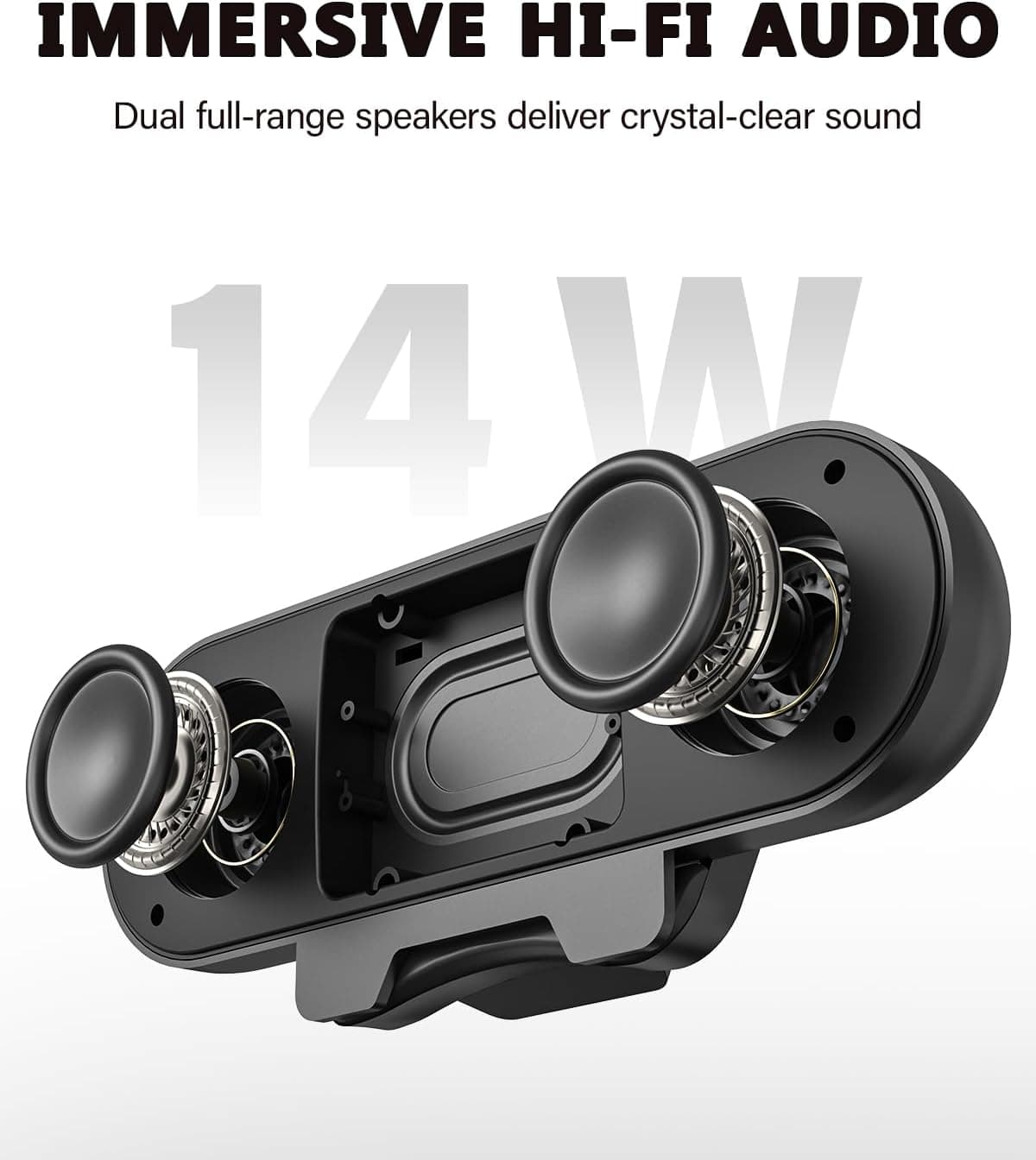
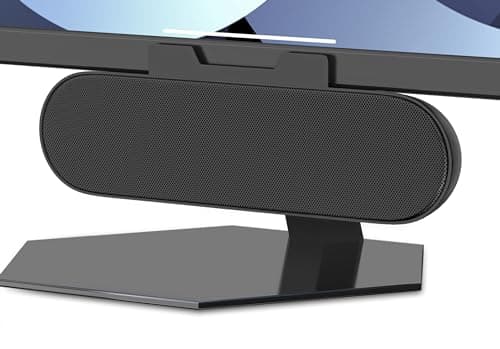
ADELGO Computer Speakers for Desktop PC USB | Speakers for Monitor with Touch Control Stereo 14w Laptop Speaker Sound Enhanced Bass, Soundbar Speaker for Mac Windows PS5
ADELGO
£21.99
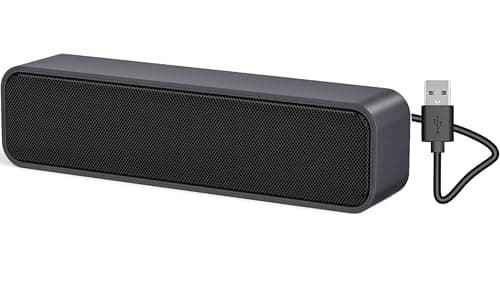
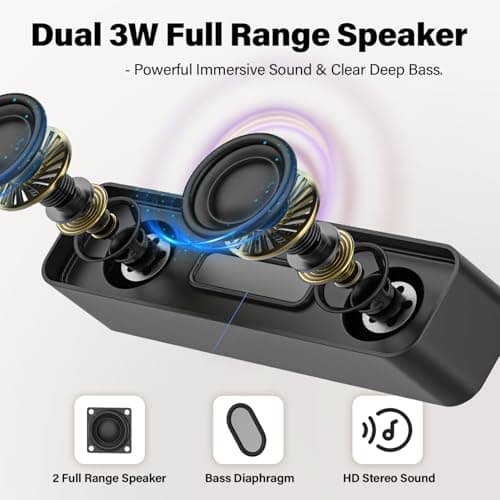
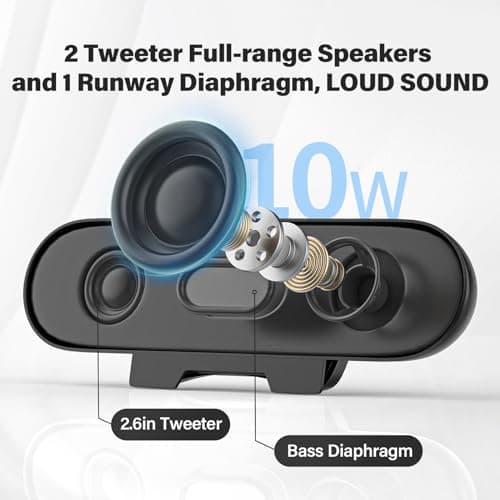
ADELGO USB Computer Speaker for Desktop, Laptop, Checkout Counter
ADELGO
£14.99
ADELGO USB Speakers for PC Desktop
ADELGO
£18.99
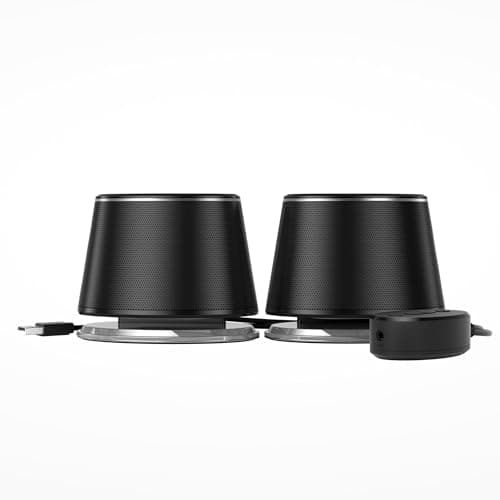
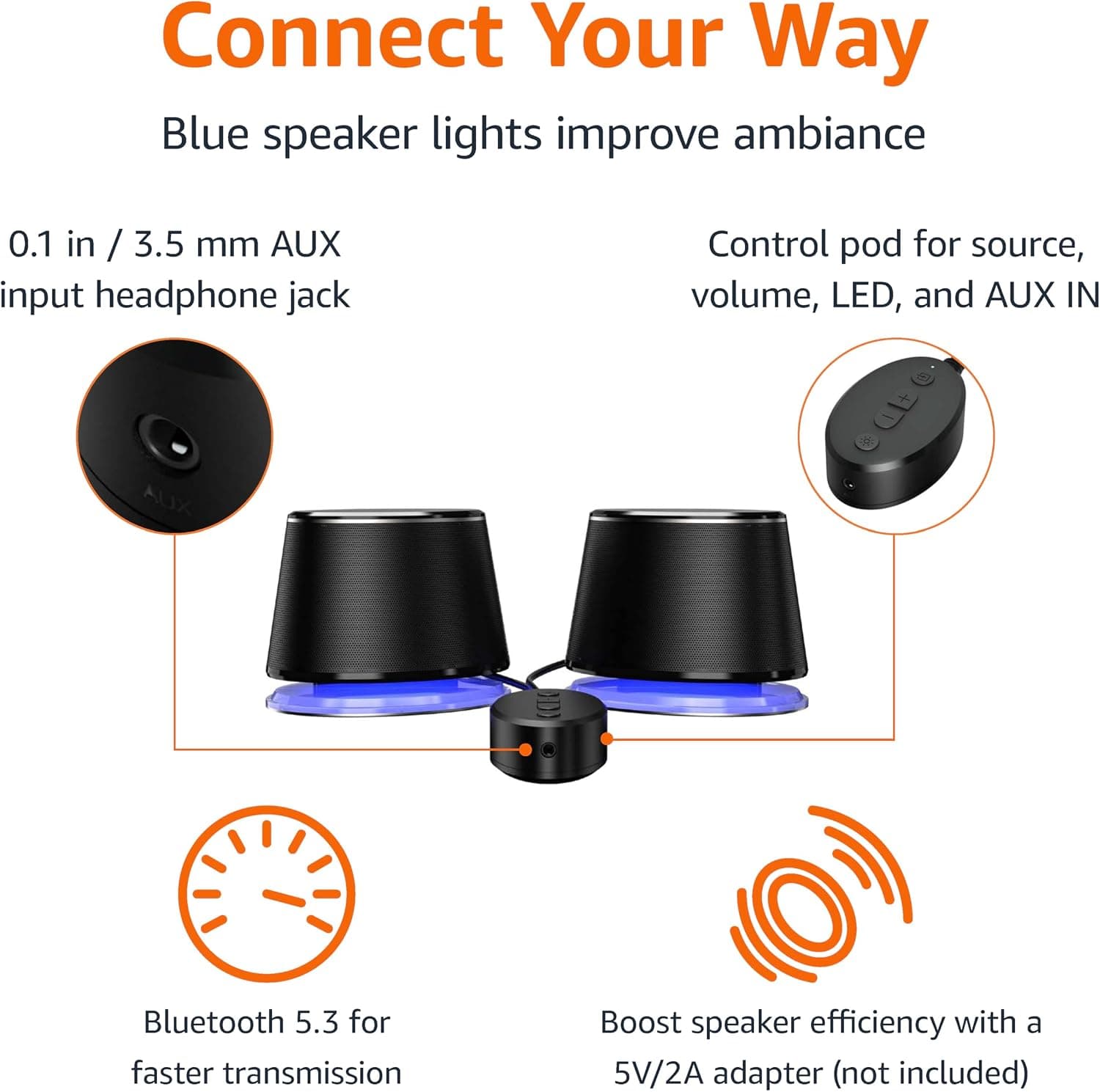
Amazon Basics Bluetooth and USB Computer Speakers with Blue Lighting, Black
Amazon Basics
£28.34
