
Logitech MX Brio Ultra HD 4K Collaboration and Streaming Webcam (Graphite) | 1080p 60 FPS, Dual Noise Reducing Mics, Show Mode, USB-C, Webcam Cover, Works with Microsoft Teams, Zoom, Google Meet
Brand: Logitech
About this product
Discover the Logitech MX Brio Ultra HD 4K Collaboration and Streaming Webcam for those who demand top-tier video quality in their meetings and streams. Perfect for professionals and creatives alike, this webcam offers stunning 4K resolution at 30fps or crisp 1080p at 60fps, thanks to its larger pixels that capture finer details even in challenging lighting conditions. Enhance your virtual presence with the Logitech MX Brio's AI-enhanced image quality. Experience clearer face recognition and more vivid colors with auto-exposure, auto white balance, noise reduction, and autofocus features. The dual beamforming microphones ensure your voice is heard clearly without any background noise, making it ideal for use in Microsoft Teams, Zoom, or Google Meet meetings.
Highlights
- Ultra HD 4K webcam: meet or stream in 4K resolution at 30fps or 1080p at 60fps, with our webcam sensor, with 70% larger pixels for sharp image quality
- AI-enhanced image quality: Experience 2x better face visibility with finer image details in difficult light, with auto-exposure, auto white balance, noise reduction, and autofocus
- Curate Your Image: Fine controls on this Ultra HD webcam let you adjust lighting and white balance, such as ISO, Shutter Speed, Tint, and Vibrance, or let Auto mode take care of it
- Let Them Hear Your Every Word: Integrated dual beamforming noise-reducing microphones minimise background noise with the aid of AI to make sure you are clearly heard
- Share Your Work: Tilt down your Logitech webcam to share notes and sketches on your desk with Show Mode, allowing for better collaboration on calls
Is this the right pick for you?
If you're someone who frequently participates in online meetings or live streams, particularly those requiring high-quality visuals and clear audio, the Logitech MX Brio Ultra HD 4K Webcam could be an excellent choice. Its 1080p at 60fps resolution ensures that your face is sharp and detailed, with AI-enhanced features like auto-exposure and white balance adjustments to handle tricky lighting conditions. The dual noise-reducing microphones are designed to minimize background noise, making sure you're heard clearly in every call or stream. However, if you primarily use webcams for casual video chats or have limited needs for high-resolution visuals and advanced controls, this might be overkill. The webcam's extensive features like Show Mode and fine lighting adjustments could feel more suited to professional settings where collaboration is key, such as virtual meetings with colleagues or presentations to a wider audience. In terms of setup and compatibility, the MX Brio works seamlessly with popular platforms including Microsoft Teams, Zoom, and Google Meet. It connects via USB-C, which is straightforward to plug in but requires ensuring your device has the necessary ports. Additionally, it comes with a webcam cover for privacy when not in use, adding a layer of convenience. Carefully consider these practical aspects before purchasing, as they can impact your overall experience using this webcam effectively in various settings.
Frequently asked questions
What is the resolution and frame rate of this webcam?
This Logitech MX Brio Ultra HD 4K Webcam supports resolutions up to 4K at 30fps or 1080p at 60fps. The higher resolution allows for clearer, more detailed video calls, especially when you need to show fine details during a presentation.
Can I use this webcam with multiple video conferencing platforms?
Yes, the Logitech MX Brio is compatible with popular video conferencing platforms such as Microsoft Teams, Zoom, and Google Meet. This ensures that you can use it across different services without any issues.
How does AI-enhanced image quality work on this webcam?
The AI-enhanced features in the Logitech MX Brio help improve your video quality by reducing noise, adjusting exposure automatically, balancing white light, and focusing more precisely. These enhancements are particularly useful in low-light environments or when you need to capture fine details during a call.
You might also like
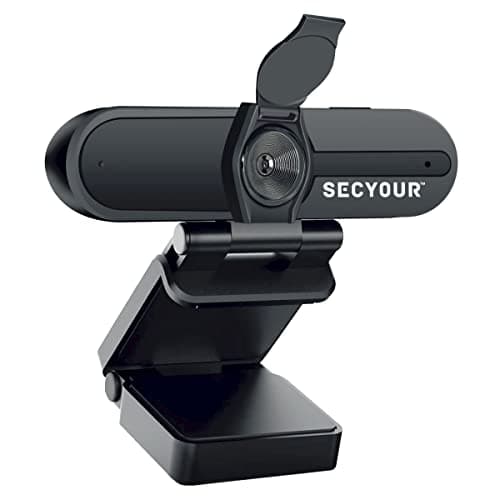
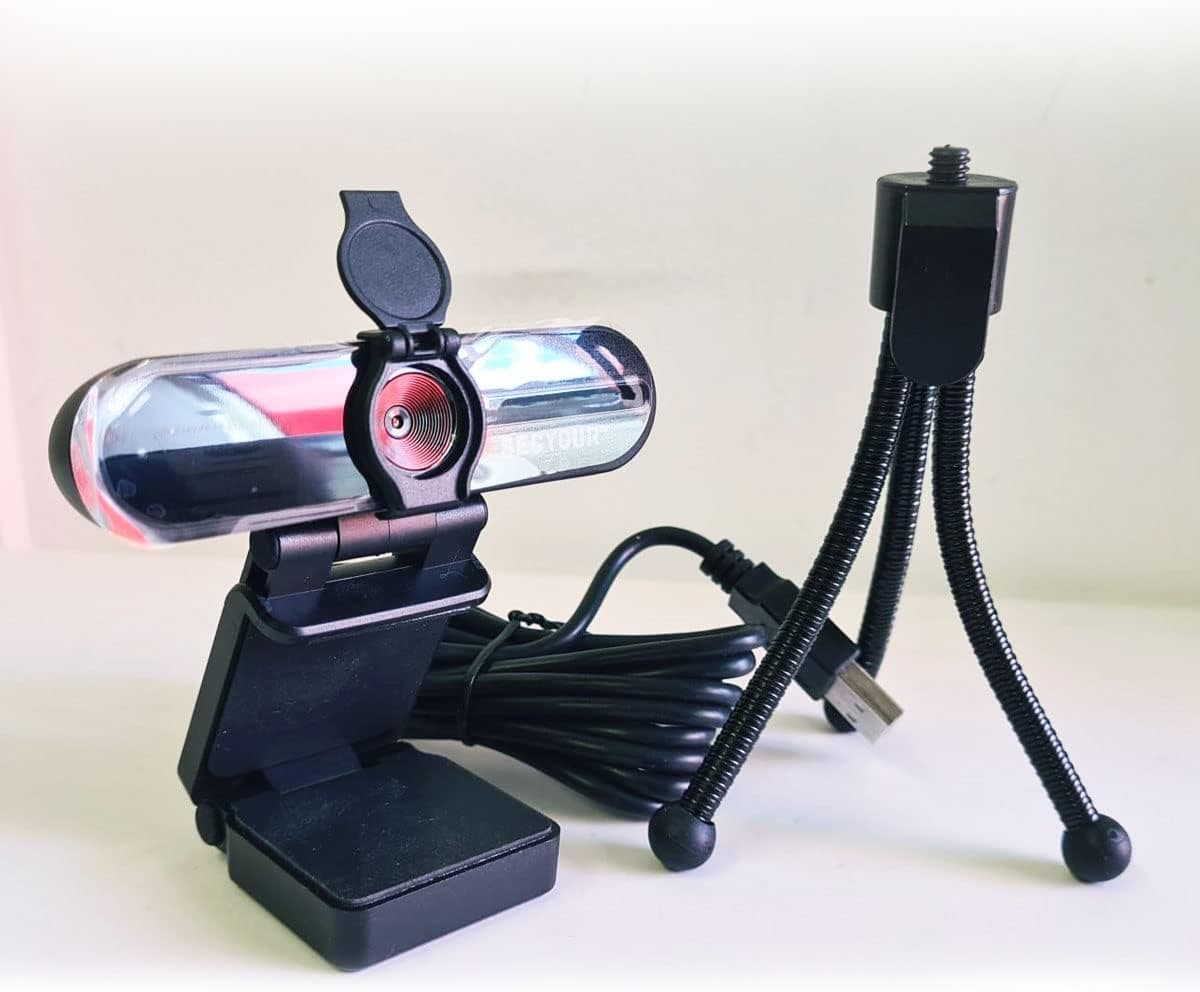
1080p HD USB Webcam Camera with Microphone for PC, Desktop, Laptop, Macbook, Live Streaming, Gaming, YouTube, Video Call Conference Web cam - Noise cancellation 30FPS with mini Tripod
SECYOUR
£8.50
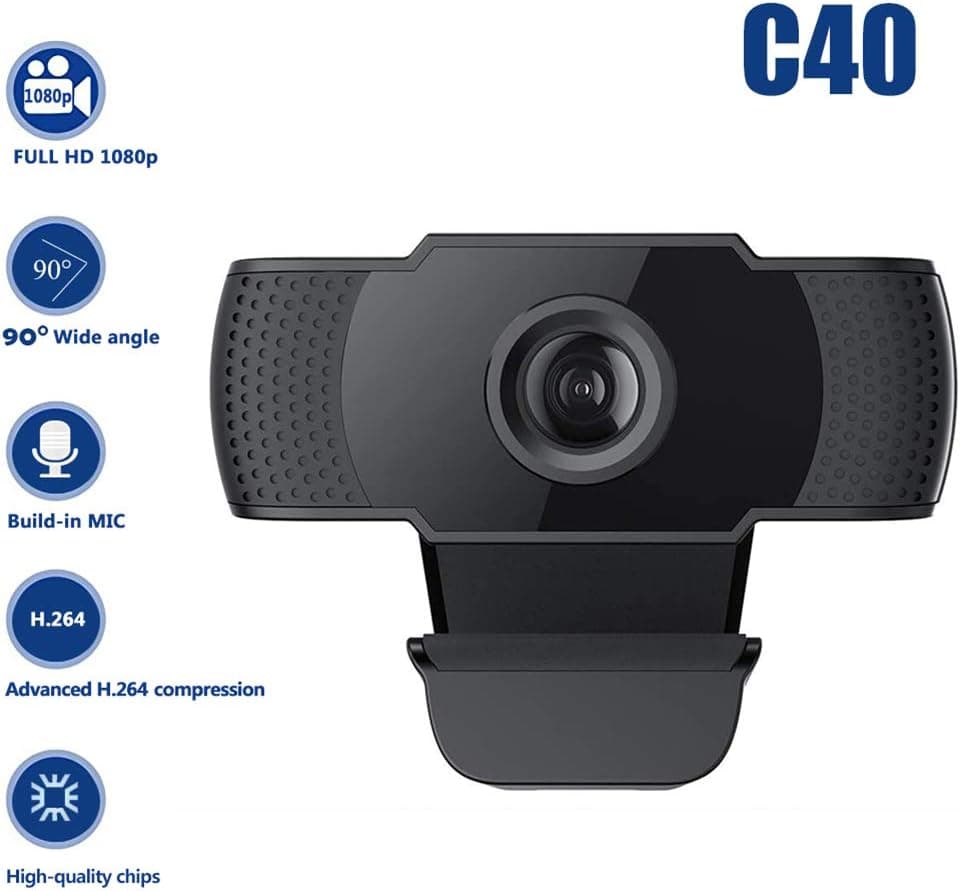
1080P HD Webcam USB Plug and Play Widescreen Built-in MIC Web Camera for PC
Aoewise
£79.99
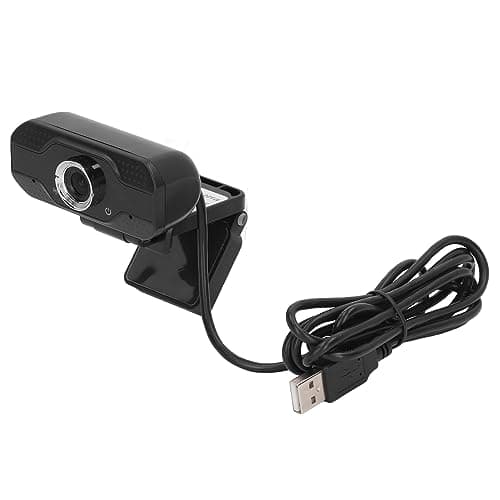
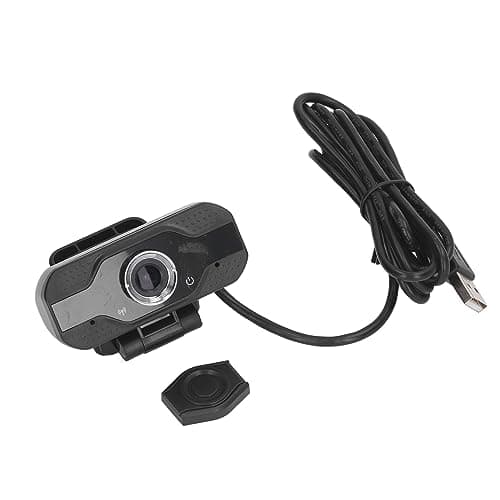
1080P HD Webcam with Dual Noise Canceling Microphone, Auto Light Color Correction, Wide Viewing Angle Plug and Play USB Camera for Video Calling, Recording
ciciglow
£6.33
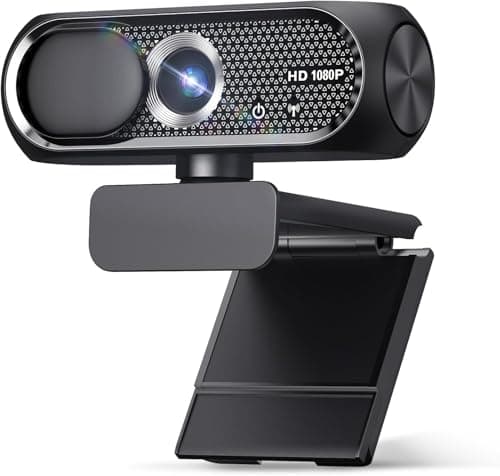
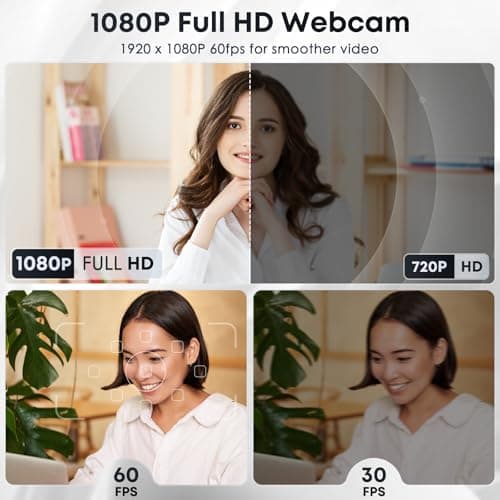
1080P HD Webcam with Microphone, Noise Cancellation, Privacy Cover, Wide-Angle Lens, Auto Light Correction, Plug & Play USB Web Camera for Laptop, Desktop, PC, Mac, Zoom, Skype, Streaming (Black)
Shcngqio
£19.99
