
About this product
Are you looking for a webcam that can handle your streaming needs while maintaining top-notch image quality? The Elgato Facecam - 1080p60 Full HD Webcam is perfect for anyone who wants to look their best online. With its Sony STARVIS Sensor optimized for indoor use, this webcam ensures clear and detailed images even in low-light conditions. Whether you're streaming on Twitch or hosting meetings with Zoom, the advanced image engine processes data at high speed, delivering uncompressed 1080p60 video without any artifacts. The wide 82-degree field of view allows you to capture both your face and your surroundings, while a fixed focus range keeps you in crystal-clear focus no matter where you are in front of the camera. The Facecam's app control lets you fine-tune settings like brightness and exposure directly on the device itself, ensuring consistent quality across all your computers. Save these settings for easy recall whenever you need them. With its professional-grade optics and optimized performance, the Elgato Facecam is more than just a webcam—it’s an investment in your online presence.
Highlights
- Sony STARVIS Sensor optimized for indoor use
- True FHD 1080p resolution at sixty frames per second
- Advanced image engine processes maximum data at high speed
- Uncompressed video without artifacts.Up to 82 degree field of view for full frame or wide angle.Fixed focus range keeps you in focus.USB 3.0 interface transfers image data with lowest latency.Set brightness, exposure, and more in the app.Save settings directly to the camera
- International products have separate terms, are sold from abroad and may differ from local products, including fit, age ratings, and language of product, labeling or instructions.
Is this the right pick for you?
This Elgato Facecam is an excellent choice for those who prioritize clear, high-quality video in their gaming and streaming setups. The Sony STARVIS Sensor ensures that the webcam captures detailed images even under low-light conditions, making it perfect for indoor use. Whether you're streaming your gameplay or participating in online meetings, this camera delivers sharp, artifact-free visuals at 1080p60 resolution. Its fixed focus range means you can stay within a specific distance from the lens without needing to adjust settings frequently, which is convenient for both gaming and professional use. The Facecam integrates seamlessly into most modern setups with its USB 3.0 interface, providing low-latency performance that enhances your streaming experience. The camera's advanced image engine processes data quickly, ensuring smooth video feeds. Additionally, the app allows you to customize settings such as brightness and exposure directly on the device, saving these preferences for future use. This feature is particularly useful if you plan to switch between different environments or devices. Before purchasing, it’s important to consider a few practical aspects. The webcam requires USB 3.0 connectivity, so ensure your computer meets this requirement. While the Facecam doesn’t come with cables, it should be compatible with most standard USB ports. Regular cleaning and care are necessary to maintain its performance; dust or smudges on the lens can affect image quality. Keeping the camera in a cool, dry place away from direct sunlight is also recommended to prolong its lifespan.
Frequently asked questions
Is the Elgato Facecam compatible with my gaming PC?
The Elgato Facecam is designed to work with most modern computers that have a USB 3.0 port, which includes many gaming PCs. Check your computer’s specifications or consult the manufacturer's listing for exact compatibility.
Can I use this webcam on my smartphone?
No, the Elgato Facecam is specifically a desktop webcam and does not support mobile devices like smartphones. It requires a USB 3.0 port to function properly.
How do I set up the Elgato Facecam for streaming?
Setting up the Elgato Facecam is straightforward. Connect it via USB, install the provided software, and configure settings such as brightness and exposure. The app also allows you to save your preferred settings directly to the camera.
You might also like
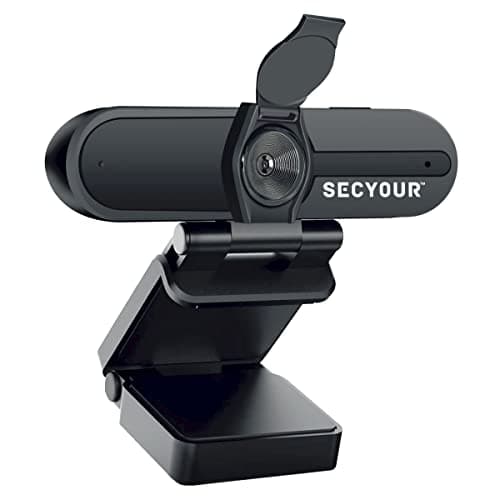
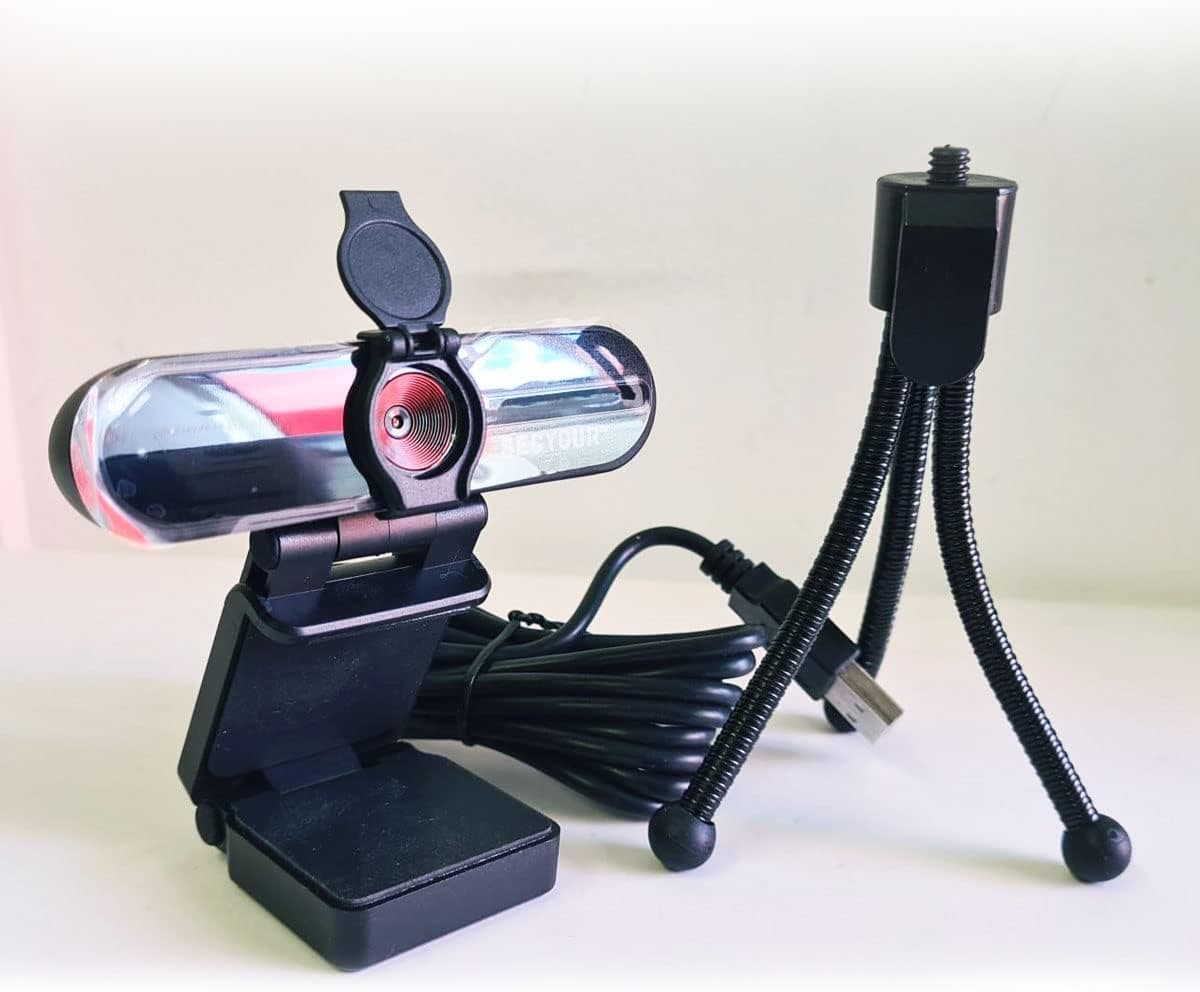
1080p HD USB Webcam Camera with Microphone for PC, Desktop, Laptop, Macbook, Live Streaming, Gaming, YouTube, Video Call Conference Web cam - Noise cancellation 30FPS with mini Tripod
SECYOUR
£8.50
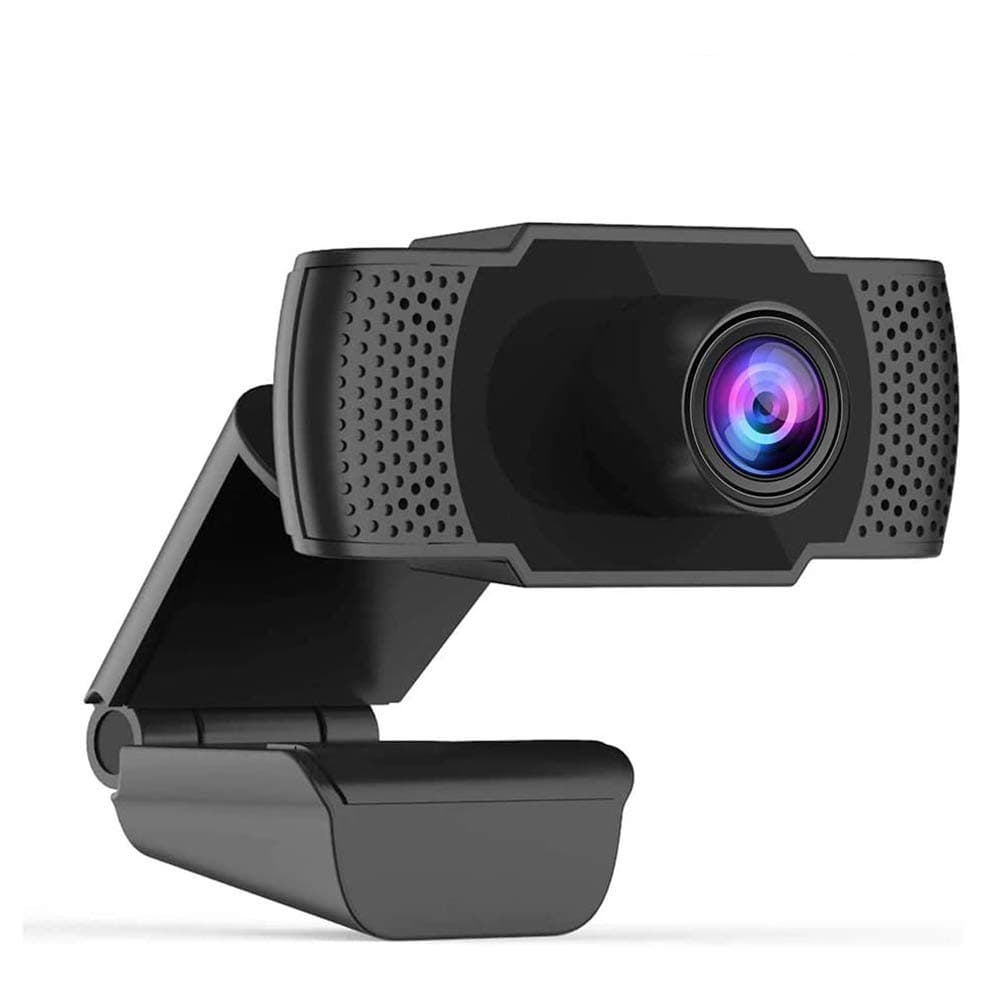
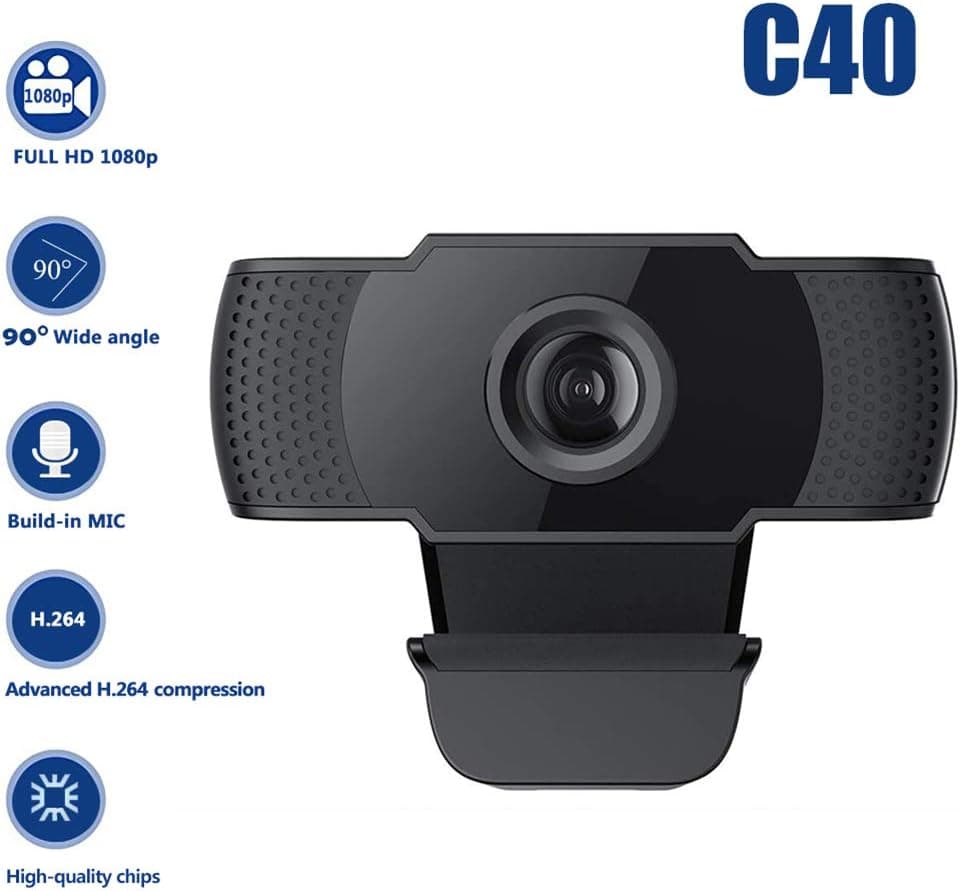
1080P HD Webcam USB Plug and Play Widescreen Built-in MIC Web Camera for PC
Aoewise
£79.99
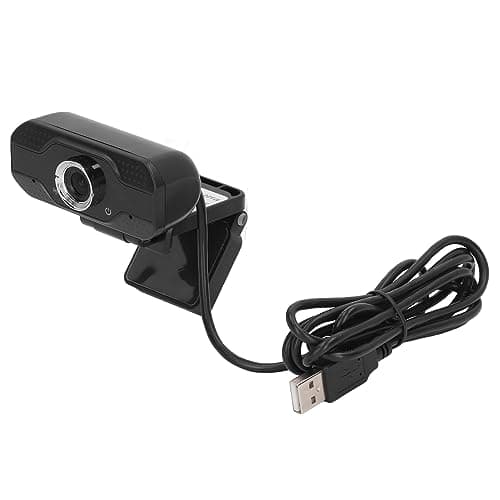
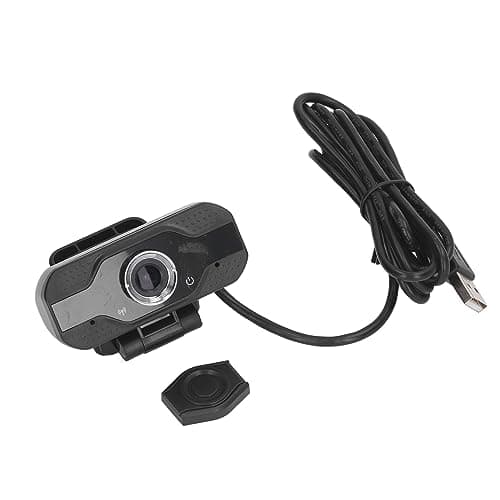
1080P HD Webcam with Dual Noise Canceling Microphone, Auto Light Color Correction, Wide Viewing Angle Plug and Play USB Camera for Video Calling, Recording
ciciglow
£6.33
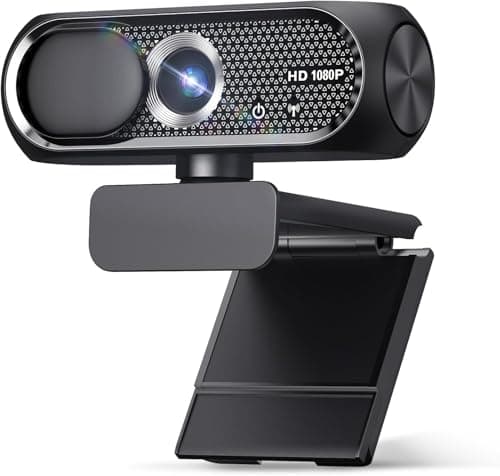
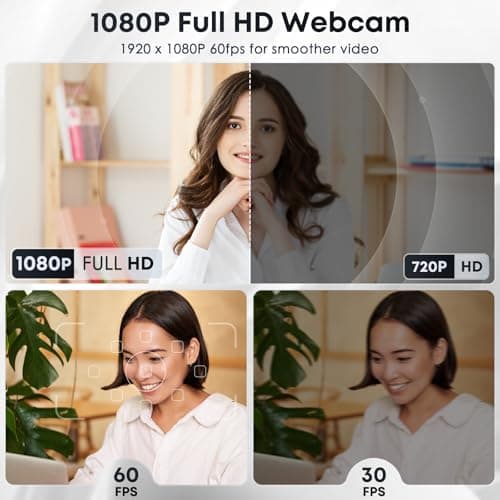
1080P HD Webcam with Microphone, Noise Cancellation, Privacy Cover, Wide-Angle Lens, Auto Light Correction, Plug & Play USB Web Camera for Laptop, Desktop, PC, Mac, Zoom, Skype, Streaming (Black)
Shcngqio
£19.99
