
GLOTRENDS M.2 Heatsink Kits with Thermal Pad for 2280 M.2 SSD, Fit for Desktop PC/PS5/PS5 Slim Installation, 22x70x3mm Aluminum Body
Brand: GLOTRENDS
The M.2 SSD heatsink is for PC/PS5/PS5 Slim, not for laptops. 22x70x3mm aluminum body, it can work with all 2280 M.2 SSDs.
- Height
- 3 mm
- Length
- 7 cm
- Width
- 2.2 cm
- Pack size
- 1
About this product
If you're looking to enhance the performance of your M.2 SSD without breaking the bank, GLOTRENDS heatsink kits are a standout choice in the Gaming SSDs category. Designed specifically for 2280 M.2 SSDs and compatible with both desktop PCs and PS5 consoles, these kits offer a sleek silver aluminum body that effectively reduces temperatures, ensuring your gaming experience remains smooth and uninterrupted. These compact yet powerful heatsinks measure just 22x70x3mm, making them perfect for installations in tight spaces like the PS5 or PS5 Slim. At only £4.27, they provide an affordable solution to a common issue faced by gamers—overheating SSDs that can slow down performance during intense gaming sessions.
Specifications
- Height
- 3 mm
- Length
- 7 cm
- Width
- 2.2 cm
- Pack size
- 1
- Colour
- Silver
- Amazon Bestseller Rank
- #5,869
Frequently asked questions
What is the GLOTRENDS M.2 Heatsink Kit compatible with?
The GLOTRENDS M.2 Heatsink Kit is designed to fit 2280 M.2 SSDs and is suitable for use in desktop PCs, PS5, and PS5 Slim consoles. Make sure your M.2 SSD is of the 22x70mm size to ensure compatibility.
Is this heatsink kit good for gaming?
This heatsink kit can help improve the cooling performance of your M.2 SSD, which may contribute to better overall system stability and performance during intensive tasks like gaming. However, its impact on gaming performance specifically might be minimal compared to other components in your system.
What comes in the box with this heatsink kit?
The GLOTRENDS M.2 Heatsink Kit includes one aluminum heatsink with a thermal pad. It’s important to note that you will need to apply the thermal pad yourself, as it is not pre-applied on the heatsink.
You might also like
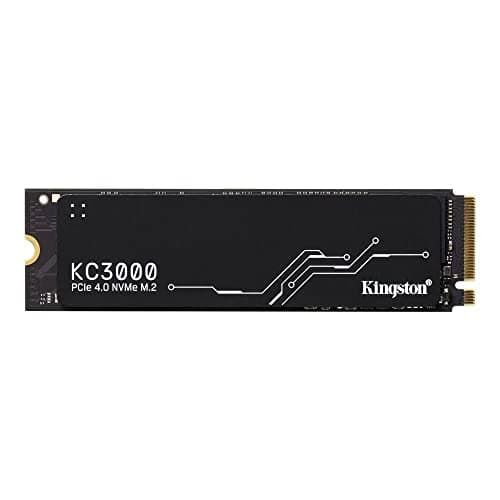
1TB Kingston KC3000, M.2 2280 PCIe, NVMe, SKC3000S/1024G SSD
Kingston
£324.88
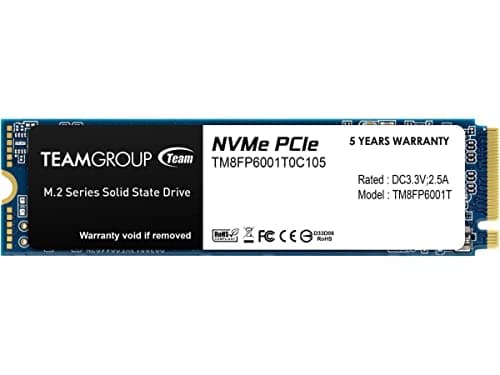
1TB TEAMGROUP MP33 M.2 2280 PCI Express 3.0 x4 NVMe Solid State Drive
TEAMGROUP
£151.43
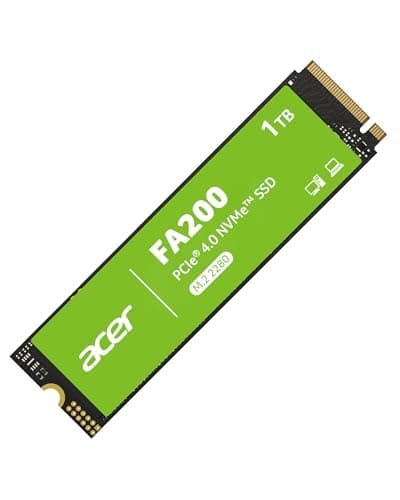

Acer FA200 M.2 2280 SSD 1TB: PCIe 4.0 NVMe Gen4x4 with HMB & SLC, Up to 7200 MB/s Read Speed, Internal Solid State Drive for Laptop, Desktop PC & PS5 Compatible
Acer
£154.69
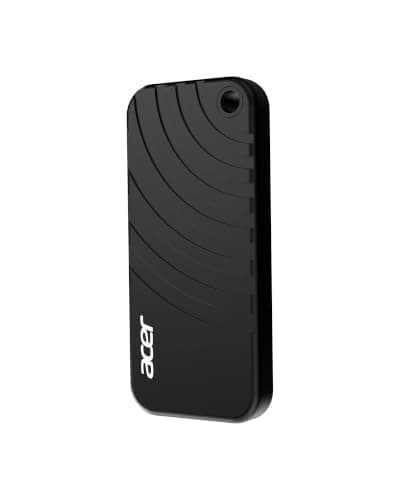

Acer PA100 Portable SSD 500GB, USB 3.2 Gen1 Type-C External Solid State Drive, Read Speed Up to 560MB/s, Ultra-Slim 9mm Design, Compatible with PC/Mac/PS5/Android/iOS
Acer
£82.99
