
dadeerhe Retro Game Stick, Classic Video Games, 20,000+ Games and 23 Emulators, Upgraded Dual 2.4G Wireless Controllers, Plug and Play TV Retro Gaming
Brand: dadeerhe
【2025 Newest Game Console Stick with 23 Emulators】: wireless TV game console, pre-loaded with over 20,000 classic games and 23 emulators, along with a 64GB TF card. Enjoy the convenience of playing without the need for downloads or installations; no internet connection is required. Simply connect to your TV, and you're ready to dive into a world of 20,000+ classic games
- Pack size
- 6
- Colour
- White and Black
- Amazon Bestseller Rank
- #6,249
About this product
If you're looking to relive the golden age of gaming without the hassle of setting up a full console, the dadeerhe Retro Game Stick is an excellent choice for anyone in the "Plug-and-Play Retro Consoles" category. This device offers a vast library with over 20,000 classic games and 23 emulators, making it perfect for retro gaming enthusiasts who want to explore a wide range of titles from different eras. What really sets this stick apart is its user-friendly design and ease of use—simply plug it into your TV, insert the game card, and you're ready to play. The included dual 2.4G wireless controllers provide responsive gameplay and ensure that you can enjoy a seamless experience without any wires getting in the way.
Specifications
- Pack size
- 6
- Colour
- White and Black
- Amazon Bestseller Rank
- #6,249
Frequently asked questions
What games and emulators are included with the dadeerhe Retro Game Stick?
The dadeerhe Retro Game Stick comes with a vast library of 20,000+ classic video games and supports 23 different emulators. This extensive collection ensures you can play a wide variety of retro titles without needing to purchase additional content.
Are the controllers compatible with modern TVs?
Yes, the dadeerhe Retro Game Stick is designed for modern TVs that support HDMI. You will need to connect the HD output of your TV to the included extension cable and then plug in the USB receiver to ensure proper functionality.
How do I set up the controllers?
To use the wireless controllers, you’ll first need to pair them with the gamepad stick using the 2.4G wireless technology. Once paired, insert two AA batteries into each controller (not included) and they are ready for play. The setup process is straightforward and should take only a few minutes.
You might also like
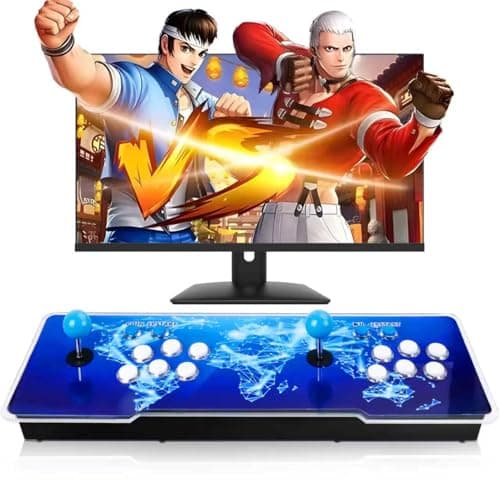
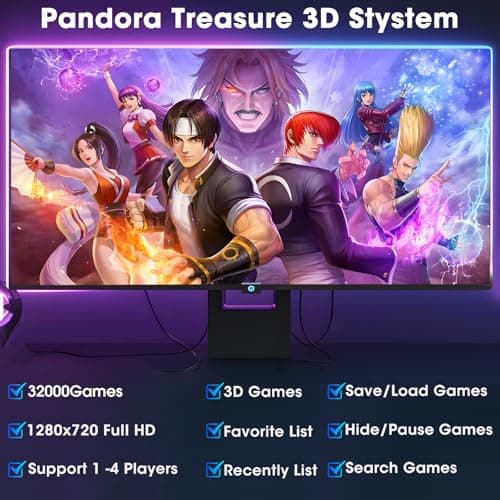
32000 in 1 Pandoras Box,Retro Arcade Console,Plug and Play Video Game,1280X720 Display, 3D Games,Double Joystick Favorite List Game Category Save/Search/Hide/Pause (Overall)
Aksozamg
£174.33
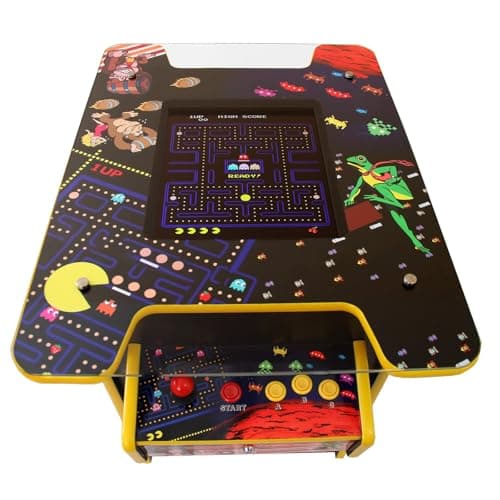
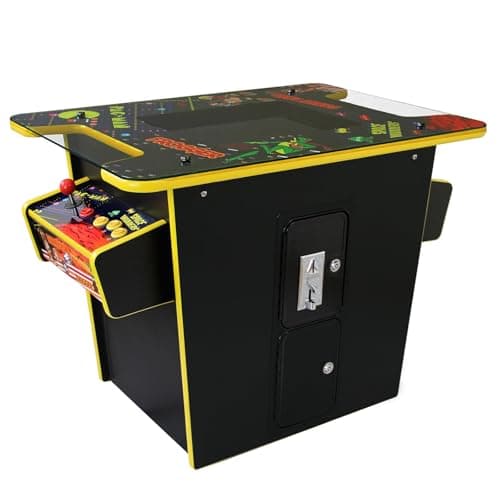
Arcade Game Machine Retro Cocktail Table Cabinet 60 Classic Video Games Flip Screen 1 or 2 Player 19 Inch LCD Display Screen Stereo Speaker Free Play Or Coin Operated 64.5cm W x 73cm H x 89.5cm D
Monster Shop
£899.99
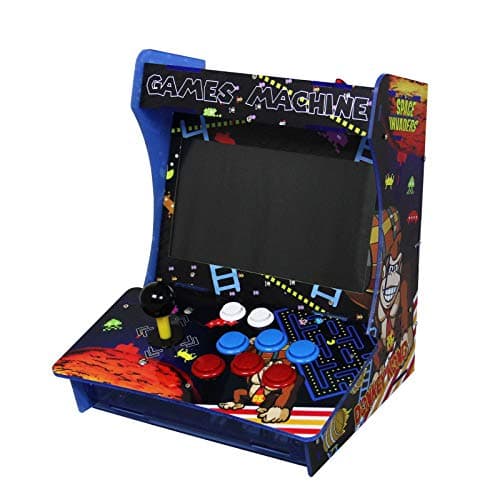
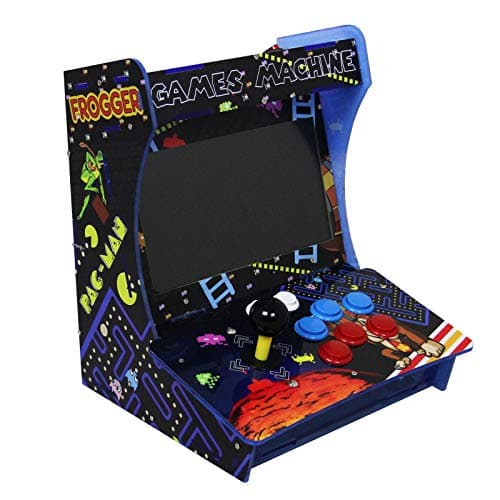
Arcade Games Machine Mini Tabletop Retro Gaming Console Cabinet 3303 Games Classic Assembled Video-game Player 10.1” Screen
Monster Shop
£249.99
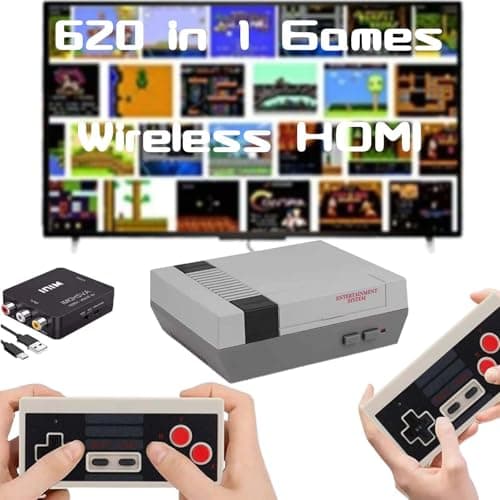
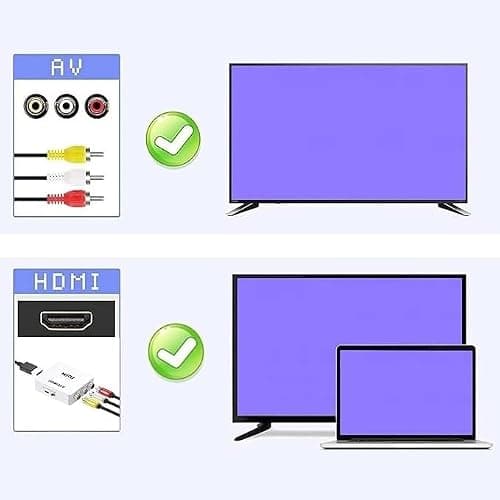
Classic Mini Retro Game Console Built in 620 Video Games,Av and HDMI Output Plug and Play Game System with Dual Wireless Controllers. (Grey)
Sucrwovk
£63.61
