
Simpeak Mini USB Desk Fan Cooling Quiet Portable Blue USB Powered ONLY (No Battery), 3 Speed Setting 360° Adjustable Swivel for Home and Travel
Brand: Simpeak
[3 Speed Control] The USB desk fan with 3 settings of the air flow speed can be adjusted to your demands. Comfortable first speed with noise less than 20dB, suitable for sleep; Nature second speed designed for use in work and study; Cool strong third speed, usb pc fan help you enjoy outdoor leisure.
- Height
- 5 cm
- Length
- 12 cm
- Width
- 12 cm
- Weight
- 180 g
About this product
Is there a compact and efficient fan that won't drain your laptop's battery but still offers reliable cooling? The Simpeak Mini USB Desk Fan fits the bill. This portable blue fan is perfect for both home and travel, providing three speed settings to match your comfort needs. Its 360° swivel feature ensures you can direct the airflow precisely where it’s needed, making it a versatile addition to any desk or workspace.
Specifications
- Height
- 5 cm
- Length
- 12 cm
- Width
- 12 cm
- Weight
- 180 g
- Pack size
- 1
- Colour
- Blue
- Amazon Bestseller Rank
- #26,083
Frequently asked questions
Is this fan compatible with my laptop or desktop USB port?
This fan is designed to be powered solely by a USB port. It will work with most standard USB 2.0 and USB 3.0 ports on both laptops and desktops. Check the manufacturer's listing for exact compatibility if you have specific concerns.
Can I use this fan in my car?
The Simpeak Mini USB Desk Fan is powered only by a USB connection, so it cannot be used directly in your car without an adapter that converts cigarette lighter power to USB. Consider checking the retailer's listing for any compatible adapters if needed.
How many speeds does the fan have and how do I control them?
This fan offers three different speed settings, allowing you to adjust the airflow according to your comfort needs. You can change the speed by simply pressing the button on the front of the fan until it reaches the desired setting.
You might also like
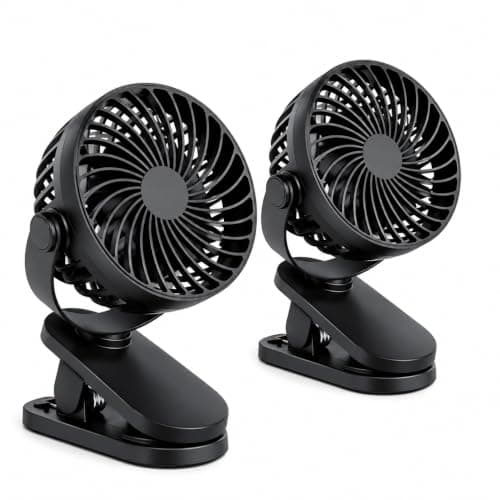
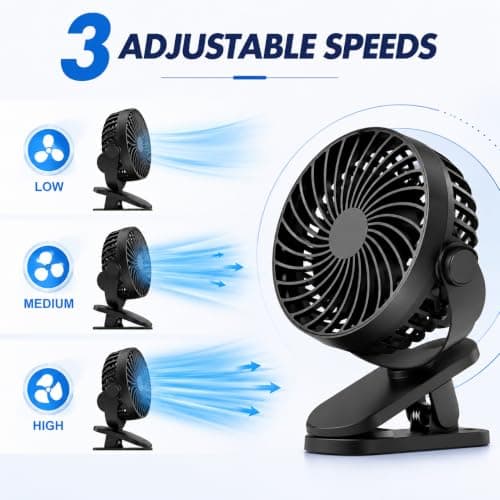
2 Pack USB Rechargeable Clip On Desk Fan, Portable Mini Cooling Fan with 3 Speed Settings, 360° Adjustable Head, Strong Clamp, Quiet Personal Fan for Office, Bedroom, Baby Stroller, Camping, Black
Generic
£7.99
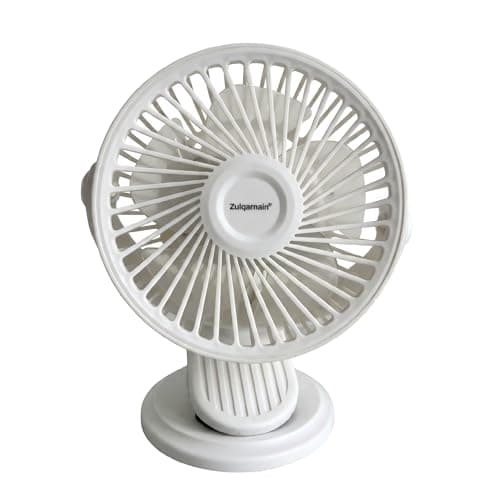
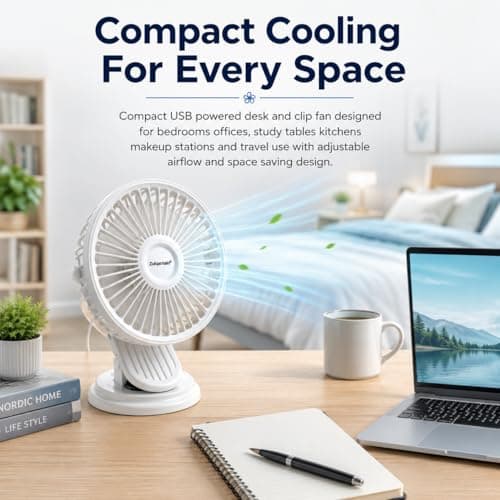
A2Z 5 Inch USB AC DC Desk Fan Clip Fan 2 in 1 Portable Mini Cooling Fan
A2Z
£6.99
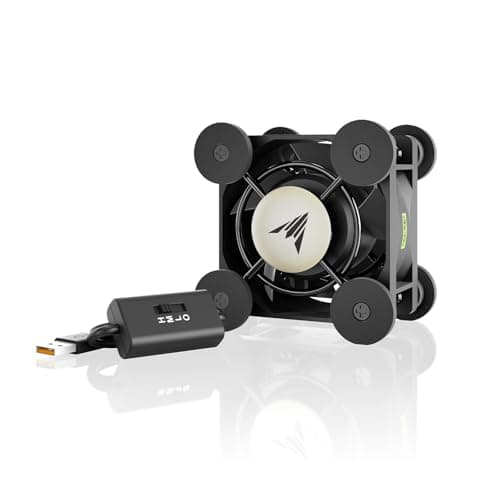
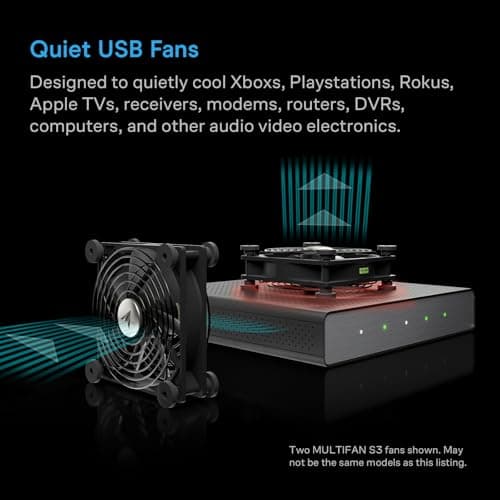
AC Infinity MULTIFAN Mini, Compact 40mm x 20mm USB Fan, UL-Certified
AC Infinity
£15.99
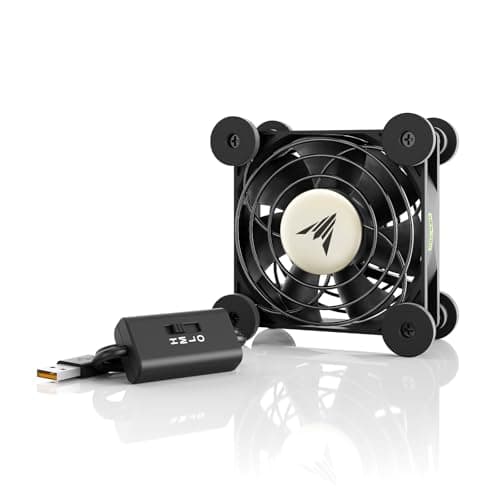
AC Infinity MULTIFAN S1, Quiet 80mm USB Fan, UL-Certified for Receiver DVR
AC Infinity
£15.99
