
berjalan Z-X4 Router Cooling Stand with Dual 140mm Fans and USB Power Setup for Efficient Host Heat Management
Brand: berjalan
Integrated structure, the maximum load-bearing capacity can reach 20KG.
- Height
- 5 cm
- Length
- 34 cm
- Width
- 20 cm
- Weight
- 548 g
About this product
In the "USB & External Fans" category, you'll find a variety of cooling solutions designed to keep your devices running smoothly. The berjalan Z-X4 Router Cooling Stand stands out with its dual 140mm fans and USB power setup, making it perfect for managing heat efficiently. This stand is not just another fan; it's specifically crafted to enhance the performance of routers by maintaining optimal temperatures. Equipped with a maximum air volume of 65.8CFM and operating at a noise level of only 18dBA, this cooling stand offers a quiet yet powerful solution for host heat management. Its USB power setup allows you to conveniently supply it with electricity without the need for additional cables or adapters, ensuring seamless integration into your existing router setup.
Specifications
- Height
- 5 cm
- Length
- 34 cm
- Width
- 20 cm
- Weight
- 548 g
- Pack size
- 1
- Colour
- Black
- Amazon Bestseller Rank
- #57,671
Frequently asked questions
Is this cooling stand compatible with all routers?
This cooling stand is designed to be compatible with most routers that have a standard USB port. For specific compatibility, check the manufacturer's listing or consult your router’s manual to ensure it meets the required voltage and current specifications.
Can I use these fans without a power source?
The fans in this cooling stand require a 5V DC power supply via USB to operate efficiently. Without a power source, they won't function as intended for heat management.
How do I set up the cooling base for my router?
To set up the cooling base, plug it into your router using the provided USB cable and ensure that both devices are properly connected. Place the router on top of the cooling stand to allow airflow underneath, which helps in managing heat more effectively.
You might also like
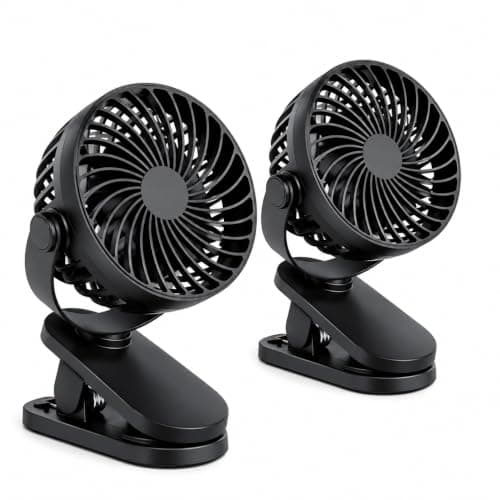
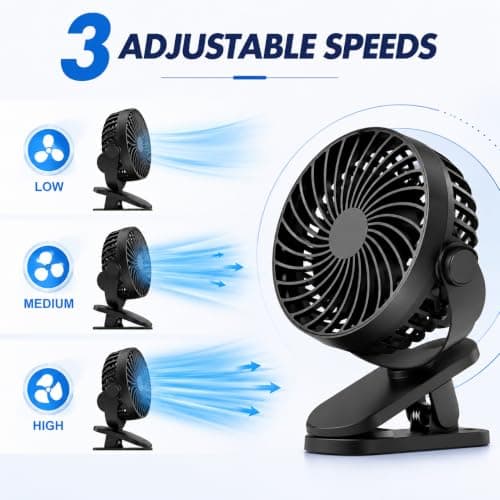
2 Pack USB Rechargeable Clip On Desk Fan, Portable Mini Cooling Fan with 3 Speed Settings, 360° Adjustable Head, Strong Clamp, Quiet Personal Fan for Office, Bedroom, Baby Stroller, Camping, Black
Generic
£7.99
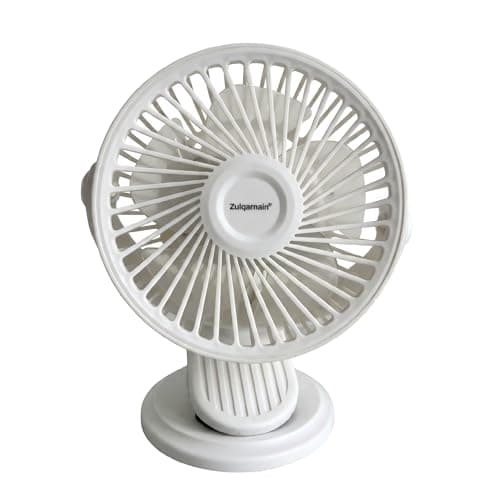
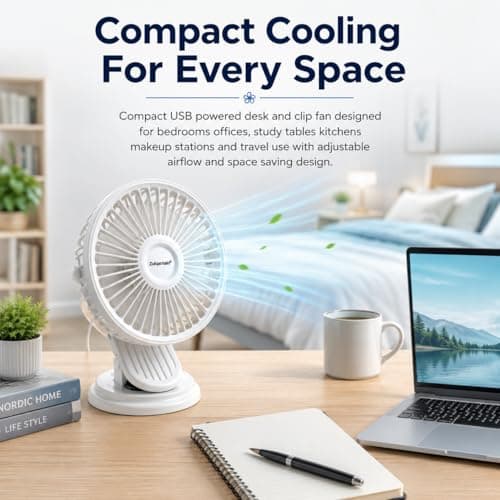
A2Z 5 Inch USB AC DC Desk Fan Clip Fan 2 in 1 Portable Mini Cooling Fan
A2Z
£6.99
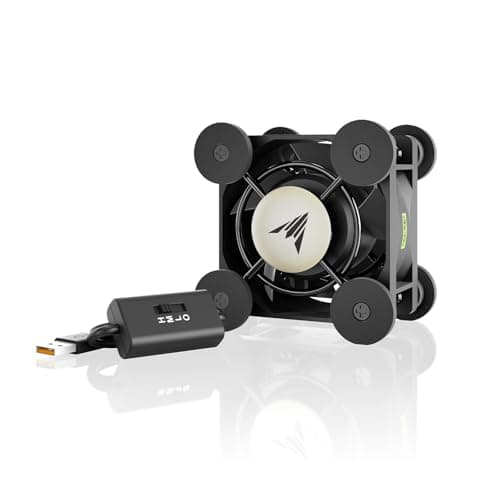
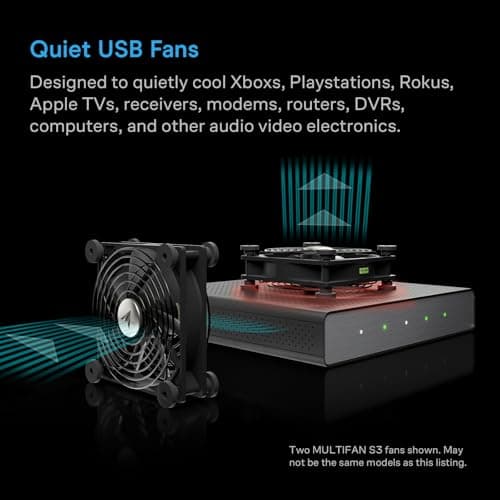
AC Infinity MULTIFAN Mini, Compact 40mm x 20mm USB Fan, UL-Certified
AC Infinity
£15.99
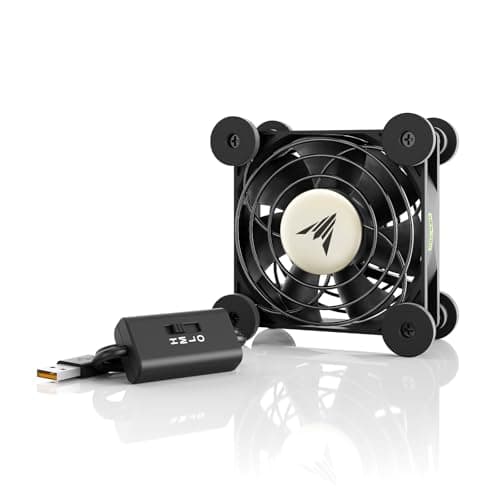
AC Infinity MULTIFAN S1, Quiet 80mm USB Fan, UL-Certified for Receiver DVR
AC Infinity
£15.99
