
Avatar Controls E14 SES Smart Bulbs, RGB WiFi, Works with Alexa, 4 Pack
Brand: Avatar Controls
SMART LIGHTING FOR MORE OF THE ROOM – This 4-pack is ideal for compatible chandeliers, wall lights and multiple lamps using E14 Small Edison Screw fittings. Each 5W candle bulb delivers up to 500lm, giving you coordinated smart lighting without replacing your existing light fittings.
- Weight
- 150 g
- Pack size
- 4
- Colour
- Rgbcw
- Amazon Bestseller Rank
- #1,157
About this product
Are you looking for a way to add some smart functionality to your gaming setup without breaking the bank? The Avatar Controls E14 SES Smart Bulbs could be just what you need. These RGB WiFi bulbs not only allow you to change colors and brightness with ease but also integrate seamlessly with Alexa, giving you voice control right from your console or PC. Perfect for enhancing any ambient lighting in your gaming area, these smart bulbs offer a versatile solution that fits perfectly into the Ambient & Smart Lighting category.
Specifications
- Weight
- 150 g
- Pack size
- 4
- Colour
- Rgbcw
- Amazon Bestseller Rank
- #1,157
Frequently asked questions
Are these bulbs compatible with Alexa?
Yes, the Avatar Controls E14 SES Smart Bulbs are designed to work seamlessly with Alexa. You can control them through voice commands or via the Alexa app on your smartphone or tablet.
Can I use these bulbs without an internet connection?
These smart bulbs require a WiFi connection to function as smart devices, but they will still light up even if you lose internet access. However, controlling them remotely will not be possible until you reconnect to the network.
How do I set up and pair these bulbs with my Alexa device?
To set up your Avatar Controls E14 SES Smart Bulbs with Alexa, first ensure they are powered on and connected to a WiFi network. Then, open the Alexa app, go to the smart home section, select 'Add a Device', choose 'Light Bulb', and follow the prompts to pair each bulb individually.
You might also like
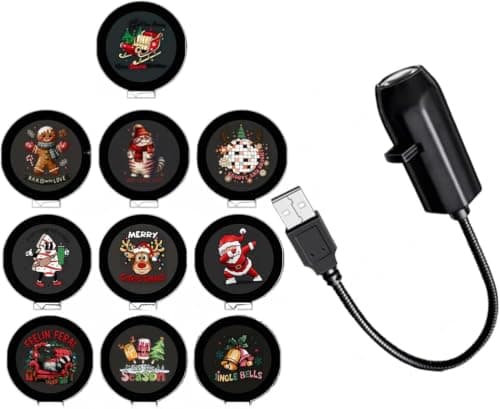

2026 Upgraded 5D Plug and Play hd Christmas Projector - Six Styles HD Smart Dynamic Night Light, 360° Rotating USB Powered Projector for Bedroom, Gaming Room, Car Interior roof,Christmas (10 pcs)
Generic
£6.99
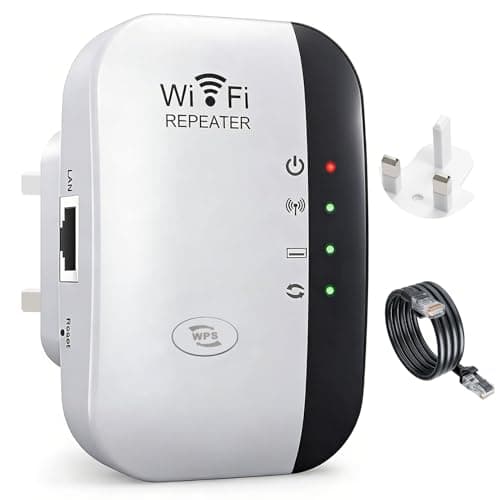
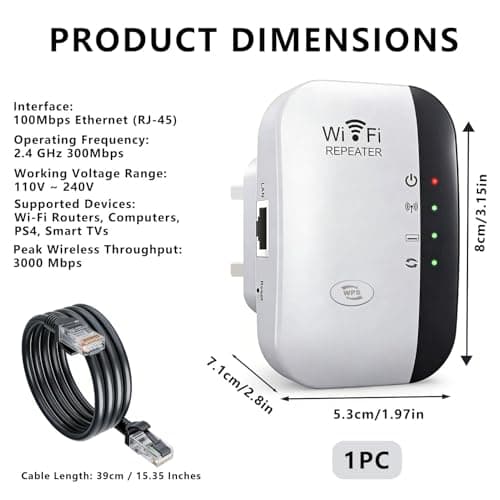
2026 WiFi Extender Booster WiFi Repeater Covers up to 3000 Sq.ft 45 Devices
Draymora
£8.49
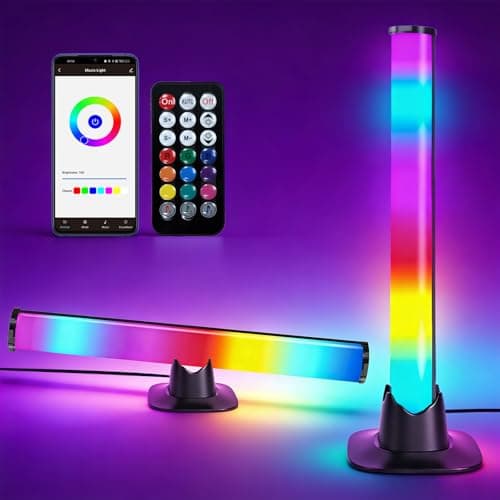
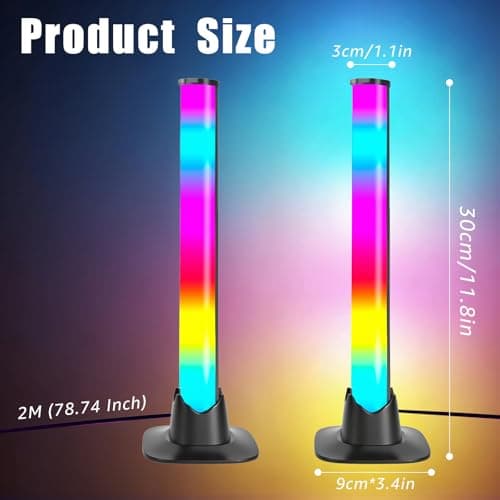
2PCS Smart LED Light Bars, RGB LED Light Bar for PC, Gaming Lights for Room
Turmegtt
£14.99
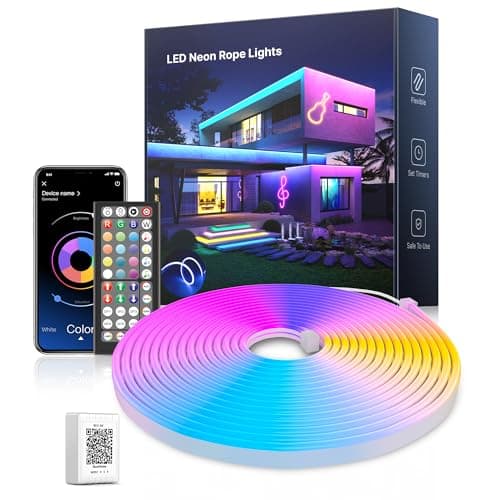
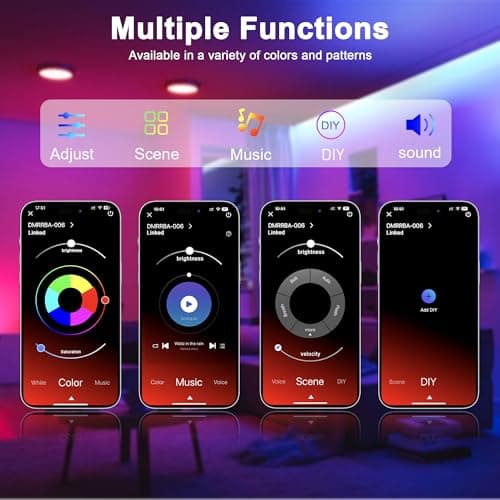
5M Led Neon Rope Lights, Flexible RGB LED Strip Lights with App/Remote Control, Music Sync Colour Changing Gaming Strip Lights, Waterproof Led Lights for Bedroom Home Decor
Nexillumi
£14.99
