
Hosyond 7 Inches USB C Mini Monitor 1024x600 IPS LCD Display Type C Secondary Screen for PC Laptop Windows
Brand: Hosyond
🔹 【7-Inch High-Definition IPS Display】Enjoy crystal-clear visuals with a 7-inch IPS screen featuring a 1024×600 resolution. Perfect for detailed and vivid images, this display offers wide viewing angles, making it ideal for DIY projects, system monitoring, and more.
- Height
- 11 cm
- Length
- 9 mm
- Width
- 17 cm
- Weight
- 349 g
About this product
Designed for PC and laptop users who want to enhance their gaming experience, the Hosyond 7 Inches USB C Mini Monitor is a perfect addition to your handheld console collection. This IPS LCD display offers a 1024x600 resolution and an adjustable backlight that can be controlled via buttons, providing clear visuals even in low-light conditions. Ideal for those who need a secondary screen for multitasking or extended gaming sessions. This mini monitor supports the Windows system and requires driver installation on your computer for initial setup. It’s compact at 171.8108.69.0 mm, making it easy to carry around. With its Type-C connection, you can easily connect it to your PC or laptop without needing additional adapters, fitting seamlessly into the handheld console category for a more immersive gaming experience on the go.
Specifications
- Height
- 11 cm
- Length
- 9 mm
- Width
- 17 cm
- Weight
- 349 g
- Pack size
- 1
- Colour
- black
- Amazon Bestseller Rank
- #162,717
Frequently asked questions
Is this monitor compatible with all types of USB C ports?
This monitor is designed to work with Type-C ports that support power delivery and data transfer. Ensure your device's USB C port supports these features before purchasing. Check the manufacturer’s listing for exact compatibility.
Can I use this monitor on a Mac or Linux system?
Unfortunately, this monitor is only compatible with Windows systems due to its driver requirements. For macOS or Linux users, consider checking alternative options that are compatible across multiple operating systems.
How do I set up the Hosyond 7 Inch Mini Monitor for my PC?
First, connect the Type-C cable from your computer to the monitor. Install the necessary drivers on your Windows system if prompted. Adjust settings like resolution and backlight via buttons on the monitor itself. Refer to the manufacturer’s instructions for detailed setup steps.
You might also like
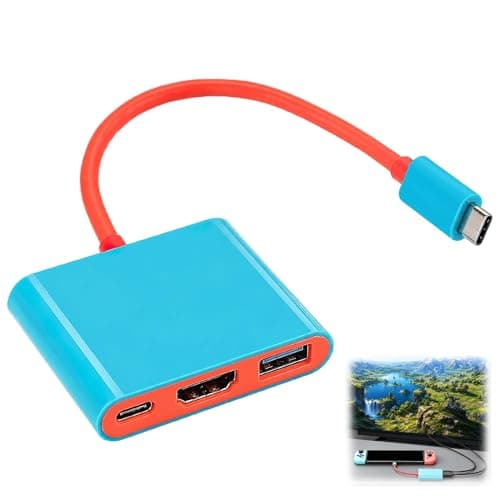
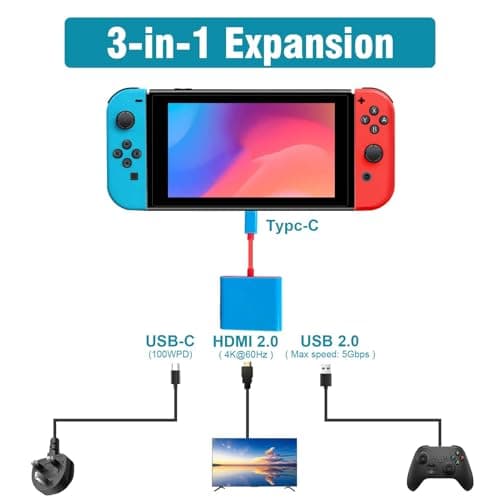
3-in-1 TV Docking Station Switch Dock for Nintendo Switch OLED Portable
Benvexa
£7.99
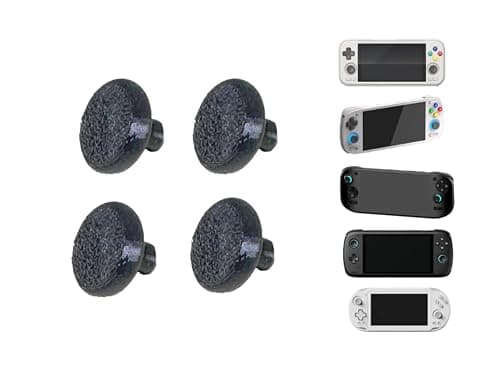
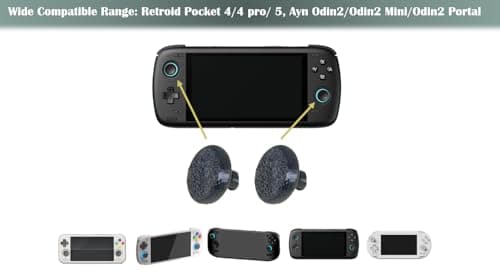
4-Pack Black Larger Thumbsticks for Ayn Odin 2, Portal, Retroid Pocket G2/6/5/4/4 Pro – 2 Pairs Taller Joystick Caps for Enhanced Precision & Comfort Compatible with Ayn & Retroid Handheld Consoles
Kimalab
£15.24
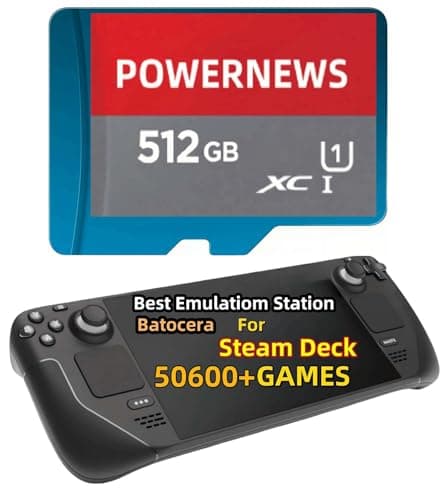
512GB Retro Game Card for Steam Deck - 50600+ Plug and Play Video Games, Included Emulator Console, Batocera 39 Game System Compatible
POWERNEWS
£152.86
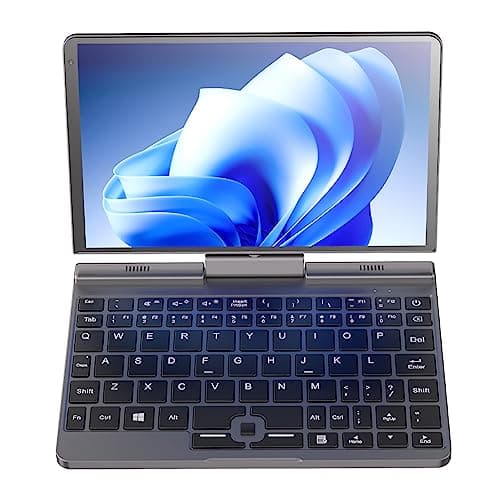
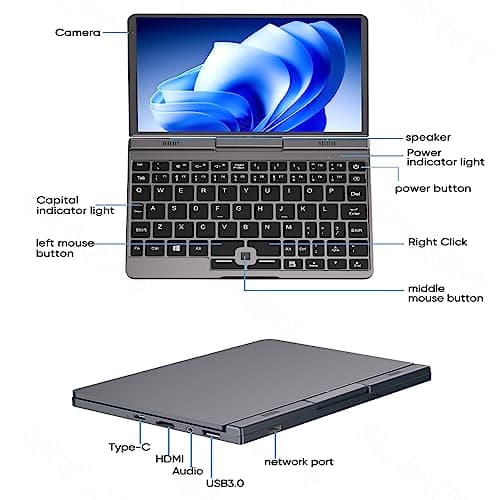
8 inch Mini Laptop Windows 11, 2 in 1 Touch IPS Screen Handheld Computer, Intel N100, 12G DDR5 RAM 2TB SSD Micro PC, Gaming Notebook Tablet with Stylus, WiFi6 BT5.2
Ttfzzztech
£516.08
