
RedThunder One-Handed RGB Gaming Keyboard and Mouse Combo, 35-Key Mini Gaming Keyboard, 6400 DPI Ergonomic Mouse, Portable Game Controller for PC PS4 Xbox Gamers
Brand: RedThunder
【Macro Recording Keys】'FN+F1' and 'FN+F2' are two sets of macro recording keys. Macro recording method: 1.Press FN+ESC until the backlit flashes to start recording; 2.Enter what you need to record; 3.Press 'FN+F1' or 'FN+F2' to end recording. The macro recording has been completed, press 'FN+F1' or 'FN+F2', the corresponding content will be output.
- Height
- 5 cm
- Length
- 37 cm
- Width
- 12 cm
- Weight
- 482 g
About this product
This one-handed gaming combo is perfect for players who want to enjoy their games on the go without sacrificing comfort or control. With a compact 35-key mini keyboard and an ergonomic mouse designed for precision, it's tailored specifically for gamers using PC, PS4, or Xbox consoles. Blending portability with performance, this setup ensures you can maintain top-tier gameplay whether you're at home or on the move. Its lightweight design makes it easy to carry around, while still offering responsive keys and a smooth mouse experience that won't let you down during intense gaming sessions.
Specifications
- Height
- 5 cm
- Length
- 37 cm
- Width
- 12 cm
- Weight
- 482 g
- Pack size
- 2
- Colour
- Wired combo
- Amazon Bestseller Rank
- #1,529
Frequently asked questions
Is this keyboard and mouse combo compatible with my PC?
The RedThunder One-Handed RGB Gaming Keyboard and Mouse Combo is designed for use with PCs. Check the manufacturer's listing to ensure it supports your specific operating system and hardware requirements.
Who would benefit most from using this one-handed keyboard?
This mini gaming keyboard is ideal for players who need a compact setup, such as those with limited desk space or gamers who prefer a more portable solution. It’s perfect for quick sessions without sacrificing functionality.
Can I use the mouse separately if needed?
Yes, you can use the ergonomic mouse separately from the keyboard. This flexibility allows you to set up your gaming environment according to your preferences and needs.
You might also like
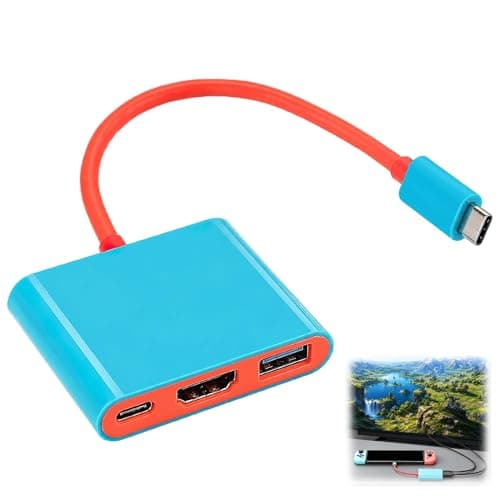
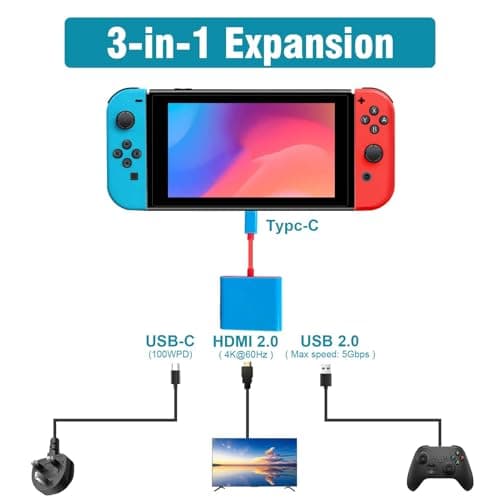
3-in-1 TV Docking Station Switch Dock for Nintendo Switch OLED Portable
Benvexa
£7.99
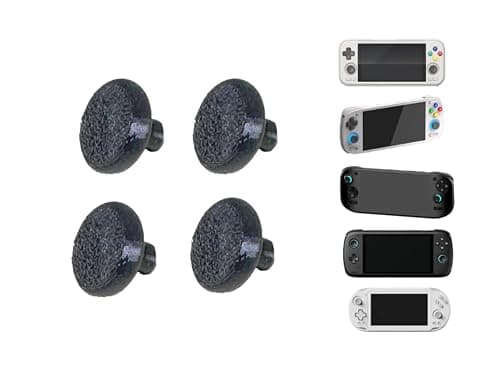
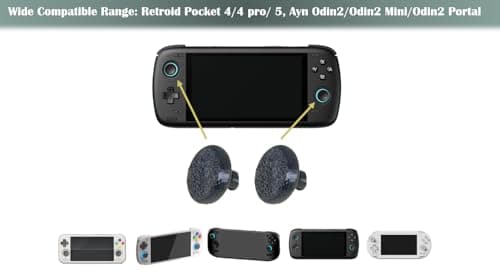
4-Pack Black Larger Thumbsticks for Ayn Odin 2, Portal, Retroid Pocket G2/6/5/4/4 Pro – 2 Pairs Taller Joystick Caps for Enhanced Precision & Comfort Compatible with Ayn & Retroid Handheld Consoles
Kimalab
£15.24
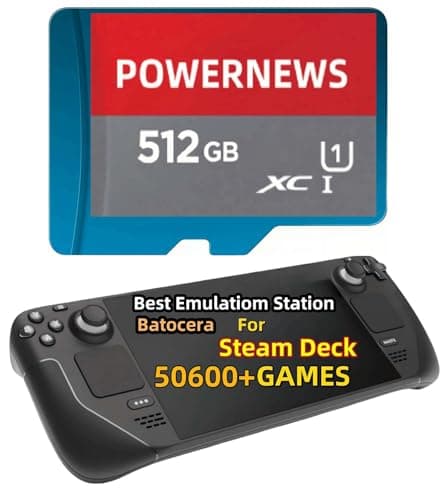
512GB Retro Game Card for Steam Deck - 50600+ Plug and Play Video Games, Included Emulator Console, Batocera 39 Game System Compatible
POWERNEWS
£152.86
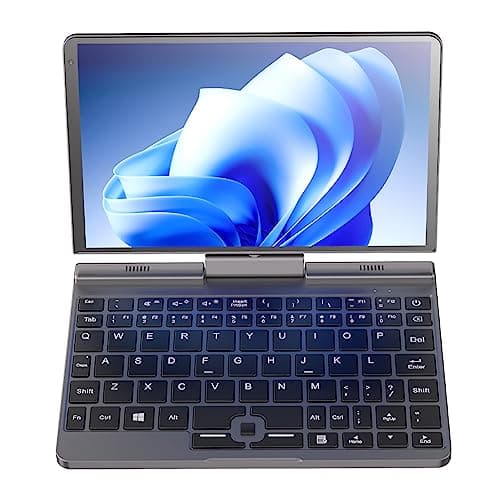
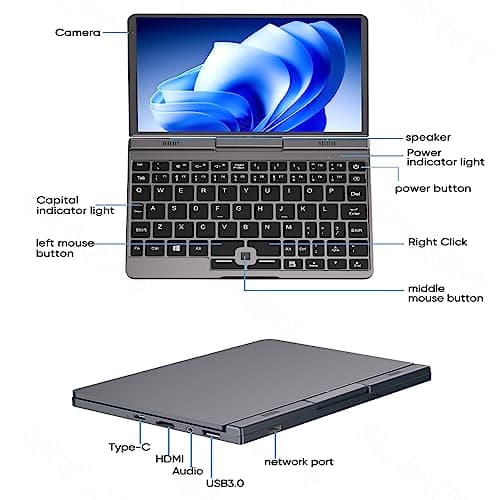
8 inch Mini Laptop Windows 11, 2 in 1 Touch IPS Screen Handheld Computer, Intel N100, 12G DDR5 RAM 2TB SSD Micro PC, Gaming Notebook Tablet with Stylus, WiFi6 BT5.2
Ttfzzztech
£516.08
