
Multi-in-1 Video Cord S Video Cable N64 DC128 Retro Game Console Stable Transmission, 1.80 Meter Long Retro Game Wire
Brand: Mtucegi
Video Transmission: Made of materials to ensure stable transmission and minimize image loss, providing users with clear games
- Pack size
- 1
About this product
Wouldn't it be great if you could easily connect your N64 and DC128 consoles to any screen without hassle? The Multi-in-1 Video Cord S Video Cable from Mtucegi does exactly that. This versatile cable supports multiple classic game consoles, making it perfect for retro gaming enthusiasts who own a variety of systems. With its 1.80-meter length, it comfortably fits most setups, ensuring you don't run into the frustration of insufficient cable length. The plug-and-play design means you can connect your console to any TV or monitor in seconds, allowing you to jump right back into your favorite games without any fuss. Its durable construction ensures longevity and resistance to wear, making it a reliable choice for frequent use.
Specifications
- Pack size
- 1
Frequently asked questions
Is this cable compatible with other game consoles besides N64 and DC128?
This Multi-in-1 Video Cord is designed to support multiple classic game consoles such as the N64 and DC128. However, it's always a good idea to check the manufacturer’s listing for exact compatibility before making your purchase.
How long is this cable, and will it be enough for my setup?
This cable has an 1.80 meter length, which should easily meet the needs of most entertainment environments. It provides ample length to avoid any inconvenience from insufficient line length, ensuring a comfortable distance between your console and TV.
Can I use this cable with modern TVs or monitors?
While this cable is designed for classic game consoles like N64 and DC128, it can also be used with modern TVs or monitors that support composite video input. Ensure your TV or monitor has a compatible input port before connecting.
You might also like
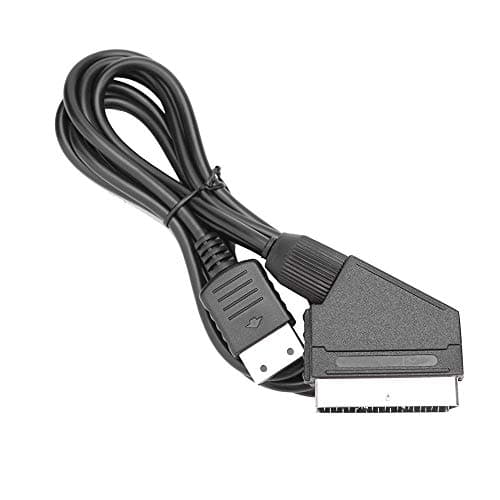
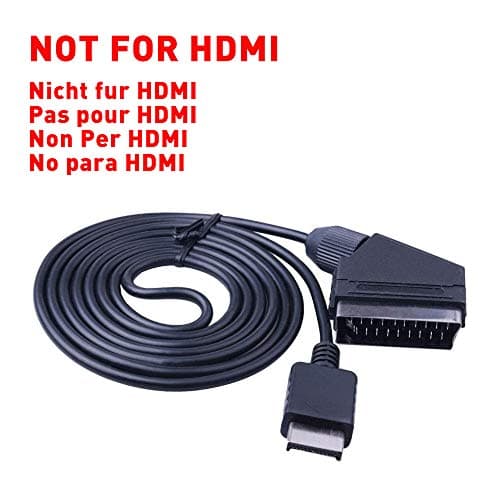
1.8M RGB Scart Cable For Sony Playstation PS1 PS2 PS3 TV AV Lead Replacement Connection Game Cord Wire for PAL/NTSC Consoles AV MULTI OUT-Not for HDMI
helpers lab
£10.99
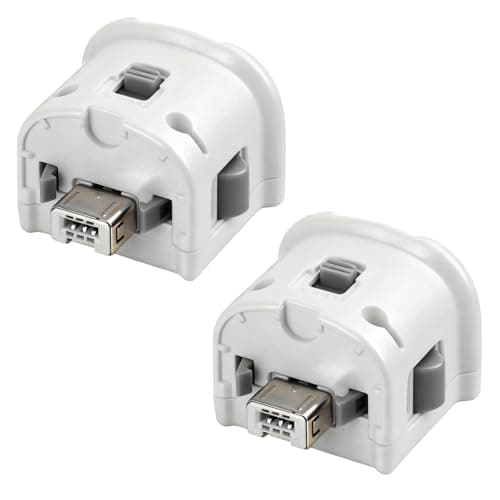
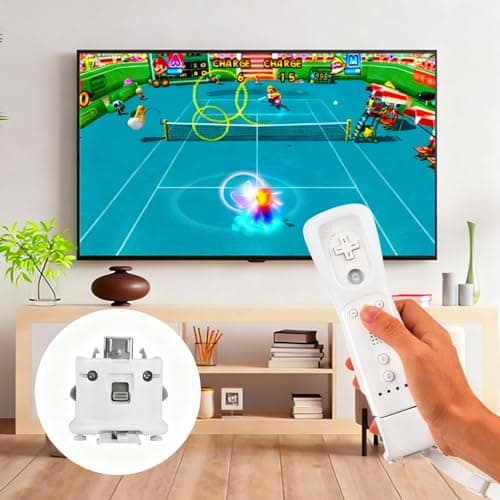
2 Pack Motion Plus for Wii, TechKen Motion Plus Adapter Compatible with Wii Remote Controller
TechKen
£19.99
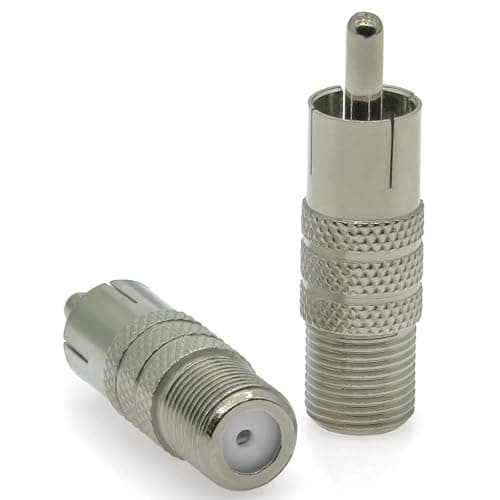
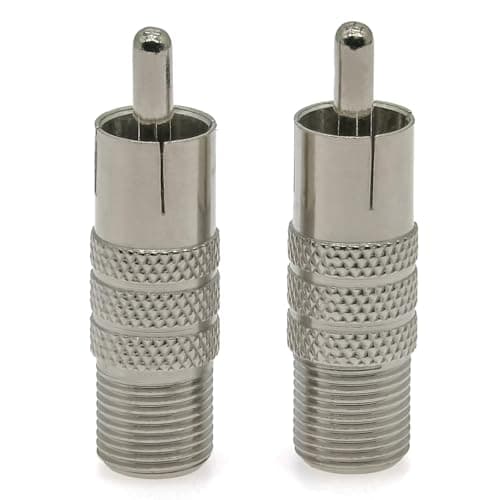
2PCS F Type to Phono Plug RCA Coax Adapter, Phono Plug RCA Male to Type F Female Coupler Adapter, Type-F AV Connector Converter (Copper) Compatible with Atari 2600 TV, Game Console, TV Monitor
Ahoaepy
£5.99
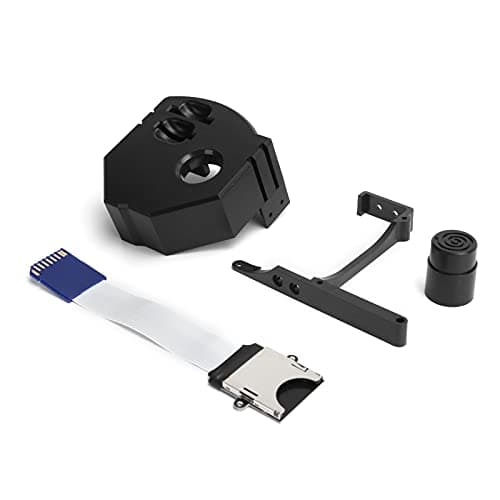
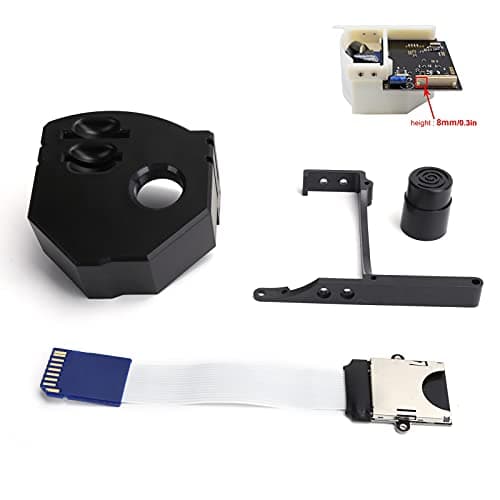
3D Print Memory Card Extender Adapter for Dreamcast Gdemu VA1 Console Upgrade Kit (Black)
Generic
£6.92
