
abxylute M4 Snap-On Mobile Gaming Controller for Android & iPhone, Lightweight Portable Phone Controller, Pocket-Sized Retro Emulator Gamepad Kickstand,Dual Joystick Turbo, Magnet (orange)
Brand: abxylute
Why Choose the abxylute M4 Snap-On Phone Controller? Designed Exclusively for On-the-Go Gaming.Trusted by 6000+ backers on innovative tech-focused crowdfunding platform. Pocket-Sized Play, Portable Anytime Anywhere. This compact controller features MagSafe snap-on technology, compatibility with iOS, Android, Switch & PC, and a Turbo function for pro-level gaming—perfect for slipping into your pocket and playing on the move.
- Colour
- orange
About this product
Is there a way to turn your smartphone into a full-fledged gaming console without sacrificing portability? The abxylute M4 Snap-On Mobile Gaming Controller does exactly that. This lightweight and compact controller is perfect for gamers who want to enjoy retro-style games on the go. With its dual joysticks, turbo buttons, and kickstand feature, it transforms your phone into a versatile gaming device, making it easy to play without holding your phone awkwardly.
Specifications
- Colour
- orange
Frequently asked questions
Is this controller compatible with both Android and iOS devices?
Yes, the abxylute M4 is designed to work with both Android and iOS devices. However, always check your device's specifications for compatibility as not all smartphones or tablets may be supported due to variations in screen size and resolution.
Who would benefit most from using this controller?
This controller is ideal for casual gamers who want a portable gaming experience on their mobile devices. It’s particularly useful for those who enjoy retro games, need a more comfortable way to play on smaller screens, or prefer the tactile feedback of physical buttons over touchscreen controls.
Can I use it with emulators like RetroArch?
The abxylute M4 is compatible with most mobile game emulators that support external controllers. However, you might need to configure your emulator settings to recognize and map inputs from this controller properly. Always refer to the specific emulator’s documentation for detailed instructions.
You might also like
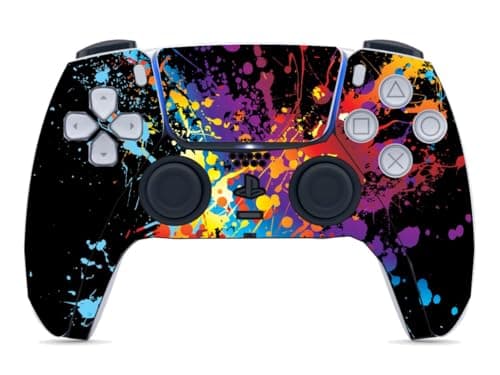
1x Custom Vinyl Remote Controller Skins Compatible With Playstation 5, Wrap Decal Cover Stickers Controller (Paint Splat)
the sticker studio ltd
£4.50
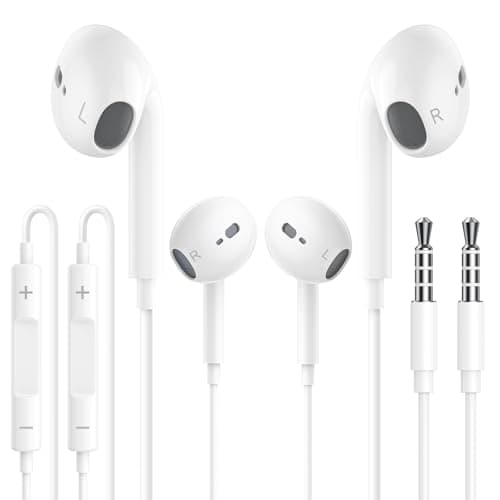
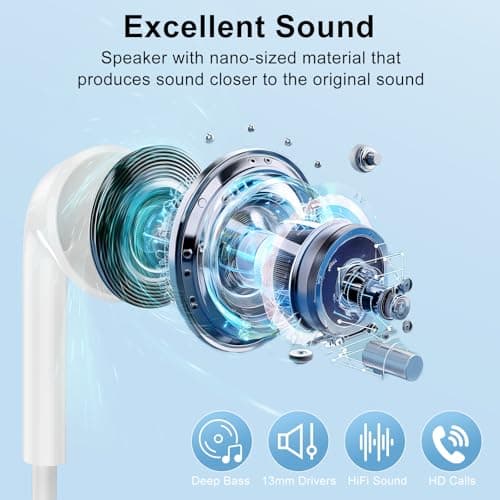
2 Pack 3.5 mm Wired Headphones, In Ear Earphones Wired Earbuds Headset
UniBond
£6.86
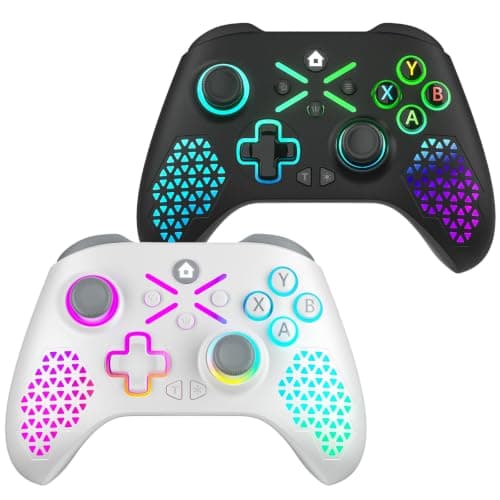
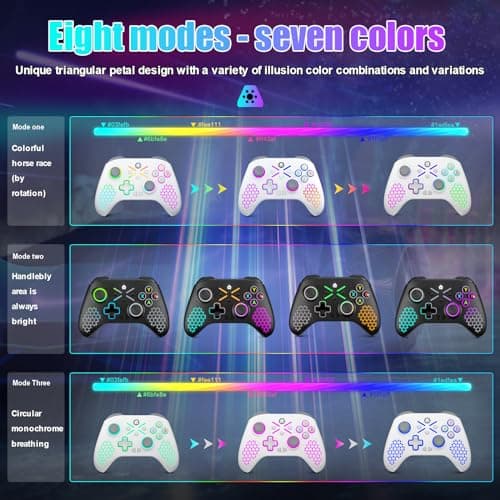
2 Pack RGB Wireless Controller for Xbox Series S/X, Xbox One/PC, with Back Paddles, Dual Vibration, Turbo, Macro, 2.4Ghz Adapter, 3.5mm Audio Jack
Lapezei
£79.00
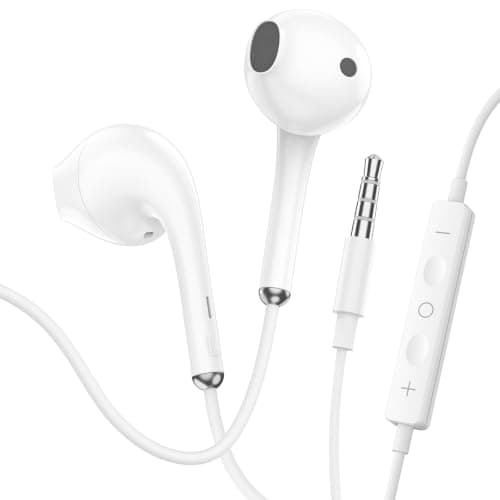
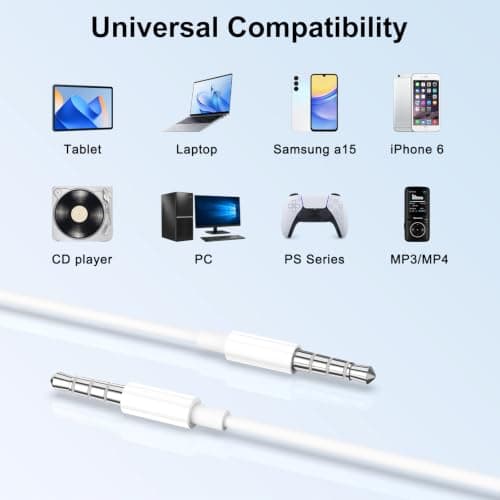
3.5mm Jack In‑Ear Headphones with Volume Control for Samsung,HUAWEI,MP3
Meliya
£4.99
