
2Pcs Keyboard Cover Protector for Office Skin Thin PC keyboard
Brand: Jesiah
Packaging Includes: This set includes 2 pack keyboard cover protector. If the keyboard protector are stuck together, simply tear them apart manually for easy installation. Length 45cm, width 13cm, suitable for 104/107 key keyboards
- Height
- 1 mm
- Length
- 45 cm
- Width
- 13 cm
- Pack size
- 1
About this product
Designed specifically for those who work in shared or public spaces, the Jesiah Ultra-Thin Silicone Keyboard Cover is a must-have for anyone looking to keep their office keyboard clean and hygienic. These covers are perfect for homes, schools, offices, and hospitals, offering protection against dust, saliva, spills, and daily wear without hindering your typing experience. Each pack includes two universal-size covers that fit most desktop keyboards with T-shaped or L-shaped Enter keys. Made from engineering-grade silicone, these protectors are not only durable but also easy to clean—simply remove the cover for washing with mild soap and water before allowing it to air dry. This practical solution ensures your keyboard remains in excellent condition, prolonging its lifespan while keeping you safe and hygienic during use.
Specifications
- Height
- 1 mm
- Length
- 45 cm
- Width
- 13 cm
- Pack size
- 1
- Colour
- Transparent
- Amazon Bestseller Rank
- #5,586
Frequently asked questions
What types of keyboards is this cover compatible with?
This keyboard cover is universal and fits most desktop keyboards that have T-shaped or L-shaped Enter keys. For exact compatibility, check the manufacturer's listing.
How does it compare to other keyboard covers on the market?
Compared to other covers, this Jesiah keyboard protector offers a balance of protection and comfort. It’s lightweight and flexible, making it suitable for daily use without adding bulk to your keyboard setup.
Can I wash the cover easily?
Yes, washing is straightforward. Simply remove the cover, clean it with mild soap and water, then allow it to air dry completely before reattaching. This ensures you can keep your keyboard clean without needing frequent replacements.
You might also like
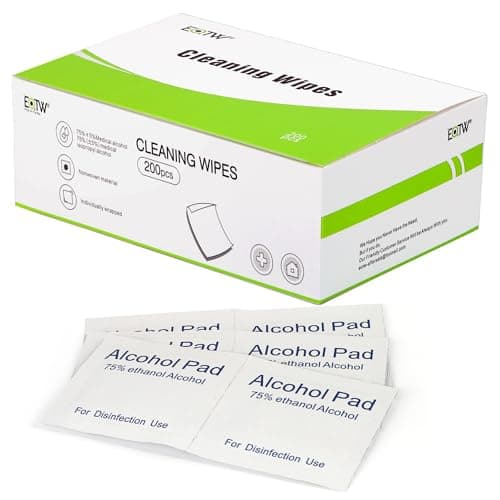
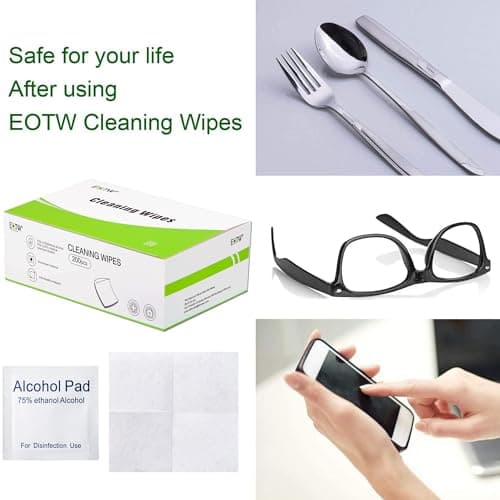
200pc Alcohol Cleaning Wipes - EOTW Cleaning Screen Glasses Wipes Individually Wrapped, Disposable Cleaning Wipes Phone Laptop Use Tiny Size 6cm x 6cm
EOTW
£8.43
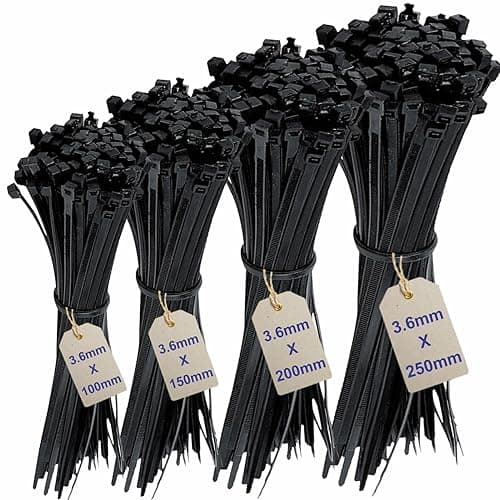
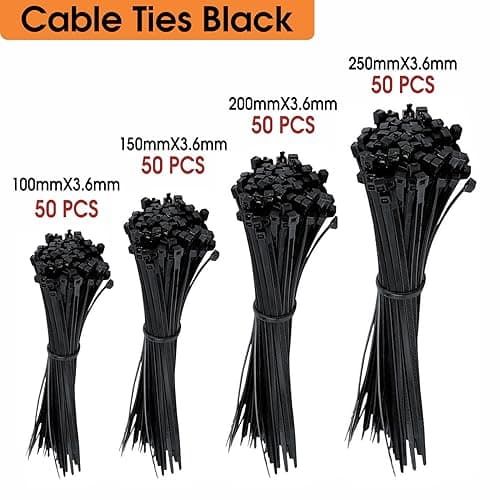
200Pcs Cable Ties Assortment -Mix Black Zip Ties Set with 4 Sizes (100/150/200/250mm) x 3.6mm Heavy Duty Nylon Cable Ties for Wire Management, Black Cables Ties Heavy Duty Zip Ties
ZARB
£2.99
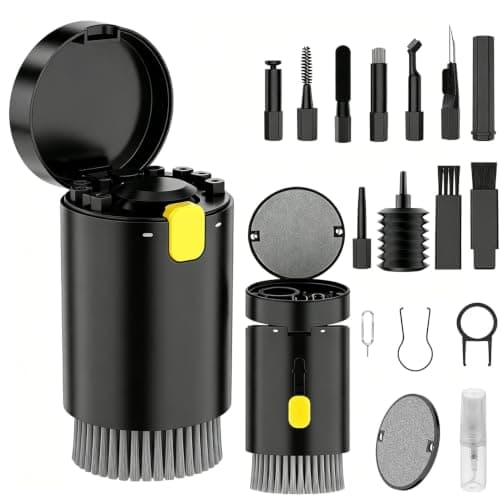
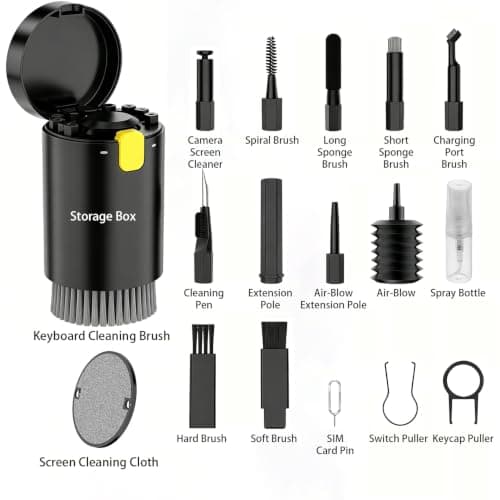
20 in 1 Keyboard Cleaner Phone Cleaning Kit Laptop Cleaning kit Camera Cleaning Kit PC Cleaning Kit Keyboard Cleaning Kit Portable Electronics Cleaning Kit (Black, 20 in 1)
CCHONGCC
£9.99
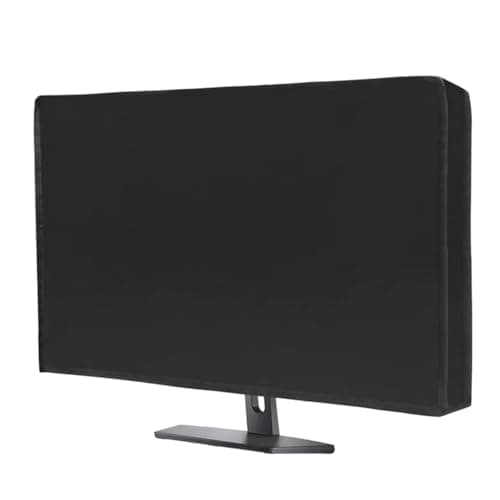
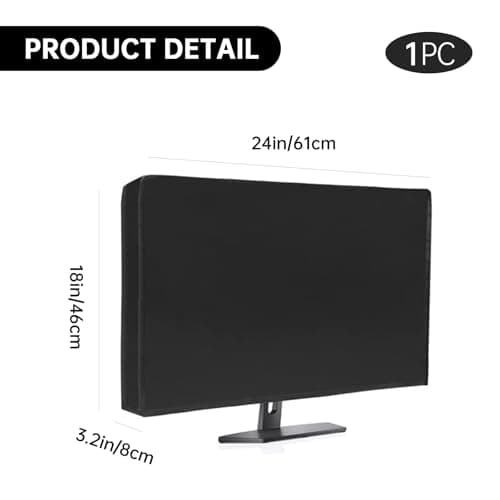
24 Inch Waterproof Oxford Anti-Static PC Monitor Dust Cover for Small TVs
DCYQAIN
£6.59
