
Kensington Smart Fit Dual Monitor Mount for Upto 32 Inch LCD LED Monitor Computer PC Screens, Ergonomic Double Arms Stand Desk Mount Bracket Tilt 45 Degree Swivel 90 Degree Rotate 180 Degree, Black
Brand: Kensington
- Height
- 13 cm
- Length
- 23 cm
- Width
- 46 cm
- Weight
- 1 g
About this product
Is there a way to enhance your workspace without compromising on design and functionality? The Kensington Smart Fit Dual Monitor Mount offers just that. With its ability to tilt up to 45 degrees, swivel 90 degrees, and rotate 180 degrees, it provides the perfect solution for those who need flexibility in their setup. Perfect for anyone using two monitors or looking to elevate a single large screen, this mount ensures your displays are always at the ideal angle, reducing strain and boosting productivity.
Specifications
- Height
- 13 cm
- Length
- 23 cm
- Width
- 46 cm
- Weight
- 1 g
- Pack size
- 1
- Colour
- Black
- Amazon Bestseller Rank
- #31,660
Is this the right pick for you?
This Kensington Smart Fit Dual Monitor Mount is ideal for those who need to work with two monitors but don't have the desk space or prefer a more ergonomic setup. The mount allows you to position both screens at different angles and heights, which can significantly improve your workspace efficiency by reducing neck strain and improving visibility. However, it might not be suitable if you only need one monitor or require a simpler, less adjustable mounting solution. In a typical dual-monitor setup, this product fits seamlessly into environments where flexibility is key. For example, in an office setting with multiple workstations, each desk can benefit from its own mount to accommodate different user preferences and screen sizes. The 45-degree tilt, 90-degree swivel, and 180-degree rotation features make it easy to adjust the monitors according to your needs without compromising on aesthetics or functionality. When considering this purchase, a few practical considerations are important. First, ensure that your desk can support the weight of two monitors; Kensington recommends at least 25 pounds per arm for safety. Additionally, check if your monitor's stand is compatible with the mount’s arms and that you have enough clearance on your desk to avoid any accidental damage or interference. Proper setup involves aligning the mounts correctly and ensuring both screens are securely attached before adjusting their positions. Regular care includes cleaning the mounts occasionally to maintain smooth operation and checking for any signs of wear and tear, especially if they are used intensively over time.
Frequently asked questions
Is this mount compatible with my 32-inch monitor?
This Kensington Smart Fit Dual Monitor Mount is designed for up to 32-inch LCD or LED monitors. Check the manufacturer's listing for exact compatibility and ensure your monitor meets the weight and size requirements before purchasing.
Can I use this mount with multiple monitors?
Yes, this mount supports dual monitors. It features ergonomic double arms that allow you to position each screen independently, providing a comfortable viewing experience for multi-monitor setups.
How does the tilt feature work on this mount?
The 45-degree tilt feature allows you to adjust the angle of your monitor according to your preferences and workspace needs. This can help reduce eye strain by allowing you to find a more ergonomic position, especially when working with two screens side by side.
You might also like
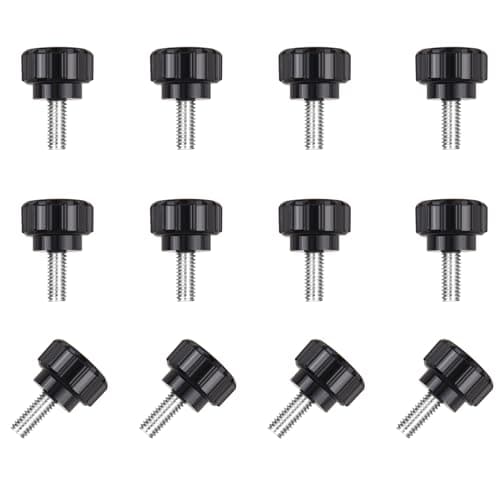
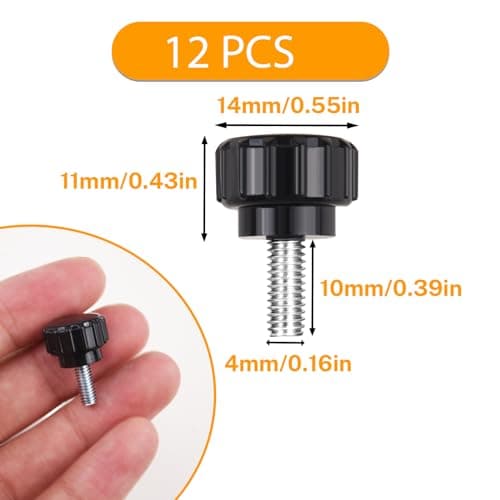
12 Pcs M4 x 10mm Threaded Knurled Thumbscrew, Monitor Screws Vesa Mount Screws Carbon Steel Clamping Knobs Grip Thumb Screw Mounting Thumb Screw
NICECRAFT
£4.19
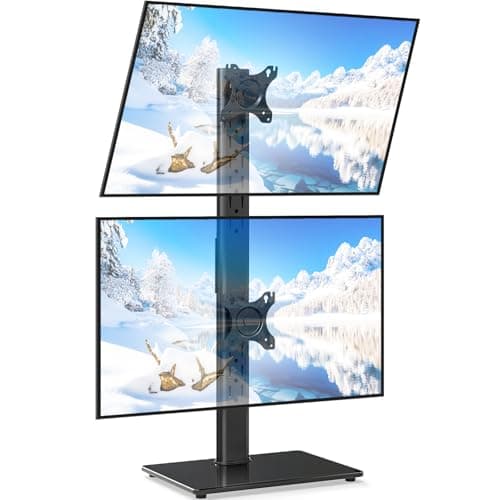
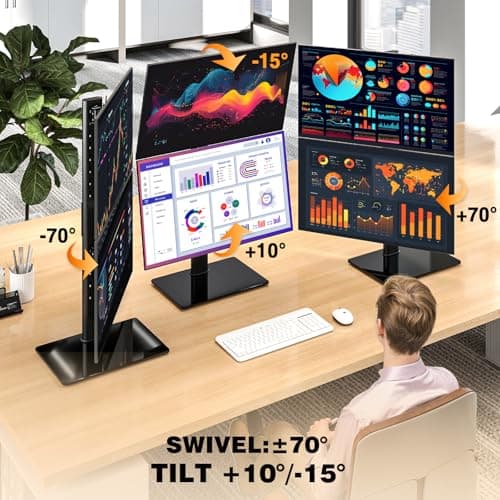
5Rcom Vertical Dual Monitor Stand for 13-38 Inch Flat Curved Screens
5Rcom
£27.59
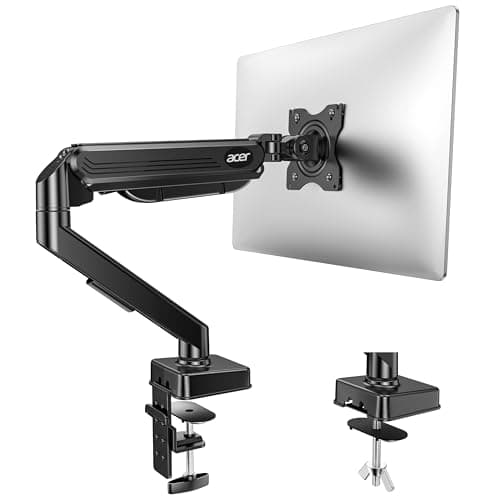
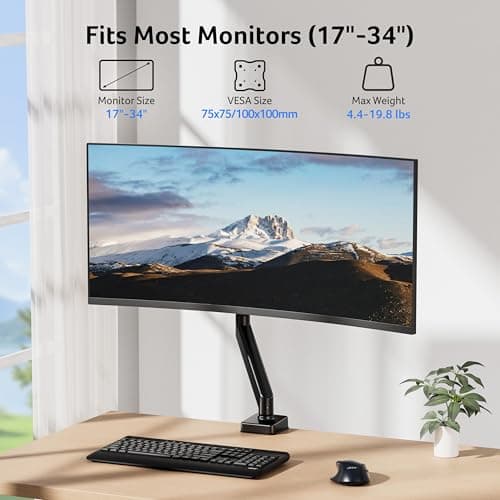
Acer Single Monitor Arm Desk Mount for 17-34 Inch Screen, Gas Spring Arm
Acer
£31.49
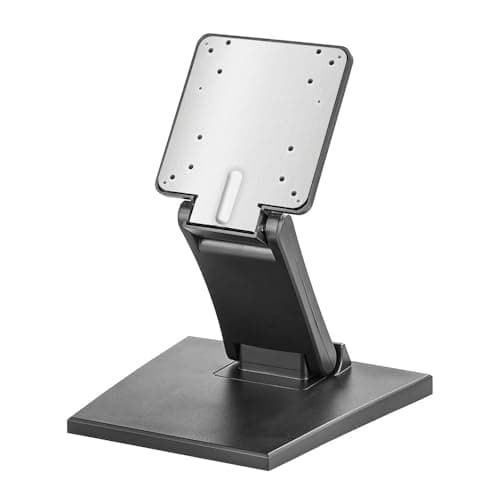
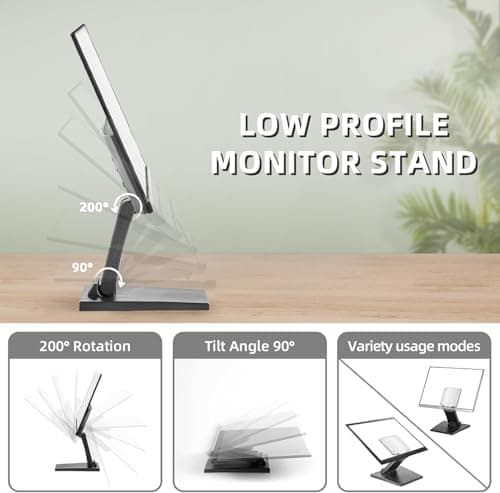
Adjustable Foldable Single Monitor Mount, Low Profile VESA Monitor Desk Mount 75x75mm & 100x100mm, Fits 10-27 Inch LCD Touch Screens
Feising
£23.99
