
Flight Simulation Joystick with Vibration Function, Simulator Control for Series X S, Simulation System Joystick and Throttle for Wins7 8 10 11
Brand: Topiky
Double Stick Control: This simulator features a joystick and throttle control, mimicking the aircraft's yoke and throttle, complete with damping feedback for an unparalleled, immersive flying experience.
- Colour
- Black
- Amazon Bestseller Rank
- #195,889
About this product
Explore the immersive world of flight simulation with the Topiky Flight Simulation Joystick. Designed for enthusiasts and professionals alike, it seamlessly integrates into your gaming setup for a more realistic flying experience. This joystick stands out not only in its vibration function that enhances tactile feedback but also in its compatibility with Windows 7, 8, 10, and 11, making it versatile for a wide range of simulators. Tailored specifically for Series X S users, this joystick is perfect for those looking to elevate their flight simulation experience. Its focus on providing an authentic feel through vibration ensures you can sense every movement, from gentle turbulence to intense maneuvers, bringing your flights to life in unprecedented detail.
Specifications
- Colour
- Black
- Amazon Bestseller Rank
- #195,889
Frequently asked questions
Is this joystick compatible with Windows 7, 8, 10, and 11?
Yes, the joystick is designed to be fully compatible with Windows 7, 8, 10, and 11. Ensure your system meets any additional requirements specified by Topiky for optimal performance.
Who would benefit most from this flight simulation joystick?
This joystick is ideal for pilots-in-training, aviation enthusiasts, and gamers interested in immersive flight simulations. It provides a realistic experience that can enhance your skills or enjoyment of the game.
Can I use this joystick with different gaming systems besides PC?
While designed primarily for PC, you should check if there are any specific controllers or adapters needed to use it with other gaming systems. Typically, such devices require software support from the manufacturer.
You might also like
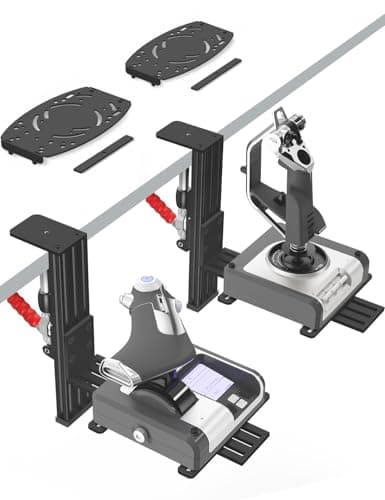
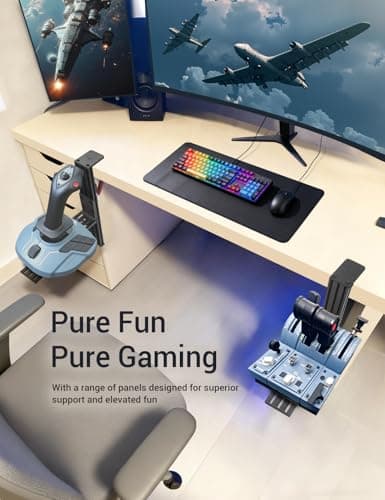
2 Pack Hotas Desk Mount for Flight Sim Hand-Controllers Compatible with Logitech X52 X56 Hotas, Thrustmaster Hotas Warthog, Sol-R2, SimTask Farmstick, T. Flight Hotas, T.16000M, TCA, Winwing,VKB, VPC
VTUIFBT
£64.88
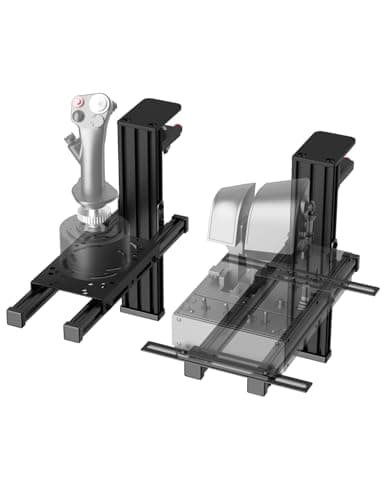
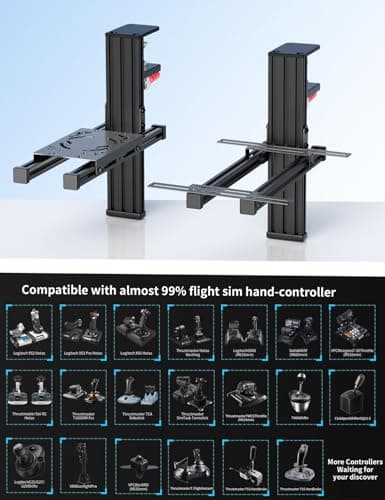
2 Pack Hotas Desk Mount For Flight Sim Joystick Compatible with Logitech X56/X52/X52 Pro, Thrustmaster Hotas Warthog/ T.16000M/ T-Flight Hotas 4/X/ SimTask Farmstick/ Sol-R2, Winwing, VPC, VKB Hotas
VTUIFBT
£59.99
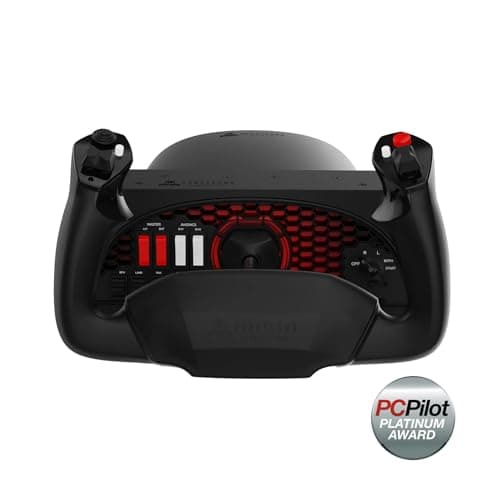
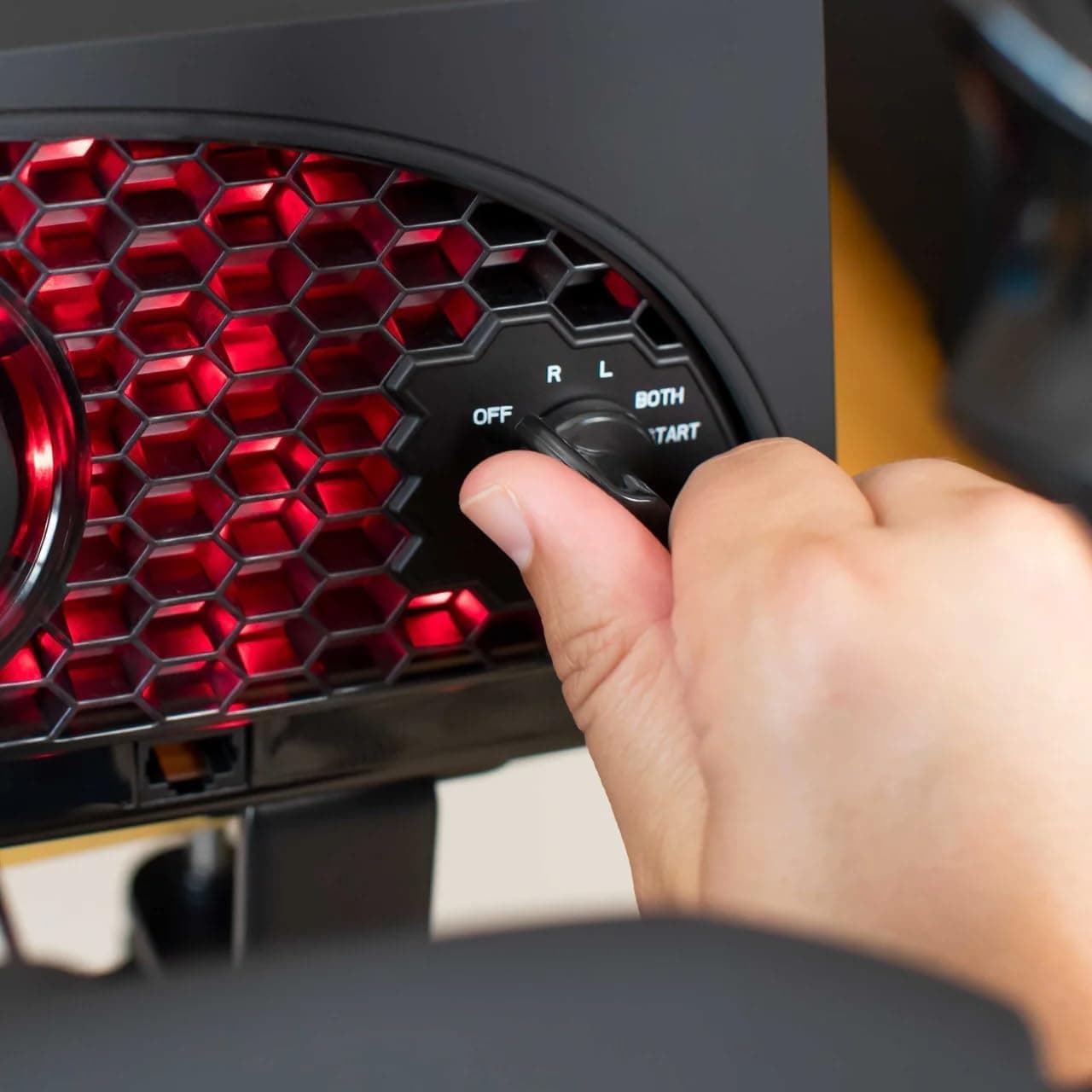
Aerosoft Honeycomb Alpha Flight Controls Flugsimulator-Steuerhorn USB PC black
Honeycomb Aeronautical
£301.16
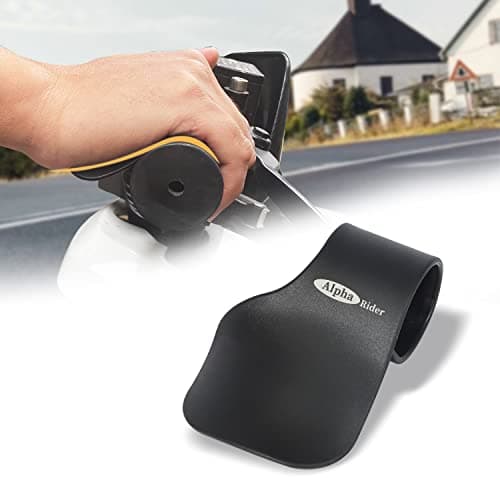
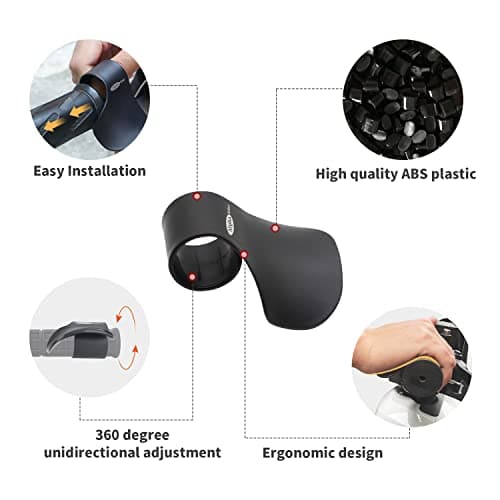
Alpha Rider Universal Motorcycle 22MM Black Throttle Mounted
Alpha Rider
£8.99
