
Masyrt Wired PC Flight Joystick with Vibration Function, Flight Simulator Control Stick with Throttle Control, Compatible with 7 8 10 11 for Computer, Laptop
Brand: Masyrt
VIBRATION: Depending on the game scenario, the fully rated vibration engine can produce different vibration effects, the vibration is located at the bottom of the joystick, please to ON. If the vibration intensity is less than 20 percent, please set the vibration intensity in the driver to 50 percent or higher.
- Amazon Bestseller Rank
- #242,883
About this product
Is there a way to enhance your flight simulation experience beyond just the keyboard and mouse? The Masyrt Wired PC Flight Joystick with Vibration Function offers an immersive solution. This control stick is designed specifically for flight sim enthusiasts who want to feel more connected to their virtual cockpit. With its vibration function, you'll get realistic feedback during turbulence or engine changes, making your flights feel more authentic. Whether you're using it on a Windows 7, 8, 10, or 11 computer or laptop, this joystick is versatile and ready to elevate your gaming experience.
Specifications
- Amazon Bestseller Rank
- #242,883
Frequently asked questions
Is this joystick compatible with my computer or laptop?
This Masyrt Wired PC Flight Joystick is specifically designed for computers and laptops running Windows 7, 8, 10, and 11. Ensure your operating system meets the requirements before purchasing to avoid compatibility issues.
Who would benefit most from this flight joystick?
Pilots or gamers interested in immersive flight simulation experiences will find this joystick highly beneficial. Its vibration function enhances realism during flights, making it ideal for serious hobbyists and enthusiasts who want a more engaging experience.
How does the throttle control work on this joystick?
The throttle control allows you to simulate real-world engine management. You can adjust thrust levels smoothly, which is crucial for realistic flight simulations. This feature helps in training pilots or enhancing the gaming experience by providing more dynamic and responsive controls.
You might also like
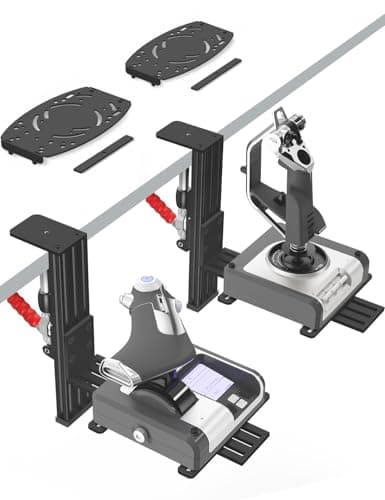
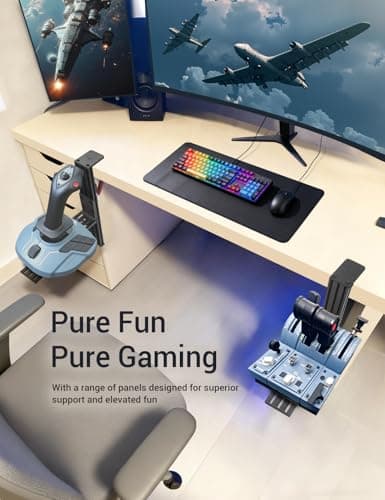
2 Pack Hotas Desk Mount for Flight Sim Hand-Controllers Compatible with Logitech X52 X56 Hotas, Thrustmaster Hotas Warthog, Sol-R2, SimTask Farmstick, T. Flight Hotas, T.16000M, TCA, Winwing,VKB, VPC
VTUIFBT
£64.88
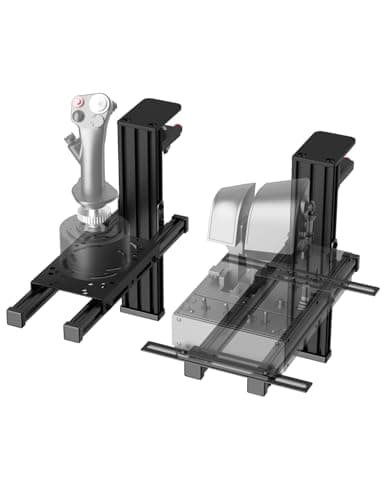
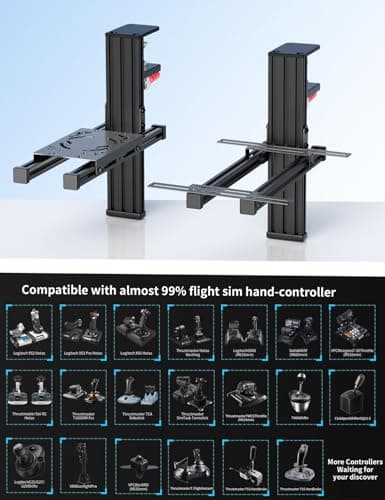
2 Pack Hotas Desk Mount For Flight Sim Joystick Compatible with Logitech X56/X52/X52 Pro, Thrustmaster Hotas Warthog/ T.16000M/ T-Flight Hotas 4/X/ SimTask Farmstick/ Sol-R2, Winwing, VPC, VKB Hotas
VTUIFBT
£59.99
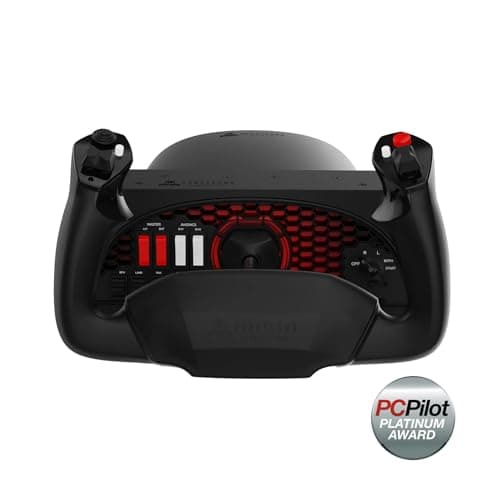
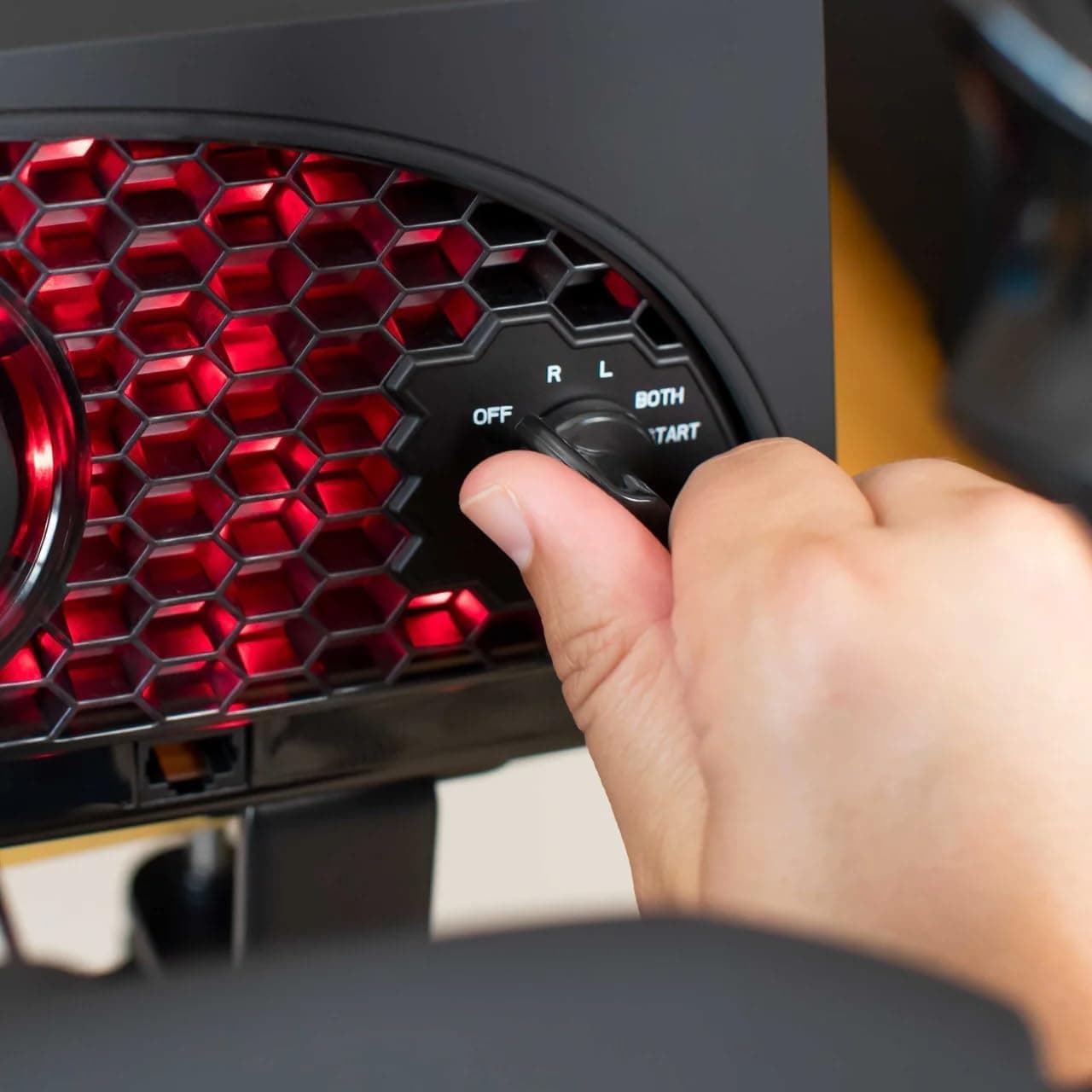
Aerosoft Honeycomb Alpha Flight Controls Flugsimulator-Steuerhorn USB PC black
Honeycomb Aeronautical
£301.16
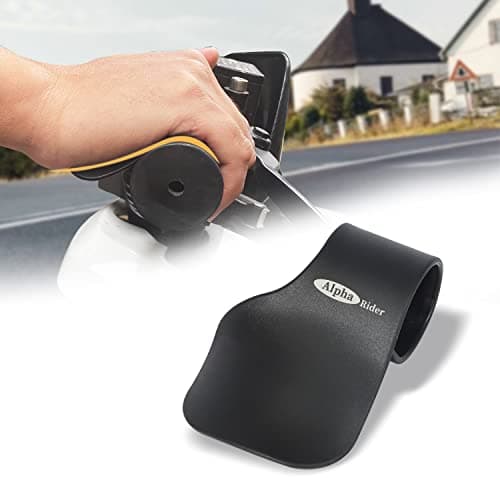
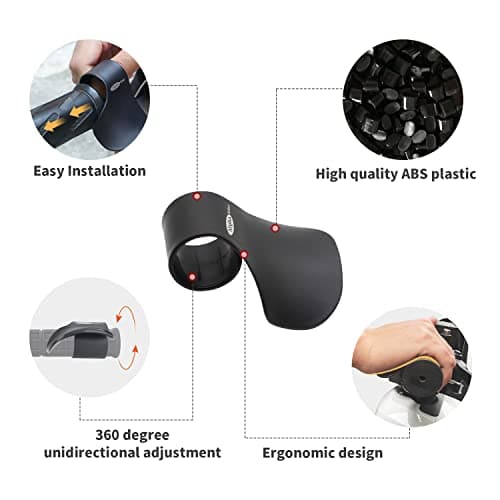
Alpha Rider Universal Motorcycle 22MM Black Throttle Mounted
Alpha Rider
£8.99
