
Plyisty PC Flight Simulation Joystick, USB Gaming Flight Simulator Game Controller with Vibration Function & Throttle Control, Wired Gamepad Flight Sim Stick Fro Series X S
Brand: Plyisty
[Comfortable Grip] This USB joystick has a solid and smoothly feel, very comfortable to grip, with four strong suction cups at the bottom, can be firmly fixed on the table, precise throttle control, ergonomically designed, easy to control all functions with one hand.
- Colour
- black
- Amazon Bestseller Rank
- #19,948
About this product
If you're a fan of flight simulators looking to enhance your gaming experience, the Plyisty PC Flight Simulation Joystick is an excellent choice. This wired gamepad is designed for those who want precise control over their aircraft in various flight games, including Ace Air Force. The joystick features multi-functional buttons like quick fire triggers and 12 programmable buttons, allowing you to customize your controls for a more immersive experience. Its ergonomic design ensures comfort during long gaming sessions, with suction cups at the bottom that keep it firmly on the table. The Plyisty PC Flight Simulation Joystick is compatible with Windows 7, 8, 10, and 11 systems, making it versatile for different setups. It's easy to set up—just plug it in—and you can start enjoying realistic flight simulations right away. While it doesn't support macOS or Linux, its solid build quality and comfortable grip make it a top pick for gamers seeking a reliable tool for their flight simulation adventures.
Specifications
- Colour
- black
- Amazon Bestseller Rank
- #19,948
Frequently asked questions
Is this flight stick compatible with the latest versions of Windows?
This flight stick is compatible with Windows 7, 8, 10, and 11. However, it does not support older versions like XP or Vista. Always check the manufacturer's listing for exact compatibility to ensure it meets your specific system requirements.
Can I use this joystick without installing any drivers?
Yes, you can plug in this flight stick directly into your USB port and start using it immediately. No additional drivers are required since it is designed as a plug-and-play device. If there are issues, the included manual provides steps to download necessary drivers.
How does the vibration function work on this joystick?
The vibration feature can enhance your gaming experience by providing feedback through vibrations based on in-game events. For optimal performance, set the vibration strength to 50% or higher as it might be less noticeable at lower settings. This feature is particularly useful for immersive flight simulations.
You might also like
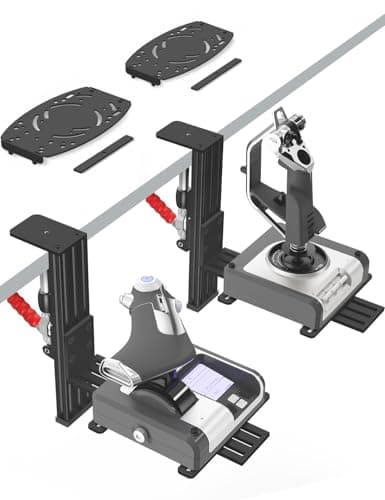
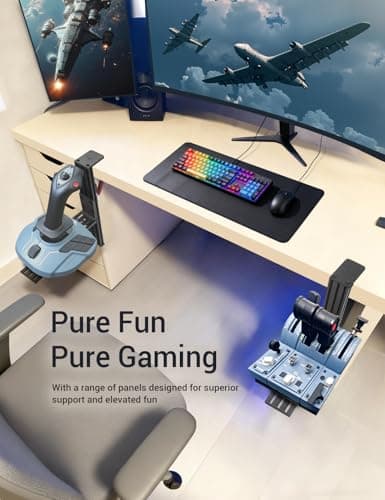
2 Pack Hotas Desk Mount for Flight Sim Hand-Controllers Compatible with Logitech X52 X56 Hotas, Thrustmaster Hotas Warthog, Sol-R2, SimTask Farmstick, T. Flight Hotas, T.16000M, TCA, Winwing,VKB, VPC
VTUIFBT
£64.88
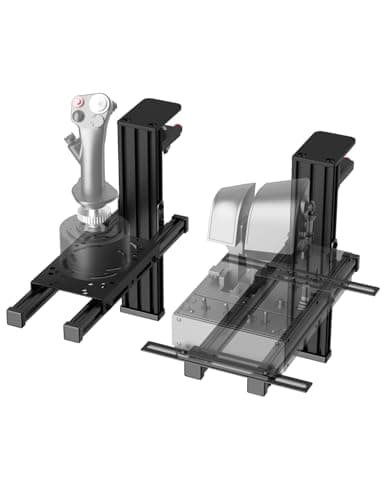
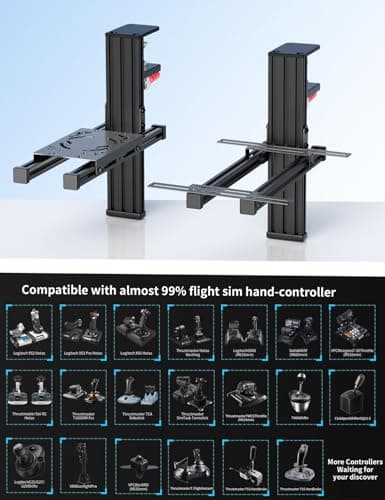
2 Pack Hotas Desk Mount For Flight Sim Joystick Compatible with Logitech X56/X52/X52 Pro, Thrustmaster Hotas Warthog/ T.16000M/ T-Flight Hotas 4/X/ SimTask Farmstick/ Sol-R2, Winwing, VPC, VKB Hotas
VTUIFBT
£59.99
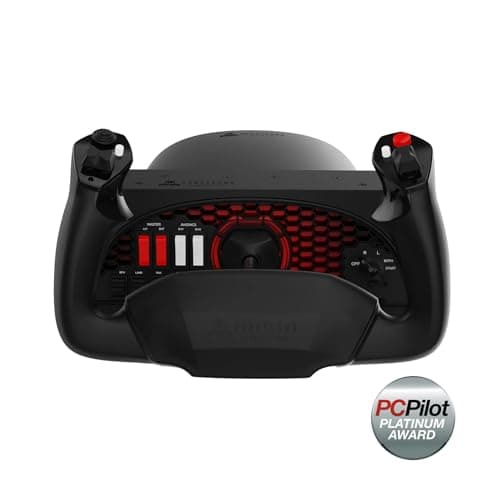
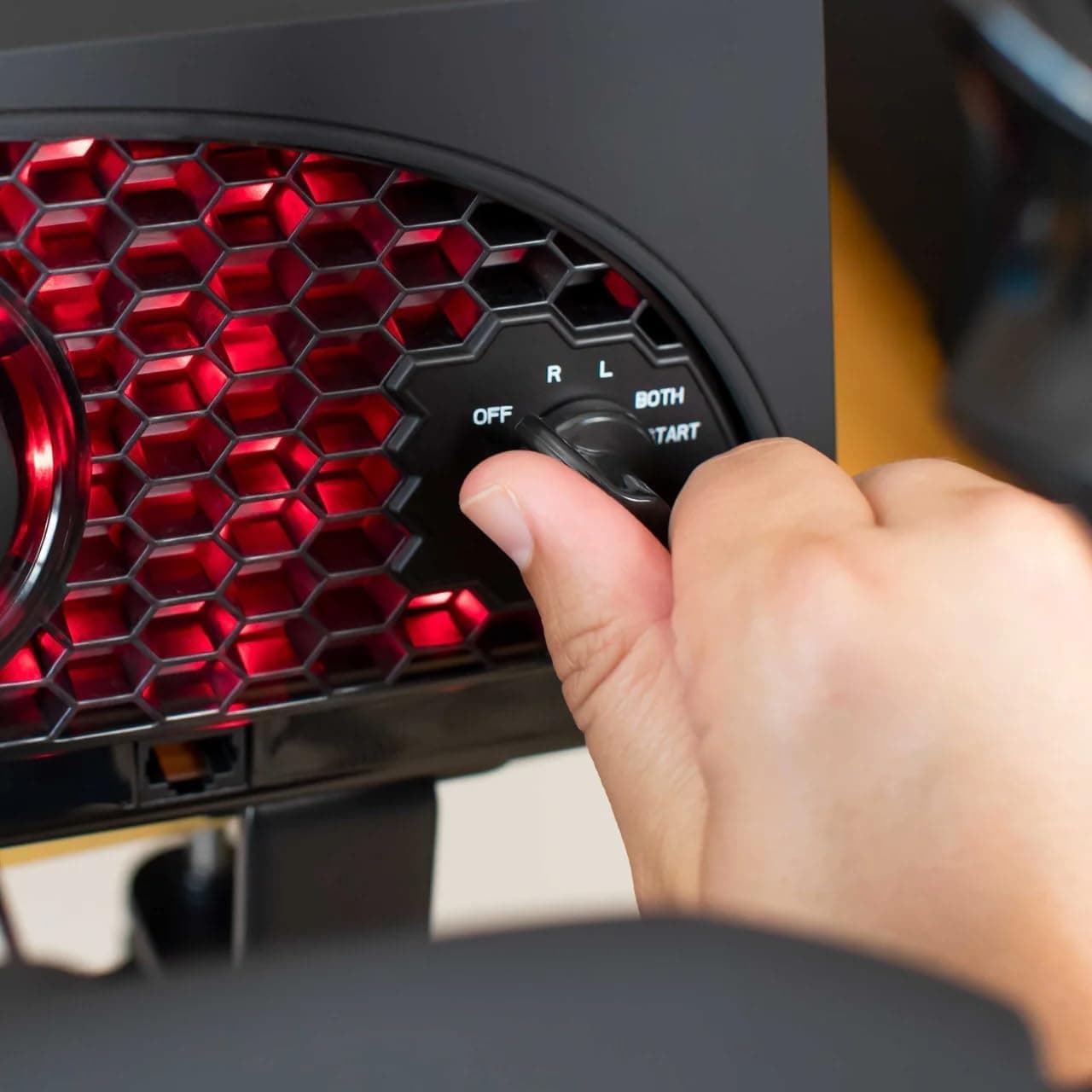
Aerosoft Honeycomb Alpha Flight Controls Flugsimulator-Steuerhorn USB PC black
Honeycomb Aeronautical
£301.16
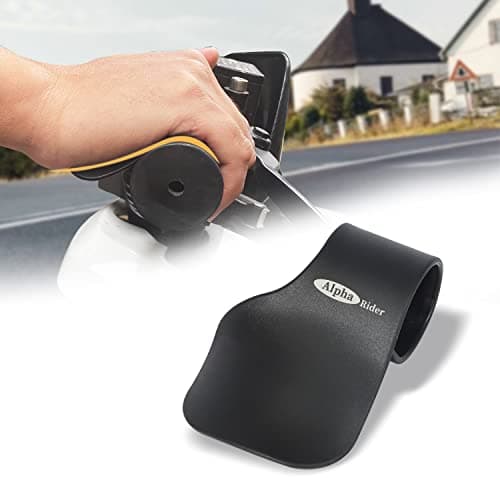
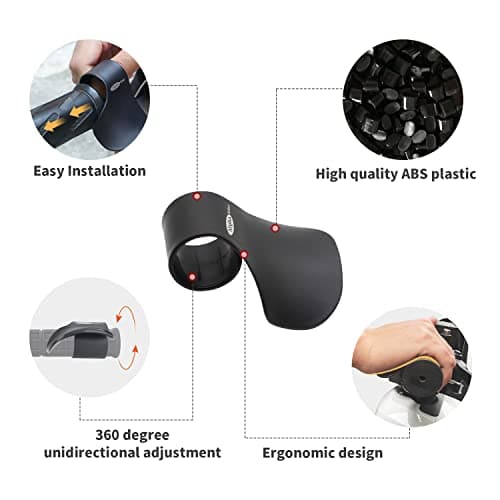
Alpha Rider Universal Motorcycle 22MM Black Throttle Mounted
Alpha Rider
£8.99
