
PUTORSEN Triple Monitor Arm, 30.5 inch Tall pole Triple Monitor Stand for 3 x 13"-32" Screens,Height Adjustable,Max Load 19.8lbs Per Screen,2 Mounting Options, VESA 75x75/100x100, Black
Brand: PUTORSEN
About this product
Are you looking for a way to keep your workspace organized while supporting multiple monitors? The PUTORSEN Triple Monitor Arm is the perfect solution. With its sturdiness and stability, it can hold up to three screens ranging from 13" to 32", each weighing up to 19.8lbs. Its height-adjustable design allows you to customize your setup for maximum comfort and efficiency. This versatile monitor arm offers two mounting options and is compatible with VESA mounts of 75x75mm or 100x100mm, ensuring compatibility with a wide range of monitors from different brands. The package comes complete with all necessary hardware and an installation manual, making setup easy. Plus, you can rely on the PUTORSEN team for any questions or concerns, offering support around the clock.
Highlights
- Sturdier and Safer Triple Monitor Mount - The solid construction and stable base provide stability and security for your 3 monitors. It can hold max up to 19.8lbs weight monitors per screen and fits for most brands of 13-32 inch monitors
- Trustworthy: This package includes 1 x Monitor Bracket, 1 x hardware kit, 1 x Installation Manual. What's more, you can get customer service from PUTORSEN. Please feel free to contact us if you have any questions and our professional customer service team will serve you during 7X24H
Is this the right pick for you?
This PUTORSEN Triple Monitor Arm is an excellent choice for those who need to manage three monitors efficiently on a desk. It’s particularly suited for professionals like graphic designers, video editors, or gamers who require multiple screens for multitasking and immersive gaming experiences. The arm's height adjustability allows you to position your monitors at the perfect viewing angle, reducing eye strain and improving overall comfort during long work sessions. In a typical setup, this monitor stand can be integrated into an office desk with ease, providing flexibility in arranging three monitors side by side or stacking them for vertical use. However, it might not be ideal for those who need to frequently adjust the angle of their screens while working on a single task, as the arm's stability is prioritized over quick adjustments. The VESA mounting options (75x75/100x100) ensure compatibility with most monitor brands and sizes within the specified range, making it a versatile addition to any setup. Before purchasing, consider that setting up this stand requires some assembly and understanding of the included hardware kit. Ensure you have enough space on your desk for the arm's full extension, as it is quite tall (30.5 inches). Regular maintenance involves keeping the arm clean and occasionally checking the tightness of the screws to maintain its stability. With proper care, this monitor stand can provide years of reliable service, enhancing both productivity and comfort in your workspace.
Frequently asked questions
Can this monitor arm support all types of 13 to 32 inch monitors?
This monitor arm is compatible with most brands and models of 13 to 32 inch monitors. However, check the VESA mount compatibility on your specific monitor before purchasing. The VESA mounting options (75x75/100x100) should cover a wide range of monitors.
What is the maximum weight each screen can support?
Each screen supported by this monitor arm can hold up to 19.8 pounds, ensuring that your monitors are securely mounted and won't be at risk of falling due to excessive weight.
Is there a way to adjust the height of the monitor arm?
Yes, the monitor arm is height adjustable, allowing you to raise or lower it as needed to find the most comfortable viewing position. This feature can help reduce eye strain and improve your overall workspace ergonomics.
You might also like
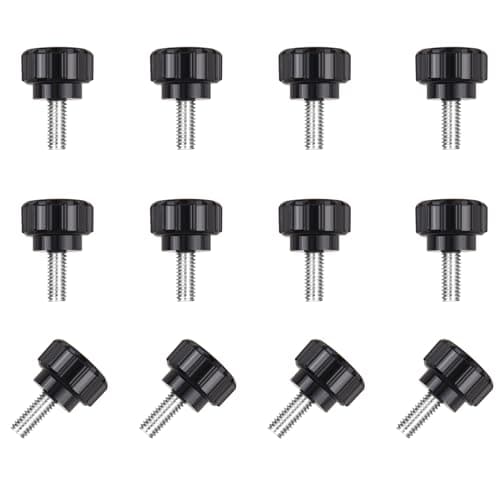
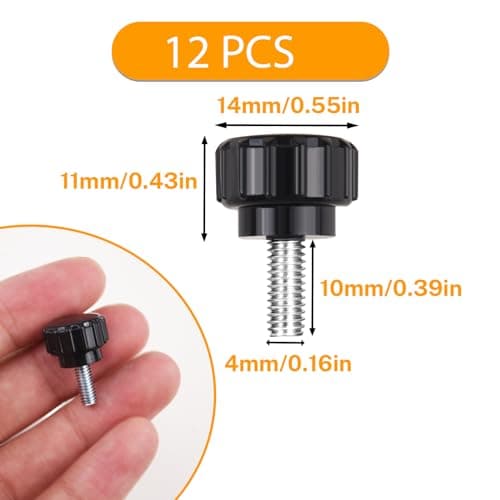
12 Pcs M4 x 10mm Threaded Knurled Thumbscrew, Monitor Screws Vesa Mount Screws Carbon Steel Clamping Knobs Grip Thumb Screw Mounting Thumb Screw
NICECRAFT
£4.19
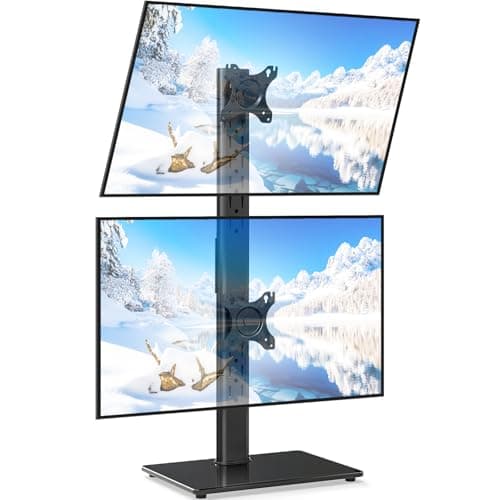
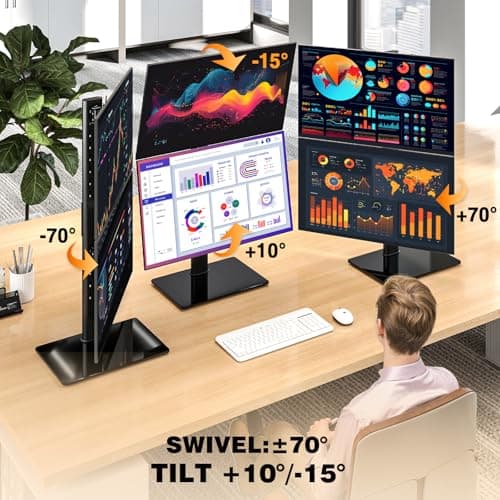
5Rcom Vertical Dual Monitor Stand for 13-38 Inch Flat Curved Screens
5Rcom
£27.59
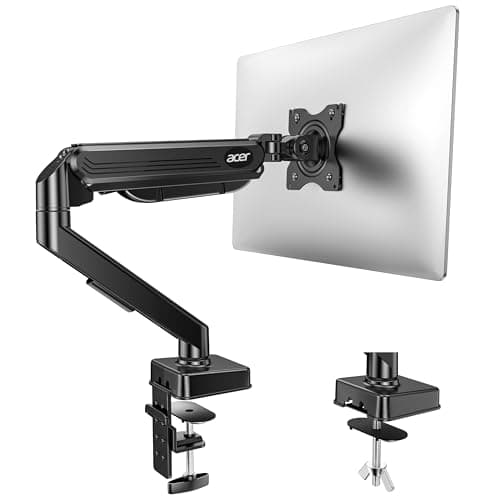
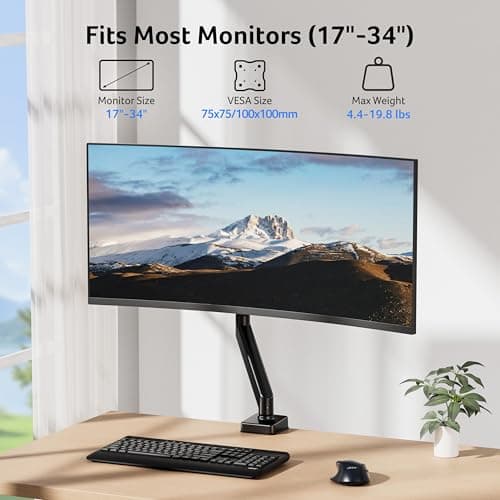
Acer Single Monitor Arm Desk Mount for 17-34 Inch Screen, Gas Spring Arm
Acer
£31.49
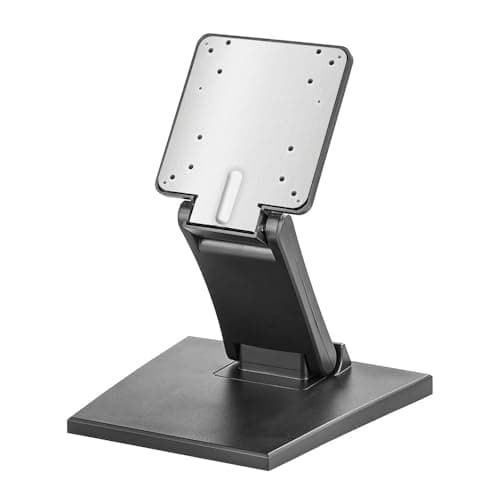
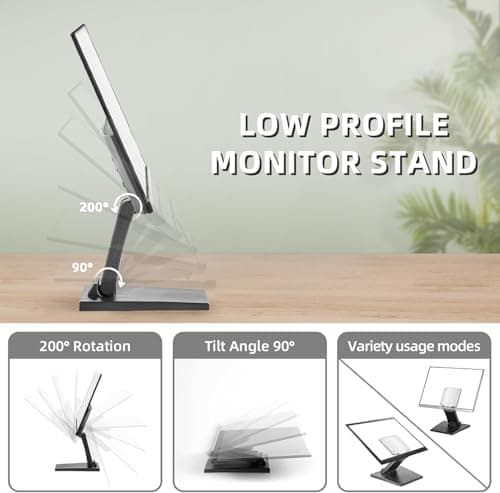
Adjustable Foldable Single Monitor Mount, Low Profile VESA Monitor Desk Mount 75x75mm & 100x100mm, Fits 10-27 Inch LCD Touch Screens
Feising
£23.99
