
MANBA One V2 Built-in Interactive Screen Wireless Gaming Controller (White)
Brand: MANBA
MULTI-PLATFORM GAMING CONTROLLER WITH BUILT-IN SCREEN – Compatible with Switch/PC/iOS/Android/Steam. This PC controller lets you switch platforms, manage profiles, and adjust settings directly on the display. Not compatible with Xbox or PS5.
- Height
- 8 cm
- Length
- 18 cm
- Width
- 16 cm
- Colour
- White
About this product
Perfect for gamers who want a more immersive experience, the MANBA One V2 Built-in Interactive Screen Wireless Gaming Controller (White) stands out by integrating an interactive screen right into the controller itself. This innovative design not only enhances your gameplay but also adds a layer of interactivity that traditional controllers can't match. Ideal for both casual and hardcore players, this controller is built to cater to those who crave more than just buttons and joysticks. Its wireless capabilities ensure smooth and lag-free performance across various gaming platforms, making it a versatile choice for any gamer looking to elevate their gaming setup.
Specifications
- Height
- 8 cm
- Length
- 18 cm
- Width
- 16 cm
- Colour
- White
Frequently asked questions
Is this controller compatible with PC gaming?
The MANBA One V2 is designed for use with PC games. However, check the manufacturer's listing or the retailer’s page for specific compatibility details and supported operating systems, as not all controllers are universal across different PC configurations.
Can I use it on my console besides PC?
While primarily intended for PC gaming, this controller can be used on some consoles with a Bluetooth adapter. Refer to the product listing or contact the retailer for information on specific console compatibility and any necessary accessories.
What features does the built-in interactive screen have?
The built-in interactive screen offers touch controls that enhance your gaming experience by providing additional visual feedback. It’s useful for quick menu navigation, customizing settings, and accessing in-game functions without needing to switch between your PC or console interface.
You might also like
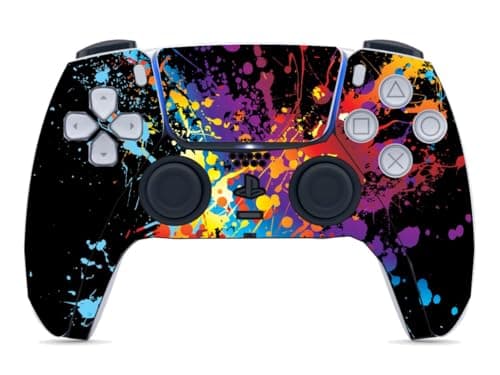
1x Custom Vinyl Remote Controller Skins Compatible With Playstation 5, Wrap Decal Cover Stickers Controller (Paint Splat)
the sticker studio ltd
£4.50
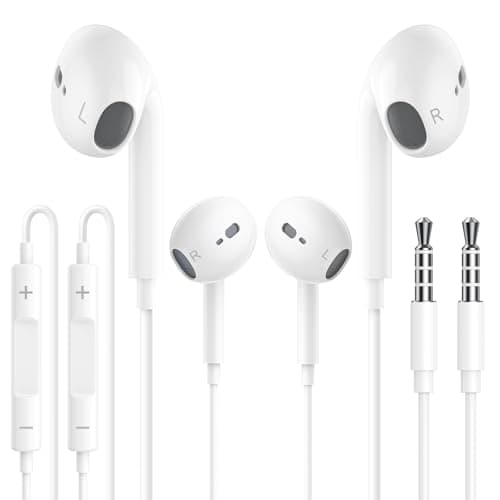
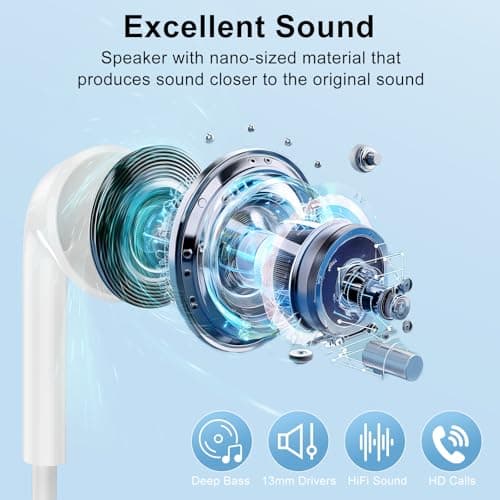
2 Pack 3.5 mm Wired Headphones, In Ear Earphones Wired Earbuds Headset
UniBond
£6.86
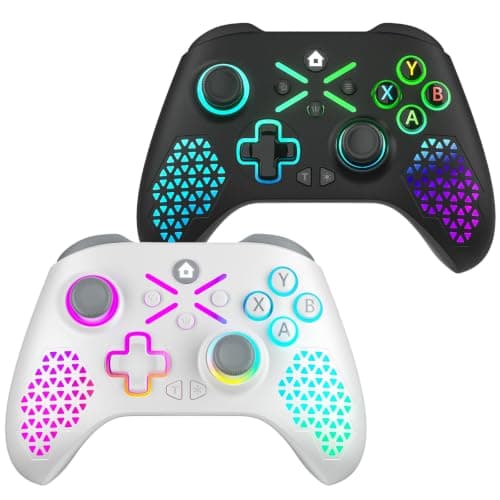
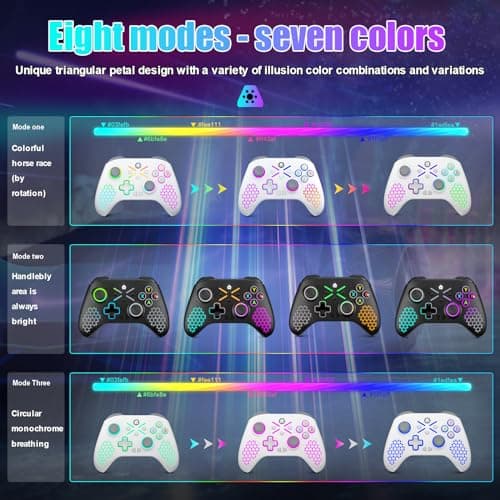
2 Pack RGB Wireless Controller for Xbox Series S/X, Xbox One/PC, with Back Paddles, Dual Vibration, Turbo, Macro, 2.4Ghz Adapter, 3.5mm Audio Jack
Lapezei
£79.00
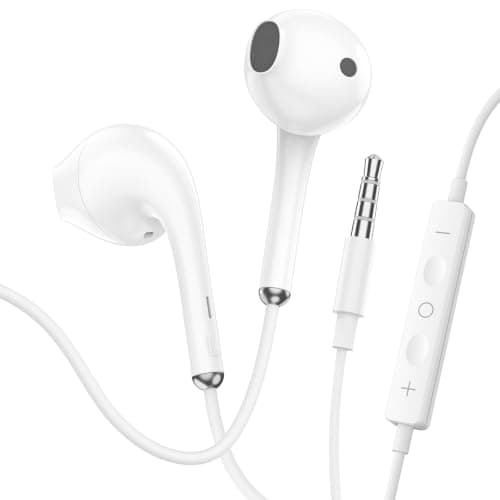
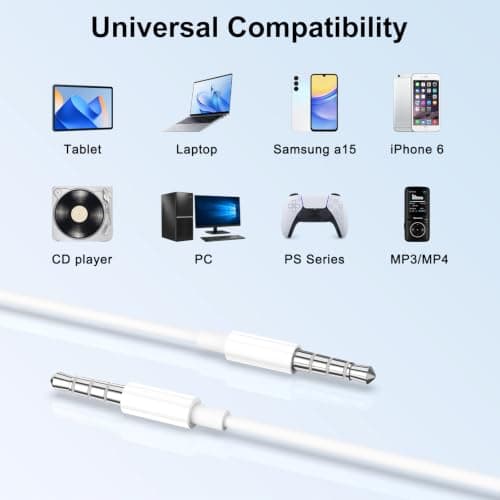
3.5mm Jack In‑Ear Headphones with Volume Control for Samsung,HUAWEI,MP3
Meliya
£4.99
