
Logitech G Saitek Pro Flight Switch Panel | Professional Simulation Switch Controller, LCD Display, Five-Position Magneto Dial, Realistic Gear Control, USB, PC - Black
Brand: Logitech G
About this product
When building a comprehensive flight simulation setup, the Logitech G Saitek Pro Flight Switch Panel stands out as a must-have for enthusiasts. This professional-grade controller not only replicates in-cockpit controls but also features realistic landing gear control with LED indicators, ensuring you know when it’s safe to land your virtual aircraft. The five-position magneto dial adds an authentic touch by allowing you to ignite engines just like in real life. Designed for those who want to upgrade their cockpit experience, the Saitek Pro Flight Switch Panel is modular and interchangeable, making it easy to stack or place side-by-side with other instruments from the Saitek range. This flexibility allows you to tailor your setup to match any virtual aircraft, enhancing both realism and convenience in your flight simulations.
Highlights
- Multiple In-Cockpit Controls: The next step to replicating the functionality of an actual aircraft in your flight simulation setup
- Realistic Landing Gear Control with LED Indicators: With LED indication of any potential faults with your aircraft, you’ll know if it’s safe to touch down
- 5-position Magneto Dial: Ignites engines so that, just as with the landing gear lever, you turn a dial like the one in a real aircraft to start your engines and get your flight under way
- Modular and Interchangeable: Saitek's range of instrument panels can be stacked one on top of another or placed side by side in your preferred configuration
- Upgrade your Cockpit: Add devices like the yoke system until you have every instrument display that you need for your virtual aircraft of choice
Is this the right pick for you?
This Logitech G Saitek Pro Flight Switch Panel is a valuable addition to any serious flight simulation setup. It's designed for pilots who want to enhance their cockpit experience by adding realistic controls that mimic the feel of an actual aircraft. The panel includes features like multiple in-cockpit controls, which allow you to replicate the functionality of real-world instruments and processes, making your simulations more immersive and accurate. The landing gear control with LED indicators is a standout feature, providing essential feedback during landings. You can easily check for any issues before attempting to touch down, ensuring a safe and realistic experience. Additionally, the 5-position magneto dial allows you to start engines just as you would in a real aircraft, adding an extra layer of realism to your flight simulations. When setting up this panel, it's important to note that it is modular and interchangeable, allowing for flexibility in configuration. You can stack or place panels side by side according to your preferences. This makes it easy to upgrade your cockpit over time as you add more devices like yokes or other instrument systems. However, ensure your PC meets the necessary USB requirements before purchasing, as compatibility with older systems might be an issue. Regular cleaning and care of the panel will help maintain its functionality and appearance for years to come.
Frequently asked questions
Is this switch panel compatible with all PC flight simulators?
This switch panel is designed to work with most PC-based flight simulation software. However, it's important to check the manufacturer’s listing for exact compatibility with your specific simulator as some may require additional drivers or configuration.
Can I use this with a wireless controller?
The Logitech G Saitek Pro Flight Switch Panel is not designed for wireless operation; it requires a USB connection. If you need wireless functionality, consider checking other products that support Bluetooth or wireless connectivity.
What does the box include besides the switch panel?
The box includes the switch panel itself, an instruction manual, and a USB cable to connect it to your computer. Additional accessories like additional panels or yokes might be available separately for further customization of your setup.
You might also like
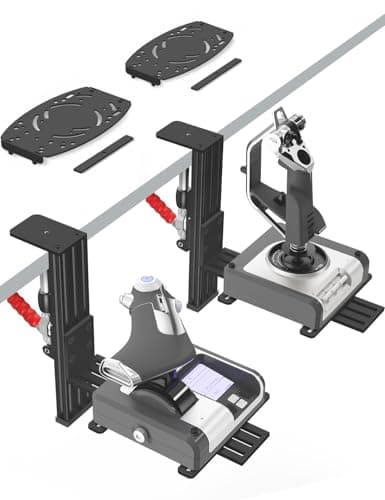
2 Pack Hotas Desk Mount for Flight Sim Hand-Controllers Compatible with Logitech X52 X56 Hotas, Thrustmaster Hotas Warthog, Sol-R2, SimTask Farmstick, T. Flight Hotas, T.16000M, TCA, Winwing,VKB, VPC
VTUIFBT
£64.88
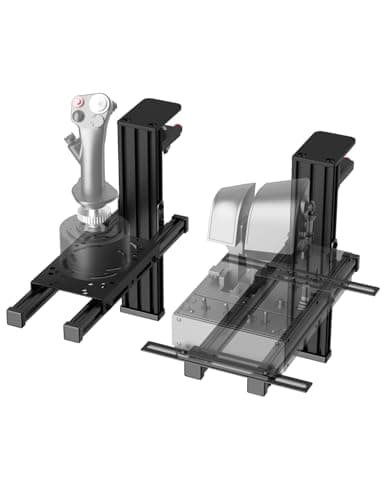
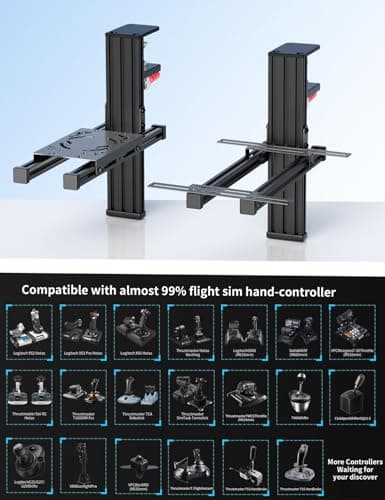
2 Pack Hotas Desk Mount For Flight Sim Joystick Compatible with Logitech X56/X52/X52 Pro, Thrustmaster Hotas Warthog/ T.16000M/ T-Flight Hotas 4/X/ SimTask Farmstick/ Sol-R2, Winwing, VPC, VKB Hotas
VTUIFBT
£59.99
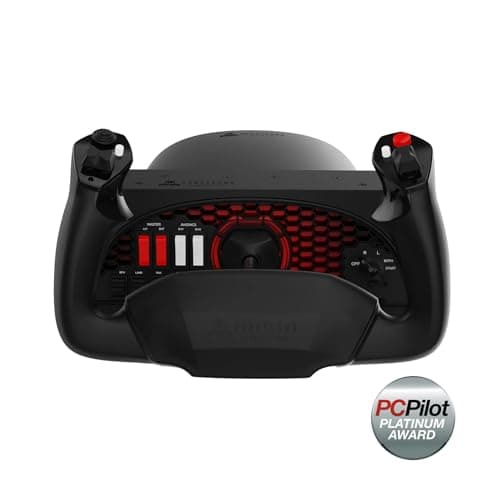
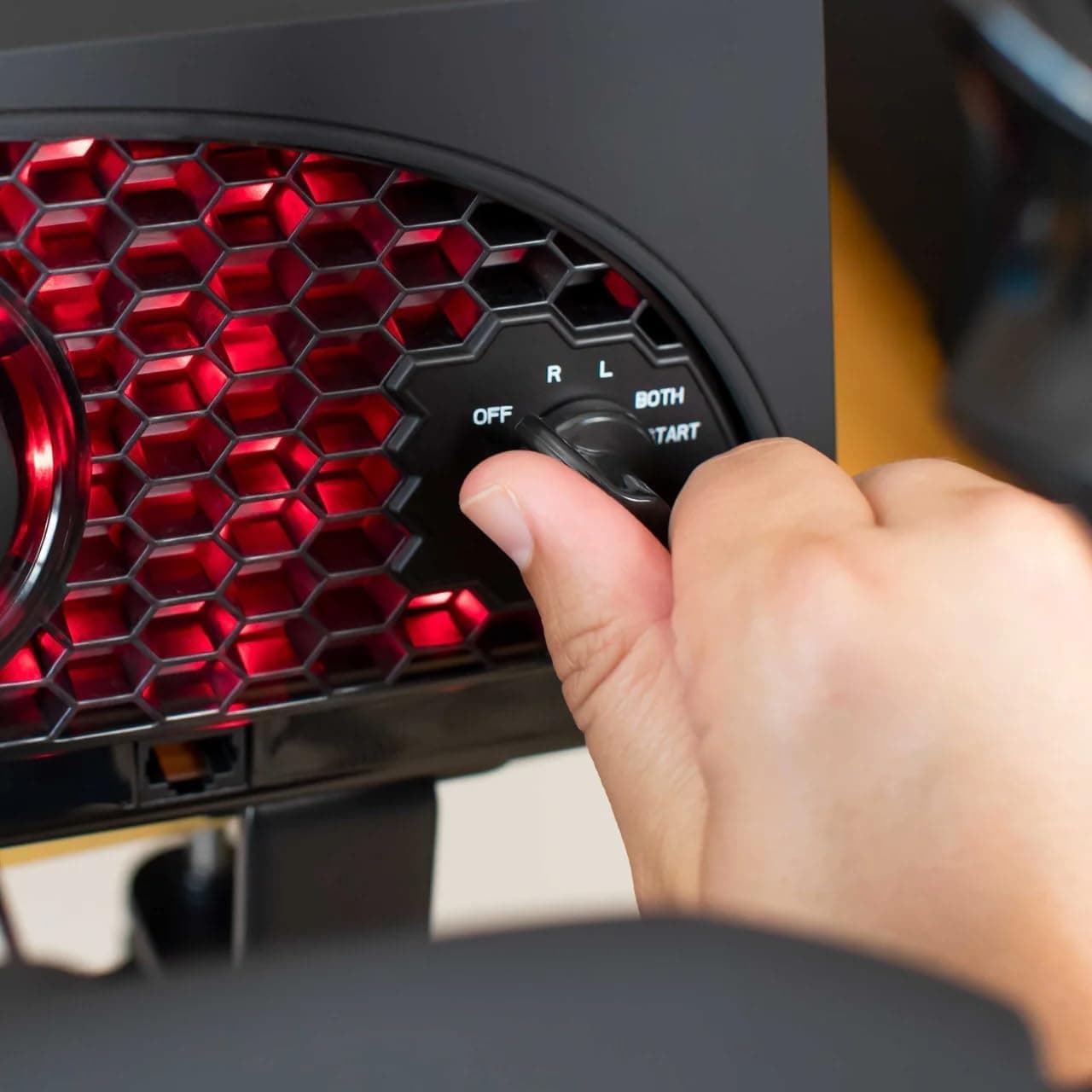
Aerosoft Honeycomb Alpha Flight Controls Flugsimulator-Steuerhorn USB PC black
Honeycomb Aeronautical
£301.16
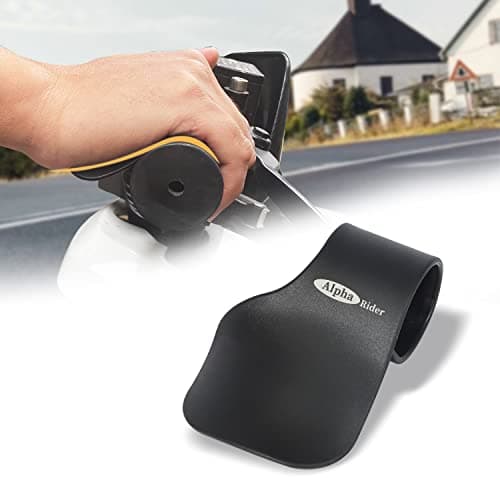
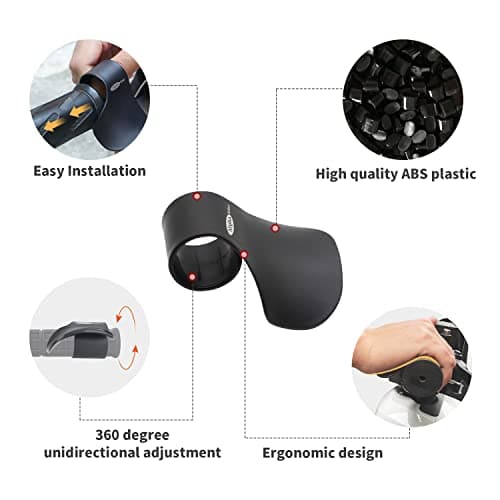
Alpha Rider Universal Motorcycle 22MM Black Throttle Mounted
Alpha Rider
£8.99
