
Controller Thumb Grips 6 Pack Silicone Stick Caps for PS Xbox Switch
Brand: KIVORA
Compatible with popular controllers: These silicone thumb stick grips are compatible with PS3, PS4, PS5, Xbox 360, Xbox One and compatible Switch controllers, providing a simple replacement for worn thumb sticks
- Height
- 10 mm
- Length
- 10 cm
- Width
- 10 cm
- Pack size
- 25
About this product
Are you looking for a way to enhance your gaming experience without breaking the bank? KIVORA's Controller Thumb Grips 6 Pack Silicone Stick Caps for PS Xbox Switch offer just that. These grips are perfect for anyone who spends long hours playing on their console, providing improved grip and comfort during intense gaming sessions. These silicone caps not only add a bit of extra texture to your thumbsticks but also protect them from wear and tear, ensuring they stay in top condition longer. Whether you're a hardcore gamer or just looking to improve your controller's feel, these affordable grips are an excellent choice for any controller in the PS4, Xbox One, or Nintendo Switch lineup.
Specifications
- Height
- 10 mm
- Length
- 10 cm
- Width
- 10 cm
- Pack size
- 25
- Colour
- Black
Frequently asked questions
Are these grips compatible with both PS4 and Xbox One controllers?
These KIVORA Thumb Grips are designed to fit both PS4 and Xbox One controllers. Check the manufacturer's listing for exact compatibility if you're unsure about your specific model.
How do I install these thumb grips on my controller?
Installing these grips is straightforward. Simply slide them onto your controller’s stick areas, ensuring they fit snugly but not too tight to avoid damaging the controller. They snap into place and should stay there during gameplay without needing any adhesive.
Can I use these with wireless controllers as well?
Yes, you can use these grips with both wired and wireless controllers from PS4 and Xbox One. However, always check your specific controller model for compatibility, especially if it’s a newer or modified version.
You might also like
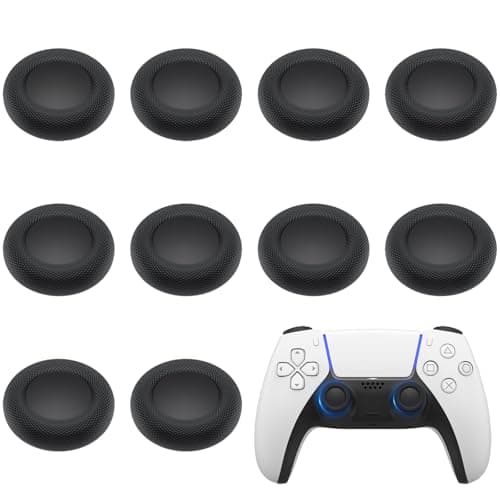
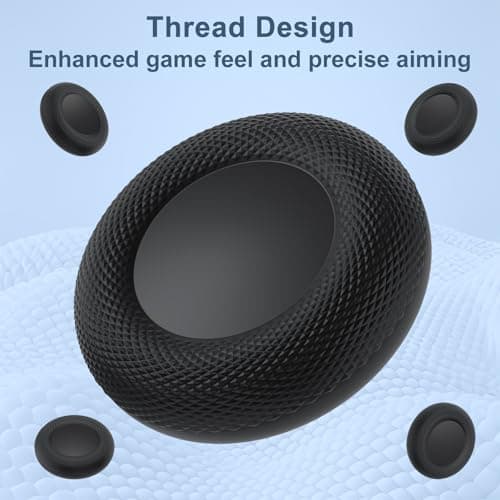
10PCS Thumb Grip Joystick Caps for PS5/PS4 Controller, Non-Slip Laser Textured Grip Design, Anti-Stickiness, Anti-Slip, Anti-Scratch, Anti-Fingerprint, Replacement Caps for PS5/PS4 Controller
Yisica
£6.99
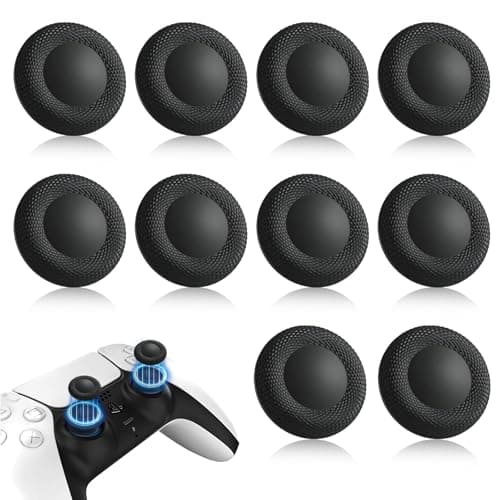
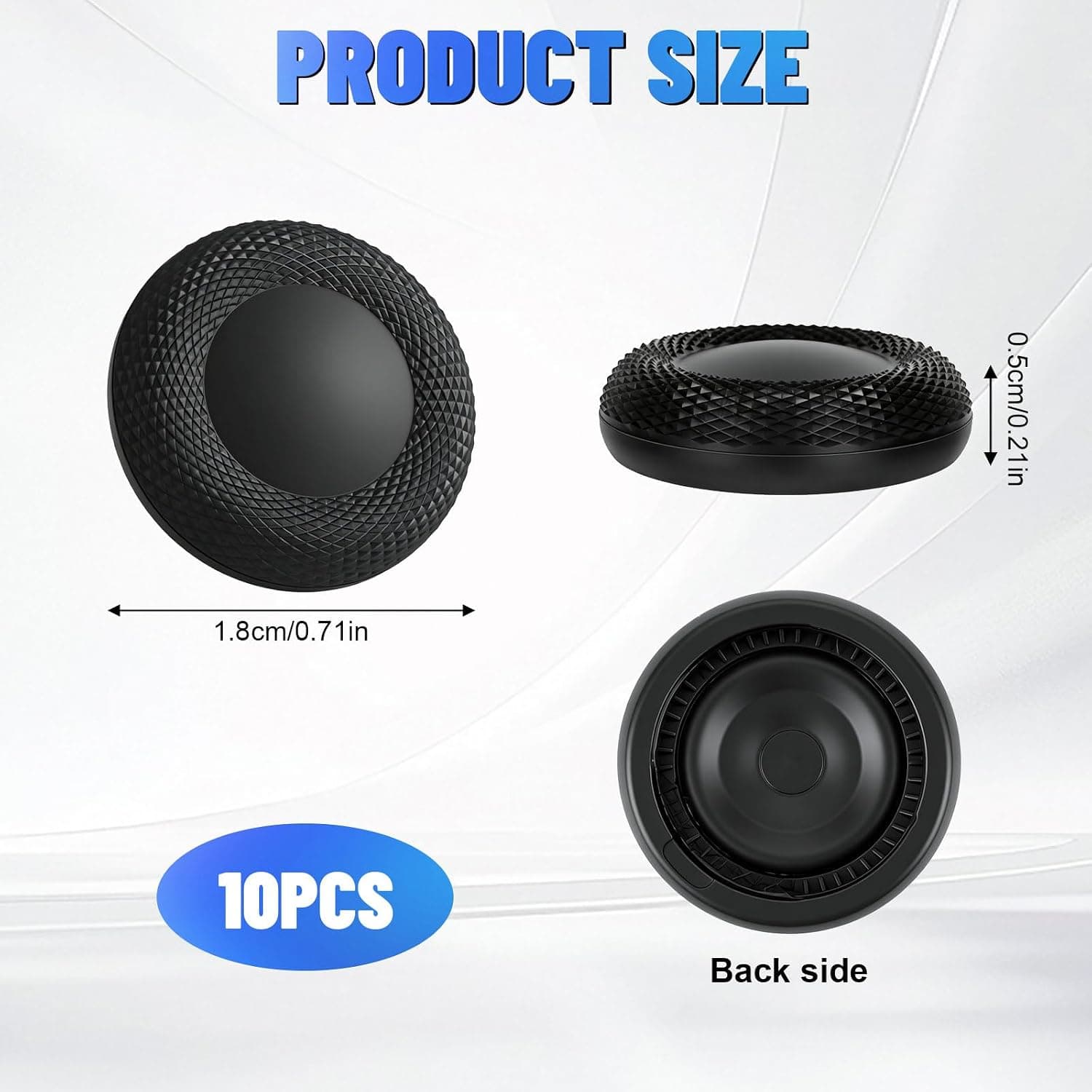
10PCS Thumb Grip Joystick Caps for PS5/PS4 Controller, Non-Slip Laser Textured Grip, Wear-resistant Joystick Controller Replacement Caps Compatible for PS5/PS4
Leikedun
£5.30
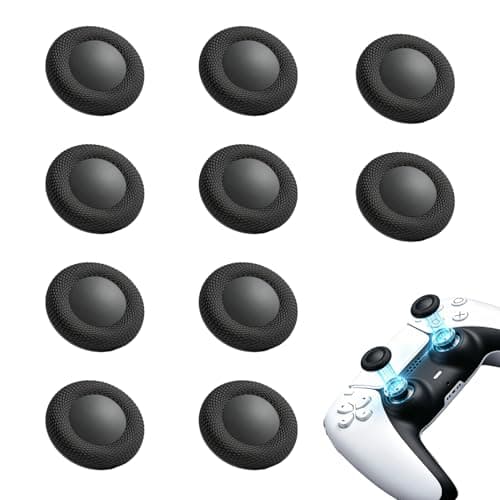
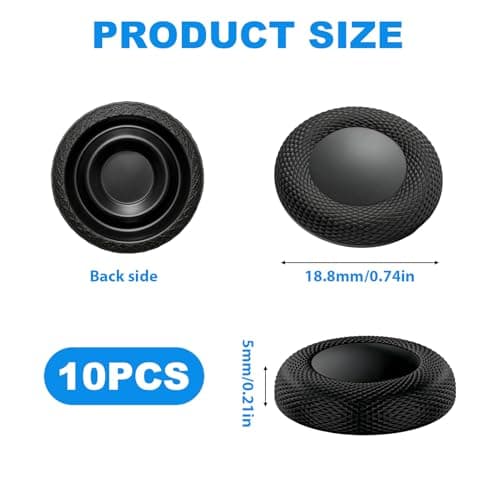
10PCS Thumb Grip Joystick Caps for PS5/PS4 Controller Replacement Grip Caps
Fofuo
£5.99
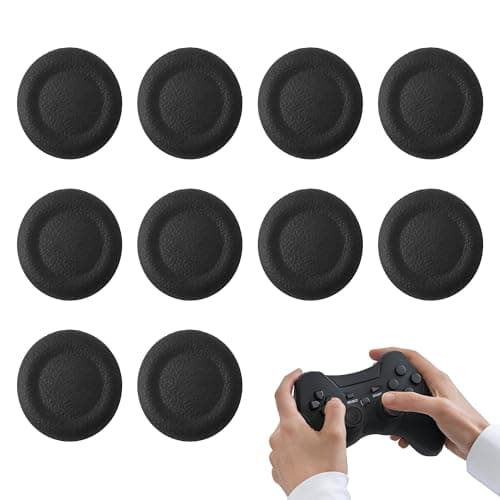
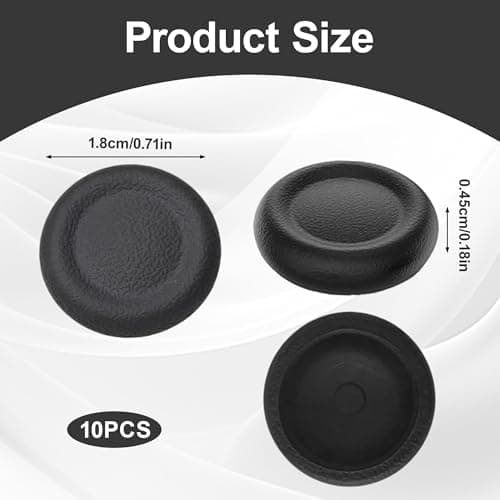
10PCS Thumb Grip Joystick Caps for PS5/PS4 Controller, Silicone Non-slip Controller Grips, Joystick Controller Performance Replacement Compatible with PS5, PS4, Series X/S Switch Pro
Noenaeni
£4.79
