
BrosTrend 5 Port 2.5Gb Unmanaged Ethernet Switch for PC, Gaming, NAS Server
Brand: BrosTrend
Blazing-Fast 2.5 Gbps Speed: Upgrade your network with the 2.5G network switch, delivering 2.5 Gbps across all 5 ports, 2.5X faster than gigabit switches. It seamlessly handles multiple high-speed devices with a switching capacity of up to 25 Gbps
- Height
- 2.4 cm
- Length
- 14 cm
- Width
- 9 cm
- Weight
- 180 g
About this product
If you're looking to improve your gaming experience or manage multiple devices in a home network, the BrosTrend 5 Port 2.5Gb Unmanaged Ethernet Switch is an excellent choice for PC and gaming enthusiasts alike. This switch enhances data transfer speeds with its 2.5Gb/s capability, making it perfect for those who need reliable and fast connections. With five ports available, this switch can handle a variety of devices including PCs, gaming consoles, and network-attached storage servers, ensuring that all your needs are met efficiently in the Networking Cables & Switches category.
Specifications
- Height
- 2.4 cm
- Length
- 14 cm
- Width
- 9 cm
- Weight
- 180 g
- Pack size
- 1
- Colour
- White
- Amazon Bestseller Rank
- #7,202
Frequently asked questions
Can this switch be used with gaming consoles?
This BrosTrend 5 Port 2.5Gb Unmanaged Ethernet Switch is primarily designed for PCs and gaming purposes but can also support gaming consoles over an Ethernet connection. Ensure your console supports Ethernet for optimal performance.
Is this switch suitable for a home network with multiple devices?
Yes, it’s ideal for small to medium-sized networks with up to 5 connected devices. Each port provides 2.5Gb of bandwidth, which is sufficient for most home networking needs but check the specific requirements of your devices.
How does this switch compare to managed switches in terms of features?
Unmanaged switches like the BrosTrend model are simpler and easier to set up since they don’t require configuration. They automatically configure themselves without needing a network administrator, making them more user-friendly but less flexible than managed switches which offer advanced management options.
You might also like
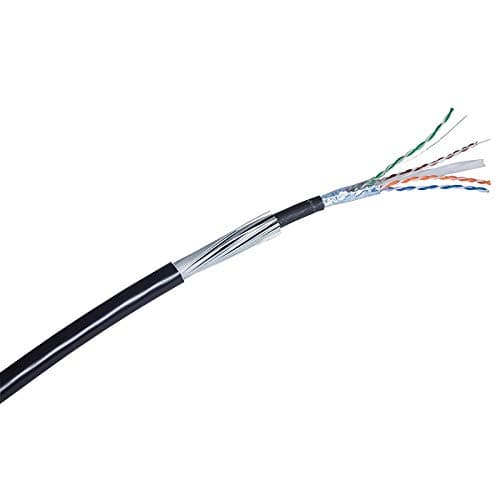
10m - 100m Cat6 Black Steel Wire Armoured Lzsh SWA IP CCTV Ethernet Cable 100% Copper
Data zone
£15.99
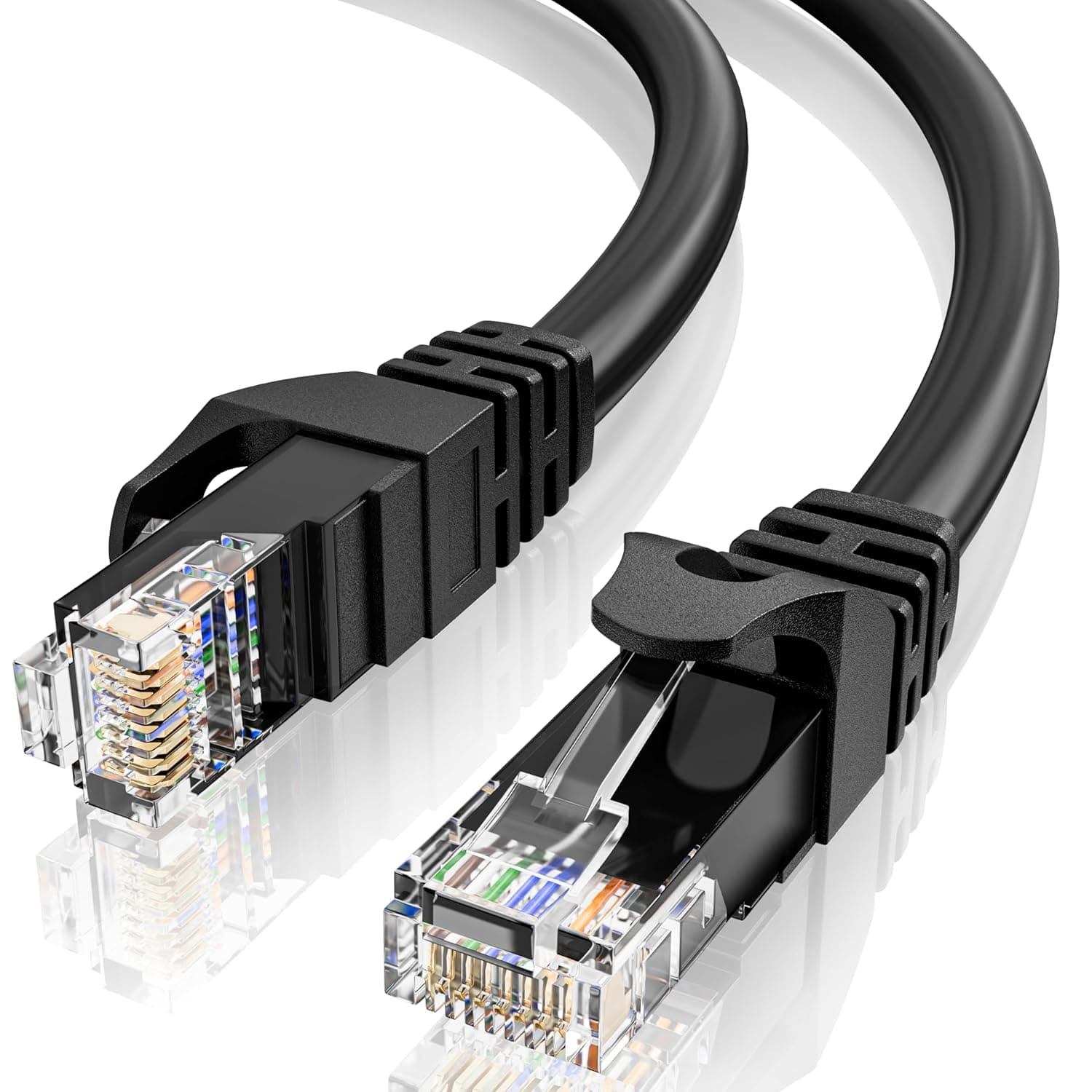
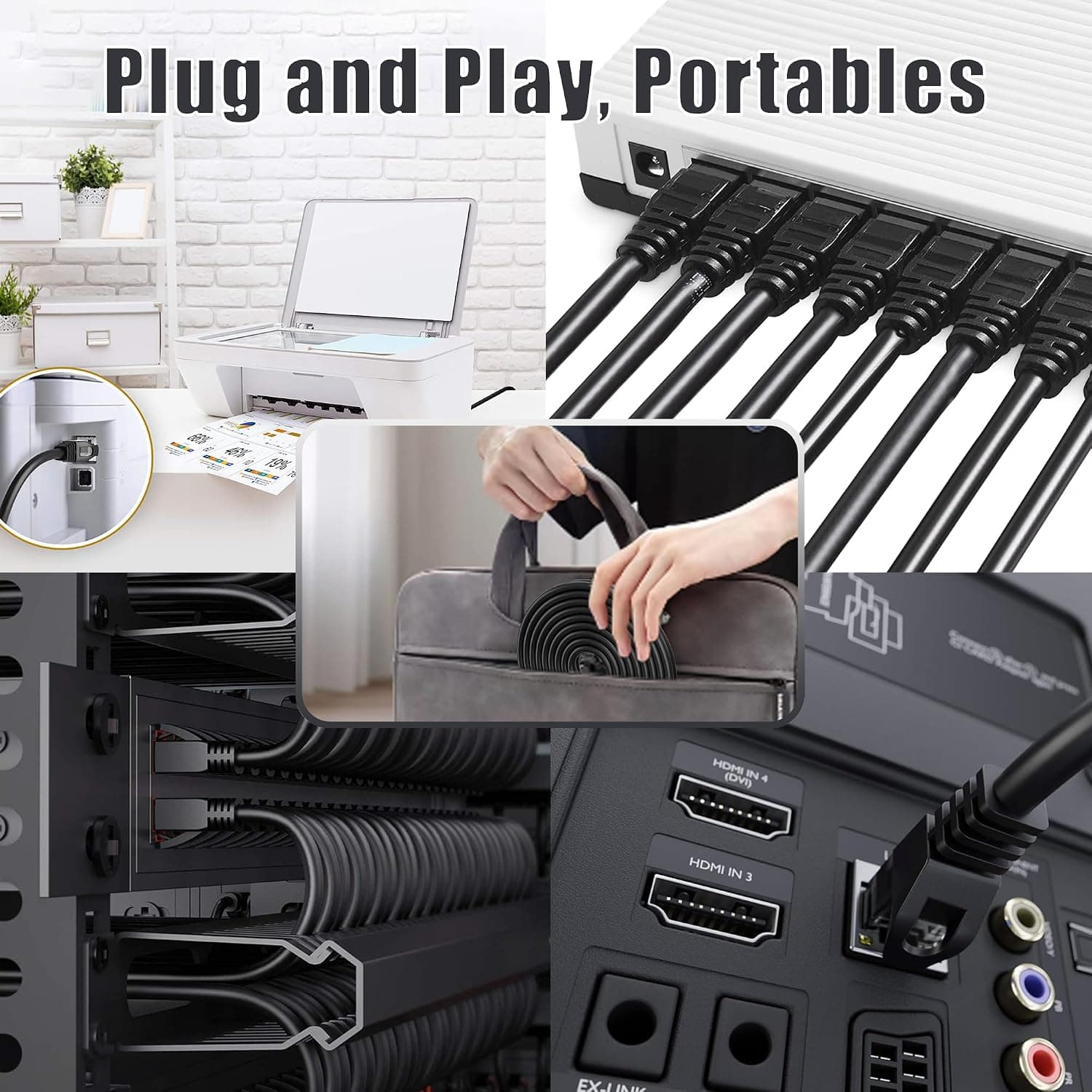
10m Ethernet Cable Cat 6, Long High Speed Internet Cable 10 Meter LAN Cable | 23AWG RJ45 Gigabit LAN Cable, 1Gbps 250MHz UTP Network Cable, Black Round Patch Cable for Router Modem Switch
MEIPEK
£9.99
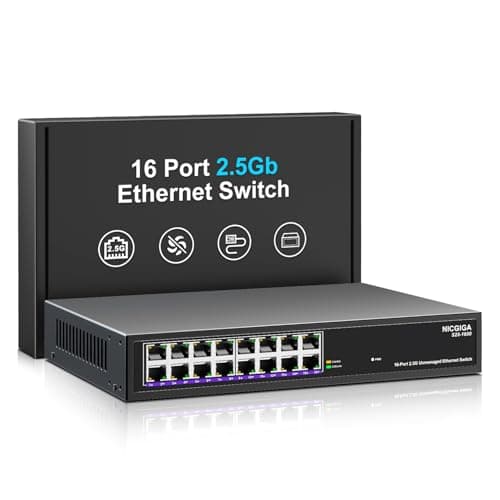
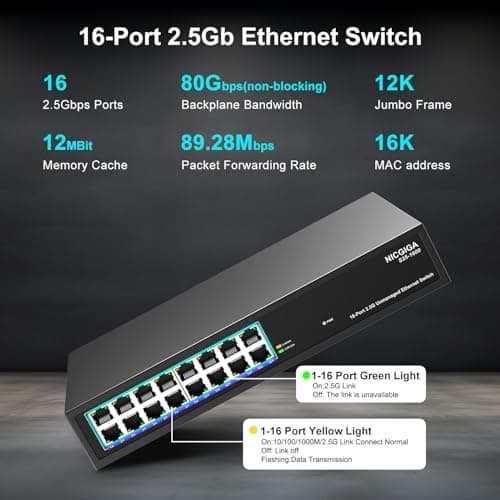
16 Port 2.5Gb Ethernet Switch Unmanaged, NICGIGA 16 Port 2.5G Network Switch, Plug & Play, Desktop or 19-inch Rack Mount, Fanless Metal Design.
NICGIGA
£159.99
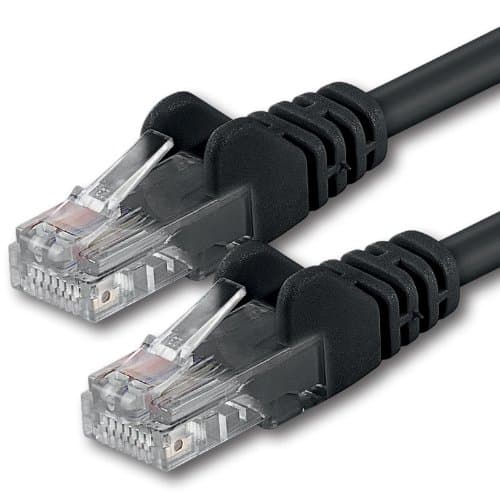

1aTTack.de 20m - black - 1 piece - CAT.6 CAT6 Ethernet LAN network cable 1000 Mbit/s patch cable
1aTTack.de
£11.65
