
TP-Link AC3200 Tri-Band Wireless Gigabit Cable Gaming Router, 1 GHz Dual-Core CPU, 3 Co-Processors, USB 3.0, 2.0 Ports, Beamforming Technology, UK Plug (Archer C3200)
Brand: TP-Link
<li>Tri-Band technology - three separate Wi-Fi bands for connecting more devices to your network without a drop in performance</li>
- Weight
- 0.72 Kilograms
- Pack size
- 1
- Colour
- Black
About this product
Are you a gamer looking to enhance your online experience? The TP-Link AC3200 Tri-Band Wireless Gigabit Cable Gaming Router is designed specifically for gamers like you. With its powerful 1 GHz Dual-Core CPU and three co-processors, this router ensures seamless gameplay by managing network traffic efficiently. It supports both IPv4 and IPv6, providing a robust connection that can handle the demands of modern games. This router stands out with its tri-band technology, offering up to 2.4 GHz, 5 GHz-1, and 5 GHz-2 speeds of 600 Mbps, 1300 Mbps each, respectively. The Dynamic QoS feature ensures that gaming traffic gets priority, reducing lag and improving your in-game performance. Whether you're playing the latest titles or streaming from afar, this router is built to keep up with your needs.
Specifications
- Weight
- 0.72 Kilograms
- Pack size
- 1
- Colour
- Black
Is this the right pick for you?
The TP-Link Archer C3200 is ideal for gamers who require a robust and reliable gaming router. With its tri-band configuration, it ensures that your gaming sessions are smooth by providing a dedicated bandwidth for online play while also handling other network tasks efficiently. The 1 GHz dual-core CPU and three co-processors enhance the overall performance of the router, making it capable of managing multiple devices without lag or dropouts. Additionally, the USB 3.0 and 2.0 ports allow you to connect external storage devices for backups or file sharing, which can be particularly useful if you're streaming games or downloading large files. This router fits seamlessly into a typical gaming setup where you might already have other network equipment like switches or additional routers. Its Gigabit Ethernet ports ensure fast data transfer speeds, which are crucial for both online gaming and local network activities. The Dynamic QoS feature ensures that your gaming traffic gets priority over less critical tasks, further enhancing the stability of your gaming experience. Before purchasing, it's important to consider a few practical aspects. Setting up the TP-Link Archer C3200 is straightforward but requires some basic networking knowledge. You'll need to connect it to your modem and configure settings through its web interface or using the provided app on your smartphone. Ensure that you have enough space for the router and that there are no obstructions around it, as this can affect wireless signal strength. Compatibility with other devices is generally good, but if you plan to use a lot of USB storage or peripherals, make sure you have enough ports available. Regular firmware updates from TP-Link will keep your router secure and optimized for the latest networking standards. Overall, the Archer C3200 offers a solid solution for gamers looking to improve their network performance without breaking the bank.
Frequently asked questions
What does this router support in terms of wireless standards?
This TP-Link Archer C3200 supports 802.11a/b/g/n/ac protocols on both the 2.4 GHz and 5 GHz bands. It offers a total throughput of up to 3200 Mbps, with three separate 5 GHz bands for increased speed and reduced interference.
How many ports does this router have?
The TP-Link Archer C3200 comes equipped with four Ethernet ports, including two Gigabit Ethernet (GigE) ports that support data transfer rates up to 1 Gbps. Additionally, it features USB 3.0 and USB 2.0 ports for connecting external storage devices.
Is this router suitable for gaming?
Yes, the TP-Link Archer C3200 is designed with gamers in mind. It includes Dynamic Quality of Service (QoS) to prioritize gaming traffic over other types of internet usage, ensuring smoother and faster gameplay experiences.
You might also like
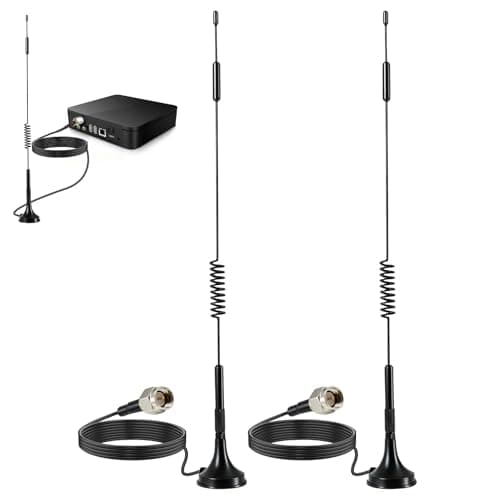
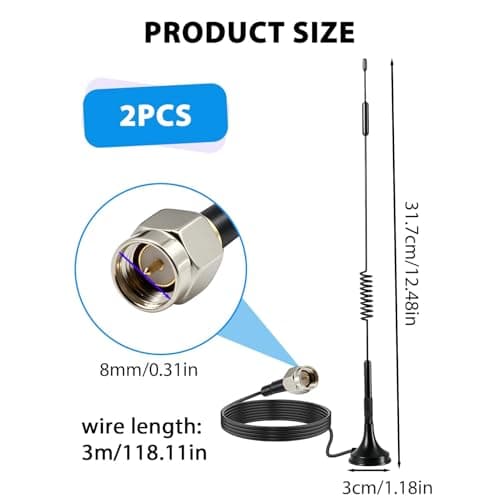
2Pack 4G LTE Antenna 7dBi High Gain SMA Male Aerial with 3m Magnetic Base with SMA Connector Signal Booster for Netgear TP-Link Router Modem Hotspot Wireless Router Hub Indoor Outdoor
Aradoea
£11.49
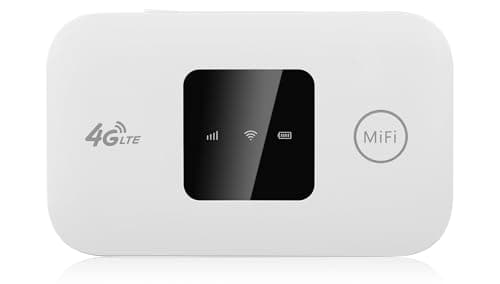
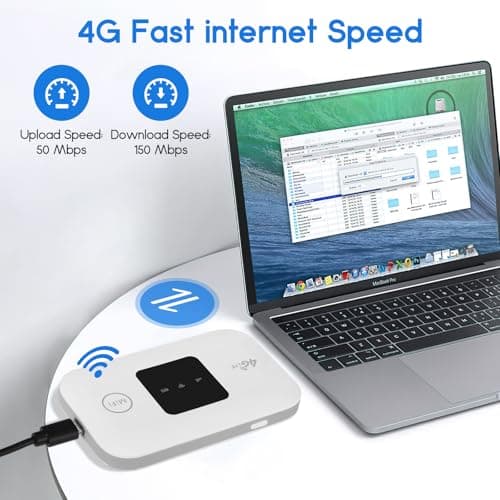
4G/5G MiFi Router,Portable Wifi Travel Router with SIM Card Slot,Pocket 4G LTE Internet Hotspot Up To 10 Users for Travel Phone Computer Laptop
VIHBRAI
£16.99
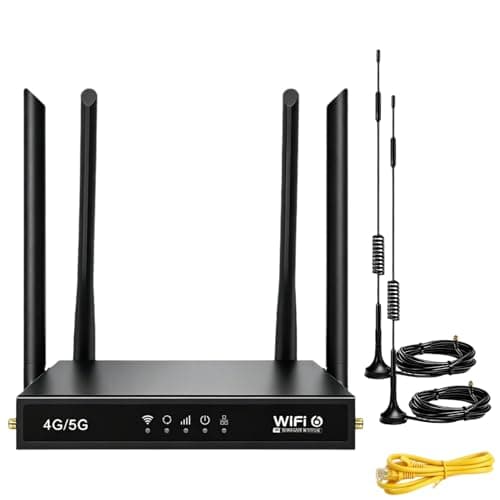
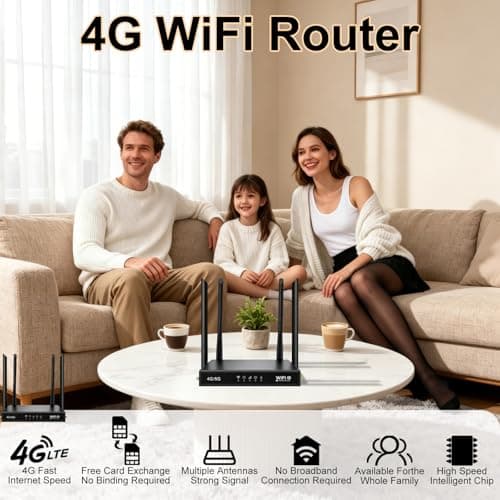
4G Router with SIM Card Slot, 4G LTE WiFi 6 Router 300Mbps, Plug & Play Mobile WiFi Router with 4 LAN/WAN Ports, 6 High Gain Antennas, SIM Card Router for Travel Home Office Caravan CCTV
Pak2iaa
£39.99
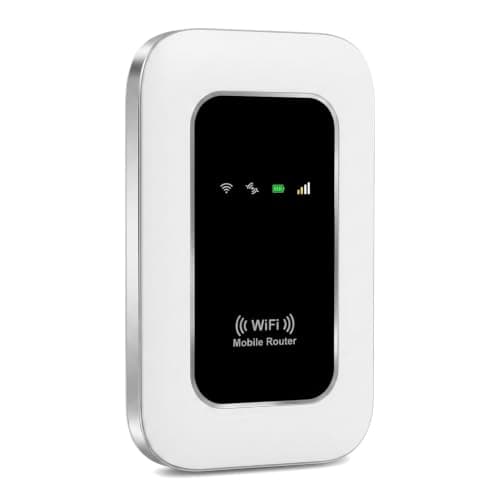
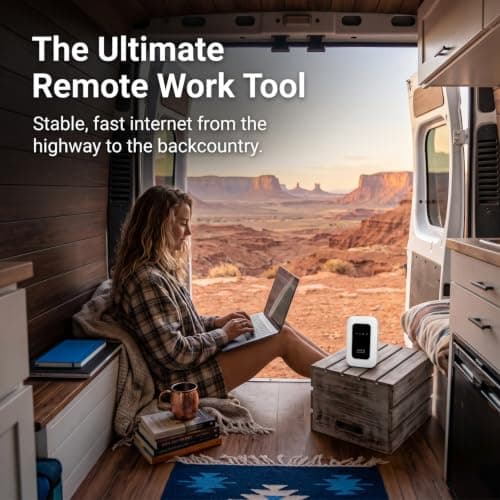
5G Mobile WiFi Hotspot, Unlocked Portable Router with SIM Slot, Ultra-Fast Internet up to 300 Mbps, Pocket-Sized Travel Modem for Remote Work & UK Trips, Connects up to 16 Devices Simultaneously
Generic
£37.99
