
M-AUDIO M-Track Solo USB Audio Interface | XLR, Line and DI Inputs, Professional Software Suite for Recording, Streaming, and Podcasting
Brand: M-AUDIO
About this product
If you're looking for a versatile audio interface to handle podcasting, recording, or live streaming, the M-AUDIO M-Track Solo is your go-to choice. This USB sound card supports XLR, line, and instrument inputs, making it perfect for capturing guitar, vocals, or other line input signals with ease. Its professional software suite, including MPC Beats with 80 FX plugins and 2GB of factory content, ensures you have everything you need to create high-quality audio without any fuss.
Highlights
- Podcast, Record, Live Stream, This Portable Audio Interface Covers it All - USB sound card for Mac or PC delivers 48kHz audio resolution for pristine recording every time
- Be ready for anything with this versatile M-AUDIO interface - Record guitar, vocals or line input signals with one combo XLR/Line Input with phantom power and one Line/Instrument input
- Everything you Demand from an Audio Interface for Fuss-Free Monitoring - 1/8" headphone output and stereo RCA outputs for total monitoring flexibility; USB/Direct switch for zero latency monitoring
- Get the best out of your Microphones - M-Track Solo’s transparent Crystal Preamp guarantees optimal sound from all your microphones including condenser mics
- Whether you’re a Podcaster or Beat Maker, this software suite won’t disappoint - Includes MPC Beats with 3 Virtual Instruments, 80 FX Plugins and 2GB Factory Content
Is this the right pick for you?
This M-AUDIO M-Track Solo USB Audio Interface is a perfect fit for podcasters, musicians, and content creators who need a reliable audio solution for recording, streaming, or making beats. Its versatility makes it an excellent choice for those who want to handle multiple input sources with ease—whether you're recording vocals, guitar, or line-level signals, the M-Track Solo's combo XLR/Line Input and separate Line/Instrument Input ensure that all your audio needs are covered. The headphone output and stereo RCA outputs provide ample options for monitoring your audio, making it simple to adjust levels and ensure a clean mix. The software suite included with this interface is also a significant draw, offering 3 virtual instruments, 80 FX plugins, and 2GB of factory content, which can be incredibly useful for beat makers or anyone looking to add depth to their recordings. However, if you're looking for something more advanced in terms of features or connectivity options, the M-Track Solo might not be the best fit; it excels at being a straightforward, no-frills solution. When setting up your M-Track Solo, ensure that your computer has a USB port and is running either Mac OS or Windows. The interface supports both platforms seamlessly, making it easy to integrate into your existing setup. For care and maintenance, remember to handle the XLR and TRS cables with care to avoid damaging them, as these are the primary inputs for capturing high-quality audio. Additionally, phantom power should only be enabled when necessary, such as when using condenser microphones, to prevent any potential damage to other input devices.
Frequently asked questions
Can I use this M-AUDIO M-Track Solo with both Mac and PC?
Yes, the M-AUDIO M-Track Solo is compatible with both Mac and PC. This flexibility ensures that you can use it regardless of your operating system without needing to purchase separate hardware for each device.
What types of inputs does this interface offer?
The M-Track Solo provides a versatile set of inputs, including one combo XLR/Line Input with phantom power for microphones and instruments, as well as one Line/Instrument input. This setup is perfect for capturing both line-level signals and instrument signals directly.
How does the headphone output work on this interface?
The 1/8" headphone output allows you to monitor your audio in real-time without latency issues when using the USB/Direct switch. This feature ensures that what you hear through your headphones is exactly what you record, making it ideal for critical listening and mixing.
You might also like
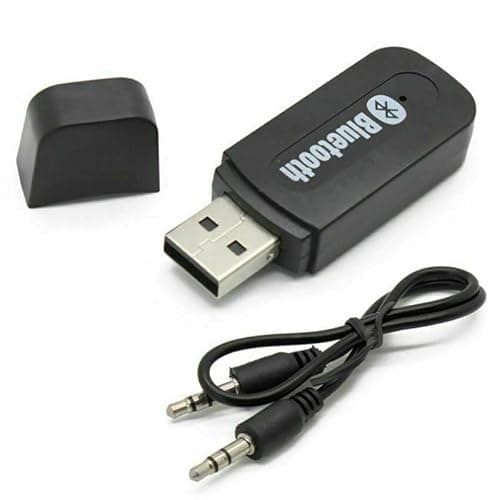
3.5mm to USB Bluetooth Receiver Adapter for Seamless Audio Streaming - USB Bluetooth Wireless Receiver AUX Audio Stereo Music Adapter Car Kit, Enhance Your Devices with Bluetooth audio transmitter
Generic
£0.99
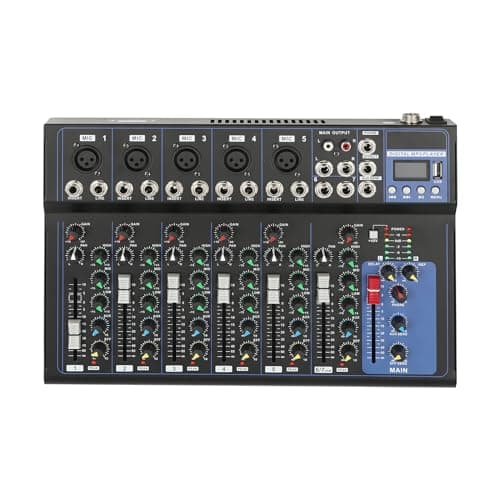
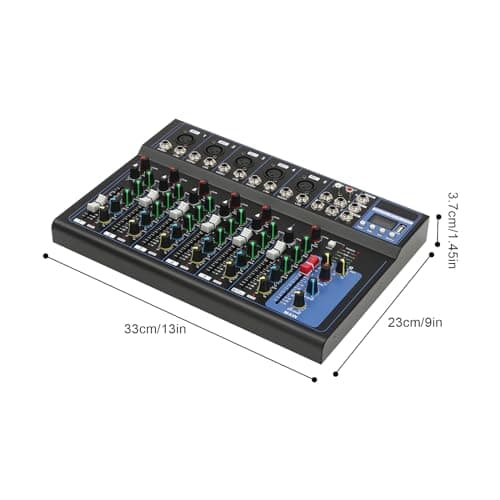
7-Channel Audio Mixer with Bluetooth 48V Phantom Sound Modes XLR Inputs
GANYUNG
£42.00
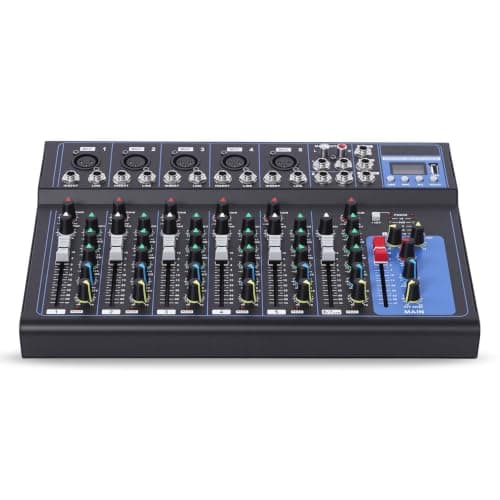
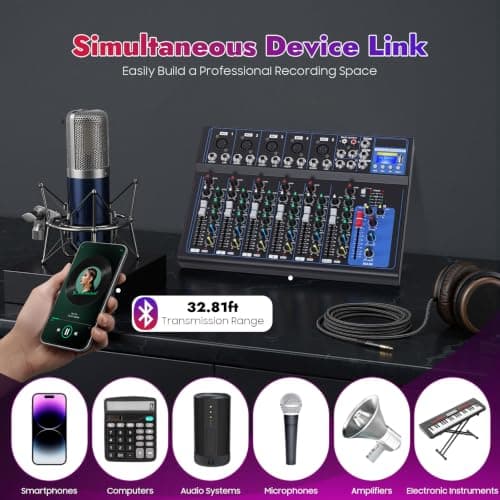
7 Channel Digital Audio Mixer with USB Bluetooth for Live Streaming, Black
Tyvotrend
£28.00
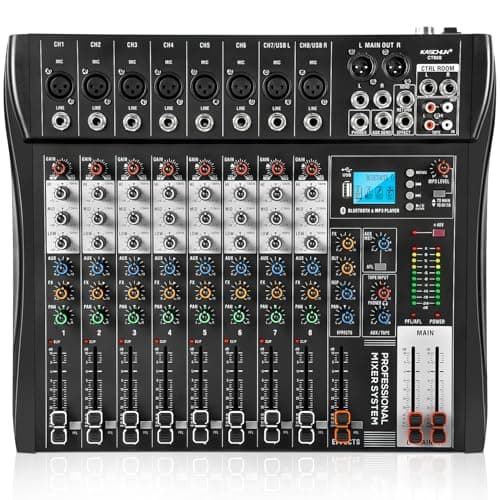
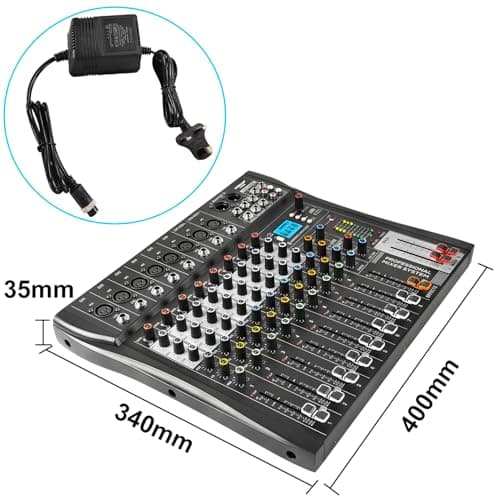
8 Channel Audio Mixer with Bluetooth, Professional Mixing Desk with 48V Phantom Power, USB Audio Interface & MP3 Player, Sound Mixing Console for Podcast Music Stage Live Streaming & Recording
Kaschun
£89.99
