

Screenshots

 Watch trailer on Steam ↗
Just Futanari 3
AhrpuXR · Published by AhrpuXR
Content notice: This game contains depictions of hermaphrodites and consensual sex between two people. There are lines that mildly insult the other person, but these are intended solely to heighten their sexual arousal. You can role-play sexual interactions online There are items such as clothing and whips that bring to mind BDSM, but they are just novelty items. They do not have any features that significantly affect gameplay. Also, there are no scenes where a partner is hurt during sex.
3 user reviews — 100% positive (3 reviews)
Last updated 28 Sept 2026
Online adult game exclusively for VR Let's play H with everyone as a futanari!
£22.49
Lowest price we've ever recorded
View on SteamPrices can lag the live Steam store — always confirm before buying.
Price history
Action, Indie · 2026 · More £15 - £30 games
About this game
Online adult game exclusively for VR Let's play H with everyone as a futanari!
How to Play 1
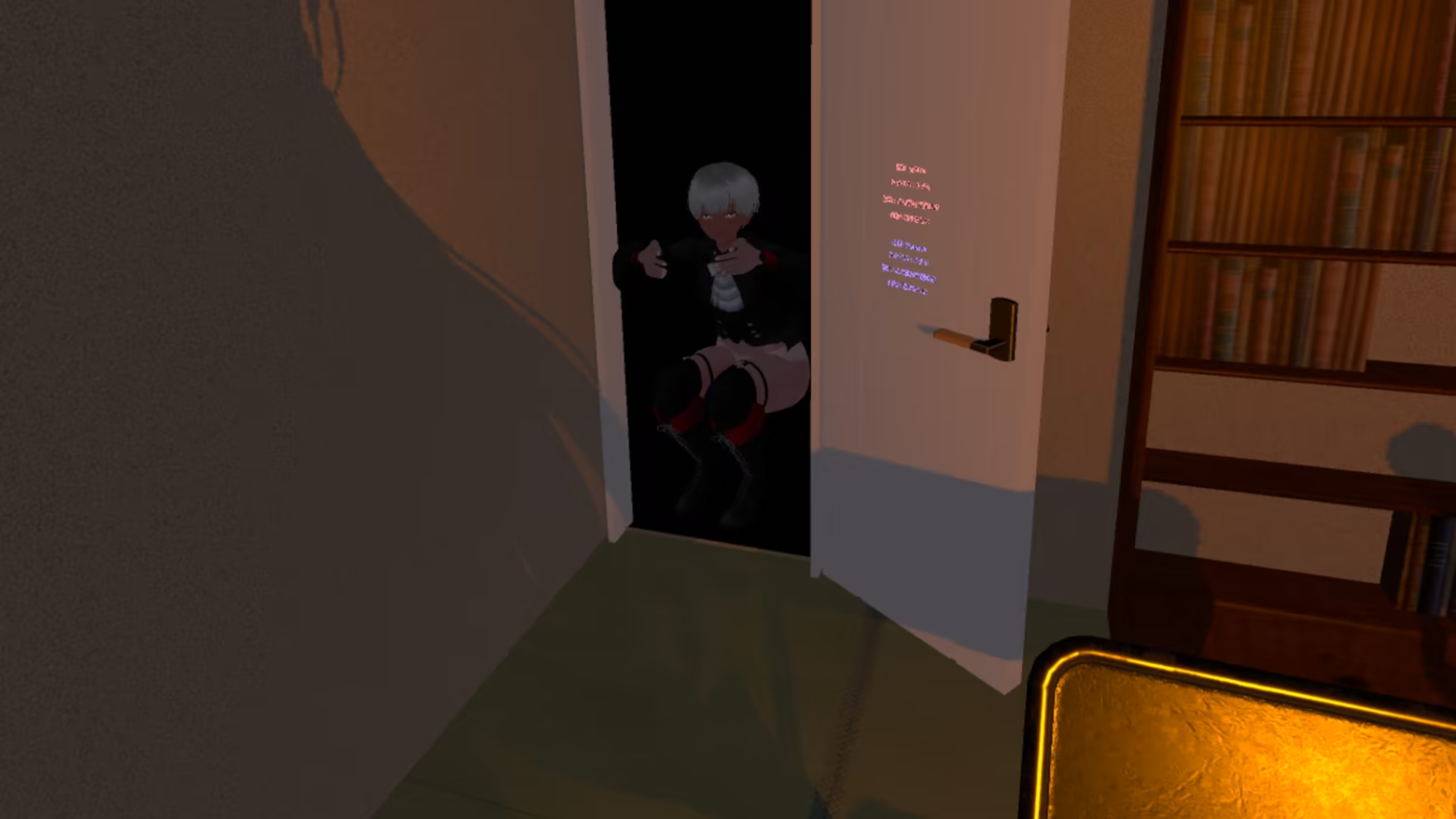
First, start the game.
You can either wait in your room or use the command to visit an open room.
Even if you’re hesitant about playing online, please start the game first.
Don’t worry. No one can enter your room without your permission.
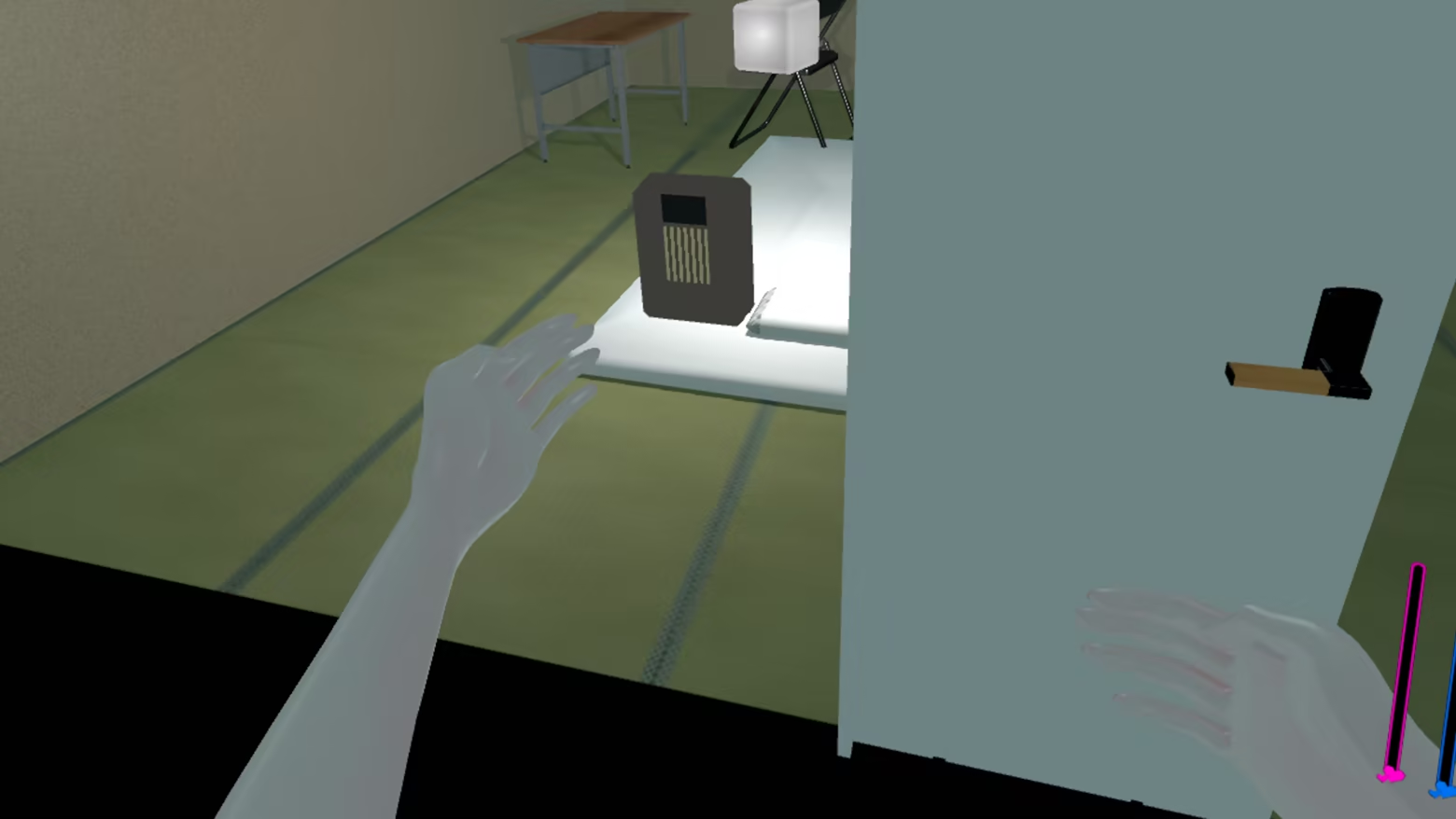
When you come over, please ring the doorbell.
The host will open the door when the doorbell rings.
You cannot enter yet.
Next, we’ll confirm the rules of the game.
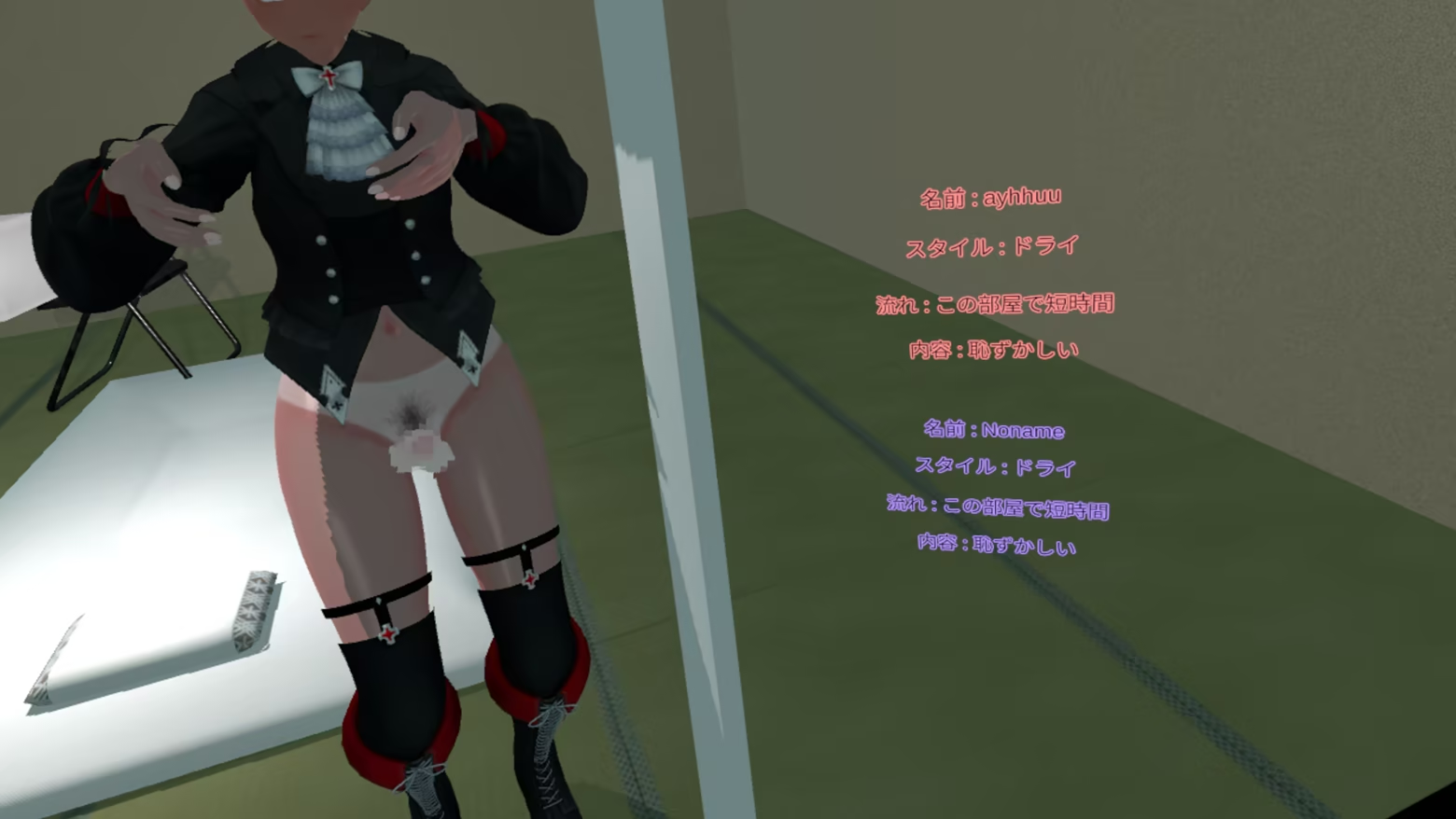
Compare the profiles you’ve set up in advance.
If you’re okay with inviting them into your room, use the “door” command to grant them access.
If the conditions don’t match, you can use the “door” command to ask them to leave.

It’s perfectly fine to keep things non-sexual.
You might want to start off simply with hugs and kisses.
How to Play 2
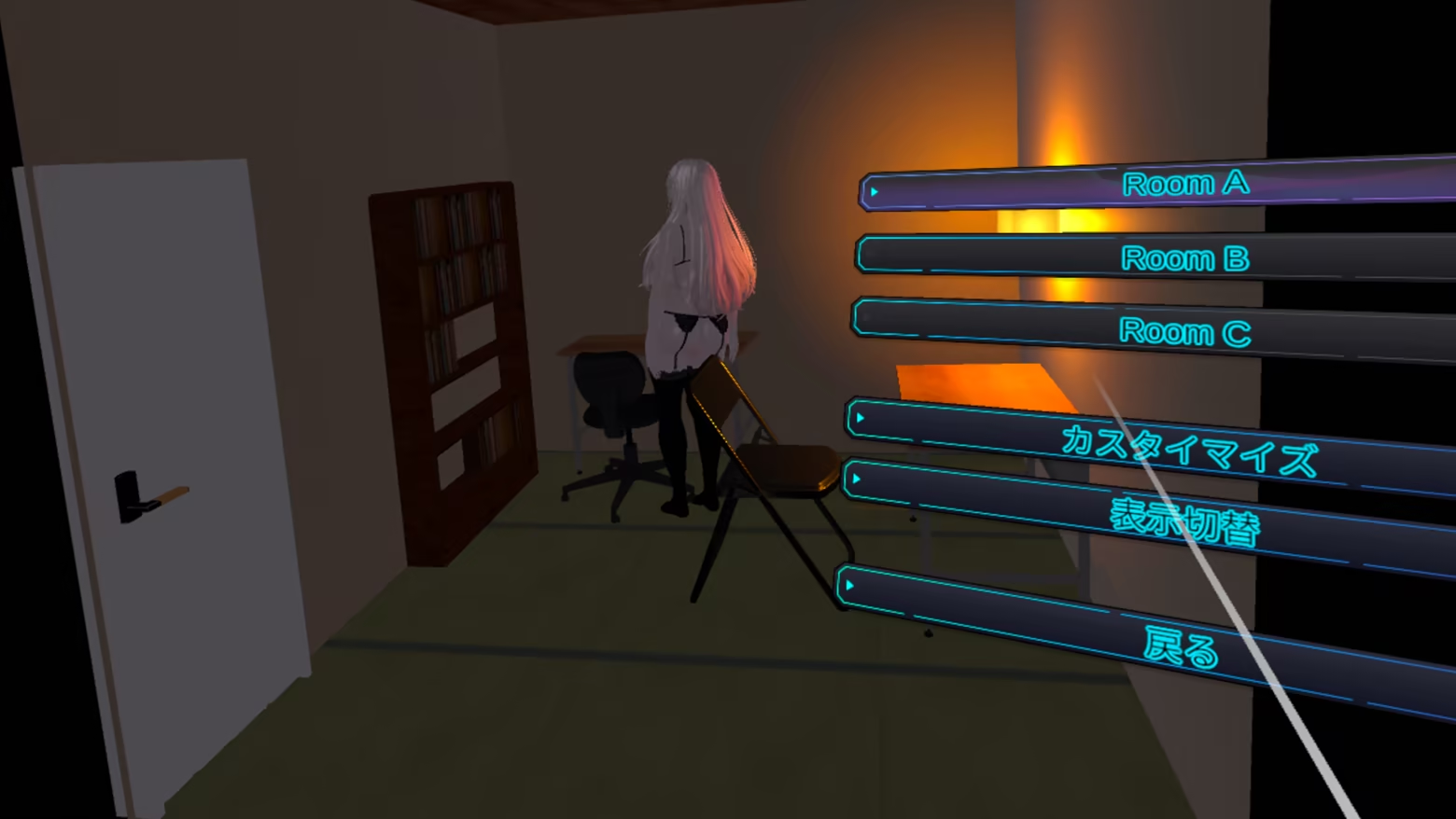
With the room customization feature,
you can change the room size, wall designs,
furniture layout, lighting,
and more.
You can save up to three of the rooms you create.
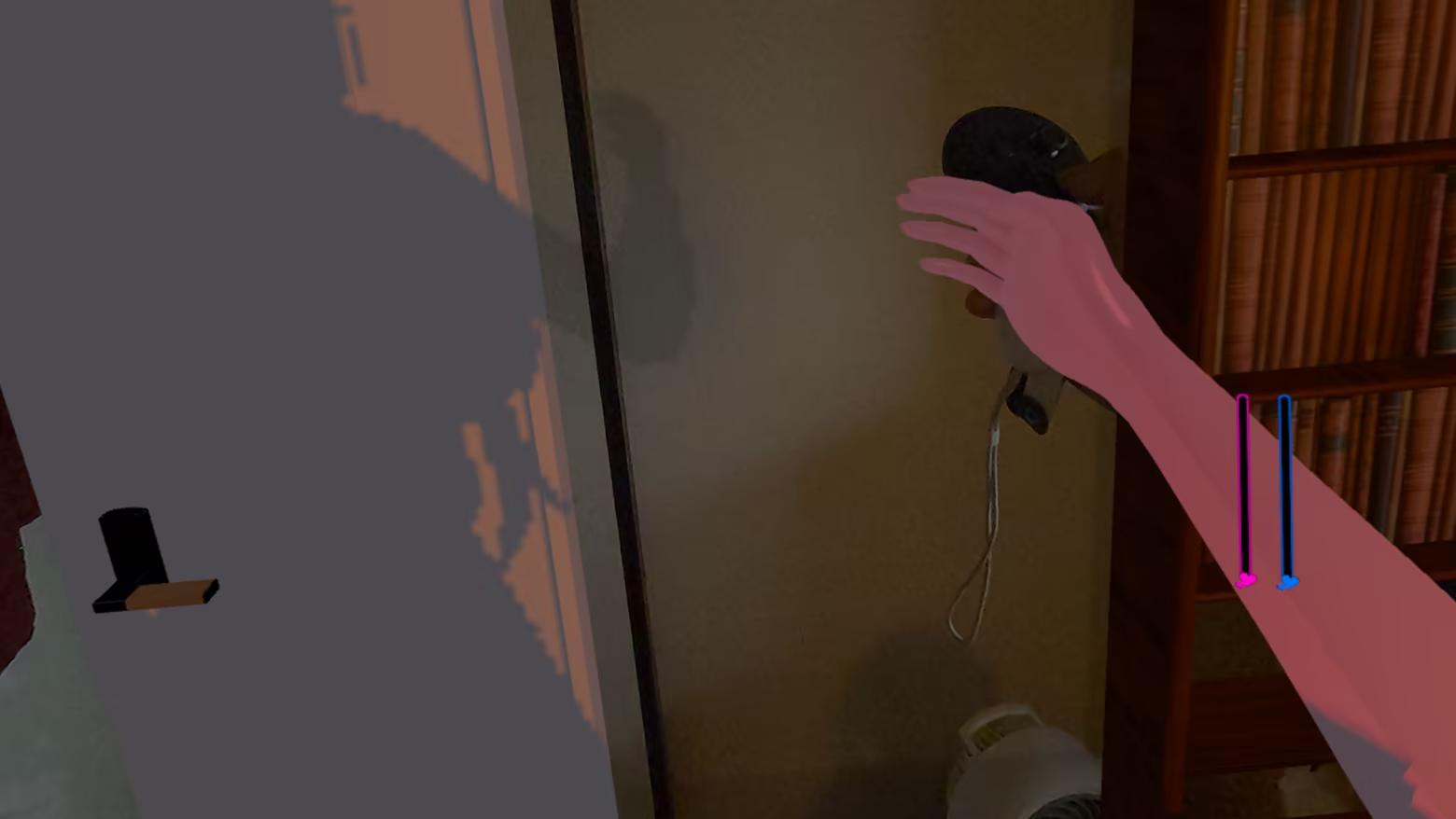
Try playing in Mixed Reality mode, where the room is the same size
as your actual room and the furniture is arranged similarly.
You can simulate a futanari experience right in your own room.
(We recommend disabling movement to get a true room-scale experience.)
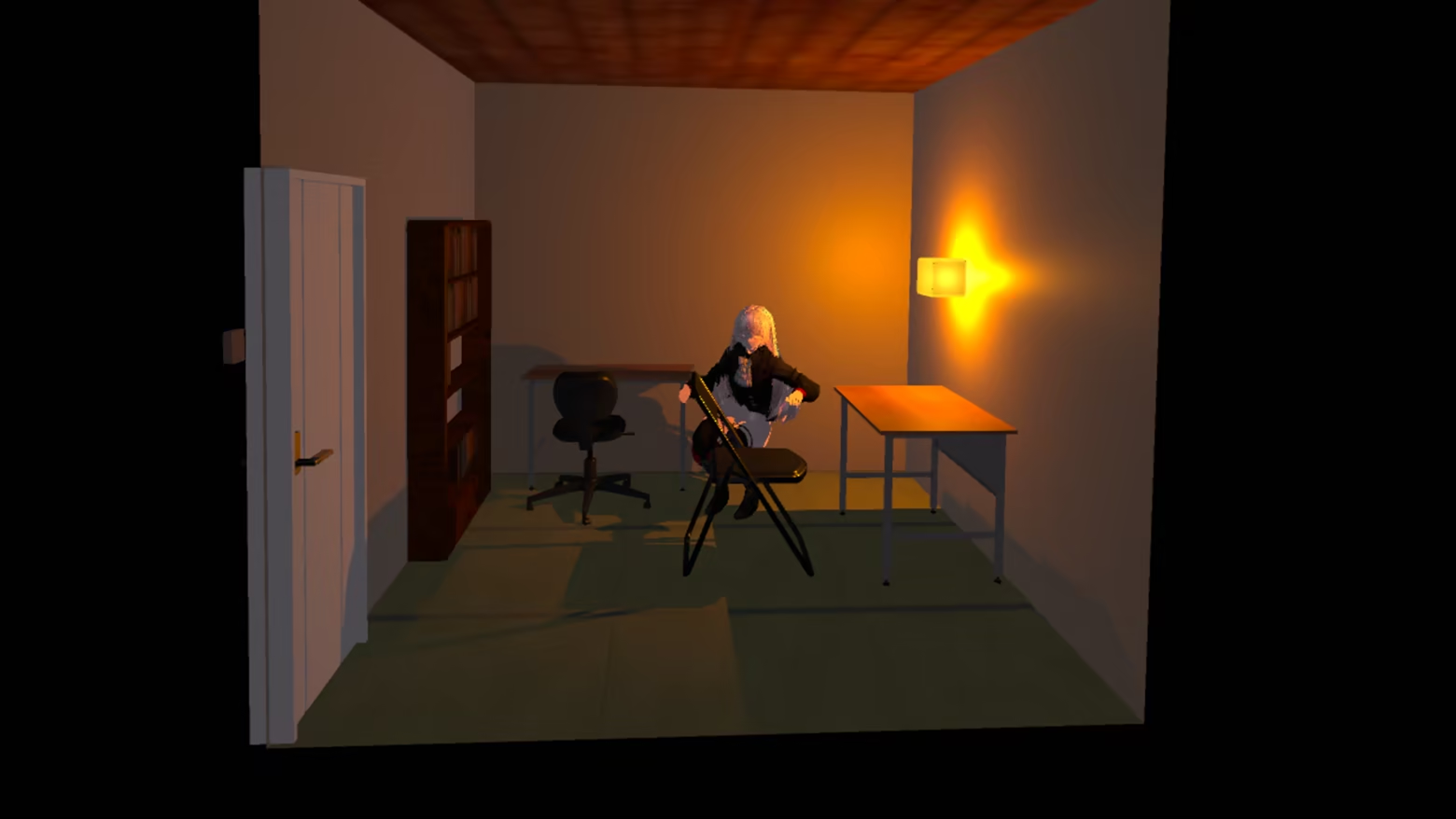
Press the menu button on the left VR controller.
The view will switch to the camera perspective.
You’ll have the strange experience of seeing yourself
playing in your own room from the camera’s perspective.
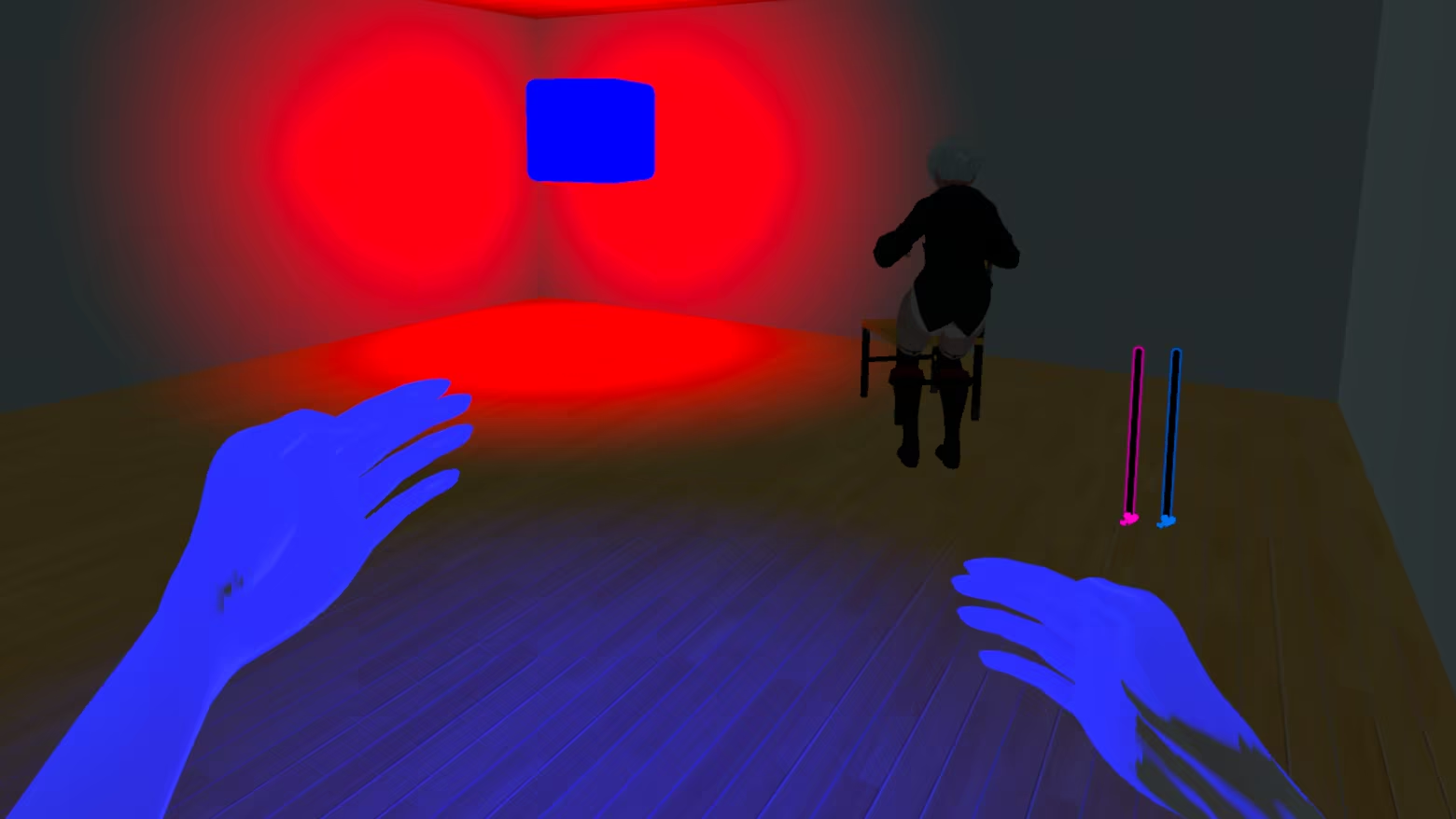
When you visit a friend's room, the game switches to VR mode.
Use the controller to explore the room your friend has created.
How to Play 3
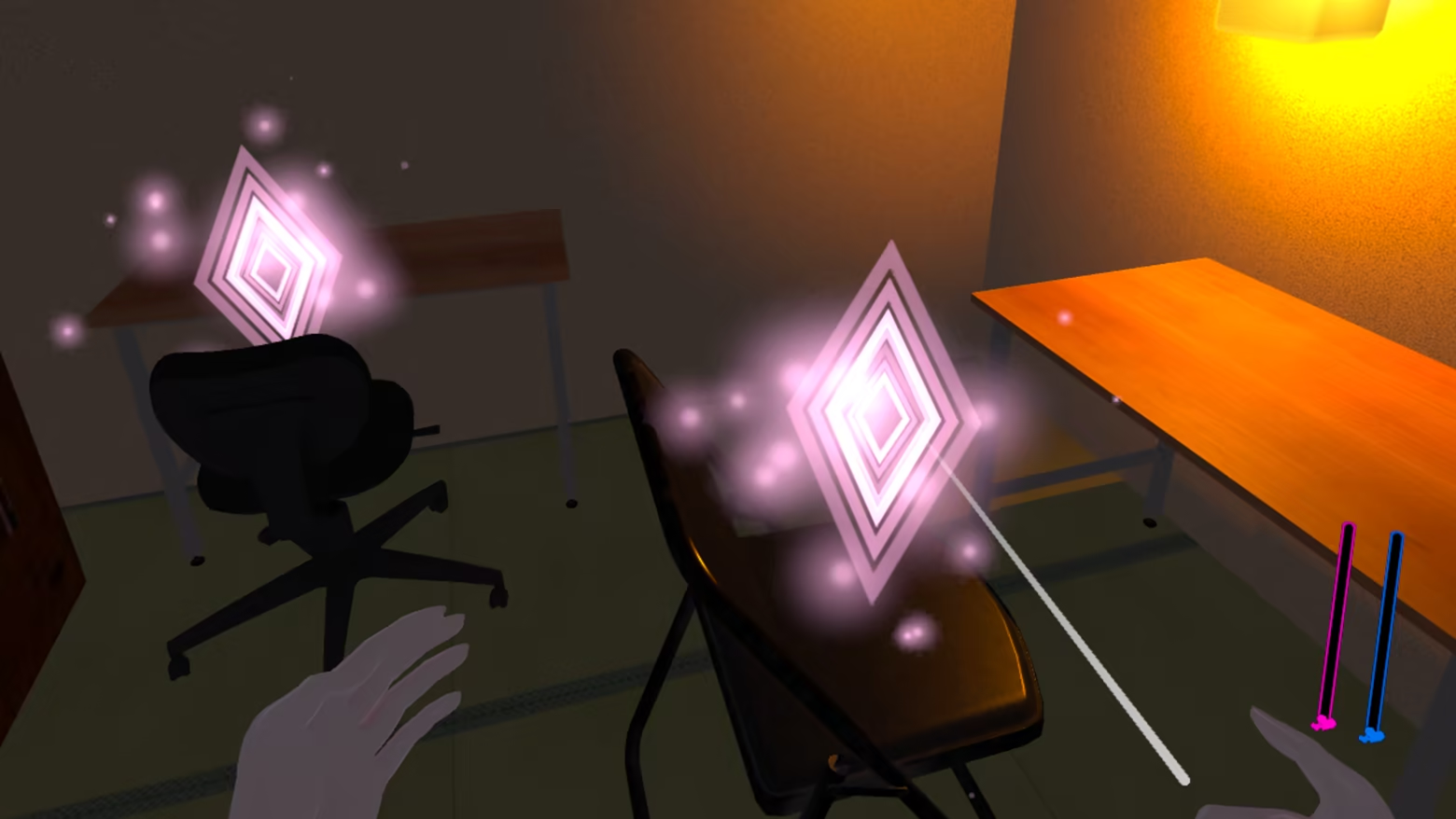
Sex scenes are saved to beds and chairs.
Just launch the app to easily enjoy steamy sex with your partner.

The HUD features meters that show your own and your partner’s pleasure levels, as well as whether you’re stimulating them.
Depending on the sex scene, you can stimulate your partner using controller vibrations or a vibrating masturbator.
On the meters, red represents you and blue represents your partner.
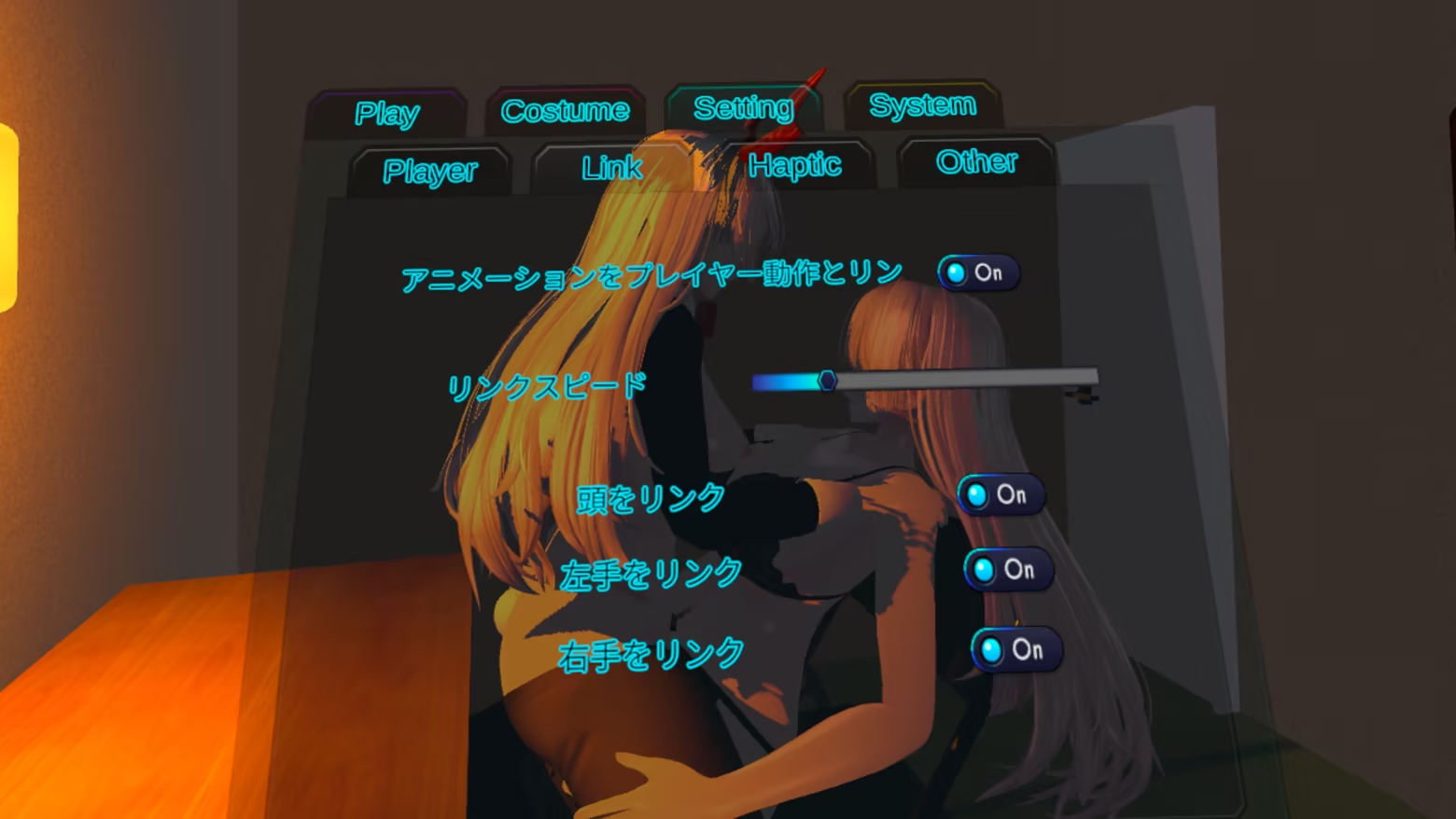
You can switch between automatic and manual animation modes for sex scenes via the menu.
In automatic mode, you can adjust the animation speed from the mini-menu.
In manual mode, the animation moves in response to the movements of your hands or head.
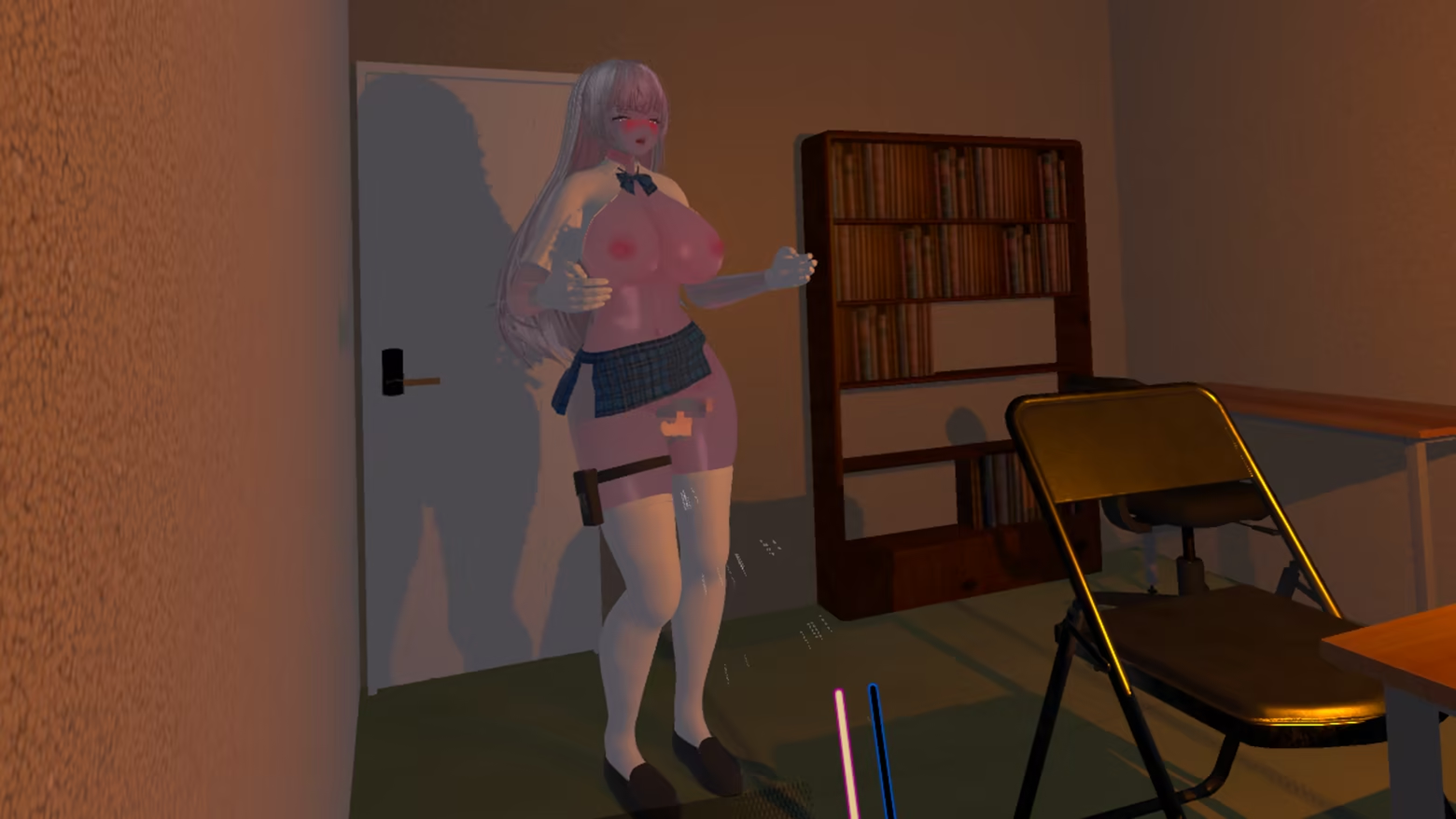
Gripping the controller's handles and triggers increases the pleasure level.
When it reaches its maximum, a finish animation will play.
Try to raise your opponent's pleasure level effectively.
How to Play 4
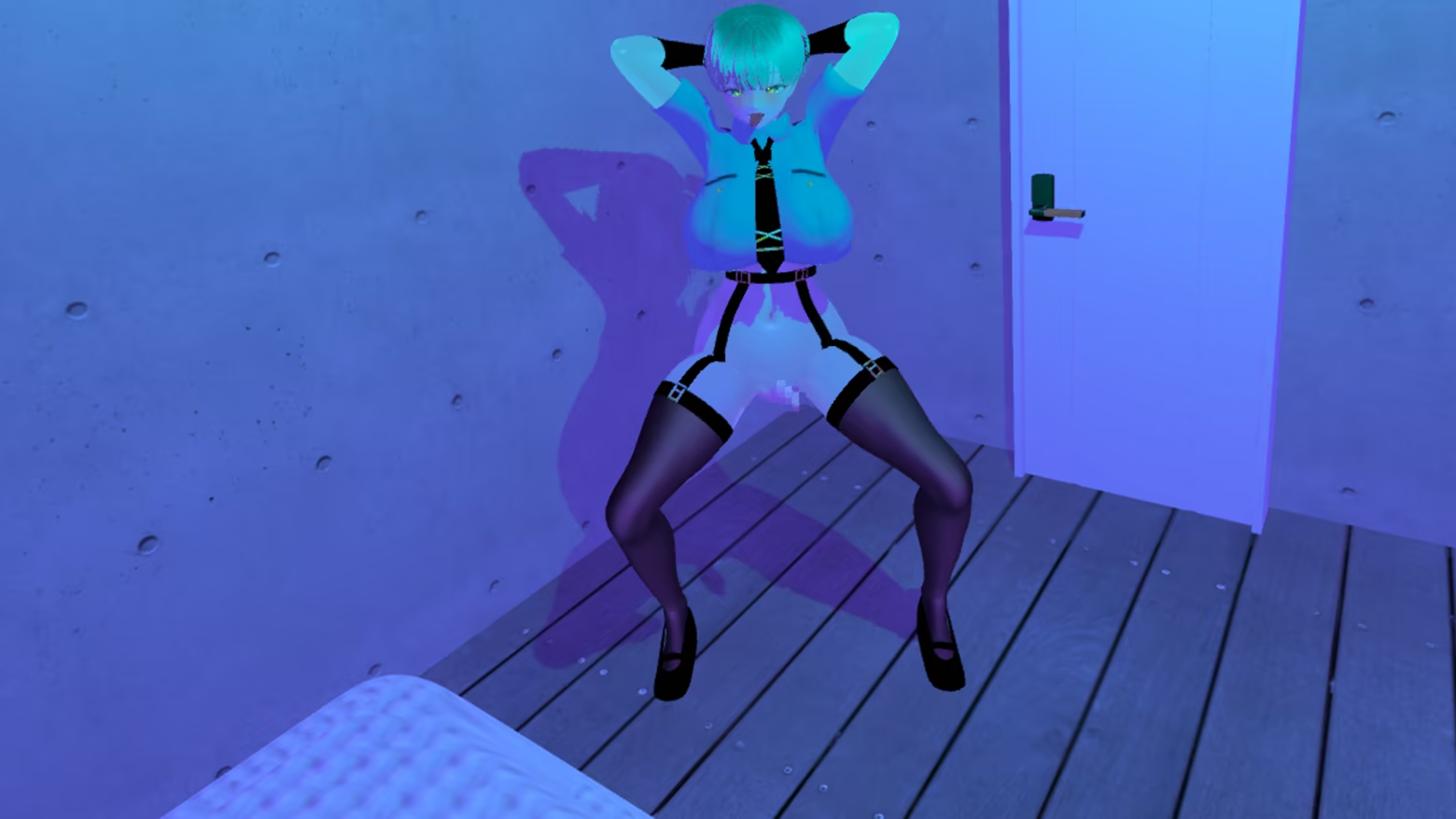
From the mini-menu,
you can select a sexy pose
to seduce your partner.
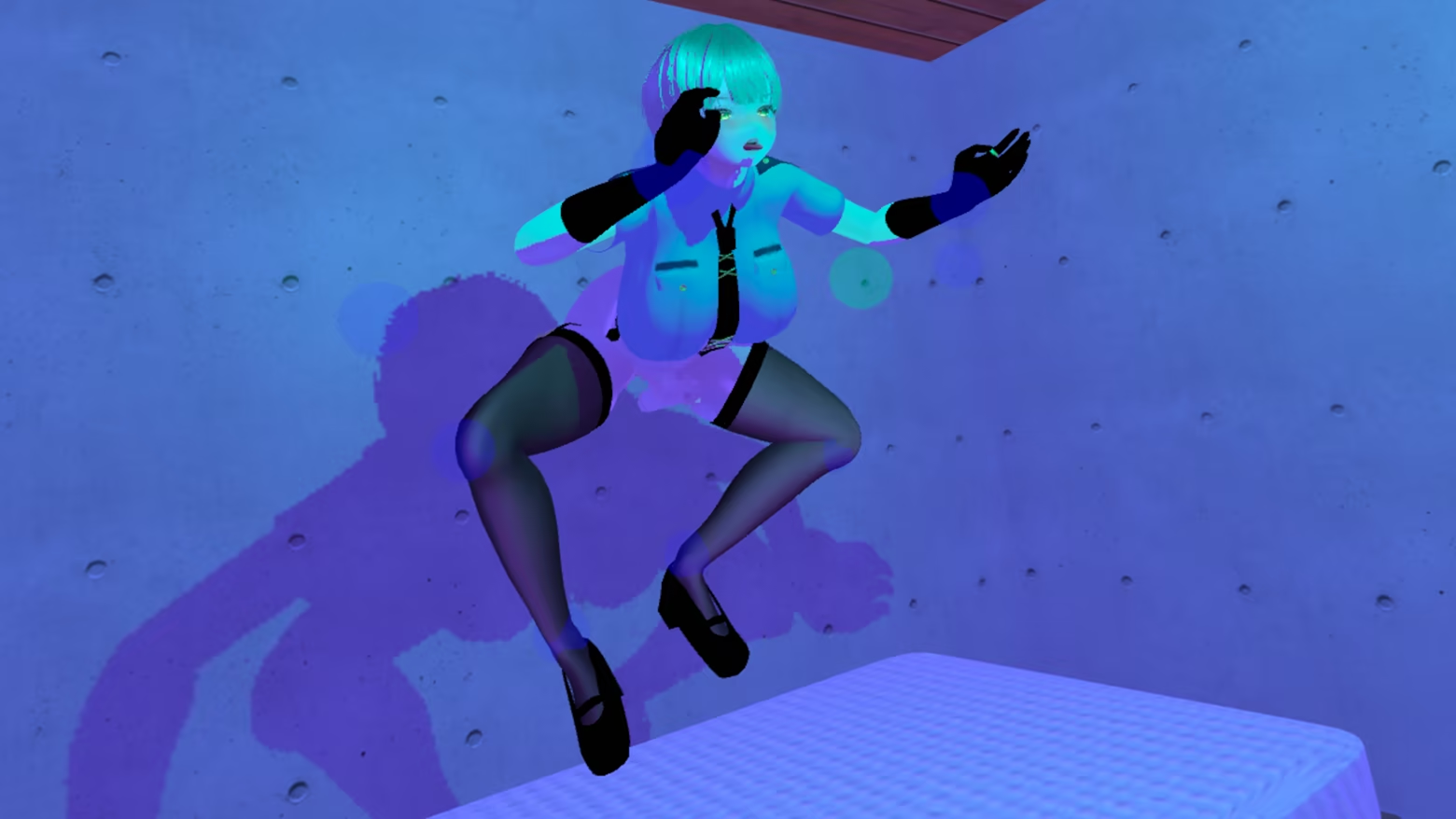
With indirect editing, you can move the joints to create any pose.

There is a handle for moving the joint, so please hold it and move it.
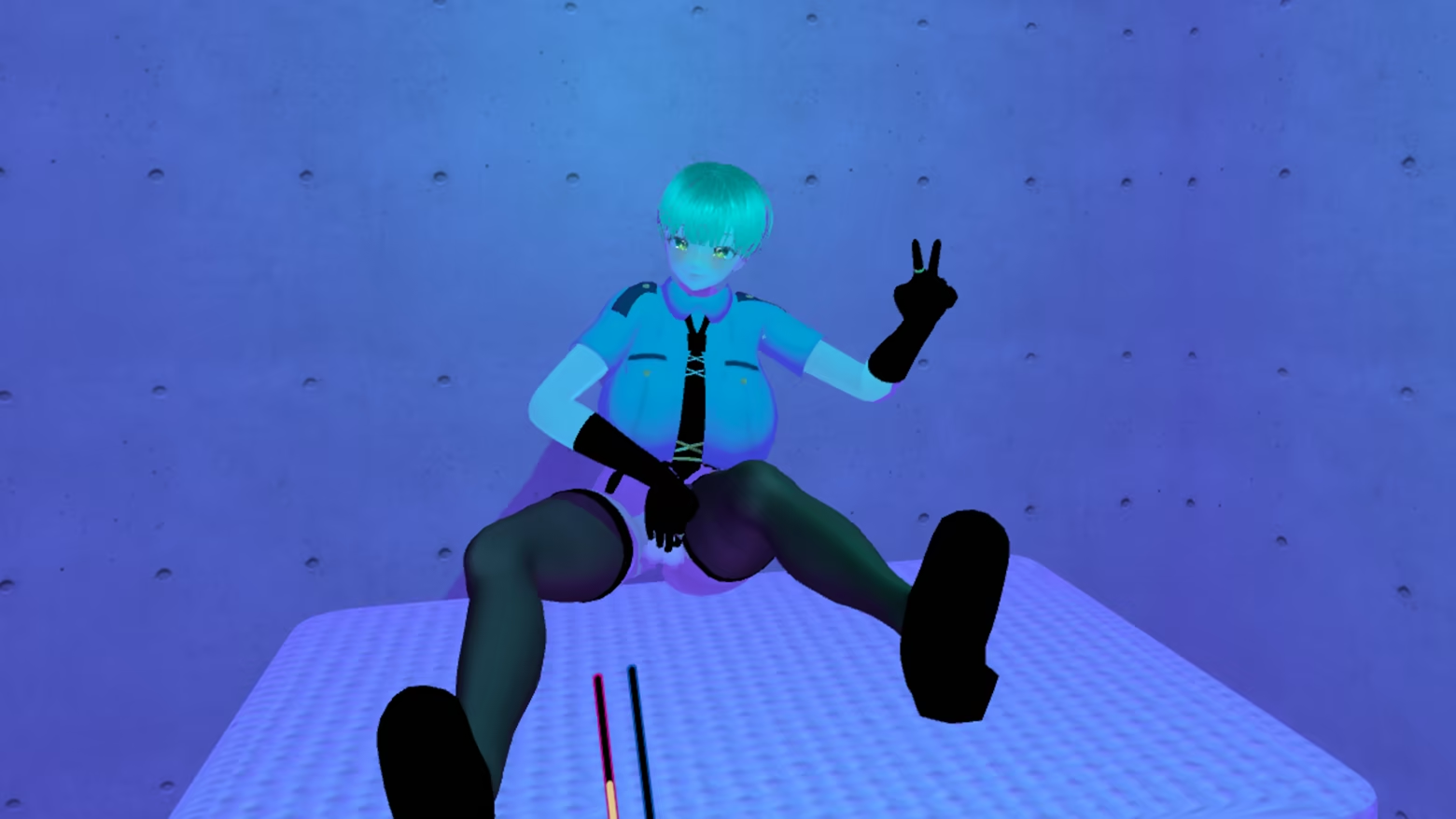
After creating a pose using indirect editing, if you select Joint Mode,
you can manipulate only the upper body in VR while keeping the lower body in the pose you created.
System Requirements
Will my PC run this? →Minimum
- Requires a 64-bit processor and operating system
- OS: windows11
- Processor: AMD Ryzen 5 2600
- Memory: 4 GB RAM
- Graphics: NVIDIA GeForce GTX 1660
- Network: Broadband Internet connection
- Storage: 1 GB available space
- VR Support: MetaQuest2(OculusLink,VirtualDesktop) , MetaQuest3(OculusLink,VirtualDesktop)
Recommended
- Requires a 64-bit processor and operating system
Supported Languages
*languages with full audio support
Latest news
Patch NotesOfficial
Ver1.12
・Added a “Remove All Furniture” button ・When changing a room's pattern, MR is disabled for a set period of time ・Adjusted the main menu ・NPCs can now appear in random outfits ・NPCs automatically increase the sex speed ・Added two new hairstyles ・Added one new outfit ・Fixed an issue so that the door closes automatically when selecting “Send Them Home” from the commandRead full article on Community Announcements (AhrpuXR[JP])Patch NotesOfficial
Ver1.11
・Fixed an issue where speed adjustments were not being applied to manual sex controls ・Prevented movement while the menu is displayed when toggling movement on or off ・Improved game stabilityRead full article on Community Announcements (AhrpuXR[JP])Patch NotesOfficial
Ver1.10
・Added scenes ・Added lights ・Offline friends now look at the camera in certain scenes ・Other minor fixes and adjustmentsRead full article on Community Announcements (AhrpuXR[JP])Patch NotesOfficial
Ver1.09
・Improved script behavior when initiating sex ・Improved rotation control for the hips during IK control ・In non-MR mode, the character now starts facing the door at the beginning of the game ・Improved behavior when entering and exiting scenes while the partner is at the front door ・Adjustments related to AutoKiss ・Other minor adjustmentsRead full article on Community Announcements (AhrpuXR[JP])Patch NotesOfficial
Ver1.08
・Fixed the behavior of rotating up and down while holding an item ・Adjusted the behavior of offline friends during free movement ・Made the process for offline friends to join a room the same as for online players ・Changed “Pleasure Down” in the submenu to “Camera Warp” (The camera moves to the position in front of your face when offline, and to the opponent's camera position when online) ・Various fixes and adjustmentsRead full article on Community Announcements (AhrpuXR[JP])


