

Screenshots

 Watch trailer on Steam ↗
MINERALS: Deep Core Mining
THINK & FEEL · Published by THINK & FEEL
Mostly Positive — 78% positive (23 reviews) · 68 achievements
Last updated 2 Nov 2026
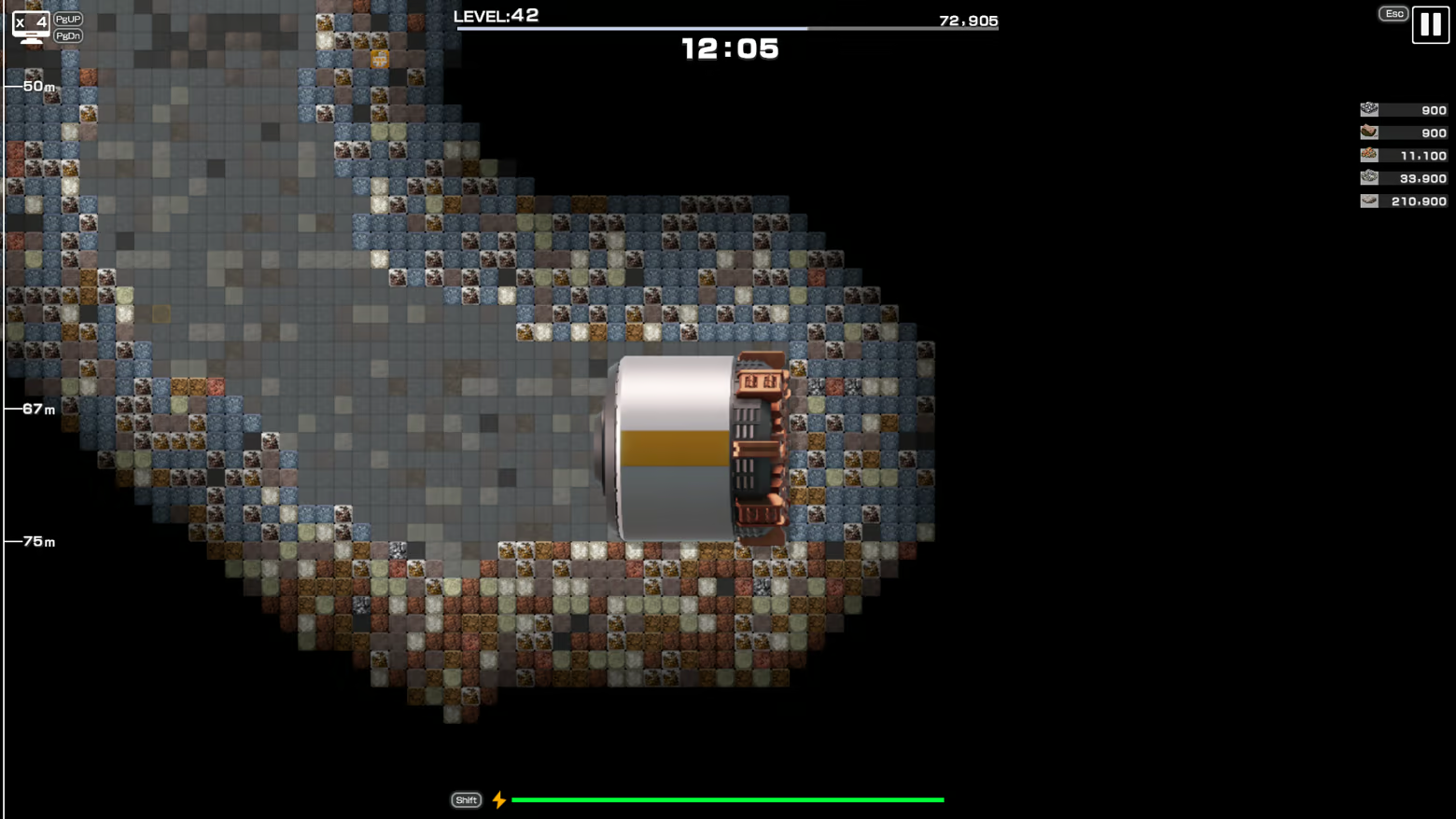
Mine the vast underground and collect ores and gemstones—collect! collect! collect like crazy! “MINERALS: Deep Core Mining” is an over-the-top mining game with roguelite elements. Use the resources you gather to upgrade your abilities and take on an endless underground that changes with every run!
£7.15
Lowest price we've ever recorded
View on SteamPrices can lag the live Steam store — always confirm before buying.
Price history
Action, Adventure, Indie, Simulation, Casual · 2026 · More £5 - £15 games
About this game
Dig! Dig! Dig like crazy!
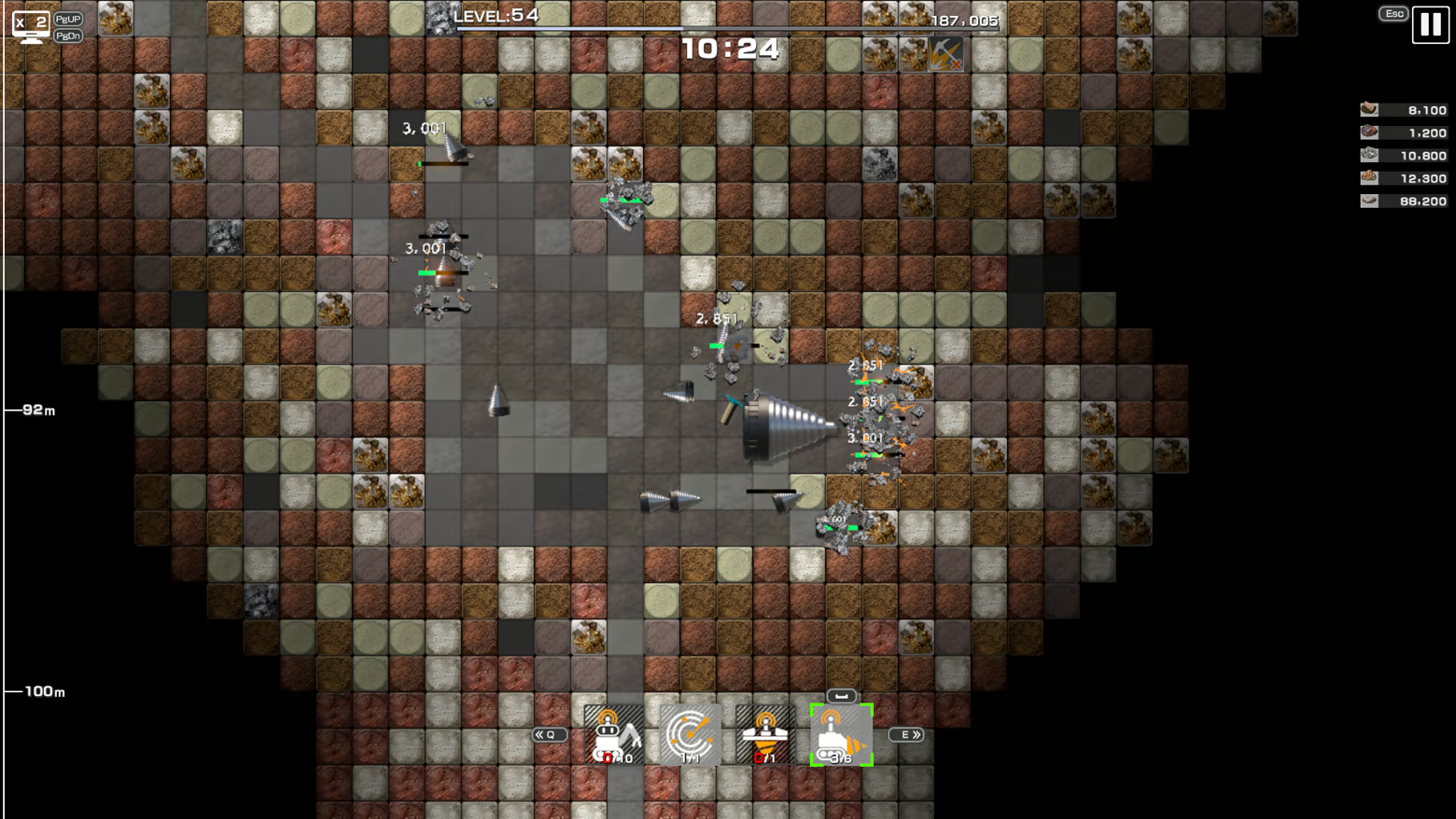
Mine the vast underground and evolve at high speed using the ores and gemstones you collect.That’s “MINERALS: Deep Core Mining”—an over-the-top mining game with roguelite elements.Casual mining action meets a roguelite system where you build your playstyle through upgrades and combinations.Take on an endless underground that changes with every run—and dig it your way!
Build Paths
Power & Speed – Boost your power and speed to mine harder materials faster. Simple is best!
Boost – Use temporary bursts of extreme power to tear through the underground. Stack upgrades to push it to the brink of overload!
Gigantism – Grow your machine to massive size and mine huge areas at once. Double, double, and double again—go colossal!
Drones – Mass-produce drones to mine and explore for you. Sit back and let them do the work!
Sensor Upgrade – Expand your detection range and target valuable ores and gemstones more efficiently.
All abilities can be combined!
Upgrade yourself, upgrade your drones—it’s all up to you!
Fine Minerals
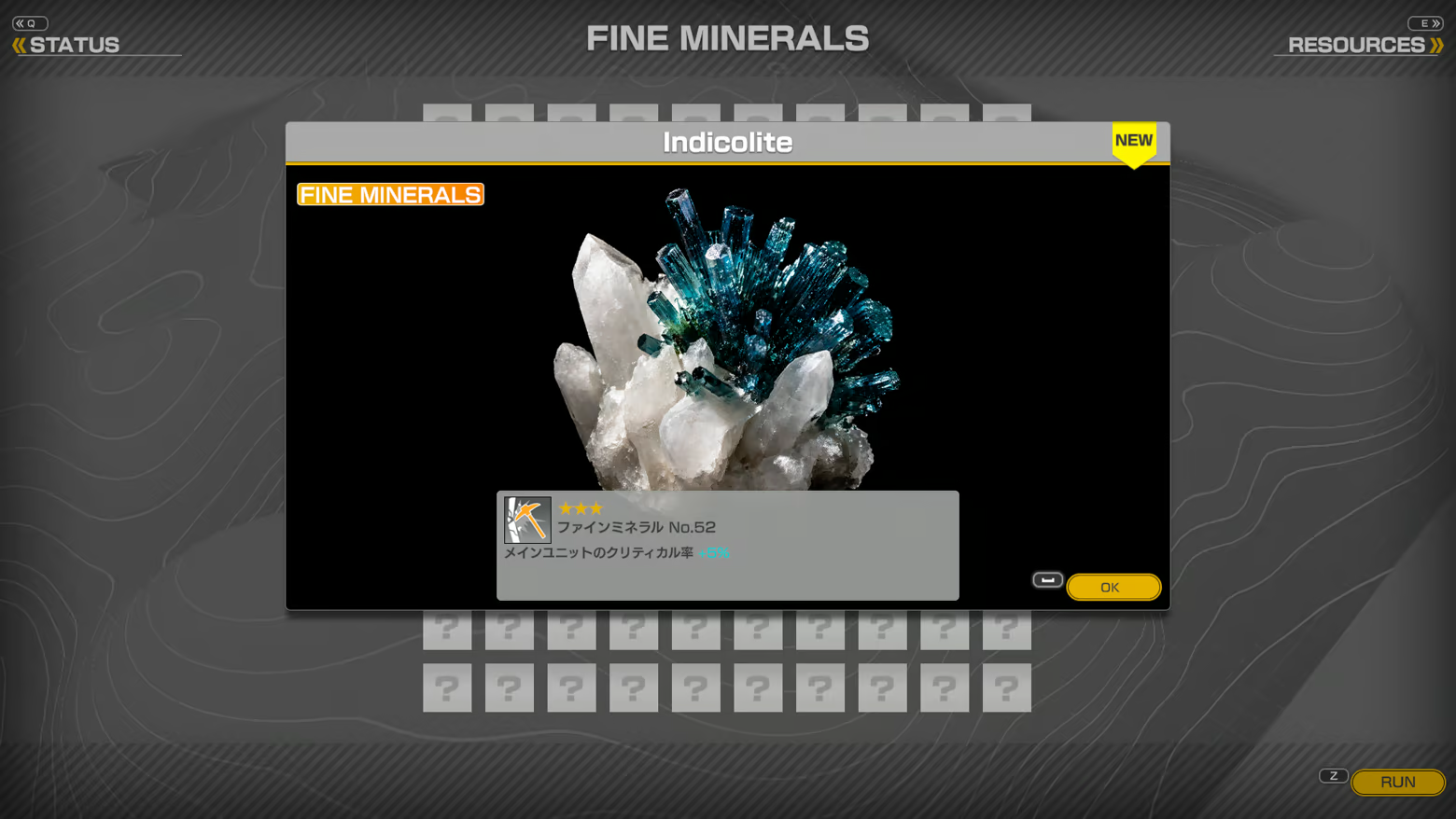
Discover Fine Minerals, natural miracles born from the earth.
These mysterious specimens grant permanent upgrades to your abilities!
Skill Tree
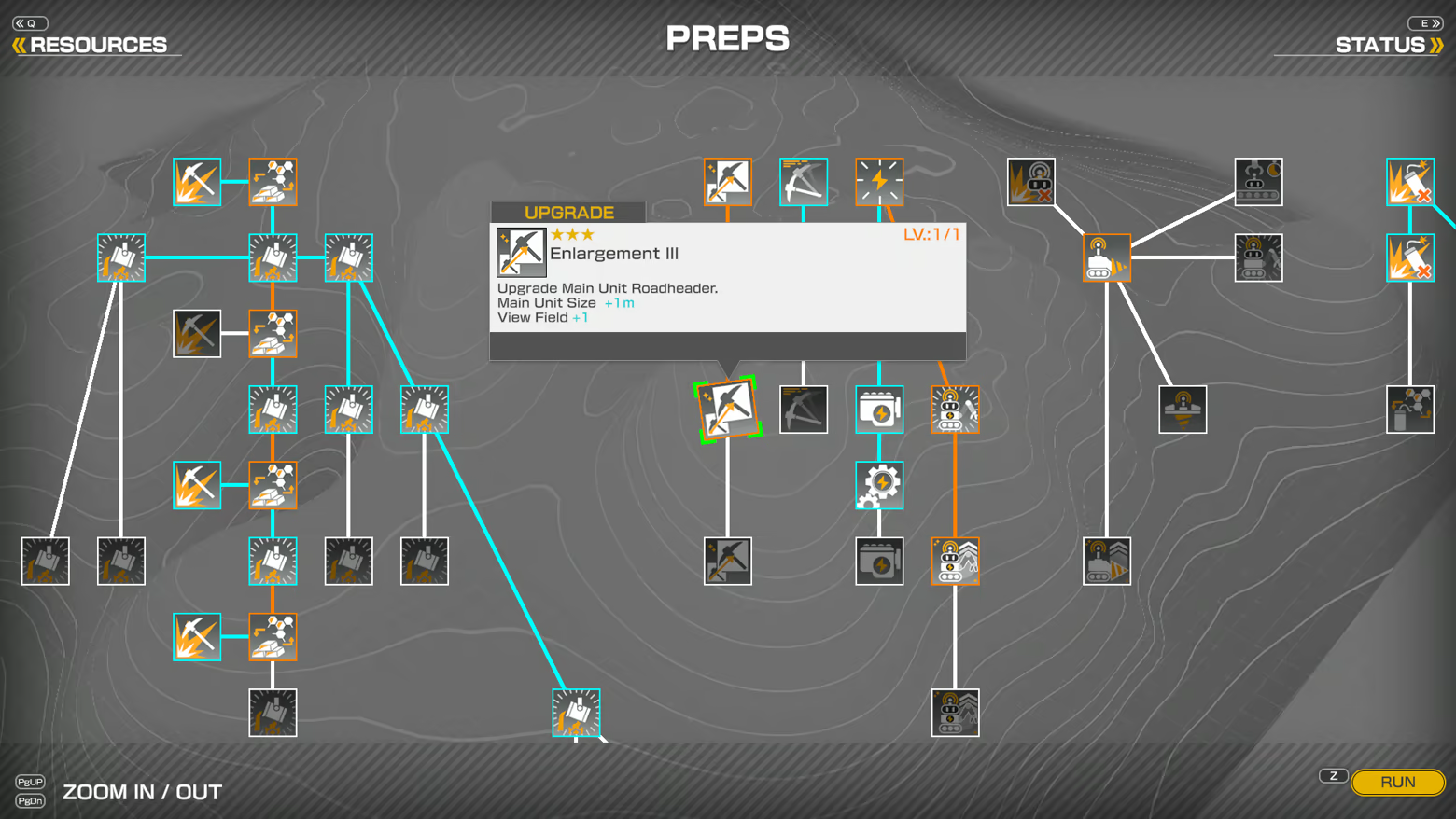
Use the resources you bring back to unlock the skill tree!
Gain new upgrades or enhance their performance.
Some upgrades even let you refine ores or create alloys—improving the resources themselves!
Video Streaming Guidelines
We at THINK & FEEL welcome the posting and streaming of "MINERALS: Deep Core Mining" videos and hereby establish the following guidelines for video posting and streaming of the game.
Permission for Posting and Streaming
For posting and live streaming of gameplay, commentary, and review videos of "MINERALS: Deep Core Mining", no special permission is needed, regardless of whether you are an individual or a corporation. You are free to post and stream.
Content Requirements
When posting or streaming, please include "MINERALS" in the title of the video or stream.
In the description, include a link to the Steam store page.
Use of the game's visuals and music is limited to within the video itself. Separate distribution of music or sale of images is prohibited.
About Monetization
Monetization of videos through the monetization features provided by video streaming sites is permitted.
Prohibited Actions
Posting or streaming content that violates laws, or content that is offensive to others is prohibited.
Disclaimer
THINK & FEEL is not responsible for the content of posted videos.
The guidelines are subject to change without notice. Please check the store page for the latest information.
We sincerely hope that you enjoy "MINERALS: Deep Core Mining" and share its charm with people around the world. We fully support your creative content creation.
THINK & FEEL
System Requirements
Will my PC run this? →Minimum
- OS: Windows 11
- Processor: Intel Core i Gen8th
- Memory: 8 GB RAM
- Graphics: Intel HD Graphics
- DirectX: Version 11
- Storage: 1 GB available space
Supported Languages
Latest news
Patch NotesOfficial
Update Notice ver. 1.4.0
■Gameplay Enhancements {STEAM_CLAN_IMAGE}/46148586/864133cdfd1d6bd0a9d4477135ebed1d7a52845f.png ・Added a new feature, "Ascension." ・When you Ascend, your game progress is reset in exchange for Ascension Points, and you start a new game. ・In the new game, you can spend Ascension Points to acquire powerful Technologies called "Ascension Skills." ・Keep Ascending and enjoy gameplay that becomes increasingly inflated. ・Resources ・Fine Minerals ・Skill Tree *Ascension becomes available after reaching a depth of 30,000m. *When you Ascend, the reset elements are lost and must be acquired again. *Play Records and Ascension Skills will not be reset. ■Convenience Features {STEAM_CLAN_IMAGE}/46148586/5eefc3867e3c54dc0a6e6506f92df8d99f8ecfd7.png ・Added "Possible Depth Range" information to the Fine Mineral list. ・You can now see the approximate depth range of Fine Minerals you have not yet obtained. {STEAM_CLAN_IMAGE}/46148586/d707cdc0c6d6484d9d9592c3246cc93e21155ed9.png ・Added one new controller layout for Runs. ・You can select the layout from "Settings > Controller Settings." ・Added a "Play Stats" screen to Preps. ・You can now view various information from your gameplay at any time. ■Display Improvements ・Changed the status view in Preps and the Upgrade view during Runs to display "Upgrades," "Technologies," and "Fine Minerals" in three separate tabs. ・Added control instructions to the Guide. ・Adjusted the graphics of the Scout Drone. ■Bug Fixes ・Fixed an issue where the surrounding area could sometimes fail to be revealed when passing through a Powerup chip during a Run. ・Made other minor fixes.Read full article on Community Announcements (LAPIDARY)AnnouncementsOfficial
LAPIDARY Series Steam Autumn Sale
The LAPIDARY Series Steam Autumn Sale is now live! 💎 Gem Cutting Simulator 『LAPIDARY: Jewel Craft Simulator』 ― 50% OFF {STEAM_CLAN_IMAGE}/46148586/8ba606776e3d7454aa8e08b056352eb6d1c1b515.jpg 👑Gemstone Setting Simulator『Embrace the Brilliance』 ― 50% OFF {STEAM_CLAN_IMAGE}/46148586/33cb4cfb539a1aaa35804ac382a09347089c39cb.jpg ⚒Mining Roguelite『MINERALS: Deep Core Mining』 ― 20% OFF {STEAM_CLAN_IMAGE}/46148586/89c30da13f105c55ef3f1441b5c3490782bee176.jpg 『LAPIDARY: Jewel Craft Simulator』 and 『Embrace the Brilliance』 are available at their biggest discounts ever — 50% OFF!!! The latest title, 『MINERALS: Deep Core Mining』, is also on sale!! 20% OFF!! Don't miss this opportunity!!Read full article on Community Announcements (LAPIDARY)Patch NotesOfficial
Update Notice ver. 1.3.0
■Gameplay Enhancements {STEAM_CLAN_IMAGE}/46148586/472396de1d8f24c9488824ea85b02a6bb6cc6d12.png ・Added new Technologies that allow you to add resources to selected "SMELTER & POLISHER" facilities in a batch. ・Resources can be distributed among the "SMELTER & POLISHER" facilities selected for Batch Operation, taking the expected resource amounts into account. 【New Technologies】 ★2 Batch Operation: SMELTER & POLISHER ★2 ★3 Batch Operation: SMELTER & POLISHER ★3 ★4 Batch Operation: SMELTER & POLISHER ★4 ★5 Batch Operation: SMELTER & POLISHER ★5 ★6 Batch Operation: SMELTER & POLISHER ★6 ★7 Batch Operation: SMELTER & POLISHER ★7 ★8 Batch Operation: SMELTER & POLISHER ★8 ★9 Batch Operation: SMELTER & POLISHER ★9 ★10 Batch Operation: SMELTER & POLISHER ★10 {STEAM_CLAN_IMAGE}/46148586/a02c166f14f08c8720fcc1a9918be84c3ed76b44.png ・Added a new Technology, "Banish," which allows you to remove an option that appears when leveling up. ・Banished abilities will no longer appear as LEVEL UP options during that Run. 【New Technologies】 ★6 Banish I ★7 Banish II ★8 Banish III ★9 Banish IV ★10 Banish V {STEAM_CLAN_IMAGE}/46148586/5b1e4af33c8a1e6770879e4b45d279292b87256f.png ・Mineral Sonar markers now display the distance to the detected Fine Mineral. ■Display Improvements {STEAM_CLAN_IMAGE}/46148586/c7b08159856b4ac387122037e97c043fe07930d7.png ・Adjusted the icon shapes for Upgrades and Technologies. 【Adjustments】 Square … Upgrades Circle … Technologies related to SMELTER & POLISHER Octagon … Technologies related to Runs ・Changed how the progress bar is displayed when SMELTER & POLISHER facilities reach maximum speed. ■Bug Fixes ・Fixed an issue where mouse wheel scrolling could sometimes fail to work properly on the "SMELTER & POLISHER" screen. ・Fixed an issue where some achievements with large condition values could sometimes fail to unlock. ・Made other minor fixes.Read full article on Community Announcements (LAPIDARY)Patch NotesOfficial
Update Notice ver. 1.2.0
■Display Improvements・Changed the terrain display so that Resource and Fine Mineral chips, excluding Stone, now have borders to improve visibility. ・The borders can be disabled in "Advanced Settings" to restore the previous appearance. ・Adjusted the display order of resources on the "PREPS: RESOURCES" and "PREPS: SMELTER & POLISHER" screens. ・Added Rarity and How to get information to "PREPS: RESOURCES" and "Resource Details." ・Changed the icons for the following Drone- and Dynamite-related abilities. ・Drone Salvo x4 ・Drone Salvo x8 ・Drone Salvo x16 ・Drone Salvo x32 ・Drone Carrier I ・Drone Carrier II ・Drone Carrier III ・Drone Carrier IV ・Drone Carrier V ・Drone Carrier VI ・Drone Overclock I ・Drone Overclock II ・Drone Overclock III ・Drone Overclock IV ・Drone Overclock V ・Drone Overclock VI ・Drone Mobility I ・Drone Mobility II ・Drone Mobility III ・Drone Mobility IV ・Drone Mobility V ・Drone Mobility VI ・Drone Mobility VII ・Drone Mobility VIII ・Short Fuse: Dynamite I ・Short Fuse: Dynamite II ・Short Fuse: Dynamite III ・Short Fuse: Dynamite IV ・Short Fuse: Dynamite V ・Added links to the Guide on the "LEVEL UP," "FINE MINERAL Discovered!!," and "RUN: End of run" screens. ・As part of this change, the Guide will no longer automatically pop up the first time each of these events occurs. ・Improved performance on the "PREPS: SMELTER & POLISHER" screen. ■Gameplay Enhancements・Added an ability to the Main Unit and Anchor Drone that increases damage when fewer chips are mined at once. ・This ability applies when the following Upgrades are acquired. ・Gigantization I ・Anchor Drone ・Optimized the autonomous movement of the Scout Drone. ■Other Changes・Changed the sound effect played when a conversion is completed in "SMELTER & POLISHER." ■Bug Fixes・Fixed an issue where the achievement "The World of the Mantle" could sometimes fail to unlock. ・Fixed an issue where the resource names "Nickel Molybdenum Alloy" and "Austenitic Stainless Steel" were swapped (En...Read full article on Community Announcements (LAPIDARY)Patch NotesOfficial
Update Notice ver. 1.1.0
■Display Improvements {STEAM_CLAN_IMAGE}/46148586/3b8b1b1e51fea1925ba2478efb98b22fd2c5a6c9.png ・Added resource names and chip images showing where resources were obtained to the resource display during Runs. ・Resource names can also be hidden in Advanced Settings. {STEAM_CLAN_IMAGE}/46148586/44405b055f06059efb57fa9cf0c2b409c887c17c.png ・Added information on how to obtain each resource to the Resources list. ・For “MINING,” chip images are displayed. For “SMELTER & POLISHER,” images of the source resources are displayed. {STEAM_CLAN_IMAGE}/46148586/bbc8796dc71dfb95593c0337607f3375a1bce361.png ・Added the “Ore” label to Ore descriptions. ・Added the “Rough Stone” label to Rough Stone descriptions. ・Added “Main Depth Range” to Ore and Rough Stone descriptions. ・Made other minor display fixes. ■Gameplay Enhancements ・Reduced the amount of resources required to unlock the following Upgrades. 1. Material Revolution: Copper 2. Hyper Vibration I 3. Gigantization I 4. Linear Drone 5 .Micro Dynamite ・Reduced the time required to use “SMELTER & POLISHER.” ・Changed the prerequisite for “Recovery Optimization: Ore I” in the Skill Tree to “Exploration Time I.” *The display position has also been slightly adjusted to reflect this change. ■New Convenience Features ・Added two features to “Advanced Settings.” 1. When attempting to create a Drone, Dynamite, or other unit with or (Y), if the Creation Capacity is 0, select the unit one slot to the right and create it instead. 2. Automatically move the Main Unit in the direction it last moved. ・Added a “Hide run start confirmation.” checkbox to the confirmation dialog displayed when starting a Run. *This setting can also be changed in “Advanced Settings.”Read full article on Community Announcements (LAPIDARY)


