

Screenshots

 Watch trailer on Steam ↗
AfterMove
Colin Ord · Published by Colin Ord · Official site ↗
Last updated 28 Sept 2026
Move one piece. Everything else moves with you. AfterMove is a minimalist puzzle game where every piece on the board follows its own rule - find the sequence that wins. 190 hand-crafted levels. Quietly merciless, deeply satisfying.
£7.99
Lowest price we've ever recorded
View on SteamPrices can lag the live Steam store — always confirm before buying.
Price history
Strategy, Casual · 2026 · More £5 - £15 games
About this game
One move, fifteen reactions. Every piece obeys a fixed rule. And they all move the instant you do.
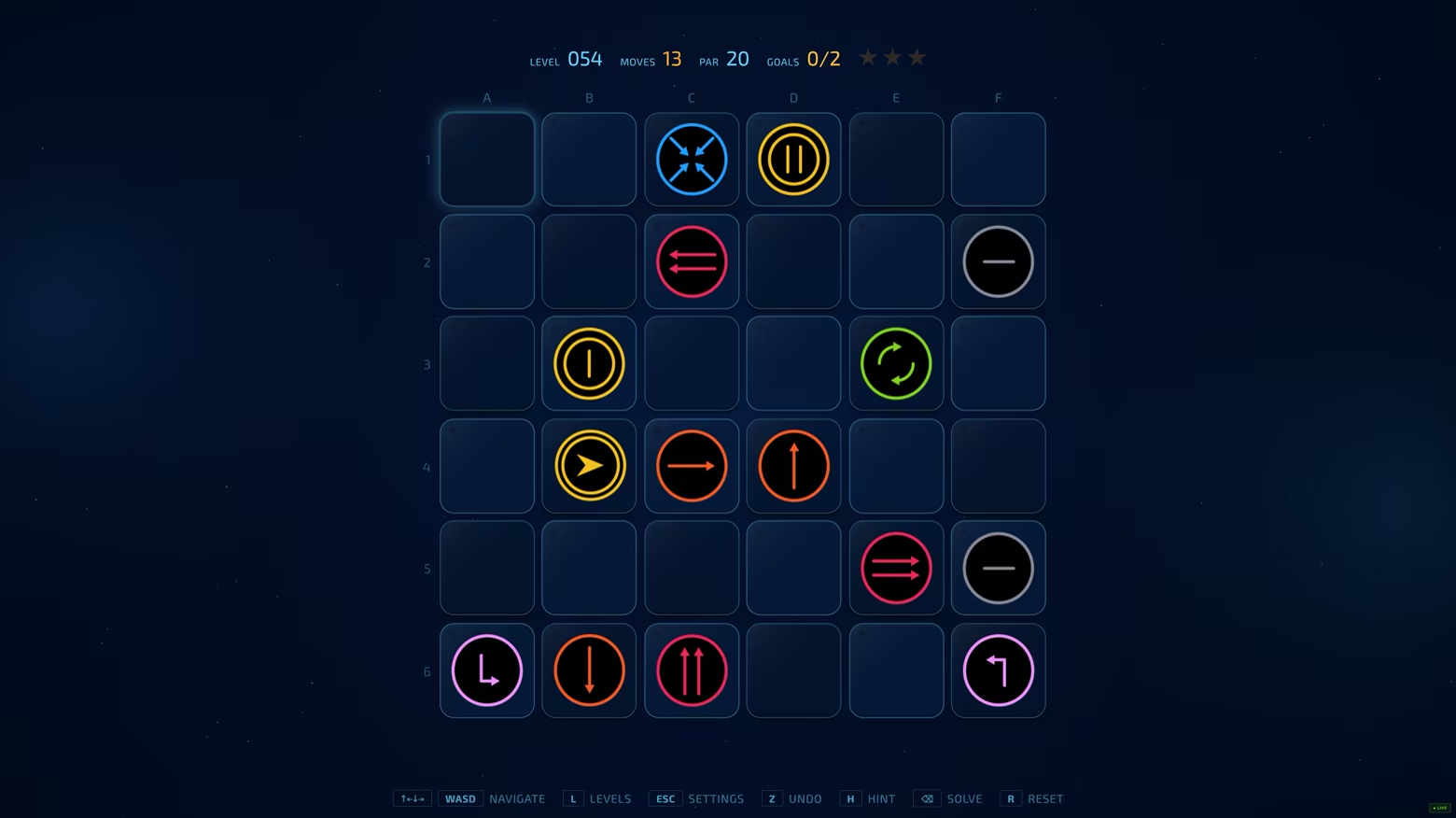
Welcome to AfterMove, a punishing minimalist grid puzzle built on pure spatial logic.
Some pieces step. Some charge two squares. Some cut diagonally or leap in geometric L-shapes. Some move opposite to you, and some don't move at all. And one 'the Chaser' runs a pursuing pathfinding rule that tracks your position. Learn the mechanical loops, and the board starts to make sense. But with up to fifteen pieces reacting simultaneously on a tight 6×6 grid, finding the optimal line is a deep tactical challenge.

Simple Rules, Real Depth
The objective is always clear: reach the goal square. Made a mistake? Misreading a layout is part of the process - and correction is instant. Undo is a single keypress away. Experiment freely, backtrack without penalty, and try again. The challenge is pure grid geometry, and the winning path is always there. You just haven't found it yet.

The Chaser: Turn Its Own Logic Against It
The Chaser adds dynamic pressure. Each turn, its fixed rule sends it one step toward you - always closing the larger gap first, horizontally or vertically. Let it reach your square and the level resets. You cannot outrun its tracking forever on a board this small; you have to outwit its geometry.
Route around it, lure it into a wall, or block its path with another piece. The first Chaser layout will test your spatial awareness. By the end of the game, you'll be bending its exact ruleset into the tool that solves the level for you.
Choose Your Mindset: Two Modes
Casual Mode: Move one step at a time. React, learn, undo, and read the board across 120 levels spanning four escalating tiers: Easy, Medium, Hard and Master. Perfect for finding your footing
Expert Mode: Commit your whole plan before anything moves. Queue two to six steps, hit execute, and watch the board resolve with no corrections. 70 levels across three elite tiers - Ace, Elite and Grandmaster - plus a locked bonus set for those who finish.
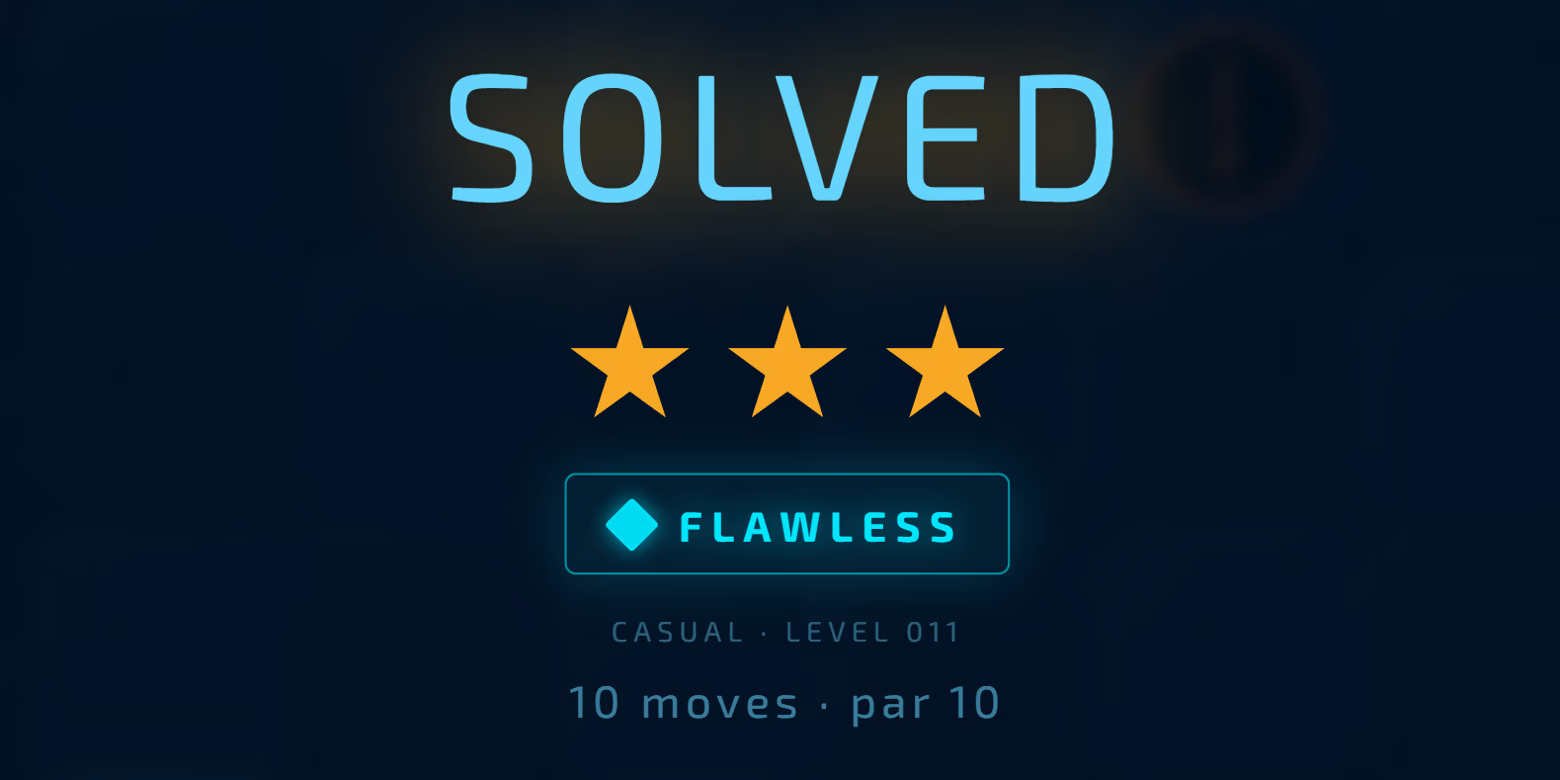
Fair and Deterministic by Design
Every layout is solver-verified and guaranteed solvable. The mechanics never change - only your understanding of them does. Walls block movement permanently. Inverted pieces move in exact opposition to your input. The line is always there. Can you see it?
Full Game Features:
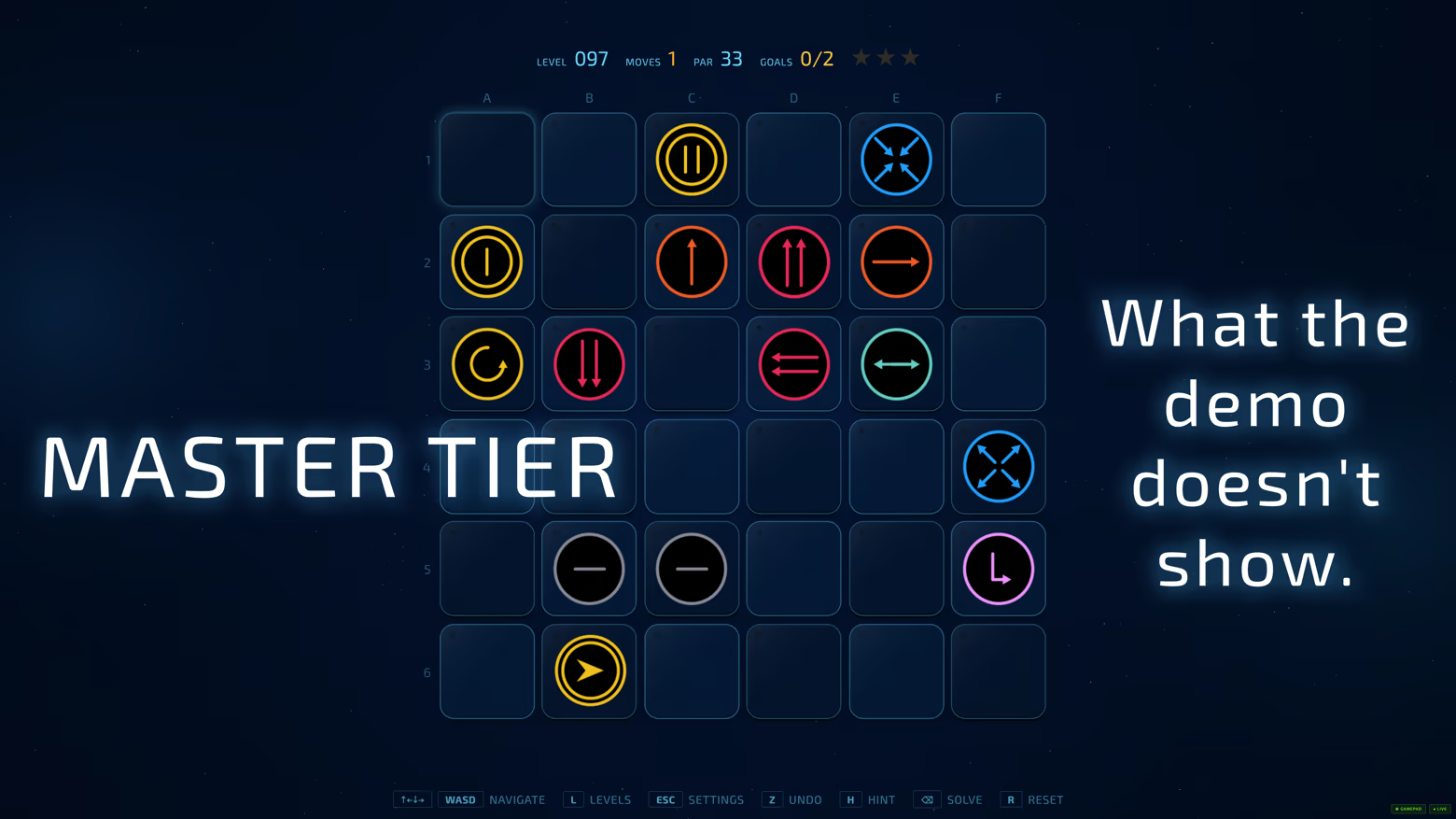
190 hand-curated levels - Every board is a deliberate logical trap.
A deep cast of piece behaviours - from static walls and inverted movers to two-square chargers, L-shaped leapers, 90° rotators and the pathfinding Chaser.
Play your way - full keyboard and mouse support, plus gamepad play.
No artificial gates - jump between Casual and Expert levels freely. No win-streaks, no grinding.
Quality-of-life throughout - abstract themes, colour palettes, instant undo, star scoring, and hints for when you're genuinely stuck.
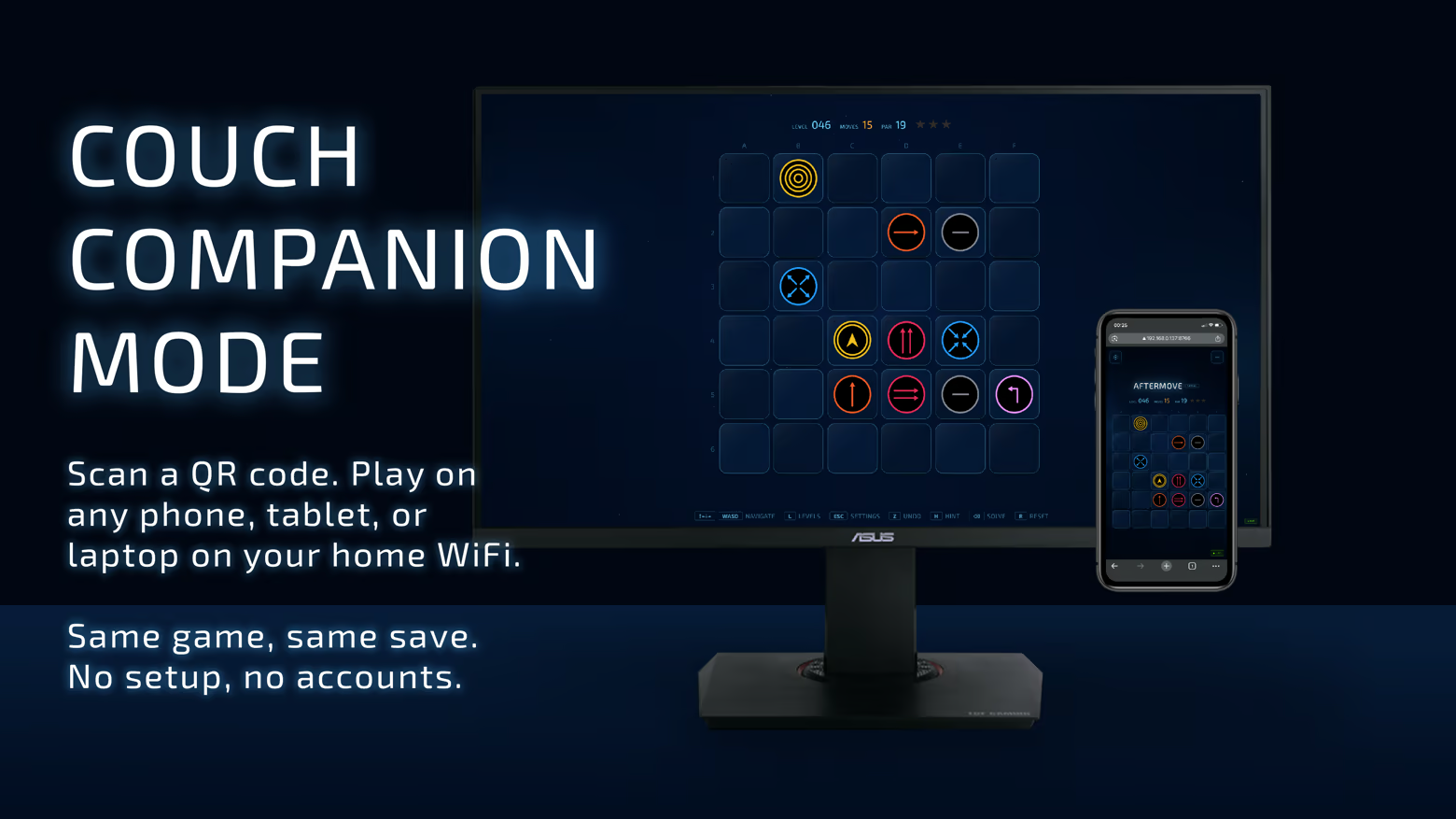
Bonus: Couch Companion Mode.
Scan a QR code with your phone or tablet and play AfterMove from the sofa. No app to install - just scan the code over your home Wi-Fi.
About the Developer
AfterMove is the debut game from Colin Ord, author of Magic Moving Images - an animated optical-illusion book. It comes from the same lifelong fascination: hidden rules, abstract patterns, and geometry that snaps alive the moment you finally understand it.
System Requirements
Will my PC run this? →Minimum
- Requires a 64-bit processor and operating system
- OS: Windows 10 (64-bit)
- Processor: Intel Core i3 / AMD equivalent (2.0 GHz dual-core or better)
- Memory: 2 GB RAM
- Graphics: Integrated graphics (Intel HD 4000 or equivalent)
- DirectX: Version 11
- Storage: 250 MB available space
- Sound Card: Any
- VR Support: Not supported
Recommended
- Requires a 64-bit processor and operating system
- OS: Windows 10 / 11 (64-bit)
- Processor: Intel Core i5 / AMD Ryzen 3 or better (2.5 GHz quad-core)
- Memory: 4 GB RAM
- Graphics: Integrated graphics (Intel UHD or better)
- DirectX: Version 11
- Storage: 500 MB available space
- Sound Card: Any
Supported Languages
Latest news
Patch NotesOfficial
v0.3.7 — Couch Mode & polish
v0.3.7 — NEW: Couch Mode Use your phone or tablet as a wireless controller. Press C in-game or on the intro screen to show a QR code, scan with your phone's camera, and play from your sofa. No app install needed. Both devices just need to be on the same Wi-Fi. Off by default for a clean first launch — enable any time in Settings → Couch Mode.KEYBOARD SHORTCUTSESC returns to the intro screenM opens SettingsC opens Couch Mode (when enabled)PRIVACYNew section in About explains what AfterMove doesn't collect and confirms Couch Mode is local-only — nothing leaves your home network.MOBILE / TABLET POLISHAfterMove title and demo badge now visible above the board on phonesSettings tabs start at Gameplay fixedCleaner Settings on touch devices (irrelevant options hidden)Better intro screen layout on phonesUNDER THE HOODSecurity hardening for the local bridgeNetwork resilience for Couch Mode connectionsConsistent "Couch Mode" naming throughoutVarious polish across themes and overlaysThanks for playing the demo! Feedback welcome on the community hub.-ColinRead full article on Community Announcements (Colin)Patch NotesOfficial
Update 0.3.6 — better demo, smarter hints
v0.3.6 — Rebalanced demo, smarter hints, polish The demo casual mode has been rebuilt to better introduce each new pieces. Plus a smoother difficulty curve, smarter hints when you're cornered, and three new milestone celebrations. Demo: rebalanced casual mode 20 casual levels (was 17), Three extra levels to play. Cleaner teaching curve — early levels feel approachableNew: demo completion celebrations Finish every casual level → CASUAL CLEARED with a nudge toward Expert Finish every expert level → EXPERT CLEARED with a nudge back to Casual Finish both → YOU SOLVED IT ALL with your full stats Fixed Hint and auto-solve no longer fooled by mid-animation positions Hint search depth increased When 'hunts you piece' locks on with no winning path in sight, a "NO ESCAPE — UNDO OR RESET" banner displays. Auto-solve cancels cleanly on M / ESC / R / Solve Arrow keys navigate the How To Play piece rows Polish Piece drop-shadows with toggle in settings Goal-tile glow refined, caught overlay drop-shadow added Piece descriptions rewritten — clearer about move-order timing Wider scrollbars on settings panels Auto-migration of completion flags for returning players from earlier demo releases. A small discoveryOne demo level can be solved in fewer moves than the suggested par. Find it and you'll see a PLUS badge on your stats. We're not telling you which one. What's next Steam Next Fest in June. Wishlist if you haven't yet — it genuinely helps me during fest week.Read full article on Community Announcements (Colin)Patch NotesOfficial
v0.3.5 — Docs, polish, and Auto-solve 'cancel' upgrade
NewMove order rule explained in How to Play → Pieces. The hidden priority logic is now documented: pieces that move one step in a fixed direction go first, then everything else. Piece shadows — a soft drop-shadow under each piece on the board, lifting them visually off the surface. Toggle in Settings → Visual → Effects. Changed90 degree to you piece description in How to Play → Pieces, rewritten for clarity. "Press up, it goes left. Press right, it goes up...". FixedAuto-solve now cancels and resets the level when you press 'M', 'ESC', 'R', or the Solve button itself. Previously the animation had to run to completion. Keyboard arrow keys now navigate rows in How to Play pages. Previously only the controller could do this. Modal scrollbars (Settings, How to Play, Level Select) widened for easier grab. UI polish L-shape piece sprite refined. Goal tile glow outline strengthened when a piece is sitting on that tile — easier to see at a glance. Caught/lose overlay sprite now matches the in-game piece shadow style for visual consistency.Thanks to everyone playing the demo and sending feedback. Retail still in active development; more updates as the build firms up. Wishlist for launch notification. -ColinRead full article on Community Announcements (Colin)Patch NotesOfficial
v0.3.4 - Move order docs + UX polish
NewMove order rule explained in How to Play → Pieces. The hidden priority logic is now documented: pieces that move one step in a fixed direction go first, then everything else. FixedAuto-solve now cancels and resets the level when you press M, ESC, R, or the Solve button itself. Previously the animation had to run to completion. Settings scrollbar visibility improved (How to Play, Level Select) widened for easier grab. Polish L-shape piece sprite corrected. -ColinRead full article on Community Announcements (Colin)Patch NotesOfficial
v0.3.2 - Hints bar bug fix
New Hints bar correctly defaults to keyboard mode when no gamepad is in use. Previously, virtual gamepad devices from Steam Input or other software could trick the UI into showing controller buttons even when the player wasn't using one. Thanks to the player who reported this. -ColinRead full article on Community Announcements (Colin)


