

Screenshots

 Watch trailer on Steam ↗
Rollout Inline
MLMEDIA · Published by MLMEDIA
Very Positive — 95% positive (399 reviews)
Last updated 23 Oct 2026
Rollout Inline is a brand new Aggressive Inline game created by a solo dev who is passionate about the sport. This game aims to scratch the itch for those who have been craving a new, modern, and intuitive inline skating game!
Indie, Simulation, Early Access, Sports · 2026 · More free games
About this game

Overview
Rollout Inline is a brand new Aggressive Inline game created by a solo dev who is passionate about the sport. It aims to scratch the itch for those who have been craving a new, modern, and intuitive inline skating game!
Enjoy an immersive single-player experience that offers a simcade gameplay feel all about the sport of Aggressive Inline skating. Whether you are a real-life blader or someone who enjoys extreme sports games, this one is for you!
Built for Controllers
Rollout Inline is built for controllers. While the core gameplay, such as steering and spinning, is on the left stick and jumping on the right stick, grinds and cess slides are performed with dual stick controls, with each stick representing each foot.
Feature Overview:
Riding, Grinding, Cess Slides, Free Spinning & Flipping, Air Grabs, Toe/Heel Rolls, Handplants, Physics/Momentum-based Movement, Ragdoll, Balancing Mechanics (Optional), Multiple Maps, Intuitive Controls, Replay Editor, Original in-game Music/Radio, Challenges, Progression System.
Dual Stick Grinds
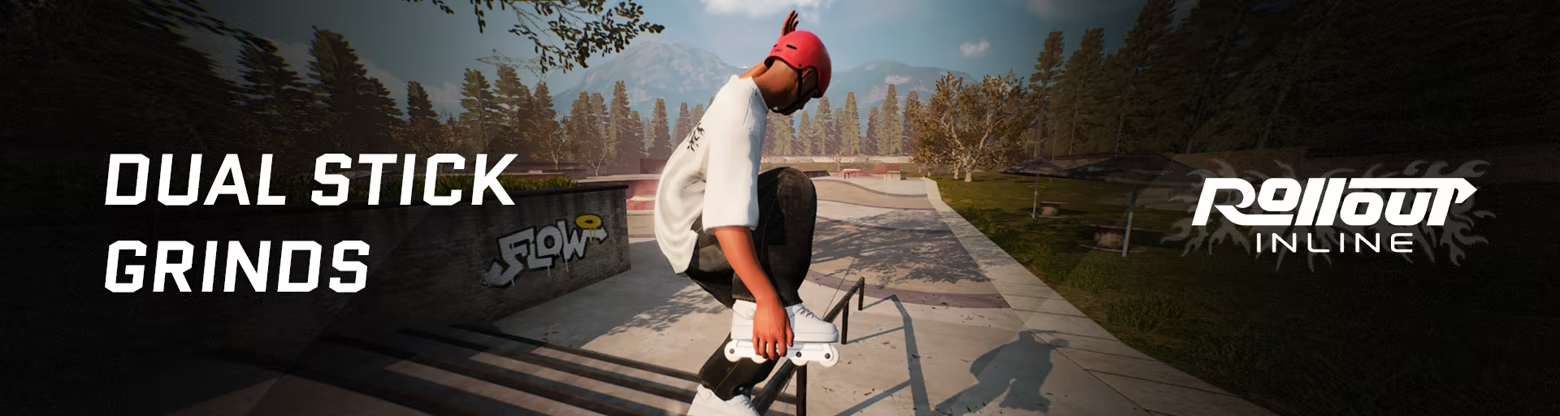 This allows for a huge grind selection and all the creative freedom you could hope for while offering an intuitive gameplay feeling! Alternative controls for spinning can be set up in the settings, unlocking even more control and freedom of movement for your skater!
Customization
Customize your character and skates in the in-game customization menu! Clothing items get unlocked by progressing in the game. You can freely customize your skates at any time - no unlocks needed!
Challenges & Progression System
Push your limits in various challenges and level up your maps while unlocking new clothing items to style your skater! Challenges will show up in every map, and once you complete a batch of challenges, your map level increases and a new set of challenges will appear, with each level increasing the difficulty! Challenges from an earlier level are always replayable.
Multiple Maps
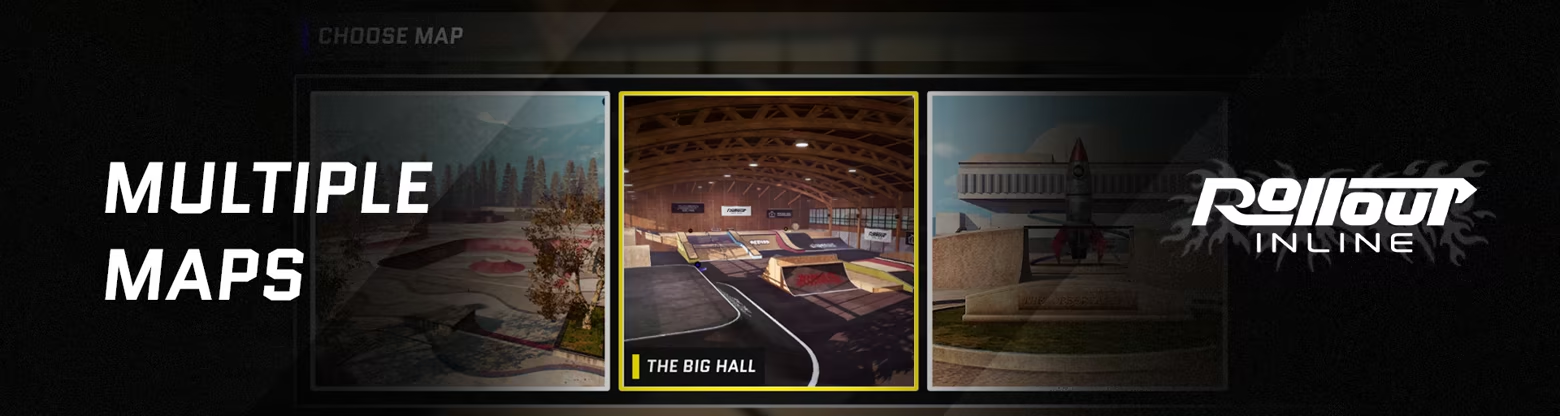
Explore multiple maps with various challenges and features like massive gaps, long rails, vert ramps, pools, and more! 3 maps will be available on the day of Early Access launch.
System Requirements
Will my PC run this? →Minimum
- Requires a 64-bit processor and operating system
- OS: Windows 10+
- Processor: Intel Core i5-6600k or AMD Ryzen 3 3300X
- Memory: 8 GB RAM GB RAM
- Graphics: GeForce GTX 1050 Ti or Radeon RX 460 (4GB)
- DirectX: Version 12
- Storage: 2 GB available space
- Additional Notes: Rollout Inline plays best at high FPS! Make sure to adjust your graphics settings to get at least 60FPS. Connect your controller before launching the game. If you get any controller issues, especially with dualshock or non xbox controllers - checking out your Steam input settings can help resolve issues!
Recommended
- Requires a 64-bit processor and operating system
- OS: Windows 10+
- Memory: 16 GB RAM
- DirectX: Version 12
- Storage: 2 GB available space
- Additional Notes: Rollout Inline plays best at high FPS! Make sure to adjust your graphics settings to get at least 60FPS. Connect your controller before launching the game. If you get any controller issues, especially with dualshock or non xbox controllers - checking out your Steam input settings can help resolve issues! An Xbox controller is recommended for the best experience + force feedback!
Supported Languages
*languages with full audio support
Latest news
Patch NotesOfficial
#13 - Grind Spin Charge
Grind Updates (Spin Charging)You can now spin charge on grinds (Default controls)Previously, this was only possible on alternate controls (Spinning on triggers)While grinding (On default controls), you can now simply nudge the left stick down and then drag it left/right to spin chargeYou can view the input examples belowUI Updates (Grind Controls):Updated Pudslide grind preview ImagesUpdated Unity grind preview ImagesUpdated X-Grind grind preview ImagesUpdated Backside/Frontside grind preview imagesRead full article on Community Announcements (MLMedia)AnnouncementsOfficial
#12 - New Grinds & More!
New Grinds:- Added Unity Grind (RF+LF)- Added Pudslide Grind (RF+LF)- Added Frontside/Backside Grinds- Added X-Grind Grind (RF+LF)UI Updates:- Added new grinds to pause > controls > grind controlsAnimation Updates:- Added a stationary turn animation (Idle turning)- Updated forward braking animationNote: Some grind transitions can still include some snapping/jank. Rest assured I'm working on smoothing those out/adding specific transition animations. As the animation work on my end is growing with each new grind, naturally it will take a while for me to animate everything by hand!This update celebrates the game being out for exactly 1 month now!With that comes a limited-time 20% discount (15th - 19th October), so go tell all your friends about it! :)If you haven't already, feel free to leave a review and tell people why you like the game, it helps the game massively :)All the best,Michel (Dev)Read full article on Community Announcements (MLMedia)Patch NotesOfficial
#11 - New Update
Session / Pin Dropper Updates:- Added ability to jump as the paper ball / go back to paper plane mode- Press 'A' (Or X - DualSense) to jump while in a paper ball state- Added new 'Hover' mode- Use 'X' (Or square - DualSense) to switch between paper plane & hover mode- 'Hover Mode' offers a more classic / Freecam-like session dropping experienceCess Slide Updates:- Slightly increased max possible cess slide spin speedSkates / Boot Customization Updates:- The cuff is now separated from the shell- You can now customize the colours individually for the shell & cuffBug Fixes:- Fixed map/level boundariesRead full article on Community Announcements (MLMedia)Patch NotesOfficial
#10 - UPDATE
Session Marker/Pin Dropper:- Added paper plane/paper ball session/pin dropper- Hold DPad up to enter 'throw mode'- Hold right trigger to charge throw- Release right trigger to throw the paper plane- Dpad down to spawn/set session marker (If grounded)- Press 'B' to cancel and go back to the Character at any timeGrind Jumps & Side Hops- Added min jump height to jumps and side hops from grinds- Hold LB or RB and jump on grinds to perform a side hop with greater distanceBug Fixes:- Fixed not falling if landing off-angle- This function was accidentially removed in the previous update- Fixed offset camera angle when setting marker/respawning- Setting a session marker now also saves the camera's position/angleAdditionally, here are a few things currently in the works/Expected to come soon!- Animation Improvements- Physics Improvements- New GrindsSee you all soon,Michel (Dev)Read full article on Community Announcements (MLMedia)Patch NotesOfficial
#9 - New Update!
Cess Slide Updates:- Added ability to spin during cess slides (Experimental WIP feature)- Standard controls: Once in a cess slide, let go of either the left or right trigger to start spinning- Alternate controls: Once in a cess slide, let go of either the left or right shoulder button to start spinningCustomization Updates:- Added new freestyle frame- Updated standard frame material (More edge wear)- Updated quads material (More edge wear/Dirt/Metallic)Fall Damage:- Added fall damage- Landing on flat ground from a great height will now cause the player to crash/bail- You can reduce your landing impact by landing on sloped surfacesBug Fixes:- Fixed cloth wiggle (wind) ongoing during the pause menu/UI- Fixed an issue where cess sliding back into a pipe would behave weirdly/not workRead full article on Community Announcements (MLMedia)


