

Screenshots

 Watch trailer on Steam ↗
Album3D
4AI Limited · Published by 4AI Limited · Official site ↗
2 user reviews — 50% positive (2 reviews)
Last updated 28 Sept 2026
Not a flat photo viewer—Album3D is a game-like 3D photo experience that turns your photos into 3D albums you can manually explore. Import large photo libraries, switch 3D views/layouts, and enjoy manual mode, slideshow, or flythrough—fast and fun.
£10.25
Lowest price we've ever recorded
View on SteamPrices can lag the live Steam store — always confirm before buying.
Price history
Adventure, Indie, Simulation, Casual · 2026 · More £5 - £15 games
Dive into a unique adventure where your photos come to life as 3D albums. With 4AI Limited's touch, switch views and layouts in this indie simulation that turns memory snapshots into an interactive experience.
About this game
Starter Credits Included
Your purchase currently includes starter credits for in-game use:
100,000 credits are added when you first launch the game.
100,000 bonus credits are added after you reach 3 hours of total playtime.
With the default options, importing one image into an Album3D project costs 10 credits, or 1 credit if you disable the 'Copy Source Files' option.
Launch the game and reach 3 hours of total playtime within 1 month of purchase to receive the credit amounts shown above. After that, credit amounts, availability, and eligibility may change. Credits have no cash value and cannot be exchanged outside the game.
See Album3D in Action
About the Game
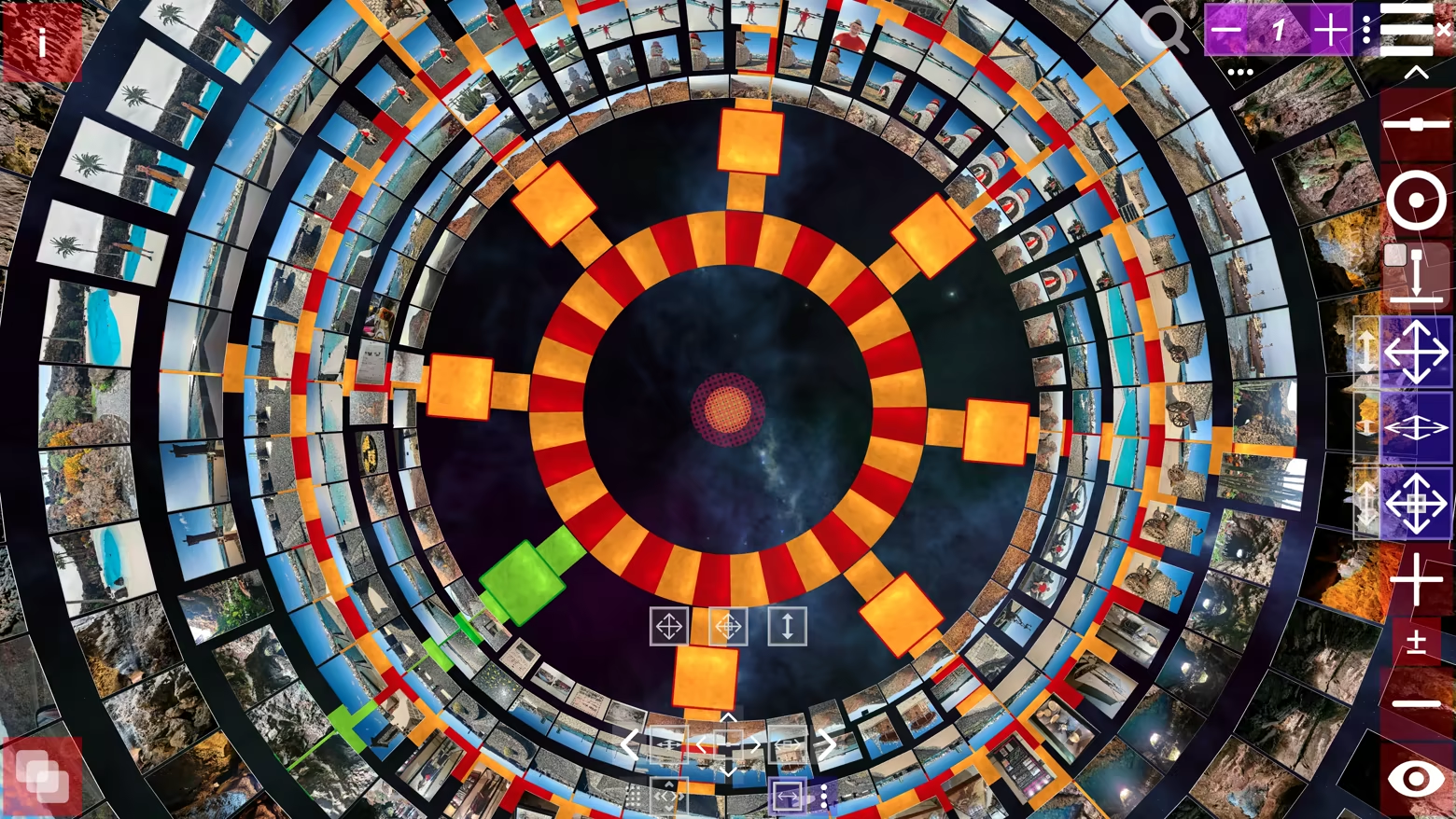
Not a flat photo viewer—Album3D is a game-like 3D photo experience that turns your photos into 3D albums you can manually explore. Instead of scrolling endless rows, you browse by moving through an immersive 3D world and switching between multiple 3D views/layouts anytime.
What makes it different
Album3D is built around the idea that photos are more fun (and often faster) to revisit when they live in a 3D scene you can explore. It’s designed to feel playful and game-like without requiring gaming skills.
Manual exploration that feels like flying: smoothly fly toward photos and glide through your album
Switch views/layouts anytime: instantly change how your album is arranged in 3D
Made for big libraries: organize content into image sets so you can keep browsing comfortably
Import formats
Supported import formats: JPEG, PNG, BMP, and WebP. Photo importing uses credits (virtual currency). Credits can be purchased, and importing requires an online connection.
Credits and photo importing
Importing photos into an Album3D project consumes credits. For current details about the starter credits included and how credits are consumed, see the Starter Credits Included section. Once photos have been imported into an Album3D project, viewing them is free and does not consume credits.
Explore in an immersive 3D world
Manual exploration is the core experience. Selecting a photo smoothly takes you to it, and navigation feels more like flying than walking.
Viewing modes
Manual Mode: explore freely and browse at your own pace
Slideshow Mode: sit back and enjoy an automated viewing flow
Demo Flythrough: an automatic flythrough that tours your 3D album
Albums, slides, and 3D placement
In Album3D, an album is made of slides: each slide is a 3D placement of an image in the world. This lets your photos become something you can move through, not just flip past.
Views & layouts (switch anytime)
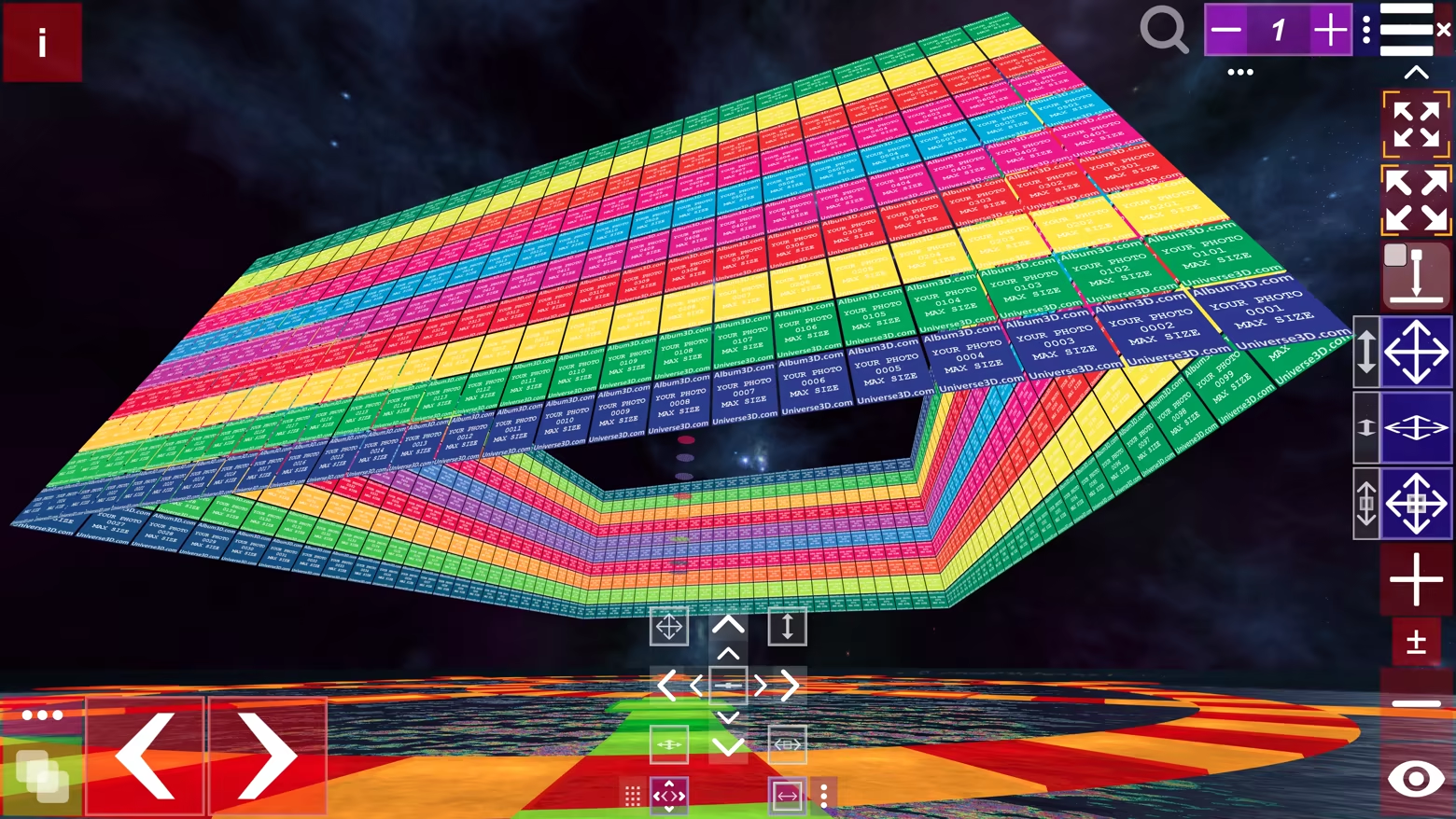
Album3D includes multiple 3D views/layouts you can switch on the fly. Different layouts can feel more organized, more cinematic, or more exploratory—pick what fits your mood and your content.
Built for large photo libraries
Album3D is designed for large collections. Instead of being limited by how many photos fit comfortably in one scene, you can organize your library into multiple image sets—and keep multiple albums in the same project.
Multiple albums per project
Keep multiple albums inside a single Album3D project. Organize by trip, year, family, events, or any system you like, and jump between albums without leaving your project.
Projects, packages, and sharing
Save projects: keep building and revisiting your Album3D world over time
Create packages: archive an album or move it between computers
Share with others: send a project or package to someone else so they can open it on their computer
Who it’s for
People with large photo libraries who want a faster, more enjoyable way to revisit them
Photographers/creators who want a more spatial, gallery-like browsing feel
Anyone who wants their photos to feel less like files—and more like a place to explore
Themes and future expansion
Album3D currently includes one main theme with multiple views/layouts. We plan to expand Album3D over time with additional themes/environments and view options—ranging from more realistic to more stylized depending on the theme—and some may be released as optional add-ons. Details will be shared when they’re ready.
Example images in videos and screenshots
The videos and screenshots on this page include example images to show how Album3D can look in use. Album3D does not include any images by default; it is designed for displaying your own photo and image collections. If you would like to try Album3D with sample content, you can download Album3D Demo.
System Requirements
Will my PC run this? →Minimum
- Requires a 64-bit processor and operating system
- OS: 10 (64-bit)
- Processor: Intel Core i5-2400 / AMD FX-6300
- Memory: 8 GB RAM
- Graphics: NVIDIA GeForce GTX 750 / AMD Radeon HD 7850 (or equivalent with at least 2 GB VRAM)
- DirectX: Version 11
- Network: Broadband Internet connection
- Storage: 400 MB available space
- Additional Notes: The minimum requirements depend on the resolution and the number of imported images and thumbnails.
Recommended
- Requires a 64-bit processor and operating system
Supported Languages
Latest news
Patch NotesOfficial
Album3D 1.1 Update Notes
Improved Album menu behavior: When the Album menu is visible or expanded, camera, movement, and other controls in the main view are now disabled. This prevents accidental interaction with the 3D scene while selecting or managing albums. Improved image-import workflow: The "Auto-Load ONE Image May Not Work" warning now offers a "Save Original File Paths Instead" option for quicker configuration. Steam PC Café Program ready: Album3D is now ready for use through the Steam PC Café Program.Read full article on Community Announcements (4ai.limited)AnnouncementsOfficial
Album3D Is Live!
Album3D is fun and efficient to use. Looking for a way to view zillions of photos? This is the way to go. Try it, explore it, play with it. You'll see what I mean.A VR version will probably arrive in a year or two, so stay tuned.For those who haven’t heard about Album3D, you can find some information about it below.Album3D offers a fun and efficient way to view hundreds or thousands of photos. Once you start using it, learn how it works, and understand the concept behind it, it will save you a lot of time and make revisiting the memories stored in your photos much more enjoyable.Album3D is powered by Universe3D, a technology I created and use across my 3D apps. It will also power future apps and games, including “PlanetMars3D: Spirit Mission”, which is planned for release on 30 July. Anyone who likes astronomy and anything related to space and Mars might be interested in it.I plan to keep extending Album3D, “PlanetMars3D: Spirit Mission”, future apps, and the Universe3D technology that powers them with more 3D views / layouts, 360 panorama viewing, and other improvements. I also plan to release different 3D scenes (environments) in which photos can be displayed - in the form of separate apps or add-ons (DLCs on Steam).Lower-cost Album3D viewer/reader apps may follow as well (with different 3D scenes, for example), without photo import - only the option to open Album3D projects.In the longer term, at least one DRM-free version of an Album3D reader is planned. At some point, at least one reader app might become completely free so that users will always be able to open their Album3D projects no matter what.If you like Album3D, please spread the word :).Get Album3D here:Read full article on Community Announcements (4ai.limited)AnnouncementsOfficial
Album3D Demo is now live on Steam!
We’re pleased to announce that Album3D Demo is now live on Steam and ready to try. The demo includes a pre‑made demo project with several sample albums so you can see how Album3D presents photos in 3D, navigate between albums, and get a feel for the overall experience.In Album3D Demo, the included demo project is read‑only: you can explore the sample albums, but you can’t modify or save changes to them. Some features are limited or unavailable. To try adding your own images, you can create a new Album3D Demo project and use the “Test Import” option, which is only available in new demo projects and adds watermarks to imported images. Projects created in Album3D Demo are not compatible with full Album3D project files. Also, some sample images shown in videos or screenshots are for demonstration purposes only and may not be included in the demo build.If you like what you see, please consider adding Album3D to your wishlist on Steam. Wishlisting helps a lot and makes sure you’ll be notified as we get closer to the full release.Try the free demo here:Read full article on Community Announcements (4ai.limited)


