

Screenshots

 Watch trailer on Steam ↗
Locktale
Mina Pêcheux · Published by Mina Pêcheux
Positive — 84% positive (38 reviews)
Last updated 28 Sept 2026
Discover a tale about identity and love in this game of ciphers and puzzles... that may force you to think outside the (text)box.
Strategy · 2026 · More free games
In Locktale, players navigate complex puzzles and decipher cryptic messages to unravel a story of identity and love. Experience the unique blend of strategic gameplay and narrative depth crafted by Mina Pêcheux.
About this game
Step into a cozy tale where words love to play hide-and-seek!
Locktale is a no-pressure, story-driven puzzle game that invites you to decode secret messages using ciphers, symbols, visual tricks, and (more or less...) gentle logic challenges. Each level uses a new unique encoding technique for you to understand and crack - so take your time, experiment, and enjoy uncovering a story that slowly reveals itself, one decoded message at a time :)
Adaptive difficulty
Even if some ciphers are pretty advanced, I wanted to make this game accessible to anyone who's curious about ciphers, no matter how new you are to the domain - that's why every level has three levels of hints, from "minimal" to "detailed", that will give you different clues to decipher the message.
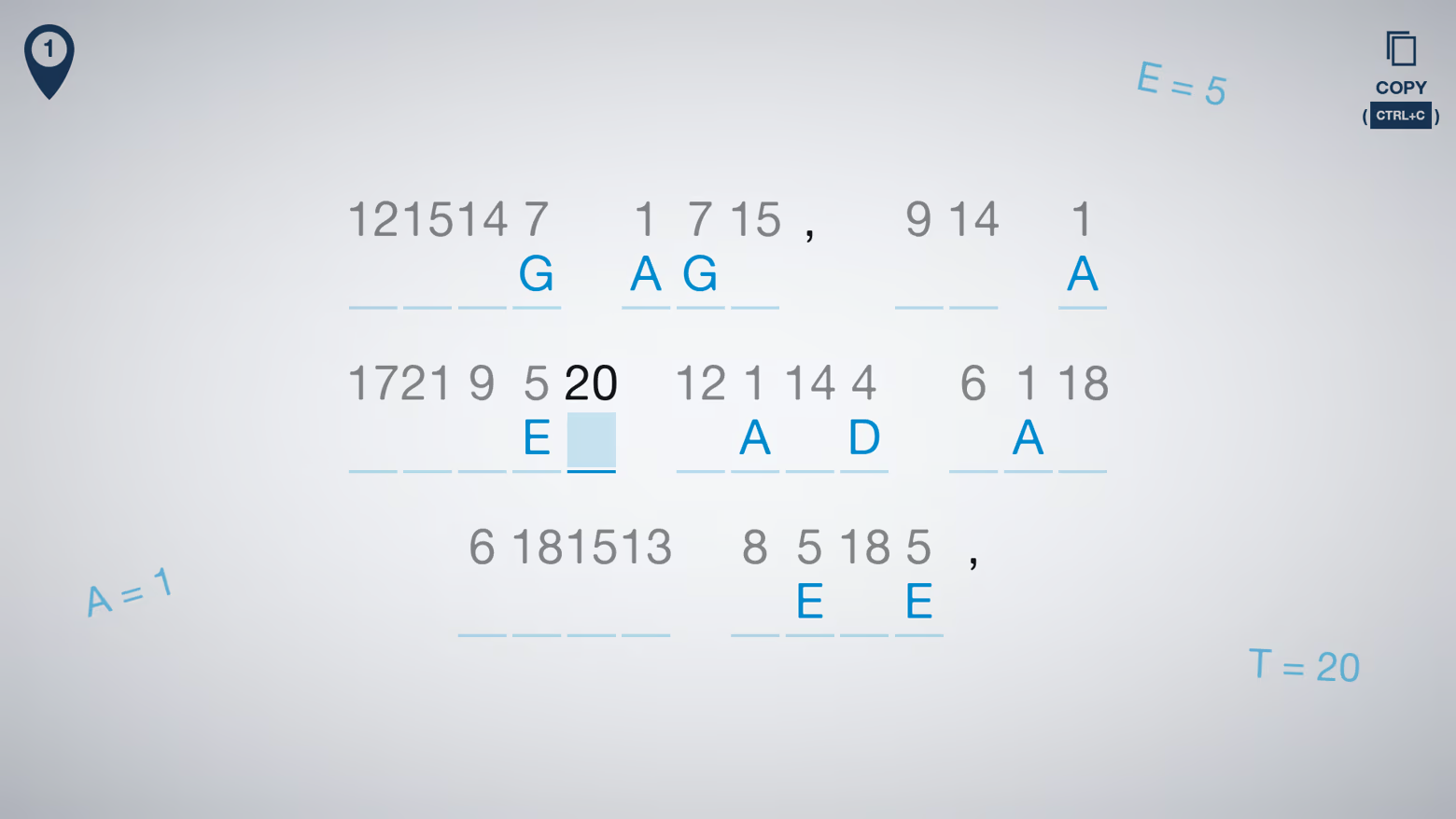
A wide range of ciphers
In Locktale, each level presents you with a new challenge - no two puzzles use the same trick! Throughout the 50+ levels, you'll thus get to learn about a bunch of common ciphers, from basic ones used during the Antiquity up to the tools of modern cryptography. (Oh, and there are also some techniques or symbol-based ciphers I invented just for this game!)
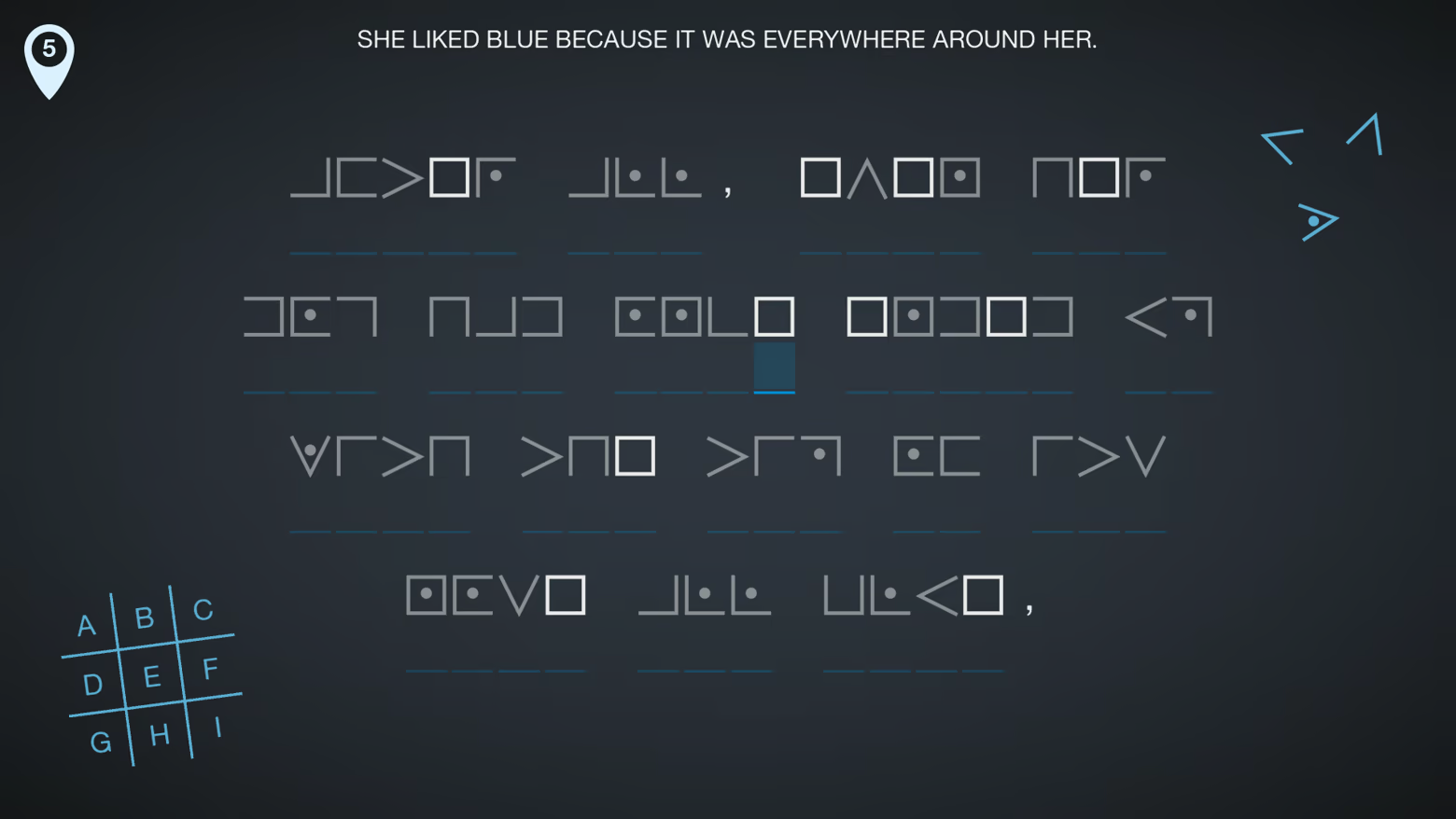
Stay meta
All the puzzles are meant to be solvable using only the info in the game, no need to go and scour the net for cryptography databases... but that doesn't mean all the info will be easy to find! Some levels will require you to go back to previously solved puzzles to find extra keys and data; others will ask you to study the given hints or change the game's UI theme to gather more clues; others yet will build on methods you've already discovered to create even more complex ciphers.
System Requirements
Will my PC run this? →Minimum
- OS: Windows 10
- Processor: Intel Core i7-9750H
- Memory: 1 GB RAM
- Graphics: Integrated graphics with full Vulkan 1.0 support
- Storage: 150 MB available space
Supported Languages
Latest news
AnnouncementsOfficial
v0.5.0 - QoL, Fixes & Various improvements !
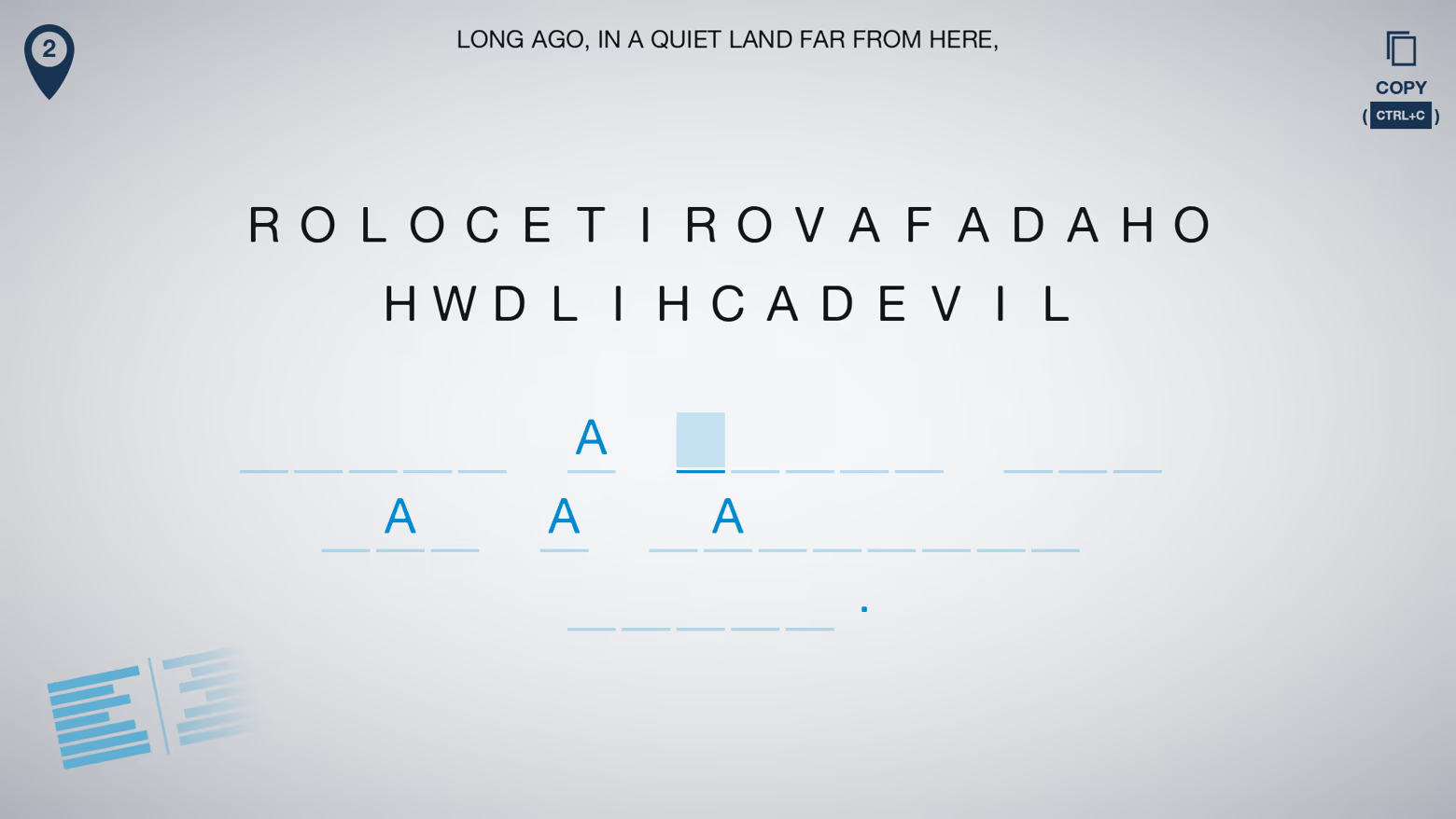
Heya all! 👋Thanks to the amazing feedback I got from my playtesters this week during the Steam Next Fest, I added/improved/fixed a bunch of little things in Locktale. These are mostly quality-of-life (QoL) features, but there are also a few bigger changes - namely puzzles 4 and 7 now use different ciphers! :)Below is a full list of what's changed.FeaturesCipher updates: Puzzles 4 and 7 now use different ciphers. I did this after receiving several remarks on puzzle 4 that used an alphagram cipher... which isn't very fun to decipher - so it got replaced by something else! :DCopy message: I've reintegrated a feature that was removed a while ago - the "copy message" button. So, now, if the puzzle allows it, you'll get a copy button in the top-right corner that you can click to directly get the encoded message in your clipboard; perfect for the hardcore decryptors who like to paste the puzzle in their decoding tool of choice outside of Locktale!Level reset: Feeling stuck and lost? You can now reset a level entirely and restart from scratch - just go to the in-game settings panel (the cog icon), and use the "reset" button at the bottom :)Improvements/FixesAnnotations: The built-in annotations now have an undo feature, to remove the last element without having to erase it or clear everything. I've also improved the toolbar visuals to clearly indicate which tool is currently selected.Puzzle hints: The hints for some puzzles have been improved/detailed so that they're less confusing.Message undo button: There actually was an undo feature before (accessible via Ctrl+Z), but now there's also a big undo button in the top-left corner to make it more obvious/easy-to-use! This will undo your letter updates in the decoded message (it is separate from the undo feature for the annotations).Highlight secondary letter occurrences: If you've enabled the "autofill letters" option, then you'll now get a subtle visual hint of where other occurrences of the currently selected letter are."Ex...Read full article on Community Announcements (mina.pecheux)


