

Screenshots

 Watch trailer on Steam ↗
Deep Board Go
Deep Board Studio · Published by Deep Board Studio · Official site ↗
3 user reviews — 67% positive (3 reviews) · 10 achievements
Last updated 28 Sept 2026
3D Go (Weiqi, Baduk) simulator inspired by the beauty of real Go equipment.
£7.99
Lowest price we've ever recorded
View on SteamPrices can lag the live Steam store — always confirm before buying.
Price history
Indie, Simulation, Strategy, Casual · 2026 · More £5 - £15 games
Experience the precision and strategy of 3D Go in a simulation that captures the essence of traditional Weiqi. Dive into challenging puzzles and explore deep gameplay mechanics crafted by Deep Board Studio.
About this game
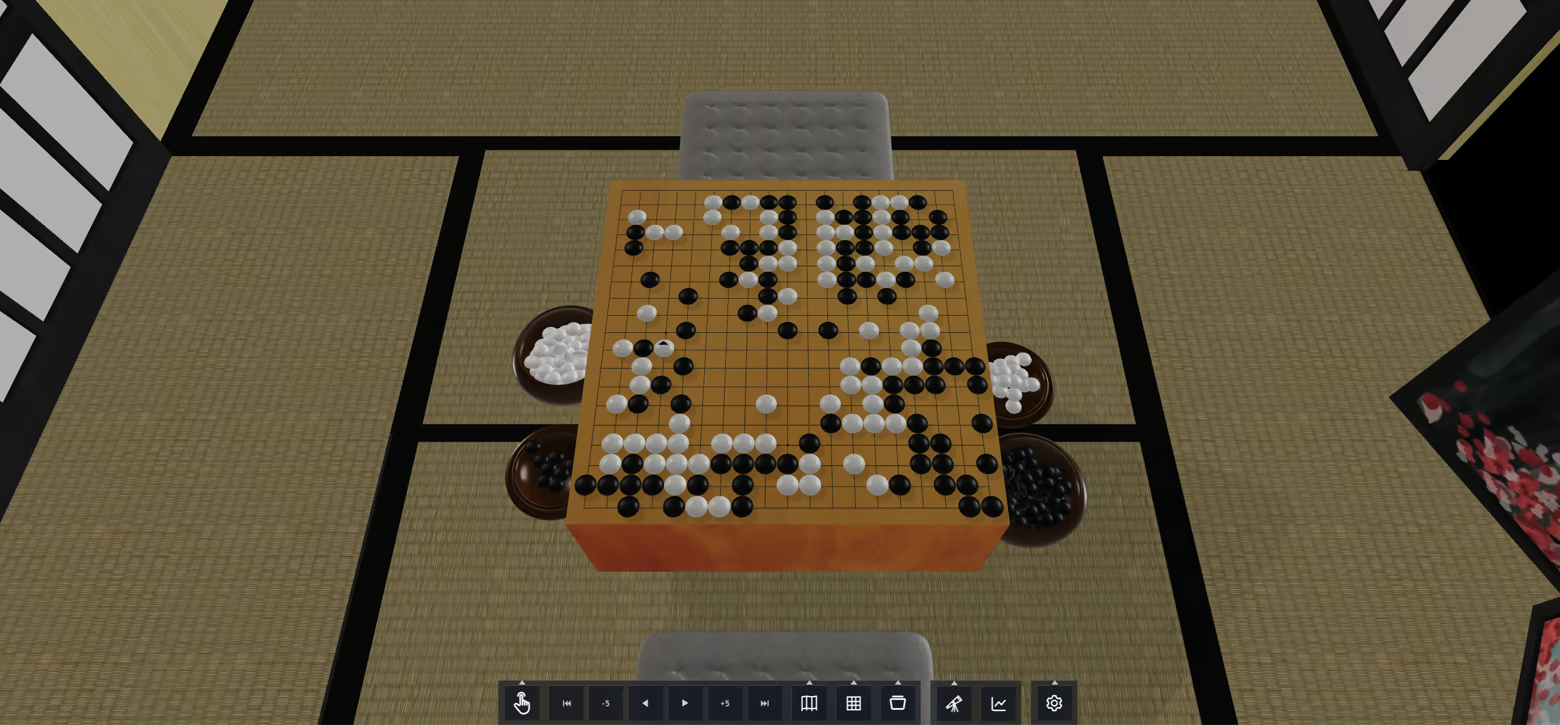
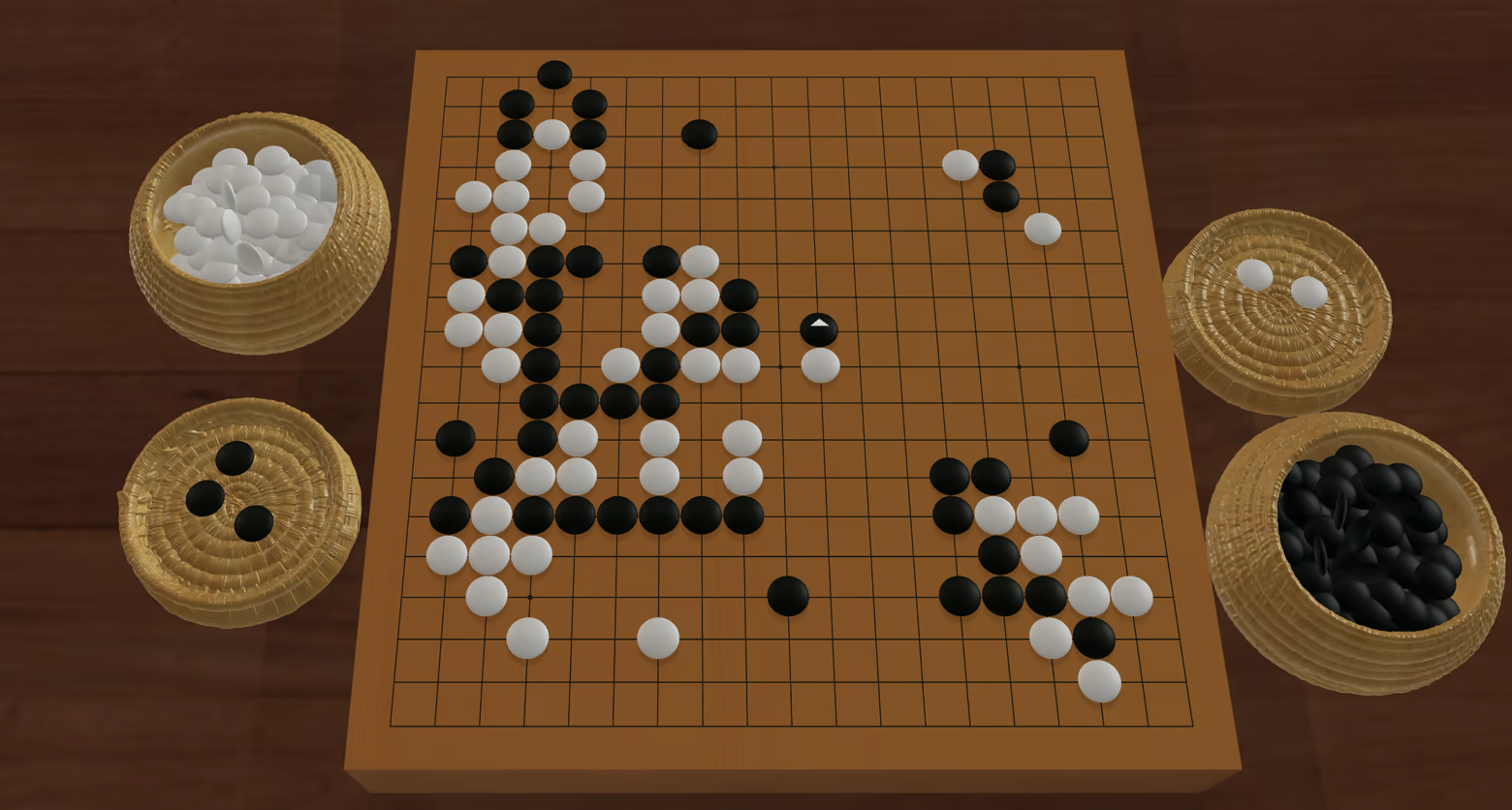
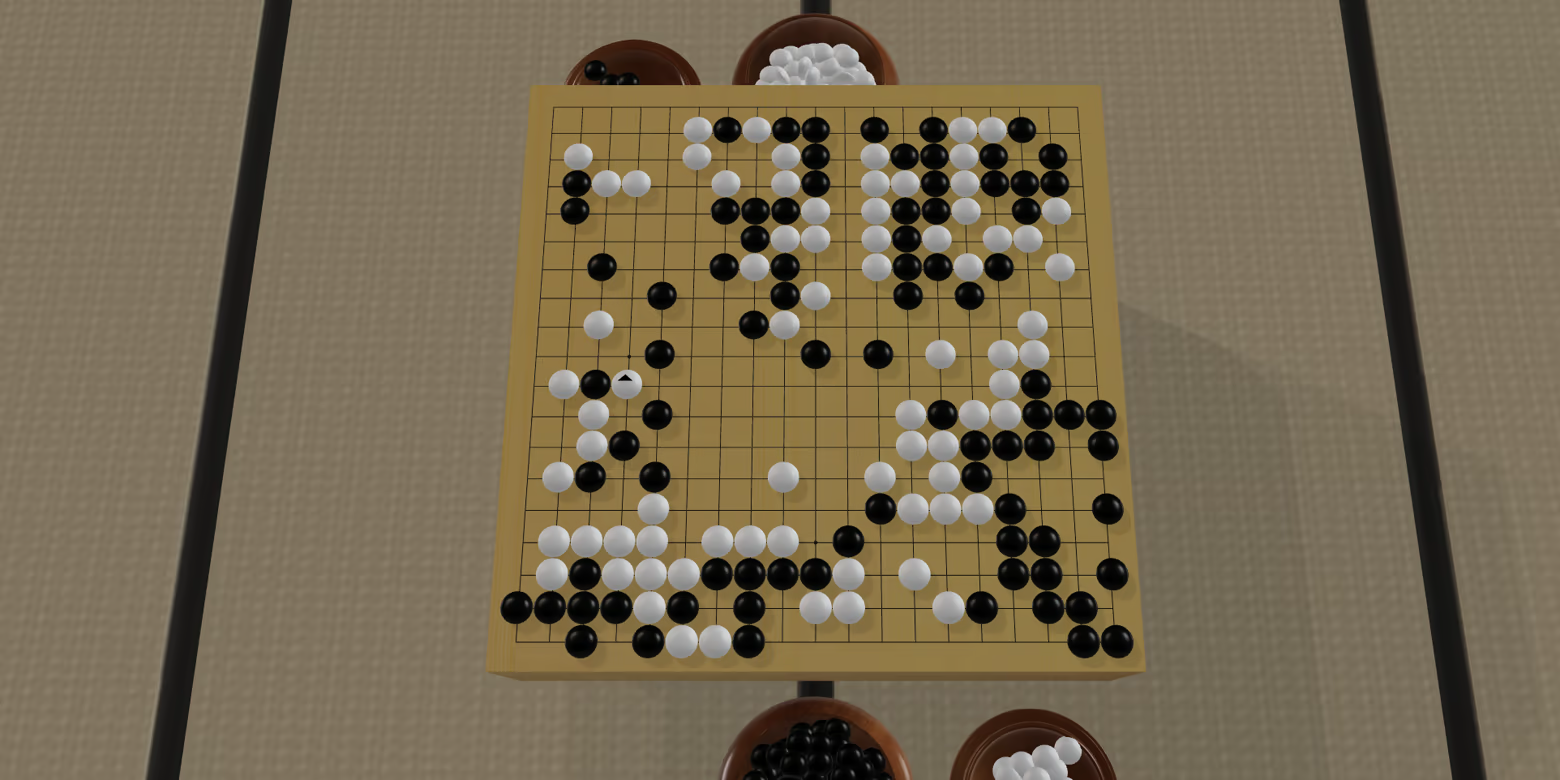
Deep Board Go is a 3D Go (Weiqi, Baduk) simulator inspired by the beauty of real Go equipment.
Experience Go in a calm and immersive 3D space
Realistic stones and boards
Atmospheric 3D virtual rooms
Challenge powerful Computer Go (katago) opponents (please check the minimum GPU requirements)
Take full control of the camera and board view
Review games using an advanced Go engine
⚠️ System Requirements Notice
Please review the System Requirements at the bottom of this page before purchasing. This game requires a dedicated graphics card to run smoothly. If your hardware falls below the minimum specifications, you may experience low frame rates or stuttering.
简体中文
在宁静而沉浸的 3D 空间中体验围棋。
逼真的棋子、手工棋盘与沉浸式音效
富有氛围感的 3D 虚拟空间
挑战强大的 Computer Go 对手
自由掌控镜头与棋盘视角
使用高级围棋引擎复盘与分析对局
日本語
静かで没入感のある3D空間で囲碁を体験。
リアルな碁石、職人仕上げの碁盤、臨場感あるサウンド
雰囲気あふれる3Dバーチャル空間
強力なコンピューター囲碁に挑戦
カメラや盤面視点を自由自在に操作
高性能な囲碁エンジンで対局を解析・復習
한국어
차분하고 몰입감 있는 3D 공간에서 바둑을 경험하세요.
사실적인 바둑돌, 장인의 손길이 담긴 바둑판, 몰입감 있는 사운드
분위기 있는 3D 가상 공간
강력한 컴퓨터 바둑 상대와 대국
카메라와 바둑판 시점을 자유롭게 조작
고급 바둑 엔진으로 대국을 복기하고 분석
繁體中文
在寧靜而沉浸的 3D 空間中體驗圍棋。
逼真的棋子、手工棋盤與沉浸式音效
富有氛圍感的 3D 虛擬空間
挑戰強大的 Computer Go 對手
自由掌控鏡頭與棋盤視角
使用高級圍棋引擎復盤與分析對局
System Requirements
Will my PC run this? →Minimum
- Requires a 64-bit processor and operating system
- OS: Windows 10 or later (64-bit)
- Processor: Intel Core i3 / AMD Ryzen 3 or equivalent
- Memory: 8 GB RAM
- Graphics: Dedicated GPU (NVIDIA GTX 1650 / AMD RX 560 or better)
- DirectX: Version 11
- Storage: 4 GB available space
Recommended
- Requires a 64-bit processor and operating system
- OS: Windows 10 or 11 (64-bit)
- Processor: Intel Core i5 / AMD Ryzen 5 or higher
- Memory: 16 GB RAM
- Graphics: Dedicated GPU (NVIDIA GTX 1650 / AMD RX 560 or better)
- DirectX: Version 12
- Storage: 4 GB available space
Supported Languages
Latest news
AnnouncementsOfficial
SteamDeck optimized
Dear Deep Board Go players,We've made a number of improvements for SteamDeck. AI Game now runs faster on SteamDeck.We hope these enhancements make your experience with Deep Board Go even better!Read full article on Community Announcements (Rbs)AnnouncementsOfficial
New UI/UX updates
Dear Deep Board Go players,We've made a number of improvements to the UI and UX, including:an updated menu systemimproved system fontsa more streamlined AI Analysis experienceWe hope these enhancements make your experience with Deep Board Go even better!Read full article on Community Announcements (Rbs)Patch NotesOfficial
Update Notes for Jun 29 2026
Dear Users and Players of Deep Board Go,We have some new updates:Added steam overlay supportAdded 10 achievements, more to be added Bug fixesRead full article on Community Announcements (Roberts)AnnouncementsOfficial
Steam Deck Support for Deep Board Go
Dear Users and Players of Deep Board Go,Deep Board Go is playable on Steam Deck.Use the touch screen to select menu items.During a game, use the touch screen to rotate the Go board.Use L1 and R1 to zoom in and out.Hold L2 and use the touch screen to move the Go board.Use the right touch pad to control the mouse cursor.Use R2 to place a move.Thank you for playing Deep Board Go!Read full article on Community Announcements (Roberts)


